Some deliveries may take a little longer than usual due to regional shipping conditions.

قم بتنزيل التطبيق


معلومات عنا
حقوق الطبع والنشر © 2024 Desertcart Holdings Limited
قم بتنزيل التطبيق
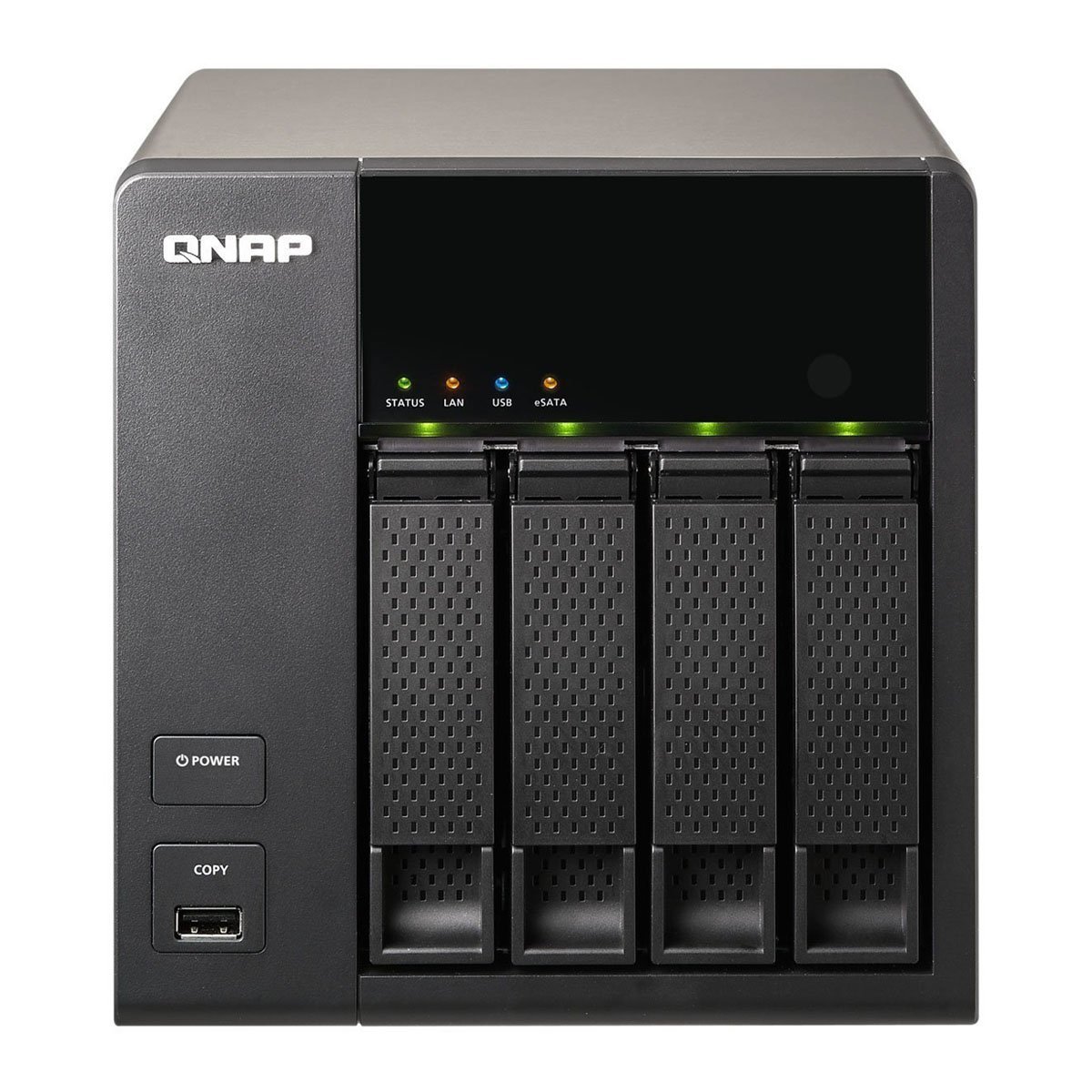
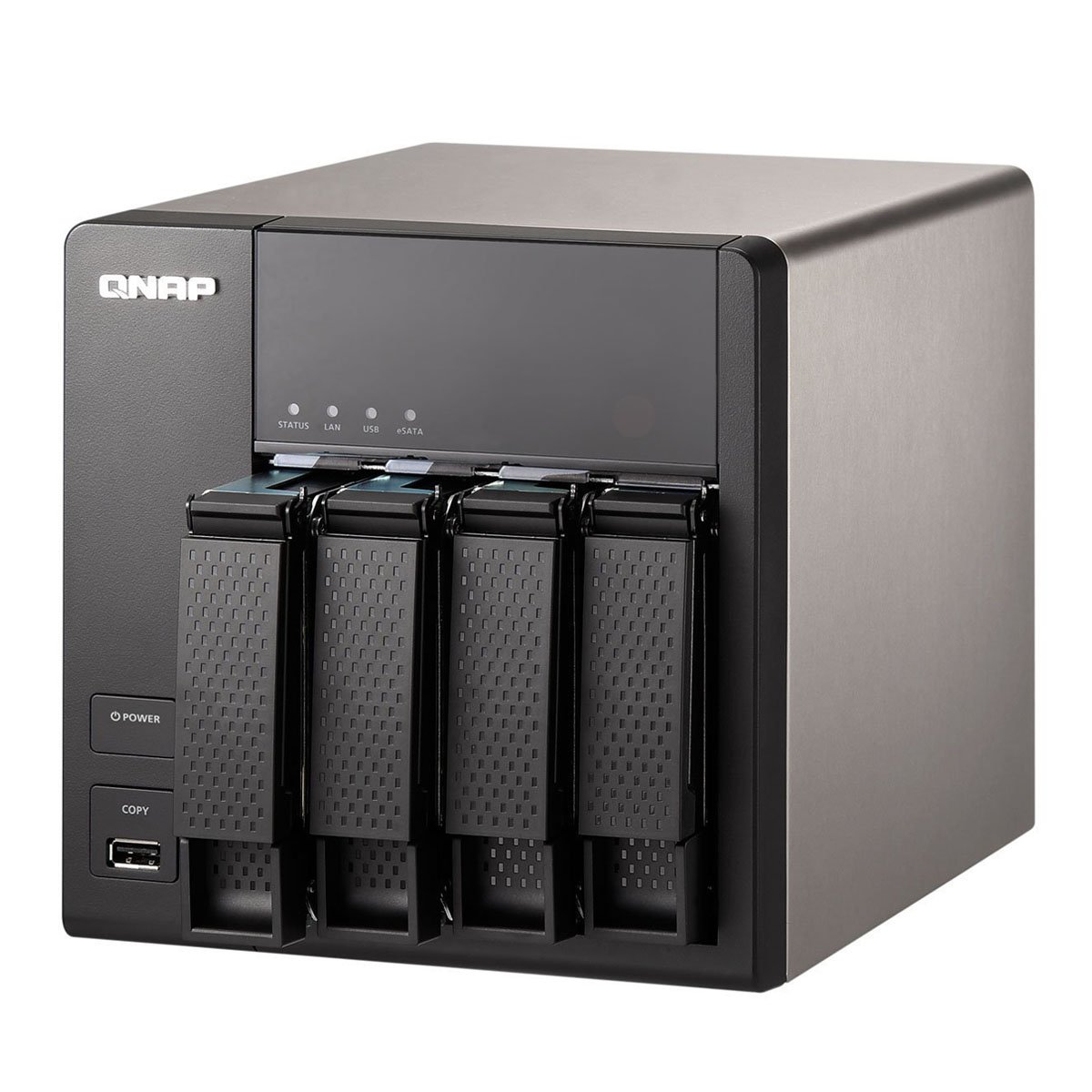
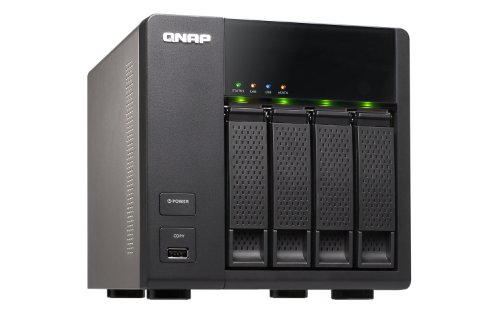
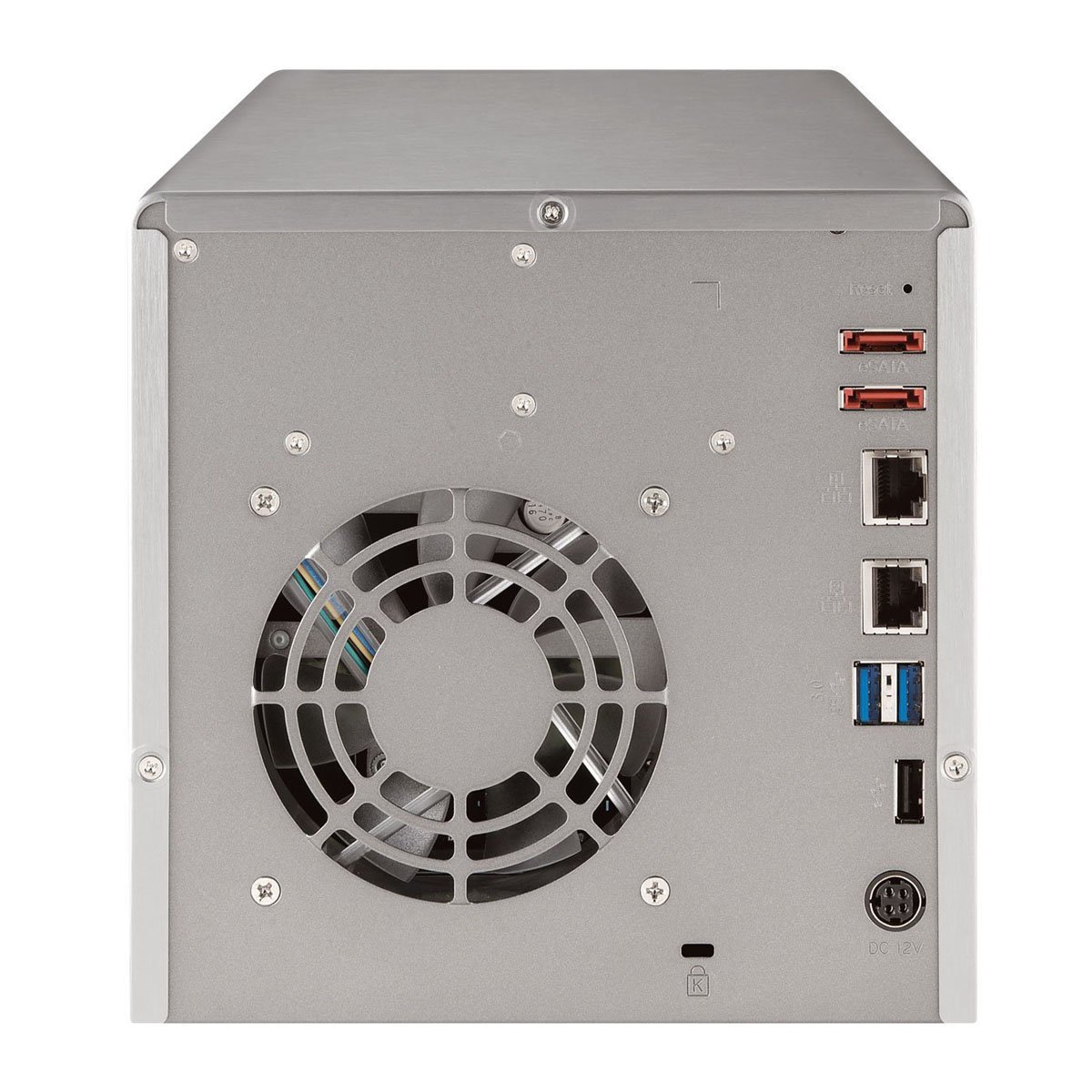

🚀 Elevate Your Data Game!
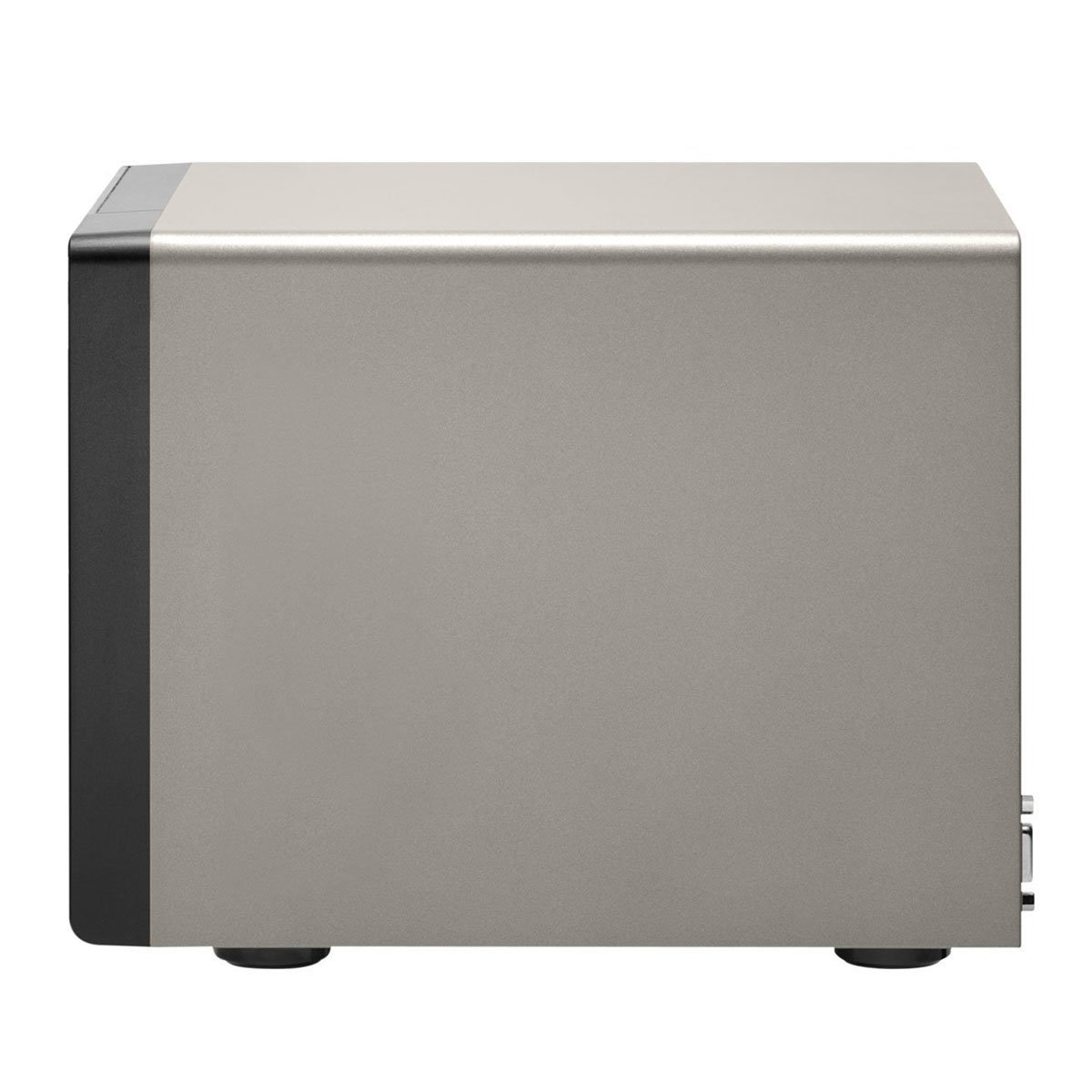
The QNAP TS-420 is a powerful personal cloud NAS featuring a 1.6GHz Marvell CPU, 512MB RAM, and USB 3.0 connectivity. With its 4-bay design, it offers hot-swappable drive capabilities, making data management and multimedia streaming a breeze. Perfect for professionals seeking reliable storage solutions.
| Number of USB 2.0 Ports | 2 |
| Brand | QNAP |
| Item model number | TS-420 |
| Item Weight | 6.61 pounds |
| Product Dimensions | 10 x 7 x 8 inches |
| Item Dimensions LxWxH | 10 x 7 x 8 inches |
| Number of Processors | 1 |
| Computer Memory Type | DDR3 SDRAM |
| Manufacturer | Qnap |
| ASIN | B00CF9VFQM |
| Is Discontinued By Manufacturer | No |
| Date First Available | April 26, 2013 |
E**N
Slow but mostly steady
I got this about a year ago for use as a backup for my regular 8 disk QNAP 853Pro NAS. Basically, just copying the data from the main NAS to this one. I wanted to keep it in the same brand just for compatibly sake, but that isn't required.After using it for a year, the TS420 has been pretty good. I did have one major hickup where a disk failed in the RAID5 array last week, and while rebuilding, the power went out to the house and the TS420 shut off. When it did so, the array was toast and wouldn't work. Tried everything except for calling for support. All 4 drives showed up, but were listed as single drives. Went though all the documentation, which has lots of ideas, but none of them worked. After around a day, I just wiped the drives and had the NAS set up again as a RAID5 and pushed the data down again from my main NAS over rsync. Oh well, no big loss for me besides a week of copying the data back. Slightly disconcerting though, as that implies it could happen with my main NAS that is using the same firmware.That leads to the second issue, which was unexpected when I got this. Max thoughput with four 3 TB drives in RAID5 is only about 12MB/Sec. I can't get anything over that no matter how I push data to it or what the data is. The CPU usage in the front end is always > 90% when pushing data too it too, so the CPU is obviously the limiting factor. Now, that's not a deal breaker or anything for me since this is purely for backup. As long as a differential can finish in a day, I'm fine with the speed. However, this has almost the same speed as my ReadyNas NV+, which is going on like a billion years of age and is a SPARC CPU. That's really disappointing. For my use case, it is barely acceptable (hence 4 stars) but it could be a deal breaker for a SOHO that is using this as a main repository.
E**L
Excellent software, very user friendly
This device does the job but it a bit slow. Excellent software, very user friendly.
A**J
Great NAS. This is my second QNAP
Great NAS. This is my second QNAP. I also have a TS869-pro that works well. This one has four 2TB drives (WD green) and it works well enough for my needs. It is merely a dumping ground for a backup of backups. The NAS-to-NAS copy feature works well between two QNAPs which replicates about 4.5TB of data regularly. I used to have a Synology DS411j and replaced it with this. I'd say the QNAP is a little faster, but then again it is a newer model than the Synology was, so that's probably why.Bottom line: if you can afford the big QNAP, get the bigger one as it is faster. But if you can only afford this unit, it will perform well enough in most small business/home networks.
V**D
Well executed NAS
Extremely easy to set up. Remember, these DO NOT COME WITH DRIVES! You must buy 4 drives to install in the device. Setup is very easy from the web interface. Has decent sharing options. Wish it had iSCSI capability though. If you are looking for a quick NAS for home or home/office, the QNAP is a very good little server.
R**D
Works great
Setup up was easy my only wish is include the manual and more intuitive Backup solutions or basically let it be known its not really a backup tool!
E**N
It never worked
I sent it back because it didnt work
A**R
Good product
I got this used for a good price. It has been very reliable: I have only had to reboot it when it installed updates to the OS. The NAS was easy to set up, and the web interface is complete and well-designed. It runs fairly cool with two drives inside, and since it has two network interfaces, you could even set it up as a gateway/firewall for your LAN if you really wanted. I did have a couple of questions about how to set up some of the provided web applications, but the members on QNAP support forum were able to answer my questions without any trouble.
R**I
This is the best NAS I have used
This is the best NAS I have used. The GUI is intuitive. The capabilities are numerous. The response through the GUI is great. I loved it so much I bought a second unit as a backup.
S**D
Versatile e potente
Disponevo già di un NAS molto più rudimentale di questo. La scelta era comprarne uno uguale, o passare ad un sistema di livello decisamente superiore. Ho scelto la seconda opzione, anche per disporre della possibilità di poter ampliare il volume complessivo dello storage e sfruttare al massimo le potenzialità di server multimediale.Anche se probabilmente ad oggi ho sfruttato il Qnap al 10% delle sue possibilità, non posso che esserne soddisfatto. La configurazione è rapidissima, l'interfaccia utente via web comprensibile e chiara. Segnalo anche (sebbene difficilmente ne farò uso) la possibilità di utilizzare il NAS per applicazioni web accessibili da internet - velocità della connessione permettendo, ovviamente - e di accedere sempre da internet al proprio storage di dati. Inoltre ci sono tre porte USB, utilizzabili per scambiare dati con unità di memoria esterne (operazione rapida ed altamente configurabile a differenza del mio NAS precedente dove si poteva solo fare un backup completo dei dati in una direzione o nell'altra) o per gestire una stampante di rete. Ultima buona notizia, il fatto che esiste una community di utilizzatori di prodotti QNAP pronta a dare una mano in caso di sorprese (ad esempio, da quello che ho letto a volte l'uso di apps dedicate, per dire, può creare problemi sulle procedure di backup/restore in quanto determinati file restano aperti e bloccano i processi; problema facilmente risolvibile se si sa come fare).Il sistema è basato su Linux, come sempre per questo tipo di sistemi, e infatti la sorpresa è stata quella di trovarsi sui computer client un file system che non si limita ad esibire il classico disco esterno da usare come grezza unità di memoria ma un sistema di cartelle molto linux-like (o Android se non si ha dimestichezza col pinguino); ad esempio, un'eventuale memoria USB esterna, se collegata, apparirà come una sottocartella dell'albero principale dal nome "USB memory" o qualcosa del genere. Ovviamente tutte le operazioni sui file si possono fare esattamente come se gli stessi fossero residenti sul computer client. Tra le altre cartelle ce n'è una denominata "multimedia"; i file messi in essa verranno scansionati automaticamente dal server DLNA e quindi resi disponibili da tutti gli apparecchi che utilizzano lo stesso protocollo (operazione che sul mio vecchio NAS bisognava fare manualmente ed era lentissima!)Non sono riuscito ancora a configurare l'invio automatico di mail sullo stato del sistema, ma penso che dipenda da un problema di configurazione della posta e non dal NAS (Google si "arrabbia" se il NAS cerca di utilizzare il suo account di posta e mi manda un messaggio di tentativo di violazione di accesso).Decisamente consigliabile, un altro mondo rispetto al mio NAS precedente, dall'interfaccia rudimentale e lenta, che ora utilizzerò solo per fare un grezzo backup dei dati, mentre questo per operazioni più raffinate.
T**L
Qnap quoi !!!
Certes on trouve des boîtiers réseaux moins cher, mais 4 baies ça offre de la place et cela reste un minimum pour moi pour mettre en place un Raid 5. Pas de difficulté particulière pour configurer le boitier dans l'utilisation voulue. La double sortie Ethernet peut être un plus si l'on est plusieurs à se goinfrer sur le boitier.La ventilation n'est pas des plus discrète quand elle se met en route mais le boitier est au sous-sol donc pas de prob pour moi.
L**O
Ottimo prodotto
Premesso che una valutazione completa su un prodotto di questo tipo andrebbe fatta su un arco temporale più ampio (se tra un anno mi si schianta di brutto è ovvio che il giudizio cambia), al momento sono più che soddisfatto: oltre ad aver usufruito dei numerosi servizi e tool messi a disposizione dal software (afp, timemachine, backup RTRR verso un vecchio Lacie, ftp, SSH, download, ...), ampiamente rispondenti alle aspettative, ho già dovuto (ahimé) ripristinare due dischi (quelli evidentemente non erano altrettanto buoni 😜) con tanto di recupero dai backup e ripristino (a caldo) dell'array raid5: tutto meravigliosamente andato a buon fine! Ottima anche la possibilità di utilizzare app terze, nel mio caso Plex (consigliatissima!).
F**I
Beaucoup de lacunes en usage pro...
ce produit est difficilement utilisable en entreprise:- pas de log ni de notification par émail dans le gestionnaire de sauvegarde- les sauvegardes Rsync n'affichent aucune informations.- trop de dossiers systèmes pollue l’affichage des dossiers partagés- beaucoup d'applications gadgetsDécu, j'aurai du rester en Dlink.
R**N
un regalo
No tengo idea de como resultó solo se que al que se lo regale esta conforme con elAunque al principio menos pero según me explico después es porque no sabia utilizarlo bien
ترست بايلوت
منذ يوم واحد
منذ أسبوعين