We remain fully operational. Our teams are working around the clock to ensure your deliveries continue safely.

قم بتنزيل التطبيق


معلومات عنا
حقوق الطبع والنشر © 2024 Desertcart Holdings Limited
قم بتنزيل التطبيق


Buy anything from 5,000+ international stores. One checkout price. No surprise fees. Join 2M+ shoppers on Desertcart.
Desertcart purchases this item on your behalf and handles shipping, customs, and support to KUWAIT.
🎯 Elevate your desk game with hands-free clarity and style.
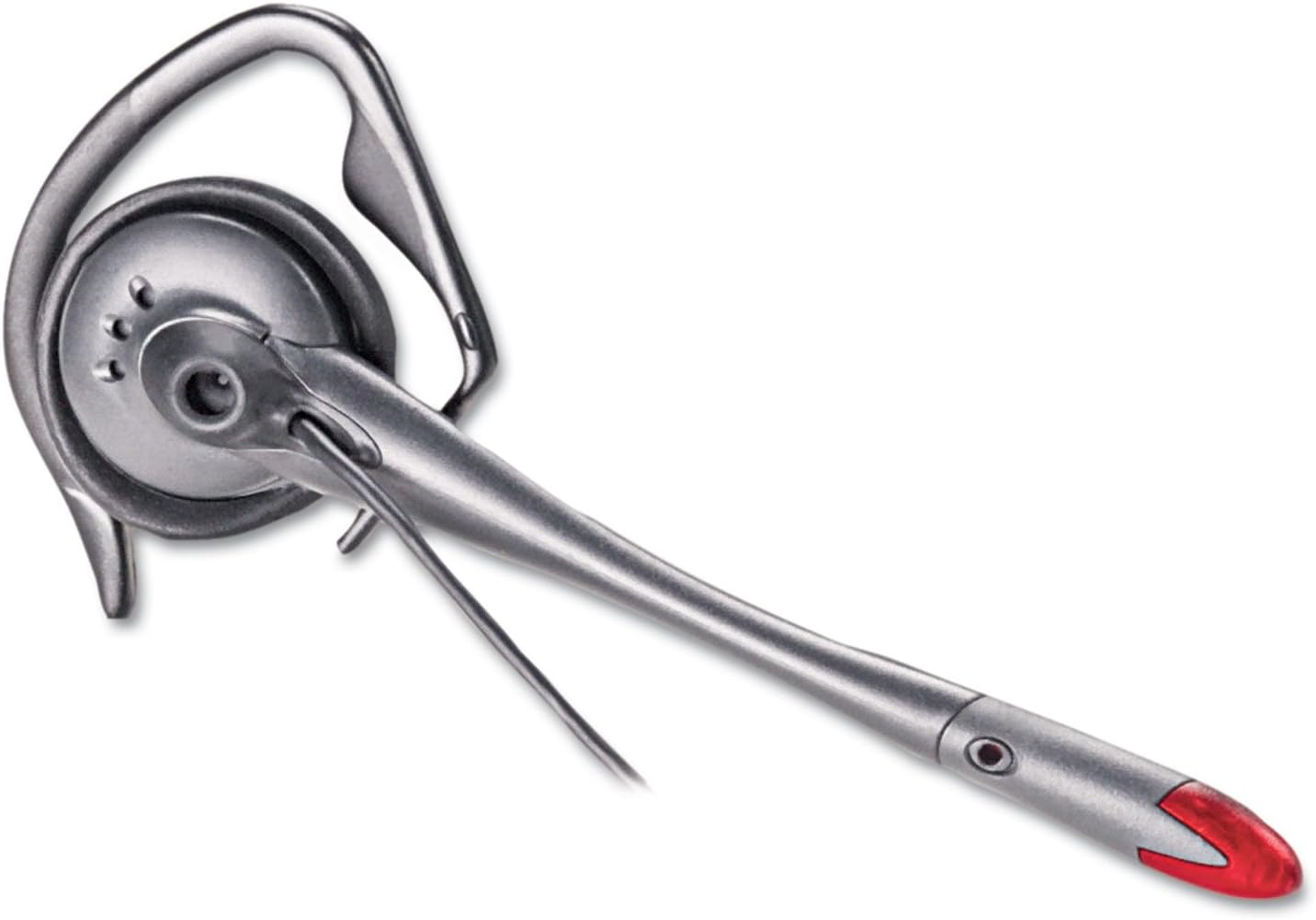
The Plantronics S12 Corded Telephone Headset System is a professional-grade, convertible headset designed for busy office environments. Featuring a noise-canceling microphone, dual wearing styles, and the unique Firefly in-use LED indicator, it ensures clear communication and uninterrupted focus. Compatible with most corded desk phones, it offers volume and mute controls on an amplifier base with a compact design and headset stand for tidy workspaces.



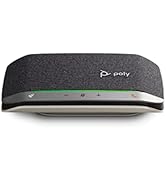
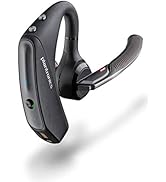
| ASIN | B000136P8W |
| Additional Features | Comfortable, Hands-free |
| Age Range Description | Adult |
| Antenna Location | Calling |
| Audio Driver Type | Dynamic Driver |
| Best Sellers Rank | #741 in Telephone Headsets |
| Brand Name | POLY |
| Built-In Media | S12 Telephone Headset System |
| Cable Features | Retractable |
| Carrying Case Color | Black |
| Carrying Case Material | Plastic |
| Color | Black |
| Compatible Devices | All major corded desk phones |
| Connectivity Technology | Wired |
| Control Method | Touch |
| Control Type | Volume Control |
| Customer Package Type | Standard Packaging |
| Customer Reviews | 4.0 4.0 out of 5 stars (917) |
| Earpiece Shape | Over Ear |
| Enclosure Material | Plastic |
| Frequency Range | 20 Hz - 20,000 Hz |
| Global Trade Identification Number | 00017229116719, 30017229116710 |
| Headphone Folding Features | Over Ear |
| Headphone Jack | 3.5 mm Jack |
| Headphones Ear Placement | Over Ear |
| Is Autographed | No |
| Item Type Name | Headset |
| Item Weight | 1.3 Pounds |
| Manufacturer | Poly |
| Model Name | S12 Convertible Headset with Amplifier |
| Model Number | 65145-01 |
| Noise Control | Active Noise Cancellation |
| Number of Items | 1 |
| Specific Uses For Product | personal |
| Style Name | Headset |
| Theme | Office |
| UPC | 012303453261 086000291174 031112928609 803982975645 014445569725 611102280070 814227010748 999992888355 132017976051 999992117028 807320190240 707004201937 012300753630 012302833439 017229116719 172302650068 777785820436 017229117471 001910139101 641438776817 807320373612 666661325199 961613159854 601000740127 012351210236 778888984681 070010036290 617407355888 805095152166 168141409332 9562587917… |
| Unit Count | 1.00 Count |
| Warranty Description | 1 Year |
P**Y
Excellent Phone
Excellent phone for the corporate workplace. We use the Avaya 2410 multi-line phones and the S12 works very well. I was a bit curious because it sounded like the phone was only compatible with 1 and 2-line phones. Mine is a 6-line system, though, and it trucks right along. The instructions are ok but it illustrates that you have to plug the phone's handset into the headset's base, which you don't. You "can" but if you leave the handset as-is, you can use the headset, handset and speaker, whichever you prefer. If you plug the handset into the base, you can no longer use the handset. To use the S12 with an Avaya 2410 phone: 1. Plug in the power, connect the headset to the base, etc. 2. Plug the base into the headset jack on the side of the phone (by the handset jack). You do not have to plug the handset into the base. 3. Set the Compatibility slider to 1. 4. Click the "Headset" button on the phone and you're good to go. Naturally you will need to adjust the speaking volume (top of the base) and your listening volume (side of the base). Beyond that, the audio was good for me and my caller. I would definitely purchase this phone again and have already recommended it to my colleagues.
M**R
Works Flawlessly
Honestly, I bought the Plantronics S12 for the looks and for the price. Now that I am using it, I have discovered that it is much better than the higher priced units that are being used around my office. On the left hand side of the unit there is a sliding switch so that you can modulate the headset to your telephone. This worked for me out of the box. Depending on your telephone, you may have some hiss on the line, but I have none. On the right hand side there is a switch to set the microphone between high and low gain, and there is a dial to fine tune it within each of the settings. Out of the box, I sounded very loud in the ear piece and people could hear me typing. I set it to low gain, and moved the dial to the lowest setting. People can still hear me fine, I cannot hear myself in the speaker, and no one can hear me typing. This is fantastic! My previous headset could not turn down the gain this low, now I can use the mute button less! The headset flashes a red light when you are on the phone. People will now know that they can interrupt even if you have your headset on, they just need to check for the flashing light. There will be a learning curve for this in my office, but it is a great idea. And finally, the amplifier bas has a holder for the headset, a simple but wonderful idea that does not work so well with the over the head configuration, but it still works. The only problem is that the Plantronics S12 has no battery backup. But if the power is out at the office, there is only so much you can do on the phone anyway and you don't need a headset then since you cannot type on your computer anyway.
J**I
Buzzing Sound
I have two of these headsets - one at the work office and one at the home office... It is close to being a great headset with one key design flaw that causes BUZZING.... After using it at my home office I noticed it was highly susceptible to an annoying buzzing sound when the base unit is too close to other electronic devices (my home office desk is much more cluttered with electronics than my work office desk)... It also seems that the power cord itself can cause the buzzing sound if it touches the headset cord. The buzzing sound is due to electromagnetic interference and is a result of the inadequate shielding on the headset cable that plugs in to the base (right next to the power cord). The headset cord is a very thin straight cable with very little shielding.... thus the design flaw. If you can keep this device away from other electronics, and route its power cable away from the headset cable, you should be able to avoid the buzzing (it doesn't buzz on my work office desk unless I deliberately move it close to other electronics). If it weren't for the buzzing, I would love this thing... It is very comfortable and easy to use. (Dear Plantronics - BTW... I'd pay the extra $5 for a more beefy shielding on the headset cable... just saying)
ترست بايلوت
منذ شهرين
منذ أسبوعين