
🚀 Upgrade your connection game—fast, flawless, and future-ready!
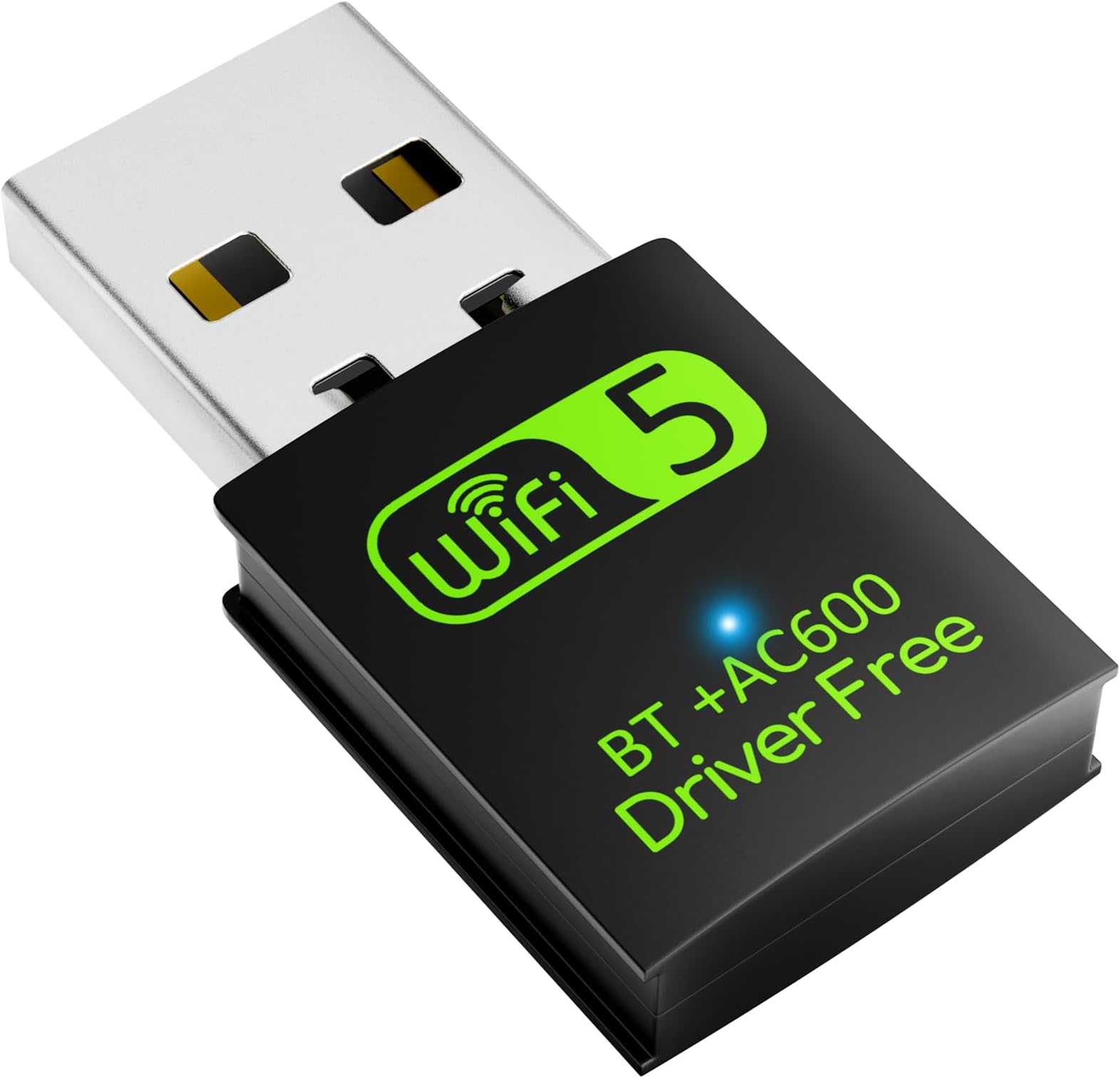
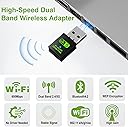
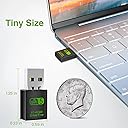
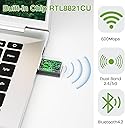
The Auscoumer USB WiFi Bluetooth Adapter delivers up to 600Mbps dual-band wireless speeds with effortless driver-free installation. Compatible with Windows and Mac OS, it combines WiFi and Bluetooth 4.2 in a compact dongle, enabling seamless HD streaming, gaming, and wireless device connectivity. Its AP mode lets you share wired internet as WiFi, making it an essential upgrade for desktops and laptops craving reliable, high-speed wireless networking.


| ASIN | B07YDFZWT8 |
| Best Sellers Rank | #128 in USB Computer Network Adapters |
| Customer Reviews | 4.2 4.2 out of 5 stars (4,970) |
| Date First Available | October 1, 2019 |
| Is Discontinued By Manufacturer | No |
| Item Weight | 0.459 ounces |
| Item model number | 4510AC |
| Manufacturer | Auscoumer |
| Product Dimensions | 0.6 x 0.3 x 1.3 inches |
D**B
The perfect companion for your desktop
{Using Windows 10 for this review. Don't let this review scare you with all the details.} Pros: Truly affordable, near-instant install, stable and reliable connection(s), sufficient speeds, online in less than two minutes, WiFi/Bluetooth combo, definitely discrete, and perfect for desktop PCs. Cons: I did have to dig around and poke at settings. By default, the adapter operates on 2.4GHz, and not 5GHz. [Check Your Install] The drivers are on the adapter and installs in seconds (When plugging in for the first time, it will appear as a storage drive. Double-click the newly appeared drive to start the seconds-long install. The drive will disappear and your Wi-Fi/Bluetooth will be active, no restart needed.). The mini-CD is a backup just in case. You may need to double-check Bluetooth settings, and test peripherals to ensure operation (like an XBOX controller). Remove/add Bluetooth devices if necessary. [2.4GHz or 5GHz?] By default, 2.4GHz may be active. You can check by going to your "Wi-Fi Settings". Click on your connected network and scroll down. Look for "Network Band" to check the frequency. If it's not 5GHz, keep reading. To switch to 5GHz, go to Device Manager > Network Adapters > mine reads "Realtek 8821CU Wireless LAN 802.11ac USB NIC" > (right-click) Properties > Advanced Tab > Wireless Mode > Switch the Value to "IEEE 802.11ac" > OK. Give it several seconds and check the Wi-Fi Settings like before. This time, it should read 5GHz for the Network Band! [Speedtest.net Sample Results] On 2.4GHz, I had 4ms ping, 36.15Mbps download, 47.23Mbps upload. Best I could get after multiple tests. On 5GHz, I ran one test. Ping is 5ms, Download is 134.56Mbps, and Upload is 53.22Mbps. MUCH better. In short, buy it. It's the BEST value you'll ever get for a Wifi/Bluetooth combo USB adapter/dongle. For over 95% of people, this is all you need. Use 2.4GHz for everyday usage. Use 5GHz for gaming or 4K video streaming.
P**R
It does its job and works... both bluetooth and wifi..!!
Best one I've ever owned. For all of my PCs and servers needing wifi AND bluetooth, this was perfect. Also, it worked so well that I ended up buying two of them.
X**N
Complete fail...and then it worked fine
device was seen as a USB drive, not a network adapter on Windows 10 Pro. Will be returning. UPDATE: changing my rating to 4 stars. after reading a few other reviews, I understand now that the driver is to be installed from the USB first. After the driver is installed, then Windows will recognize the USB dongle as a wifi/bluetooth adapter, so all is good. I am getting close to 100 mbps download / 20ish on upload, which is fine by me. The 5Ghz signal does not interfere with my bluetooth signals now. happy camper.
G**G
It took a little work, but now working just great.
I'm giving this adapter 5 stars because it's now working great. However, for me it was not "plug & play". I have an older Toshiba laptop with both a on-board plug-in and Realtek wireless NIC. The laptop originally was loaded with W7, and later updated to W10. Following the W10 update the Realtek wireless stopped working. After some research I found this was a common issue and that W10 driver(s) were not compatible. I purchased this USB wireless adapter, plugged it in and it installed "successfully". I rebooted and it did not work. It recognized misc. local wireless networks, but would not "see" mine. This was the same problem I had been having. I checked Device Manger and both the original Realtek and new plug-in displayed error-free, the plug-in Properties displaying a 2019 driver. I removed the plug-in and disabled (not un-install) the Realtek wireless. I then plugged the USB Wi-fi adapter back in and it re-installed, this time displaying a 2025 driver. Following that it has worked like a champ, no issues.
D**.
A TOTAL WASTE OF TIME
I recently bought this and have literally spent countless hours and days trying to get this to work right. As a result, I missed the 30-day return date. (I hope this has taught me a lesson.) My final effort was yesterday evening when I said "That's it. I give up! Time for a new computer." First I want to say that the NIC usb adapter did NOT come with a mini-cd as advertised. Nor did it show up on my "This PC" when first inserted as stated is the instructions. I literally read all I could online about this little bugger. And spent countless hours trying this, that, and other things. When you go to Device Manager and click on the properties for this Realtek NIC card, you'll see that the device wasn't started because it requires further installation. Repeatedly. Even though there is no ? on it in Device Manager and it says that it is working properly. But go to the Events tab and you'll see differently. Just writing this review has caused my blood pressure to rise. I feel like I'm ready to blow a gasket. So, yeah, I'm pissed that I wasted my money and TIME on this. So uncheck the boxes for quality, build quality, signal strength, ease of use, etc. This little bugger is a POS.
D**.
Value priced, meets or exceeds description, works as advertised and is a value.
I purchase several things on Amazon and was giving pretty in-depth reviews. From this point on, here's the new agenda…. if it works as advertised, is well made, meets or exceeds the description, is a value, and arrives in a fair amount of time, it will get a "star rating" equal to what my expectations were/are. If it doesn't meet these criteria, then I will most definitely and descriptively tell the short comings of the products and you as a consumer will not have to go through the trouble of buying the product without some background knowledge. If the sell pulls that item and relists under another description, I will put the exact same review on the seller's feedback page. Sellers have done this a couple of times in the past, and I was true to my word then as well as now. DR
O**Y
They show 5g but send 4 dongle don't buy and bluetooth don't even connect
R**R
Excellent device—cheap and powerful. Both Bluetooth and Wi-Fi are in the same device, supporting 4G and 5G at same time without any interruptions.
D**.
When plugged in, internet keeps disconnecting resulting in really instable connection.
J**S
Para mi laptop fue más que suficiente
Z**Z
Chegou no prazo em perfeito estado. Resolveu o problema. Funciona bem.
ترست بايلوت
منذ أسبوع
منذ 3 أسابيع