We remain fully operational. Our teams are working around the clock to ensure your deliveries continue safely.

قم بتنزيل التطبيق


معلومات عنا
حقوق الطبع والنشر © 2024 Desertcart Holdings Limited
قم بتنزيل التطبيق

Buy anything from 5,000+ international stores. One checkout price. No surprise fees. Join 2M+ shoppers on Desertcart.
Desertcart purchases this item on your behalf and handles shipping, customs, and support to KUWAIT.
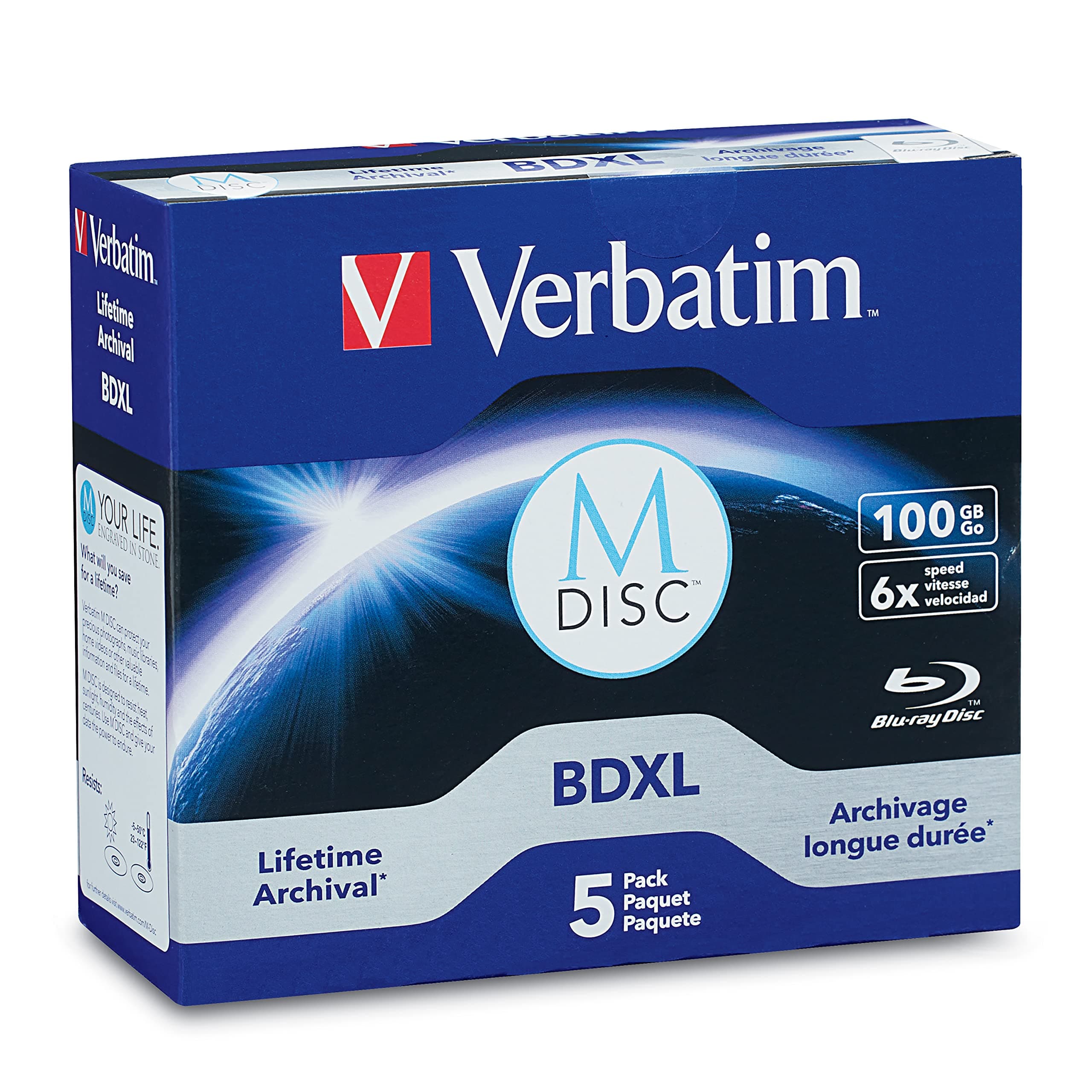
🗄️ Lock your legacy in time with Verbatim M DISC BDXL — because your data deserves immortality.
Verbatim M DISC BDXL 100GB Blu-ray discs offer a revolutionary archival solution by engraving data on a patented inorganic layer, ensuring data integrity for several hundred years. With 6X write speed and military-grade durability tested by the US Department of Defense, these 5-pack discs provide massive, reliable storage compatible with BDXL drives. Backed by Verbatim’s 10-year warranty, they are the ultimate choice for professionals seeking permanent, high-capacity digital preservation.


| ASIN | B011PIJPOC |
| Best Sellers Rank | #2 in Blank BD-R Discs |
| Brand | Verbatim |
| Built-In Media | Verbatim BD-R XL optical disc(5) |
| Color | Blue |
| Customer Reviews | 4.4 out of 5 stars 305 Reviews |
| Format | Blu-ray |
| Global Trade Identification Number | 00023942989134 |
| Item Weight | 0.88 Pounds |
| Manufacturer | Verbatim Americas, LLC |
| Media Speed | 4x |
| Memory Storage Capacity | 100 GB |
| UPC | 023942989134 |
| Unit Count | 5.00 Count |
| Warranty Description | 10 years warranty |
| Write Speed | 4x |
J**I
It worked but I made a few coasters first!
So my goal. I have about 90 gigs of data (files like word, excel, pdf etc) for my business that I wanted to backup to a single disc and then store the disc offsite in case of fire. I wanted to be able to stick the disc into any computer and read the files with out having to load software to read the disc. I have the LG BD-RE BU20N slim drive in my HP i7 sff desktop. I also wanted the disc to be permanent meaning you couldn't change it after it was burnt. I put all my files into a single directory on my pc which has an SSD for storage. I then put the disc in the drive (Windows 10 OS) and chose "With a CD/DVD player" (Mastered) as opposed to "Like a USB Drive" which allows changes after the files are burnt. I then copied all the files onto the disc. It had to fix a few names because they weren't compatible with the CD burning standard. After about 10 mins I was ready to click the burn button. I clicked it and after about 5 seconds I get an error saying it didn't work and the disc is probably not usable. $17 coaster. Now I have been burning discs since the original single layer CD media came out and back then we made a lot of coasters with buffer under-runs etc. So the first thing I did was check the firmware of my drive. It was 1.00 but there has never been any newer firmware. I happened to have 25gb Verbatum M-Discs also so I broke my 90 gb into 4 25gb chunks and those 4 discs burnt just fine. So I went back and tried it again.....5 seconds another $17 coaster. I figured maybe it was the drive which they don't make this model anymore. LG and Pioneer seem to be the two types of drives you can get so I ordered a full height ASUS external drive which has the Pioneer mechanism in it. Tried to burn with that drive...5 seconds later $17 coaster. The Asus drive came with software so I loaded that software. Now that software made it's own proprietary 90gb which means I would have to use that software to read the disc but at this point I wanted to see if I could get anything burnt on a 100gb drive. After about 30 mins of processing the file and about 10 mins of actual write time...another $17 coaster. Now I only had one disc left at this point. I figured what the heck. I put it in and this time I chose "Like a USB Drive". It prepped the disc. I then started to copy files to the disc and about 6 hours later I had a fully loaded disc. I could then read that disc in any computer that is Windows XP or newer. Only downside is you can change the disc. Someone could delete all the files. Ofcourse this is BD-R so you don't get the space back and technically all the files are still there just the FAT table has been modified but still it's annoying. For now I can live with the Life File System version of the disc. I was able to add files to the disc using either the LG BD-RE BU20N drive or the Asus BW-16D1X-U 16x External Blu-ray so both drives will work with this media. So if your doing what I was doing....choose "Like a USB Drive" not "With a CD/DVD player" and you will probably be successful also.
D**T
Verbatim M-Disc is the gold standard
These M-Disc Verbatim branded DVDs are the only ones to go with your archival projects - very pleased with the outcomes.
M**Y
Legit M-discs with 100Gb capacity
The Verbatim BDXL Branded Surface 100Gb M-disc BD-R (write once) discs are excellent. The cost per gigabyte as of right now hovers around $0.11 to $0.12 per gigabyte no matter the disc capacity size you choose, so going bigger is just easier and less time. These are great for archiving and backups, true backups, as in a medium that will survive time and survive disasters if housed in a good safe place. If you're looking for affordable optical media with higher capacity, this is the way to go. M-disc will survive a lot more than a standard BD-R disc will. That extra heartiness will cost you 3 times the price, but at $11 per disc, it's worth it. I've attached images of the disc(s) themselves and the output from ImgBurn where I just burned a 95Gb data set onto a 100Gb disc without any issues at all at 4x speed. I used a LG WH16NS40 optical drive ($65). It worked flawless with these Vertabim discs. I used ImgBurn 2.5.8.0 in Win7 64bit. I didn't have to do anything, no firmware update, no drivers, no nothing. The drive read the blank BDXL 100Gb discs natively and the drive wrote the data perfectly. It was completely verified after the write. It's a perfect 1:1 copy.
M**V
Good as overall, but size is less (about 90GB)
As overall, the disks are good. The only reason i put 4 star is because disk size is actually 90GB, not 100GB. Unfortunately, I've screwed my first disk, because on macOS - you can't see the real disk size, so when I tried to burn about 99GB on it - it failed miserably at the end. Then decided to check on Windows and there you can see that the real disk size is about 90GB.
J**S
One of the most future-proof ways to back up your media.
I mean seriously... It is. Because think about it. You can have tape, you can have Hard Drive, SSD, or even some Crystal. But with all those choices, this makes the most sense. Tape: You have a shelf life of around 25 years and the LTO format or anything that is based on tape means you need to have a tape machine that can load and write on it. Those cost Thousands of dollars to purchase but on the other side, its cheap tape. But in 25 years, try finding a tape machine that you can have at the ready when you're ready to review your old tapes. Take your VHS player, for example. Hard Drives & SSD's are great. They're cheap for what they are but they even have a even shorter lifespan than tape and when those go, you can't get them fixed cheaply and in some cases at all. You'd be fighting a losing battle in 10 years. M-Disc - carves your data in to Rock. Has a shelf life of over 100 years and not only that, can be thrown in water and still work. Finding or sourcing a Optical Drive, is painless even in the future they'll still be around much more cheaply or more consistently than an LTO drive. You can score 100GB for $20 which may sound like a lot. But given the simplicity of it being more future-proof than the latter and also more durable than magnetic storage, thats a small price to pay. Thank you for listening to my Ted Talk.
M**C
Verbatim M-Disc BDXL Branded Surface 5-pack - High quality write-once media
I bought a five pack of these on Amazon listed as "USED LIKE NEW" at a slightly discounted price. One of the disks had a deep gouge on the write surface near the center, possibly a factory defect. I didn't realize this at first when I loaded it into the blu-ray writer -- a PIONEER BDR-2212 BD/DVD/CD internal drive. Thankfully, I didn't damage the drive as a result! The disk being unusable, I threw it away. I could have returned the entire pack for a refund but I wanted to test the remaining disks, and my actual losses only amounted to a few dollars anyway. The remaining four disk were free of defects and burned without error. Just to be sure, I verified the contents of each disk on a separate blu-ray drive using the "fc" command under the Windows Command Prompt, comparing the contents of the burned disk with the original files on the hard drive. No differences were encountered. Despite receiving a defective disk, I would still rank these disks as being very high quality. I plan to buy a larger pack in the future to see if they work as well as these.
K**E
First one failed.
First burned disc out of 5 was a coaster, burn failed (I have only attempted to burn one disc as of Jan 11, 2026). Tried one of the 50GB M DISCS by Verbatim and worked just fine. I will alter the reviews as I attempt to burn the other 4 over the coming months, but so far, quality is poor. Been burning discs of one kind or another for over 25 years.
J**S
Let's wait and see....
Right now it's 5 stars since the data seems to have not deteriorated - yet. If for some reason it should fail withing the next couple of hundred years, my 5 star rating will be downgraded. Stay tuned.
ترست بايلوت
منذ 3 أسابيع
منذ 3 أيام