Buy anything from 5,000+ international stores. One checkout price. No surprise fees. Join 2M+ shoppers on Desertcart.
Desertcart purchases this item on your behalf and handles shipping, customs, and support to KUWAIT.
⚡ Unlock effortless PC-to-PC file transfers—fast, simple, and limitless!
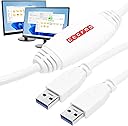
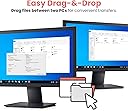
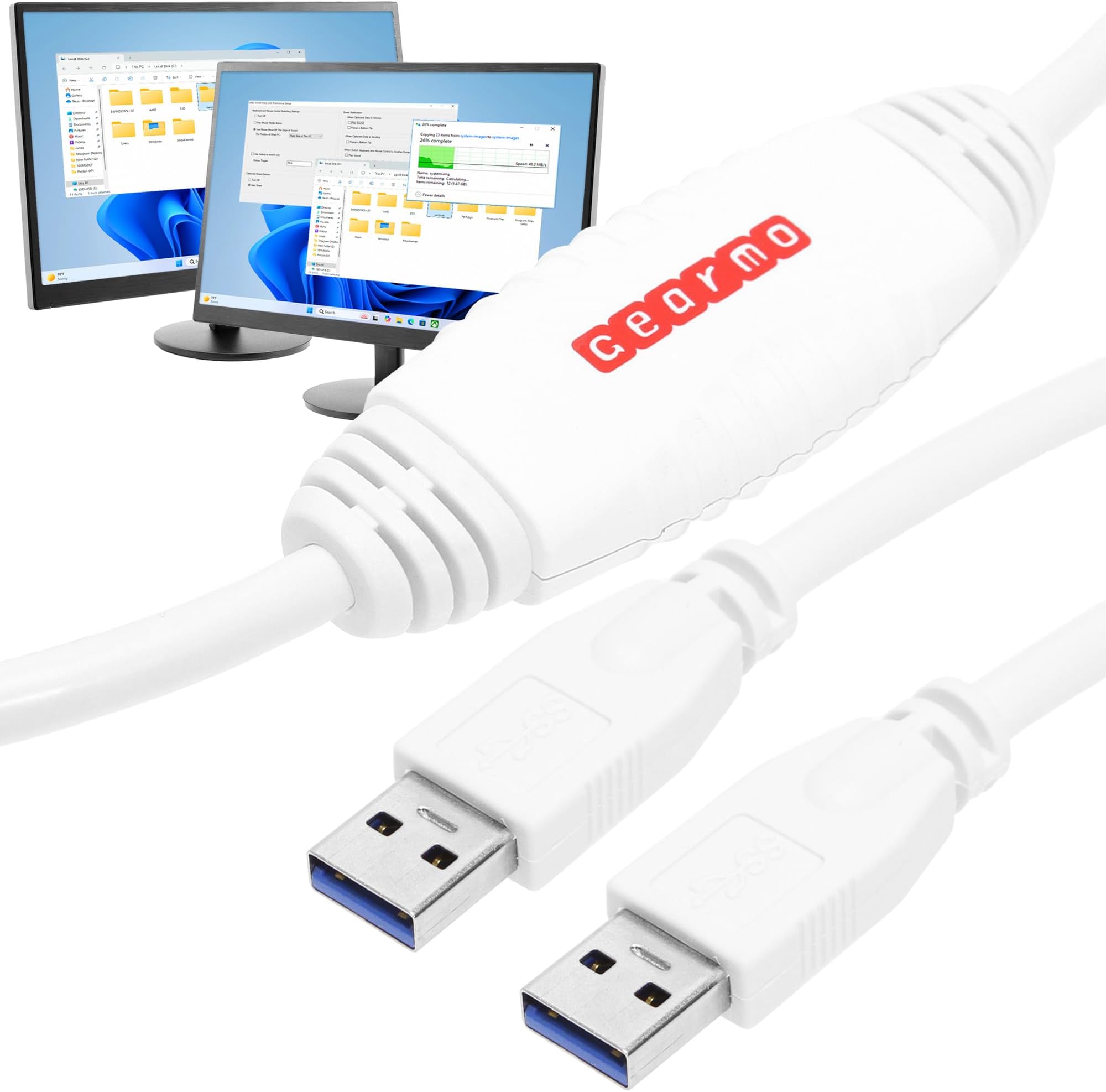
The Gearmo 6ft PC Transfer Cable is a USB 2.0 high-speed data cable designed for seamless file transfers between Windows PCs (7, 8, 10, 11). Featuring built-in EasySuite software, it requires no installation and supports transfer speeds up to 480Mbps. Its 6-foot length offers flexible device placement, while the split-screen interface enables intuitive drag-and-drop file management. Ideal for professionals juggling multiple Windows systems, it streamlines data migration and ongoing file sharing with zero fuss.


| ASIN | B004GIGNVC |
| Best Sellers Rank | #5,213 in USB Cables |
| Brand | Gearmo |
| Brand Name | Gearmo |
| Cable Type | USB |
| Color | White |
| Compatible Devices | Laptops, Desktops, Keyboards, Mouse, Printers, Tablets |
| Connectivity Technology | USB |
| Connector Gender | Male-to-Male |
| Connector Type | USB Type A |
| Customer Package Type | Protective shipping package |
| Customer Reviews | 4.1 out of 5 stars 630 Reviews |
| Data Transfer Rate | 480 Megabits Per Second |
| External Testing Certification | Não aplicável |
| Frequency | 480 MHz |
| Indoor Outdoor Usage | Indoor |
| Item Shape | Round |
| Manufacturer | Gearmo |
| Model | SS-PC-LINK |
| Number of Pins | 4 |
| Other Special Features of the Product | USB 2.0 |
| Part Number | SS-PC-LINK |
| Special Feature | USB 2.0 |
| Specification Met | IEC, USB-IF |
| UPC | 729440625474 |
| Unit Count | 1 Count |
| Warranty Description | 1 Year |
L**E
Cable perfect for running an XP computer along with a Windows 10 computer
While some might use this to move files from one computer to another, a one time action, I am using two separate computers as I try to switch from an XP computer that I love and have programs I love that will not run on Windows 10, to a new computer with Windows 10 on it and I have been in the process of switching over since March (2018 - it is Sep 18, 2018 as I write this) and I have the monitor of the new computer poised above the monitor of my old computer. I do legal work so have to keep my files together in one place and that one place is on my old computer until I am ready to switch them all to the new computer. So, until that happens, I needed a way for the new computer to EASILY access programs on the old computer and this cable does that. Prior to getting this cable, I was copying files to a USB flash drive, then moving the drive from the old computer to the new computer, then coping the file to the new computer. I would then do what I needed to do with the file, then reverse the process to get the file back on the old computer. I love XP and hate Windows 10, but it is getting increasingly difficult to do things online with XP. My graphics program of choice is Adobe Photo Deluxe Business Edition 1.0 designed for Windows 98, which had trouble running on XP, but it is so simple and easy to use. It will not run on Windows 10. One of the printers I use is a 2000 HP LaserJet 3150, that I refill the toner cartridges with. 18 years old and works perfectly, and cheap to use. Sure won't run on Windows 10. No drivers. It was designed for Windows 98. With this cable, I can use my new Windows 10 computer for many things, like going online, but still use my old XP computer to use software that was designed for productivity rather than bling. On my XP computer, I have seven different versions of WordPerfect running and while I seem to have gotten them to run on Windows 10, it is shaky at best. But I write legal briefs in the field of criminal post conviction and I need a word processing program that lets me do things my way, and easily, and I like running all the separate versions so each one, which can have 7 documents open, can be sort of a desktop for a single client. I close it up and when I reopen it a week or two later, every document is right where I left it with the cursor where I left it. So, this cable will allow me to keep using my trusty XP computer and beloved software and hardware, while using a newer computer for things like working online, and have the two computers access files on the other. The software that makes this happen is Easy Suite, which I think is a program available online separately but with this cable, it is loaded onto a tiny circuit board that is built into the cable (the bulge in the cable) so when you plug the cable into a computer, the computer recognizes the software and load its it, creating a desktop icon, then you can click on the icon to run Easy Suite, which loads an Explorer like interface. When you click on it on your first computer, it displays just the file info on that computer, but when you then do the same on your other computer, it changes to showing both computers, like a version of explorer with split window. Each computer shows this so on each computer you can access files on the other computer. If you are working in a program and use that program's "open" feature to load a file, you cannot access the other computer from there. Instead you have to use Easy Suite to copy/move the document/file you want from the other computer into a folder on the computer you are working on, then use your program's "open" feature to find and load the file. My XP computer is still my main computer so all my data files are on a separate drive on it and I created a special folder on my Windows 10 computer as a convenient place to keep track of those programs since the Windows 10 version of Explorer is so incredibly bad. Hope this helps.
A**R
Great product—instructions, not so much.
The EasySuite software is supposed to automatically load to the remote computer once it’s opened on the local computer. This didn’t happen for me. I only got the local screen. So I then manually opened EasySuite on the remote computer and the split screen appeared immediately. The actual transfer process was super easy. I have some very large files with hundreds of images and they transferred quickly. This was a godsend since we live in an area with very sketchy WiFi signal. I could never have done this so quickly and efficiently via WiFi. I highly recommend this item for performance, price and ease of use. The only caveat is that the instructions are very basic. I was able to solve my problem with installation by reading the review comments provided here.
D**H
Flawless and easy
Wow! I wasn't sure what to expect from reading the reviews. This thing is amazing. I'm not very technically savvy. I plugged it in and everything worked like a charm right away. I am blown away by the speed and ease of use. I have a 16 year old Dell laptop with windows 7 (like I said, I'm not too current with technology 😉) and transferred to a brand new HP windows 11. Both machines worked flawlessly.
R**B
If your needs are like mine, there's a better alternative.
I need to occasionally transfer files from one computer to the other. Specifically, Computer A is for internet access, and Computer B is for all my other computing work. I tried this data transfer cable and four others similar to it. I found they were either cumbersome to work with, impossible to figure out (at least for my purposes) or didn’t work at all. So I purchased an IOGear GUS 402 — 2x4 USB 2.0 Peripheral Sharing Switch and a USB 2.0 flash drive. And, in the immortal words of Elmer Fudd, Pwesto gazatz! I had the perfect solution. It’s like having a synchronized folder in both computers, because whatever changes are made in one computer will show up when the drive is accessed from the other. I have my browser set to download directly to the flash drive. Then with the push of a button, the contents of the drive show up on my other computer, ready to use. Perhaps this will help some of you who are in the same situation I was before I found this solution.
J**M
Driverless Data Transfer Cable from Gearmo
This device works sooooo slick! During my initial test, I used it with two Acer Aspires. One is a Model V3-111P-43BC 11.6” laptop, and the other an AZ3-615-ES12 23" all-in-one, both touch-screen machines running Windows 8.1. The -43BC has 'only' 4GB of RAM and the -ES12 has 8GB of RAM. The cable was recognized immediately by the first -43BC (LOCAL HOST) machine, and the firmware installed itself automatically without any issues. I installed the cable/firmware on the REMOTE HOST, again without any issues, and transferred about 95 separate files in one fell swoop. Total size of all selected files was about 143MB, and the entire process took about 12 seconds or less, it seems. Don't know whether someone has already suggested the following, or not, but if so, I apologize in advance. One way this transfer cable would be(come) MUCH MORE useful, is if the drag-and-drop method would (also) work. To the best of my knowledge, having tried it without success, at this juncture only the copy/paste method is supported. After working with it more extensively, I surmise I'll eventually run into a situation where the 'copied' amount of data will not fit in RAM memory, possibly due to that specific limitation. I'll just have to experiment some more, and see what that limitation might be. With drag-and-drop, memory limitation in most cases probably will not be an issue. I'll try to get a suggestion in to Gearmo, perhaps they'll consider incorporating that feature, and/or updating ("flashing it?") the firmware that may allow that function without having to buy a whole new cable. If/when I hear back from Gearmo, I’ll attempt to update this post. I’ll also experiment some more, and determine if entire folders can be copied/pasted. Yeah, I know, I probably should have tried it with folders before submitting this post, rather than only single files, but I wanted to get this information on-line sooner rather than later. For what it does, this transfer cable works great, I’m very happy with it thus far.
A**R
Easy to use and works like a dream.
This cable makes transferring files from one computer to another super simple. The interface is a bit old fashioned, but is easy enough to navigate once you understand it. The only thing to note is that if you change ANY file's location while the cable is plugged in and the software is running it WILL NOT RECOGNIZE THE CHANGE until you exit the software and restart it. The other thing of note is that the mini cd that comes with it is not actually required to use the cable and seemed to have nothing of use on it at all.
A**B
Useful device
Useful device to do an ad hoc network for a system that does not have or network interface intentionally disabled. Running software requires Admin access, and might need Windows antivirus whitelisting, no need to install though and no license keys, appears on file system as CD drive. Software does not track file system updates and requires manual refresh by using right click context menu on folders.
W**T
Good deal
Did the Job!
F**Y
Fait le travail
Fait le travail correctement, livré dans les délais.
B**H
Files only.
Needed partition transfer for Windows 10. Files and folders only with this.
Trustpilot
2 weeks ago
3 weeks ago