We remain fully operational. Our teams are working around the clock to ensure your deliveries continue safely.

قم بتنزيل التطبيق


معلومات عنا
حقوق الطبع والنشر © 2024 Desertcart Holdings Limited
قم بتنزيل التطبيق
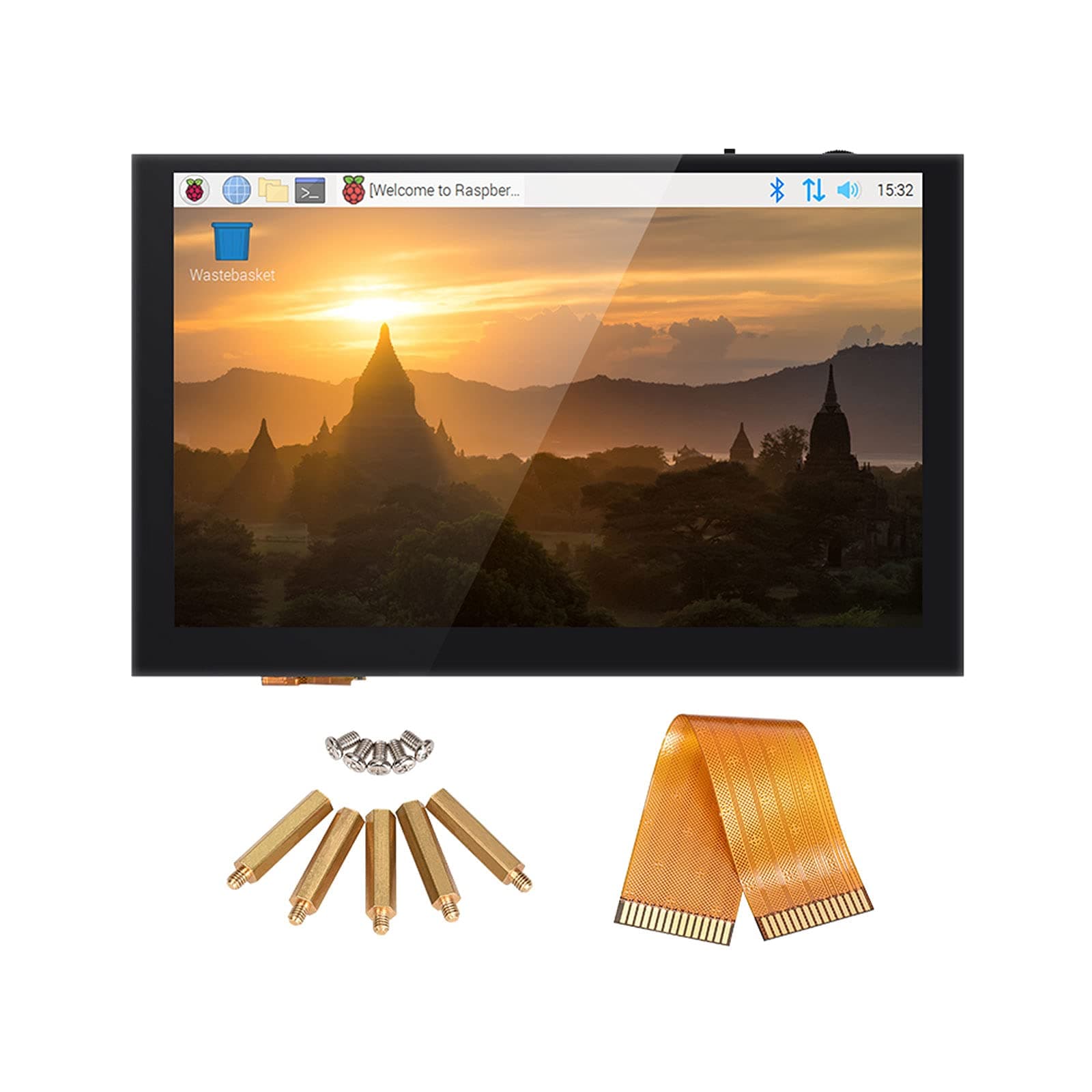
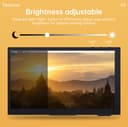
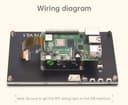
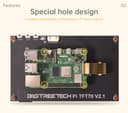
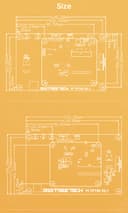
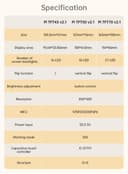
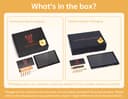
🚀 Elevate your Raspberry Pi setup with touch precision and vivid clarity!
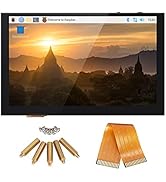
The BIGTREETECH Upgrade PI TFT50 V2.1 is a 5-inch capacitive touch LCD display featuring an 800x480 resolution and 5-point multi-touch support. Designed for seamless integration with Raspberry Pi models 1 through 4, it offers easy installation with a unique mounting design and no external power supply. Perfect for 3D printer controllers, it supports KlipperScreen for enhanced user experience.


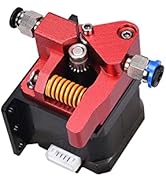


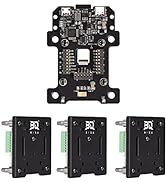




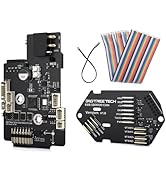



| ASIN | B08FD2YZ23 |
| Best Sellers Rank | #3,197 in Single Board Computers (Computers & Accessories) |
| Brand Name | BIQU |
| Color | black |
| Customer Reviews | 4.5 4.5 out of 5 stars (114) |
| Display Type | LCD |
| Included Components | BIGTREETECH Upgrade Pi TFT50 (5 inch Capacitive Touch Screen) |
| Manufacturer | BIGTREETECH |
| Material Type | Plastic |
| UPC | 779303890068 |
| Voltage | 3.3 Volts |
A**N
Great for 3d printers
I got this for my voron and it has been very nice. Responsive and clear display.
G**Y
Great touch screen
Perfect size, Setup for Klipper, looks great, works flawlessly
S**E
Great screens but be aware they are shipping V2.1 not V2.0
I've got several of these screens in all the sizes and the most recent TFT43 I bought in June of 2023 was a version V2.1. Why does that matter? Version V2.0 uses the rotary encoder i.e. thumbwheel to change brightness but V2.1 now uses 2 buttons that don't line up with the old encoder wheel. So that 3D printed enclosure you printed ahead of time to mount to your [insert do-dad here] likely is not going to work. I also found my screen dimensions to be 1/2mm wider and taller than the listed specs. Not a big deal you think but with some of these enclosure designs like the one I printed that's the difference where it fits without sanding or not. Again not huge but be aware.
O**O
Great Display with Some Configuration Hurdles!!!!!!!!!!!!!!!!!!!!!!!!
I recently purchased the BIGTREETECH Upgrade PI TFT70 TFT LCD Display for use with my Raspberry Pi 4 Model B and OctoDash, and overall, I'm quite pleased with it. The display itself is fantastic—bright, responsive, and boasting a crisp resolution that makes viewing details a pleasure. Once properly configured, it integrates seamlessly with the Raspberry Pi and enhances the user interface experience significantly. "However, the setup process was not without its challenges. Upon initial installation, I encountered an issue where the touchscreen functionality didn't work at all. After spending considerable time researching online forums and troubleshooting steps, I discovered that the problem lay in the driver configuration specified in /boot/config.txt." Specifically, the display requires a particular setup that wasn't initially clear. I found that commenting out the following line was necessary to enable proper touchscreen functionality: #dtoverlay=vc4-kms-v3d Once I made this adjustment and rebooted the Raspberry Pi, the touchscreen started working flawlessly with OctoDash
M**R
Nice big touch screen. Works well with Klipperscreen and the Raspberry Pi.
I bought two of these for my Voron printers. I could have gotten by with the 4.3" screen which is still pretty large but I went with the 5" on both. They mount at about a 45 degree angle and I had to use larger feet on one printer to keep it off the desk. I don't mind the angle or the elevated feet. I found some stl files for a case/mount for them and printed that. The included cable is way too short unless you plan to mount the pi to the back of the screen. (which wouldn't work for my mount) I had to order a longer cable. The packaging was nice. The little protective stickers on the screw holes were a little difficult to remove but kept dirt and things out of holes which is nice. There is a switch on the screen in case you need to change the orientation. (flip the image over) The touch aspect works great. It seems really accurate and I didn't have to do any tuning routing to get it to respond and work well. I use the screen a lot, even more than I expected to.
J**N
Necessary accessory
Best addition to a raspberry pi. Works great and easy to use
J**E
what to change in system.cfg
if you using a btt PI 2 and the pi screen here is what needs to be changed to make it work in the system.cfg and the armbianEnv.txt both found on the sd card of the pi, well atleast with the latest version of klipper 6/09/2025. system.cfg the ks- lines in blue and the armbian just the highlighted line 11 change to display only. remember to remove the # signs on them. also the copper on the ribbon cables go towards the white, so away from the black clamps on both the pi and the tft
K**R
Wifi quits working on the Rapsberry Pi 4 when it is connected to the display
When the provided cable is connected to the Raspberry Pi 4 (tested two different ones), the screen displays nicely and the touchscreen works well. However, Wifi will no longer work on the Raspberry Pi 4. The solution provided by BTT is to get longer standoffs, but that doesn't change anything. If the cable is connected, which is required to use the display, then Wifi doesn't work. As soon as you shutdown, disconnect the cable and reboot, Wifi works again.
ترست بايلوت
منذ 5 أيام
منذ 3 أسابيع