We remain fully operational. Our teams are working around the clock to ensure your deliveries continue safely.

قم بتنزيل التطبيق


معلومات عنا
حقوق الطبع والنشر © 2024 Desertcart Holdings Limited
قم بتنزيل التطبيق
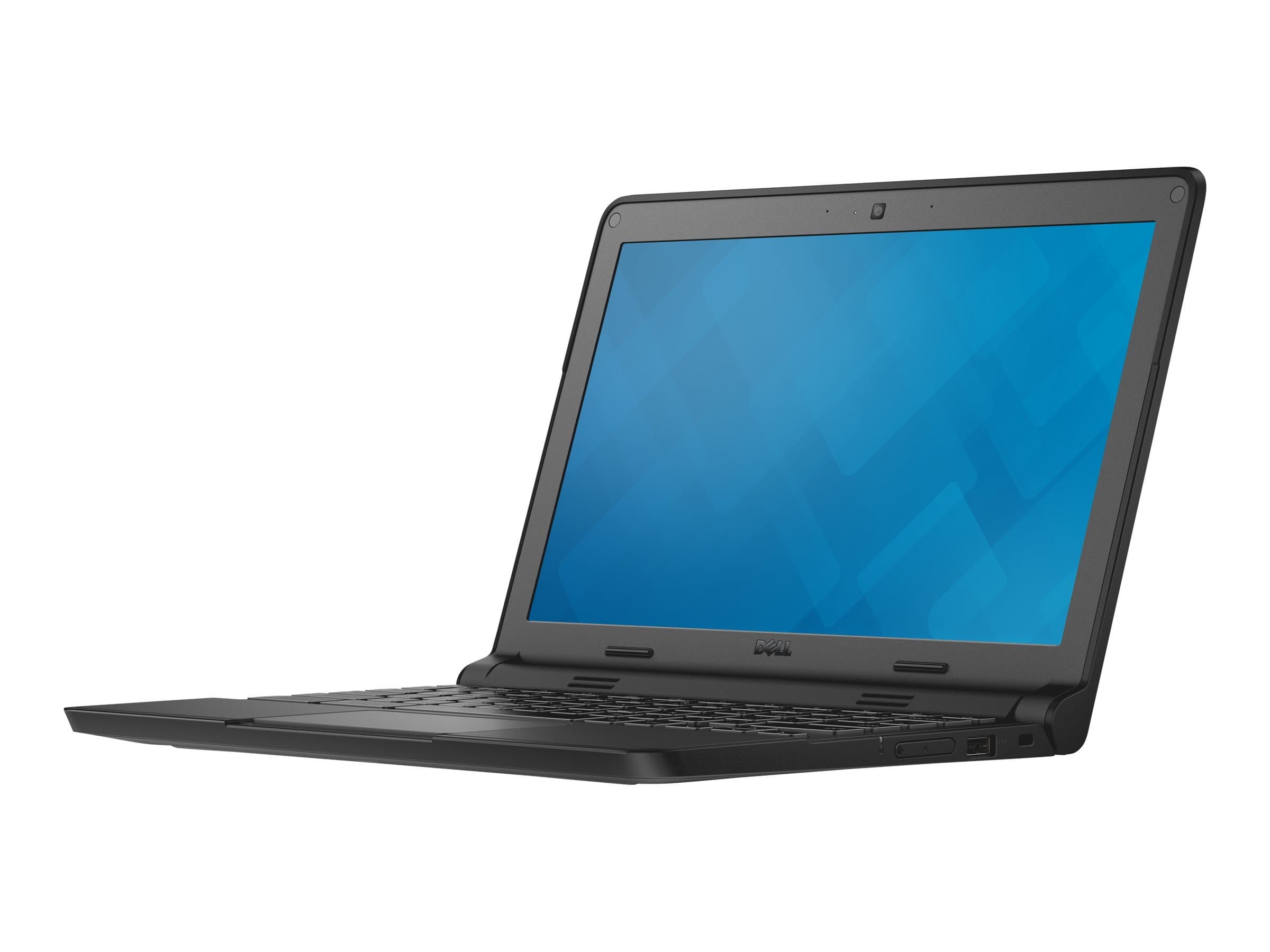
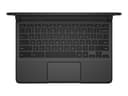
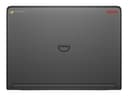
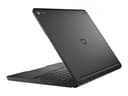
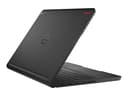
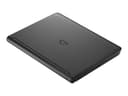
🚀 Power through your day with speed, stamina, and style.
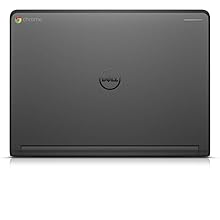
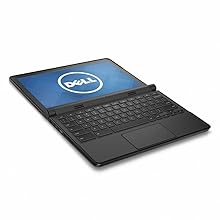
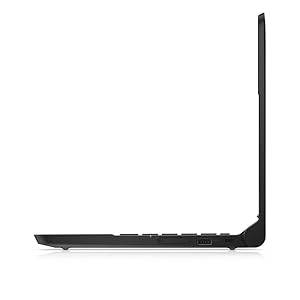
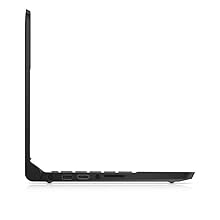
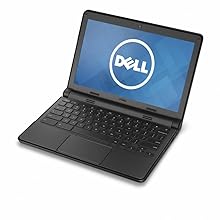
The Dell Chromebook 3120 XDGJH is a lightweight, durable 11.6-inch laptop powered by an Intel Celeron N2840 processor and 4GB RAM, featuring a fast-booting Chrome OS and up to 10 hours of battery life. Its HD display, solid-state storage, and robust connectivity options make it an ideal choice for professionals and students seeking reliable, portable productivity without the bulk or bloat.




| ASIN | B00TWFHONK |
| Audio Output Type | Headphones |
| Automatic Backup Software Included | Webcam |
| Battery Average Life Standby | 10 Hours |
| Battery Cell Type | Lithium Ion |
| Battery Life | 10 Hours |
| Best Sellers Rank | #39,092 in Computers & Accessories ( See Top 100 in Computers & Accessories ) #5,883 in Traditional Laptop Computers |
| Bluetooth Version | 4.0 |
| Bluetooth support? | Yes |
| Brand | Dell |
| Built-In Media | Dell 11 Chromebook^Battery^AC Adapter |
| CPU Codename | Bay Trail |
| CPU L1 Cache | 1 MB |
| CPU L2 Cache | 1 MB |
| CPU Model Generation | Bay Trail |
| CPU Model Number | Celeron N2840 |
| CPU Model Speed Maximum | 2.58 GHz |
| Cache Memory Installed Size | 1 |
| Camera Description | 720p HD Webcam |
| Color | Black |
| Compatible Devices | external displays, mice, keyboards, storage devices, printers |
| Connectivity Technology | Bluetooth |
| Control Method | Touch |
| Customer Reviews | 4.0 4.0 out of 5 stars (560) |
| Display Resolution Maximum | 1366x768 Pixels |
| Display Technology | LED |
| Display Type | LED |
| Form Factor | Laptop |
| Graphics Card Ram | 4 GB |
| Graphics Coprocessor | Intel HD Graphics |
| Graphics Description | Integrated |
| Graphics Ram Type | Shared |
| Hard Disk Description | SSD |
| Hard Disk Interface | Solid State |
| Hard-Drive Size | 16 GB |
| Hardware Interface | Bluetooth |
| Has Color Screen | No |
| Human-Interface Input | Touch Pad |
| Item Dimensions L x W x Thickness | 16.3"L x 11.2"W x 3"Th |
| Item Type Name | Dell 11-11.6" Chromebook, Intel Celeron Processor, 4GB Memory, 16GB SSD |
| Item Weight | 2.7 Pounds |
| Keyboard Description | Standard |
| Keyboard Layout | QWERTY |
| Lithium-Battery Energy Content | 37 Watt Hours |
| Manufacturer | D&H |
| Memory Clock Speed | 2.16 GHz |
| Memory Speed | 1333 MHz |
| Microphone Form Factor | boundary |
| Model Name | Chromebook 11 |
| Model Number | XDGJH |
| Model Year | 2015 |
| Native Resolution | 1366 x 768 pixels |
| Notebook Pointing Device Description | Touchpad |
| Number Of Cells | 3 |
| Number of Ports | 2 |
| Operating System | Chrome OS |
| Other Special Features of the Product | light and portable |
| Processor Brand | Intel |
| Processor Count | 1 |
| Processor Series | Celeron |
| Processor Speed | 2.1 GHz |
| RAM Memory Installed | 4 GB |
| RAM Memory Slot Total Count | 1 |
| RAM Memory Technology | DDR3L SDRAM |
| RAM Type | DDR3 SDRAM |
| Ram Memory Maximum Size | 4 GB |
| Resolution | 720p |
| Screen Finish | smooth, glossy |
| Screen Size | 11.6 Inches |
| Specific Uses For Product | business, personal |
| Total Number of HDMI Ports | 1 |
| Total Usb Ports | 2 |
| Touch Screen Type | Nontouch |
| Touchpad Feature | True |
| UPC | 884116176541 |
| Video Output | HDMI |
| Video Processor | Intel |
| Voltage | 19.5 Volts |
| Warranty Description | 1 Year |
| Warranty Type | Limited |
| Webcam Capability | Yes |
| Wi-Fi Generation | 802.11ac |
| Wireless Compability | 802.11ac |
| Wireless Technology | Bluetooth, Wi-Fi |
W**L
Great Chromebook
This is my third Chromebook/Chromebox. I think this is a great Chromebook, getting tired of putting up with bloated operating systems. This starts in seconds and does everything I need it to do. If I need to work...I turn my work computer on and run Windows or work from home using Chrome Remote Desktop, no more need for "GOTOMYPC". I like that it is rugged and meets military specs just adds to its appeal. No need to worry about viruses, I can safely do online banking. I am able to do Google Docs and a You Tube Video running in the background and I never miss a letter or notice any hesitation. The matte screen cuts out the glare not a big fan of the shiny screens. My only complaint is the colors seem to be a little more on the blue side, but that tends to make text more crisp. The battery life is amazing, I leave my charger at home now when I take it to work it lasts all day...comparable to what I see in my Ipad battery life. Lately though I have not used my Ipad as much this seems to take its place in situations where a keyboard is needed. The keyboard and mouse touch pad work great. Nice to type on.
F**.
Great little Chromebook
A more than capable used Chromebook for $65. Quickly came in great condition. Everyone complaining about what a Chromebook can and can't do obviously did not do their homework. It's not meant to be a replacement for a powerful laptop but if you a simple, lightweight machine to just poot around on the web and use Google products, like Sheets and Docs, than you found a winner. I have a heavy, 17" laptop that does all my dirty work, but when I want to just chill on the sofa or in bed to do a little light work, this is perfect. After doing a little research I found that the Dell Chromebook 11 3120 is due to reach its Auto Update "End of Life" on June 2020. But that's no problem b/c there are a few options you can choose from when that happens...keep using it or install Linux or Cloudready. So if you want a decent little laptop for only a little bit of money, go ahead and grab one of these! Also, seller Electsales sent mine with a brand new charger. Oh, only complaint...the keys are very stiff and sturdy...I assume that's intentional as it was probably a mass produced model for students who beat the hell out of these. They're in great shape but I could imagine you'd experience some finger fatigue if you use this to type a lot. ALSO, i don't know why "touch screen" is an option in the review b/c it's NOT a touch screen and says so in the description but I rated it a 5 just so the overall rating wouldn't take a bad hit for no reason.
J**E
You had me at "LED"
Let me start this review by saying that I am in an educational environment. This Chromebook is near perfect for this environment. The gauge on the power cable has really been something we have run into problems with; the thinner the head on the adapter, the easier it is to break. This was not lost on Dell, who have outfitted this bad boy with an adapter that is about 5x the diameter of our prior model (Samsung). Additionally, the entire machine appears to be built for the long haul. It has a low-profile rubberized exterior "shell" that will prove invaluable in the case of a drop. With students ranging from K-12 using a device, there will be drops. The machine also has a LED indicator light on the front case. This indicator can be controlled using a "ctrl+shift" combination and alternates between green, blue, and yellow. This is a HUGE deal when it comes to making sure your students are not having any problems with the technology. This enables a staffperson to shoot a furtive glance in the classes direction and does not require the student to wave their hand around like a maniac to get the attention. This might sound small, but in my environment it's just another check in the box for this device. I was torn between this and several other models and after getting my hands on a test model, I am sold.
J**C
Rendered Virtually Useless Due to WiFi Issues!!!!
This product is amazing, in theory. Fresh out of the box it could not connect to any wifi networks. After hours of googling and troubleshooting I eventually was able to get my chromebook to connect to my Office WiFi. It is still painfully slow compared to the internet connection my laptop, phone, and desktop can pull. Now my chromebook will work in my office but it will not connect to any other network. I have tried two separate home networks and a public networks but the chromebook can't connect to any of them. Well, it will connect for a second but immediately drop the connection. All three of the other networks are working fine and have no connectivity issues with any other devices. I have tried every tip on the web in order to solve this problem but nothing worked. I even tried installing Ubuntu and trying to connect to the internet with a clean OS I knew worked flawlessly. It seems to me that this is a hardware issue and it is a pretty well-known issue! The fact that Dell would continue to sell this product with full knowledge that their device is defective is troubling. The only way I can use this product is if I use an ethernet to USB converter or if I use a USB WiFi receiver and run Ubuntu, which completely defeats the purpose. Considering this device was built to be used in the cloud, it is ridiculous that it's main flaw is internet connectivity. Without internet this device is useless (Chrome OS won't play videos or let you install/transfer certain files via bluetooth or USB). Since it was only $200 I guess it isn't that big of a deal. After installing ubuntu I now have a laptop without a wifi receiver that weighs 2 pounds so i guess that is ok. On the bright side, when I am in my office on the one WiFi network that works with this chromebook it is a great experience. Battery life is incredible, screen is very good for the price, keyboard is comfortable, it looks better than the picture, and the device doesn't feel cheap at all. If this device actually worked it would be 5 stars for sure.
A**R
Fantastic purchase! Love it!
I**4
Excellent
T**A
Cheap rate and good quality
J**J
Still getting used to a smaller screen and keyboard but it is very light and easy to use. No complaints so far, but I haven't had it long, and I really only use it for internet browsing and email.
G**4
Parfait rapport qualité-prix. Probleme léger de sensibilité du pavé tactil pour cette série. Est corrigé sur models plus chers.
ترست بايلوت
منذ أسبوعين
منذ يوم واحد