We remain fully operational. Our teams are working around the clock to ensure your deliveries continue safely.

قم بتنزيل التطبيق


معلومات عنا
حقوق الطبع والنشر © 2024 Desertcart Holdings Limited
قم بتنزيل التطبيق
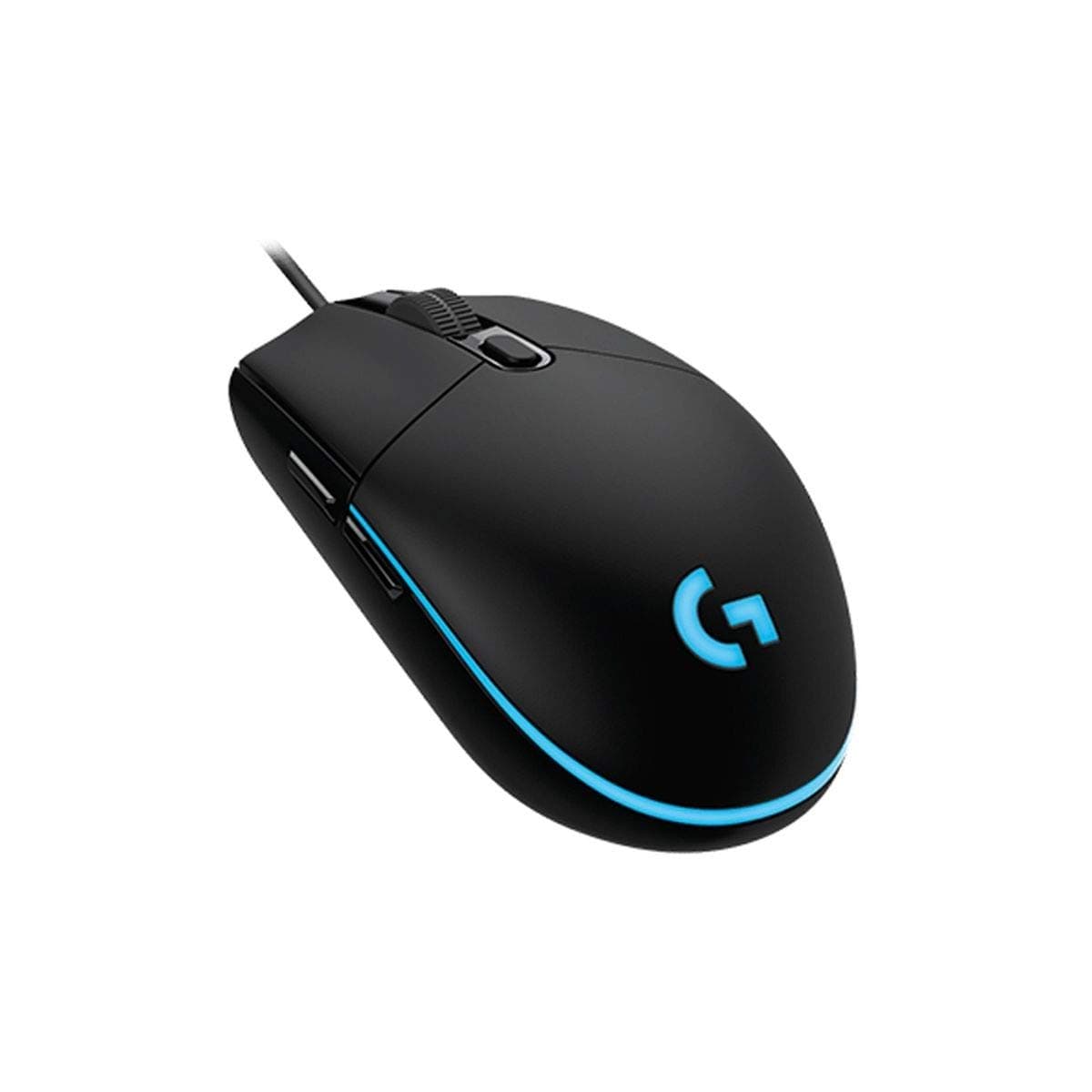
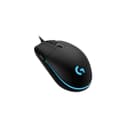
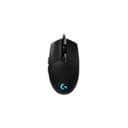
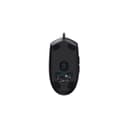
🎮 Elevate your game with precision and style — the G203 Prodigy is your secret weapon!
The Logitech G203 Prodigy RGB Wired Gaming Mouse delivers professional-grade performance with up to 8x faster response than standard mice, a high-precision 6000 DPI optical sensor, and six customizable buttons. Its classic ergonomic design, inspired by the iconic G100s, ensures comfort and durability, while vibrant RGB lighting offers 16.8 million color options. Perfect for gamers seeking accuracy, speed, and personalized control, backed by Logitech’s 30+ years of gaming innovation.
| ASIN | B01M26YUKO |
| Additional Features | Ergonomic Design |
| Antenna Location | Gaming |
| Are Batteries Included | No |
| Are Batteries Required | No |
| Best Sellers Rank | #16,761 in Video Games ( See Top 100 in Video Games ) #645 in PC Gaming Mice |
| Brand | Logitech |
| Built-In Media | mouse, user guide |
| Button Quantity | 6 |
| Color | Black |
| Compatible Devices | Personal Computer |
| Connectivity Technology | USB |
| Customer Reviews | 4.6 4.6 out of 5 stars (8,009) |
| Enclosure Material | Plastic |
| Global Trade Identification Number | 00097855123152, 10097855123159 |
| Hand Orientation | Ambidextrous |
| Hardware Platform | PC |
| Item Dimensions L x W | 1.5"L x 2.45"W |
| Item Type Name | Logitech G203 Prodigy Wired Gaming Mouse - Black |
| Item Weight | 0.01 Pounds |
| Manufacturer | Logitech, Inc |
| Model Name | FBA_910-004842 |
| Model Number | 910-004842 |
| Mouse Maximum Sensitivity | 6000 Dots per Inch |
| Movement Detection | Optical |
| Number of Batteries | 2 Lithium Ion batteries required. |
| Operating System | Windows 7 |
| Power Source | Corded Electric |
| Range | 5.0 meters |
| Style Name | PRODIGY RGB Single Color |
| Theme | Gaming |
| UPC | 042822184735 097855123152 |
| Unit Count | 1.0 Count |
| Warranty Description | 2-year Limited hardware warranty |
A**N
The Ultimate Cheap Gaming Mouse Review
July 2019 Edit: Mouse still going strong, no issues yet! December 2020 Update: Mouse still works just the same as the first day, although I have now moved on to the wireless version of this mouse, the G305. This one works like a charm as well! If you’re in the market for an entry-level gaming mouse, look no further, this is the mouse for you. Trust me. Whether for you or someone else you can’t go wrong with this mouse. I decided to create a huge review guide for people like me who just absolutely need to see detailed reviews before they pull the trigger on the product. Below is a pros and cons list and below that is a detailed paragraph about this mouse if you’re a reader :-) Pros - RGB Lighting (And not some solid color BS, like 12.8 million colors breathing effects type of stuff) - Depressed Area Left and Right click, helps keep your grip on the mouse (picture for example) - Smooth design and texture great for claw holders - 8000 dpi sensor with ability to change in increments of 50 (7950, etc.) - DPI Button with up to 4 on-the-fly dpi changes (also can be programmed to a key) - 2 custom buttons both on the inside of the mouse (more on that below) Meh (Opinion) - No Braided Cable (they fray) Cons - Worst scroll wheel I have ever seen in my life* (UPDATE: Scroll wheel is actually VERY good for games if you use it to switch weapons/items if because the notches are there to stop you from saying, switching 1 too much, otherwise, the scroll wheel is pretty meh because it just FEELS clunky) - Cable is a tad bit short The G203 Prodigy is hands down the best gaming mouse at this price point. The RGB lighting alone makes this mouse worth it considering the price point because a lot of good quality mice out there comprise the RGB lighting for functionality. Logitech did not compromise on this AT ALL boasting a full 16.8 million colors with color effects such as breathing and fading into other colors, much more than the old bs “RGB mice” that just have 1 solid color with an on and off switch (*cough Steelseries cough*). All you have to do is download the software from the website by searching “G203 Prodigy Software” and you’re good. Moving on, the dips in the mouse on the left and right clicks are amazing. It helps you keep your fingers gripped on the mouse when you click and move it around. After I used this mouse because my old gaming mouse without that feature shorted out, I just couldn’t go back. Must have on any gaming mice IMO, even if you don’t get this one. Additionally this mouse has a pretty smooth design and decent texture for your hands, I’ve had some that have felt better but not bad. The 8000 DPI sensor is also extremely good at this price point, it’s very accurate, and can be adjusted in increments of 50 (I know this sounds stupid but some mice don’t even have this precision, the Steelseries Kana v2 I had before only adjusted in increments of 400 which is absolutely terrible btw, don’t buy that mouse) which is huge. There’s also a DPI button and 2 custom mappable buttons which is pretty standard. This mouse has a rubber cable which I like but some people like braided ones (they look nice but are meh). Every mouse isn’t perfect though but this one comes pretty close. The only big problem with this mouse is the GOD AWFUL scroll wheel* (Update on this above, this depends on the genre of games you are playing) If you use the scroll wheel regularly, this is a HUGE drawback. Scrolling is somewhat clunky and the texture feels very uncomfortable so if you are a person using their scroll wheel every 5 minutes, I would have to tell you this may not be the mouse for you. Luckily I don’t use the scroll wheel that much. Lastly is the cable is a tad short but will be fine for 99% of you as long as you’re by your computer at a reasonable distance. I hope this helps you guys make a great choice on the mouse to get, I would highly recommend you to grab this mouse if you haven’t already. See you on the battlefield!
J**N
Best bang for the buck, and by far beats Razer mice.
I bought this as a replacement to the Razer Deathadder, which itself I bought as a replacement to the Razer Deathadder 2013. Though durable for 7 years, the Deathadder 2013 had a problem in which one click would produce a double-click from time to time (extremely frustrating), and eventually the scroll wheel broke. The new Razer Deathadder, just like the old one, had the same 'one-click producing two-clicks' problem right out of the box. The Razer mice also had a strange issue which caused the mouse sensitivity to become greater just by virtue of opening the Razer software. I bought this Logitech G203 for around $20, and I could not be happier with the purchase. It's beautiful, the price was as good as it gets, and, most importantly, IT WORKS PROPERLY. I have no double-clicking issues anymore, the mouse sensitivity doesn't randomly speed up when the Logitech software is open, and it was easy to adjust the DPI and find the level that works perfectly for me. I have never been this happy with any mouse in my life. As a bonus, I was able to acclimate to the new mouse the very same day. There was no 'learning curve' for it, coming from the Razer mouse. I haven't written a review here in I don't know how many years, but I'm hoping it might help some other frustrated Razer mouse owner find a new, well-priced gaming mouse.
R**P
Awesome Value!
This is probably the best mouse that you can buy for under $30. While there are similarly priced mice with the PMW3360 sensor and Omron switches, some of them won't be built as well as this mouse. This mouse uses the same exact shell as the G-Pro wired, which is based on the Logitech G100s. So, its a small mouse. I have medium sized hands and I can safely use all 3 types of grip styles comfortably without losing accuracy in my aim. The build quality on this mouse is fantastic. I have no rattles, loose buttons, it glides on my mouse pad with ease, the build is very sturdy and high quality. And with that solid build, the mouse weighs only 85 grams, great for having to make quick movements in FPS games. The buttons are pretty good too. The left and right click buttons use Omron switches rated for 10 million clicks, so not the top of the line buttons but they are solid, and they are tensioned very well too, not as tight as the G305 buttons. All other buttons such as the scroll wheel, DPI and forward/back work as expected. The sensor is Logitech's Mercury sensor. It can track up to 8000 DPI, has 20G acceleration (optional) and can track at 200 IPS. No spin outs, acceleration, jitter, it tracks beautifully. In fact if I didn't know what sensor was in this mouse I would have thought it was the PMW3366 or the Hero.
D**O
recomendo a todos!
S**S
Great mouse just a lil small for palm
Z**X
Me gusto por que se ve ligero y preciso, ademas de que lo compré por el sensor de alta Precisión los clicks hace ruido pero eso no importa, y sí, es ligero tiene un agarre muy bueno al menos para mi mano.
K**J
Was a clear upgrade over my old abyssus
M**O
Per chi non ha moltissime pretese, questo mouse da gaming Logitech è davvero ottimo. Acquistato in promozione ad un prezzo di circa 25€, dispone di DPI programmabili e tastino rapido sulla parte sinistra. I DPI e i led sono configurabili mediante applicazione da installare su PC
ترست بايلوت
منذ أسبوعين
منذ يومين