

Desert Online General Trading LLC
Dubai, United Arab Emirates
Desert Online General Trading LLC
Dubai, United Arab Emirates




🚀 Elevate Your DIY Game with the Shark V3!
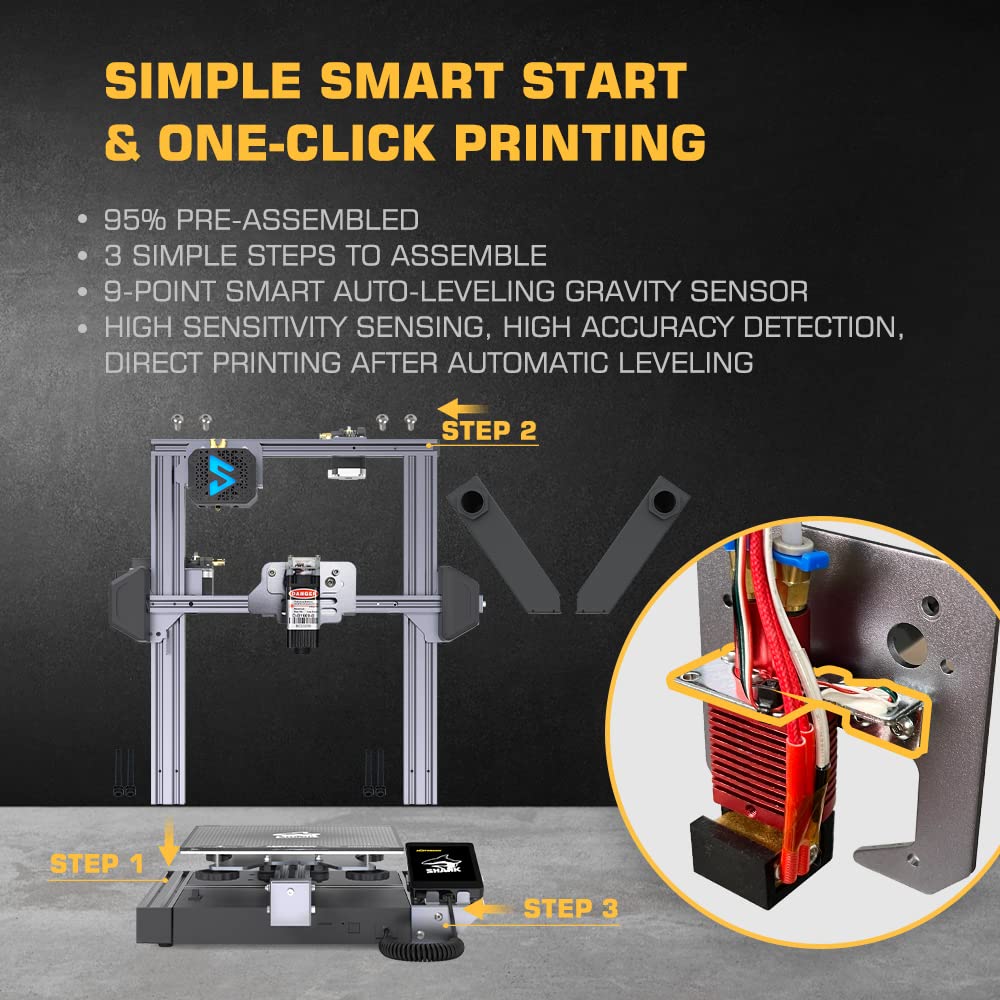
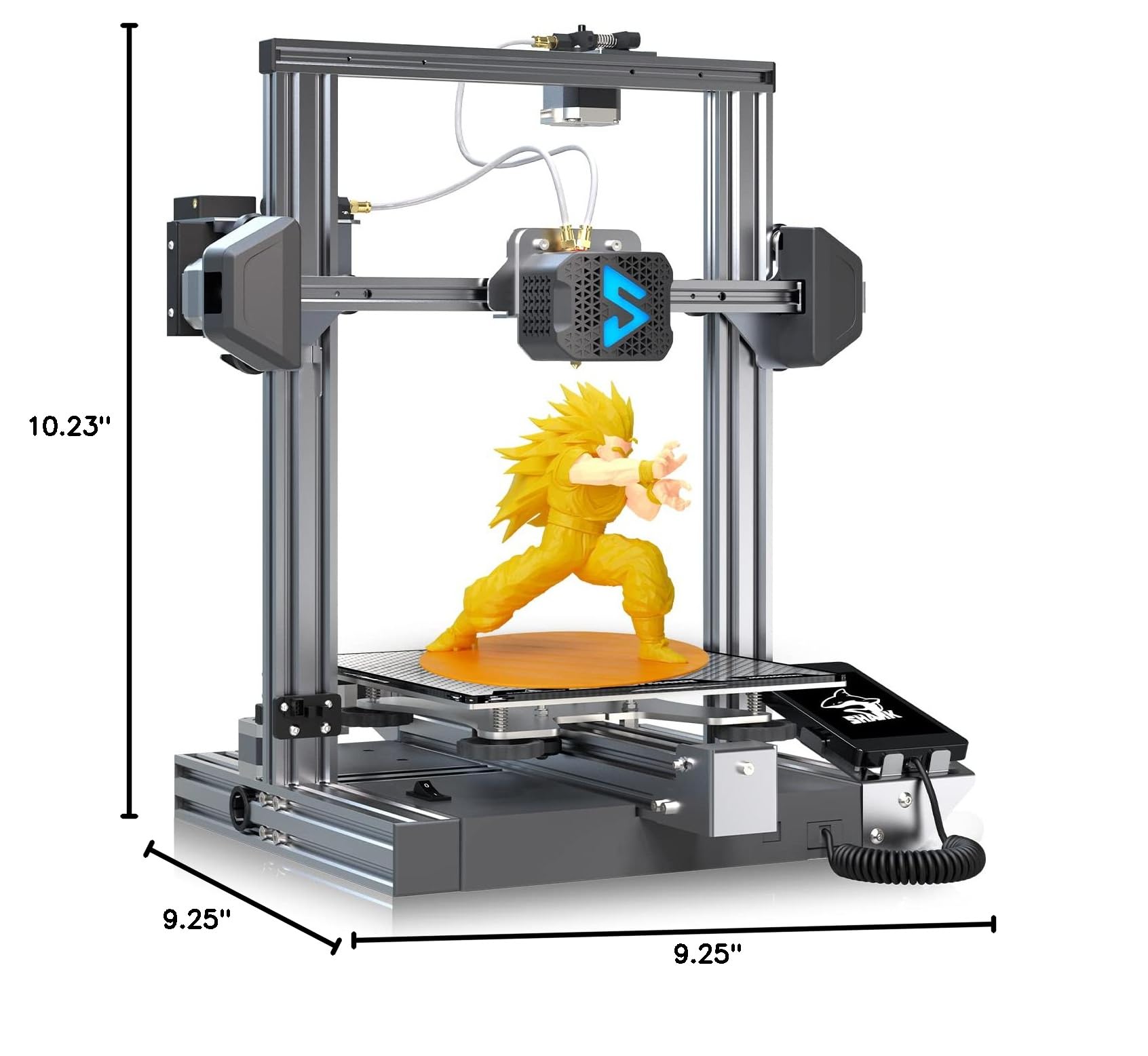
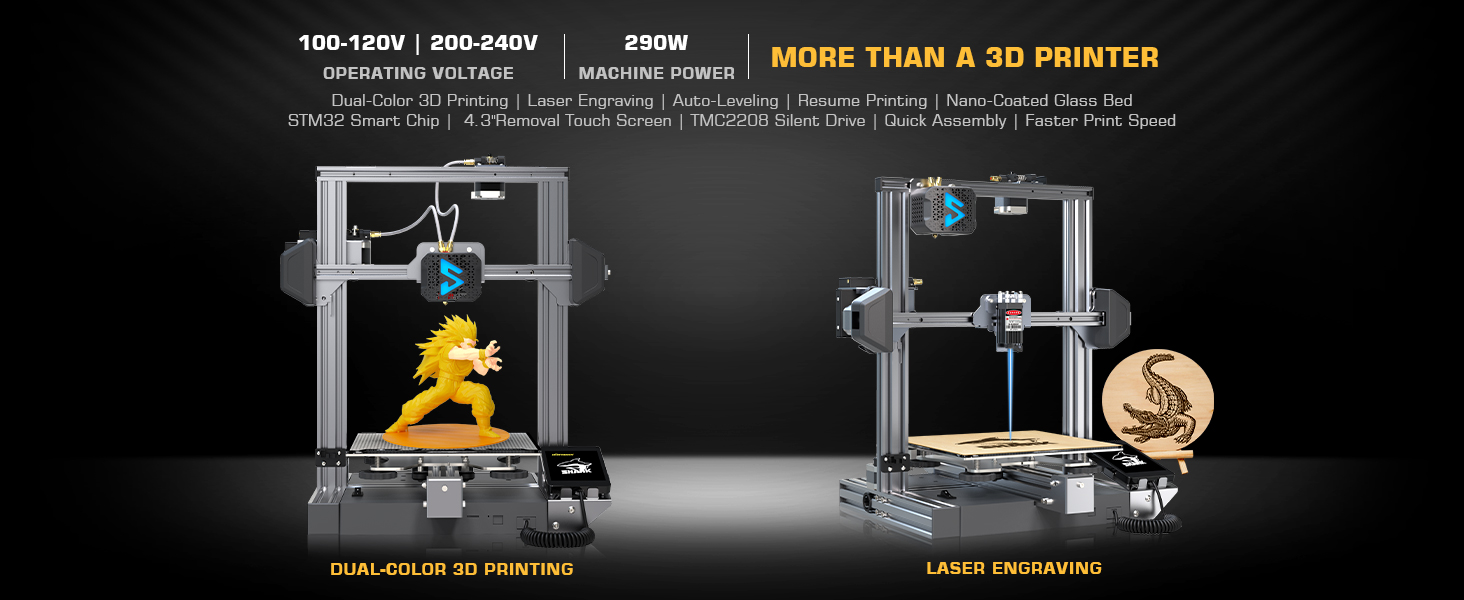
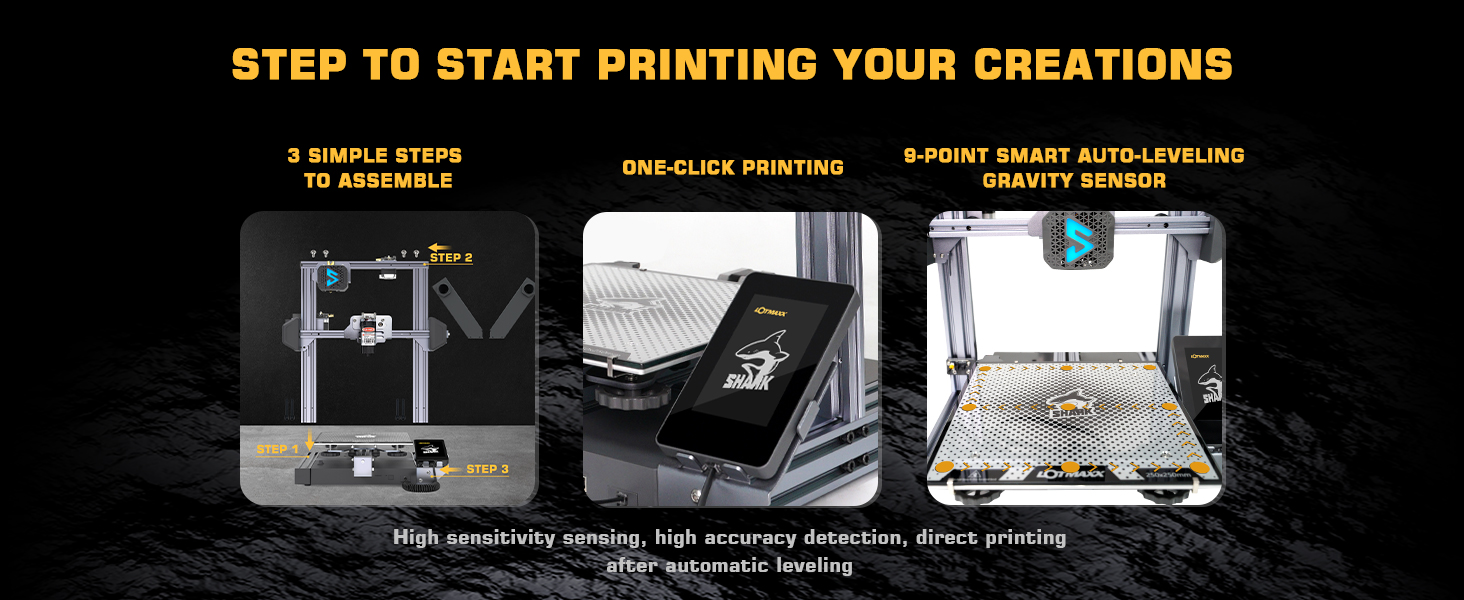
The Shark V3 3D Printer is a cutting-edge dual-function device that combines 3D printing and laser engraving capabilities. With features like smart auto leveling, a large build volume, and ultra-quiet operation, it’s designed for both home and educational use. The printer supports various materials and includes safety features for a seamless user experience.
R**N
WAY BETTER THAN I EXPECTED!
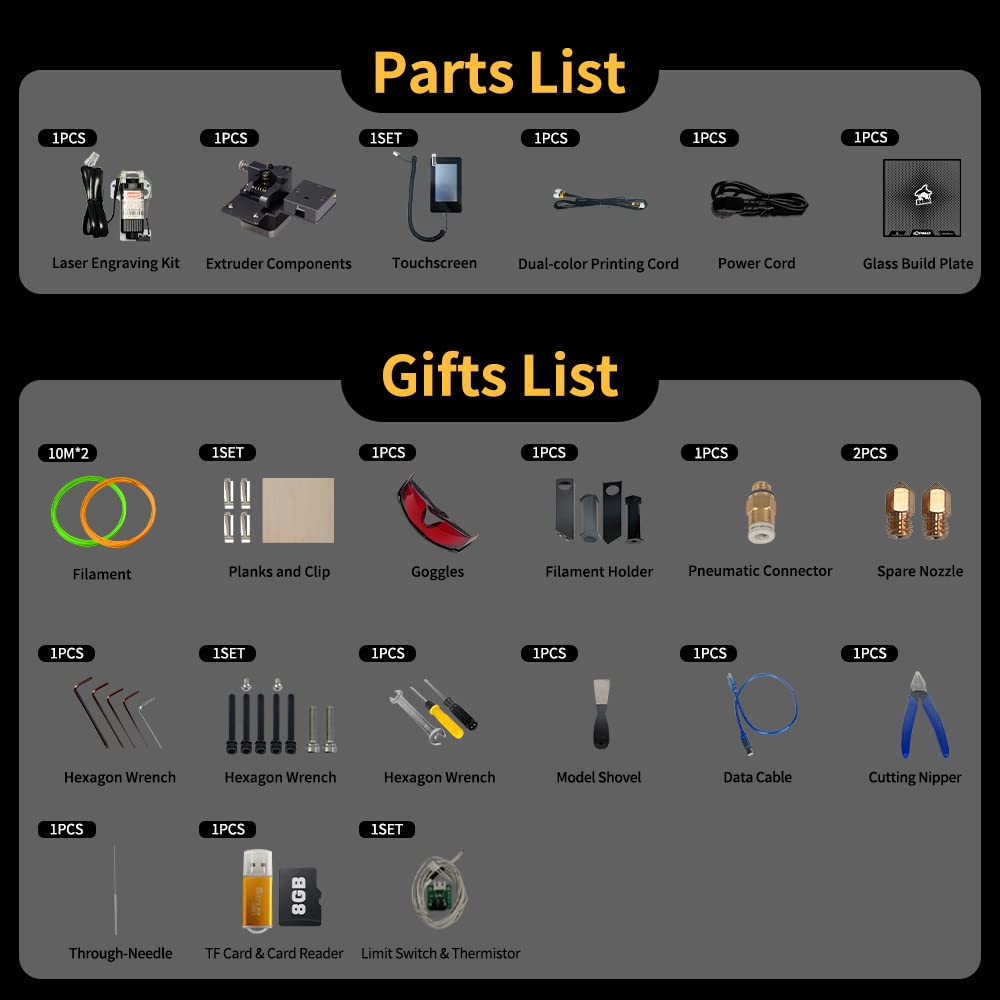
I got this on a whim since it has dual-color and can do laser engraving (just in case I need it)It showed up quickly and faster than amazon had estimated which was a nice surprise.1. PackagingEverything was packaged really well and was easy to see what was what during unpacking. (see pics)It also came with some free filament to get started.2. AssemblyAssembly was REDICULOUSLY easy. I just had to insert a few screws, attach the Bowden tubes, and hook up the wiring and it was ready to roll!3. Initial SetupThe setup for the most part was really simple too.The auto-leveling had a bad sensor and a replacement was sent out immediately.Manual leveling allowed me to produce some great prints very quickly.The belts and eccentric nuts were pretty much right on already and didn't need hardly any adjustment at all.4. PrintingUsing Cura I simply found a Lotmaxx Shark profile and added it.In PrusaSlicer I had to add the profile manually but was still easy enough to do.I'm sure it would be just as easy in Simplify 3D.Printing was easier than I expected as well. I just needed to make sure the primary nozzle had the filament pushed all the way in then the secondary done in that order.The glass plate was again better than expected.NO NEED for a glue stick or tape or anything!It stuck well when hot and came off easy once it cooled off.5. Laser EngravingSetting up the laser module was a snap. I just had to remove the Bowden tubes and then remove the 2 screws holding the extruder in. after that I just install the laser module using those 2 screws and plug it in.The software that it comes with was super easy. I opened my image as B/W in the software and then clicked export. I left all the settings as default.I did a couple of test runs to find the right height and focal length. I found that 35mm with a really tight focal length worked great.6. Final ThoughtsThe Lotmaxx Shark is a great machine, easy to set up, and use.If you're looking for a dual-color 3d printer, this one really does the trick without wasting time getting it up and running.Oh, and it just so happens to have laser engraving? That is a nice BONUS! :)
D**S
Great Company Great Product
I had a fantastic experience with this printer and the company behind the product. I put it together which was extremely easy it's almost assembled out of the box and ran my first test print and was very impressed with the quality with no calibration needed. I would say so not judge the quality based off of the included test prints as the slicing done on them isn't the best. Additionally you can get a lot more prints out of the included filament if you slice your own models as the infill is very high on the test prints. I had a problem with the print bed and the team was very easy to get ahold of and they shipped me out a new bed the next day. Very impressed with the printer, the dual color works great and it is the quietest printer I have used. Love the glass build plate it has fantastic adhesion. And love the amazing customer support team for helping me out in such a timely manner.
G**R
Print System failing & the laser capability is trash!!! Company not helping solve the issue
The print features of this machine are decent for its price. However, I will say that after about 6 months the machine is showing symptoms of failures. The latest hardware failure has been the cooling fan which the company has been kind enough to send a replacement for. But, I must be the one to dismantle the whole machine to repair it.In addition, the quality of the prints is starting to slip. I initially found that some of parts had come loose, and I was able to tighten them without issue. However, I still don't know why they even came loose in the first place to be honest. But, aside from that....the machine continues to screw up the continuity of the prints. I have probably burned through about 3kg of PLA trying to correct it. After verifying the machine zero, checking all the bolts that hold the wheels etc to ensure all was within spec. My machine is still jacking stuff up. AFter talking with the service department for this company they have offered me no solutions as of yet. I even went so far as to verify my own setting and cross check them with other 3D print forums. After adjusting everything to the best quality print settings and slowing the printing speed down to where it takes three days to complete a good size model the machine still has issues.On top of all of this another issue is with the laser engraving system. Their software is trash and the laser will only print LGCO "Lotmaxx" files. Other laser systems I have worked with will at least print JPG & BMP which you can clean up in different software. The LOTMSX laser software is crap. It took a really high-quality image and trashed it upon import. I have contacted the company but, I doubt that they have any plans to fix this.To give you an idea....the print quality is that of an 1980's dot matrix printer. That is how all the images are coming out. They are all grainy and pixel dispersed. So if you are going to consider this system because of the 2 in 1 capability DON'T!!!!
ترست بايلوت
منذ أسبوعين
منذ 3 أسابيع