Buy anything from 5,000+ international stores. One checkout price. No surprise fees. Join 2M+ shoppers on Desertcart.
Desertcart purchases this item on your behalf and handles shipping, customs, and support to KUWAIT.
🚀 Elevate your home network to pro-level speed and security—because buffering is so last decade.
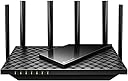
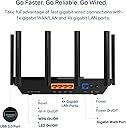
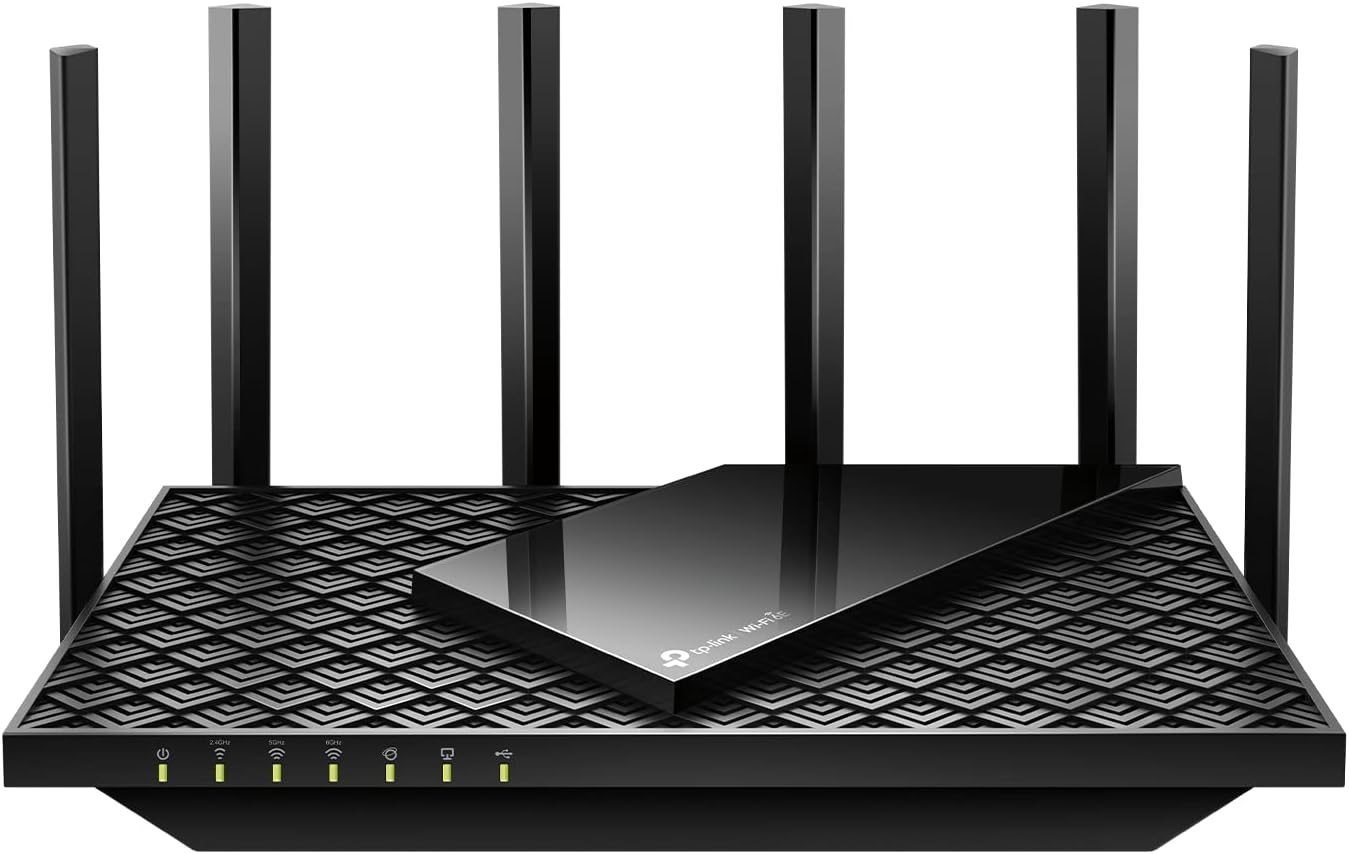
The TP-Link AXE5400 Tri-Band WiFi 6E Router (Archer AXE75) delivers cutting-edge wireless performance with up to 5400 Mbps speeds across three bands including the new 6 GHz spectrum. Powered by a 1.7 GHz quad-core CPU and 512 MB RAM, it supports multiple devices simultaneously with minimal latency. Its OneMesh compatibility ensures seamless whole-home coverage, while advanced security features like WPA3 and VPN support keep your network safe. Ideal for professionals and gamers seeking reliable, ultra-fast internet with future-proof technology.


| ASIN | B0B3SQK74L |
| Antenna Location | Gaming |
| Antenna Type | Fixed |
| Best Sellers Rank | #41 in Computers & Accessories ( See Top 100 in Computers & Accessories ) #3 in Computer Routers |
| Brand | TP-Link |
| Built-In Media | Power Adapter, Quick Installation Guide, RJ45 Ethernet Cable, Wi-Fi Router Archer AXE75 |
| Color | Black, White, Gray |
| Compatible Devices | Personal Computer |
| Connectivity Protocol | Wi-Fi, USB, WAN, LAN |
| Connectivity Technology | Wi-Fi |
| Control Method | App |
| Controller Type | App Control |
| Coverage | Whole-Home WiFi |
| Customer Reviews | 4.3 4.3 out of 5 stars (5,053) |
| Data Transfer Rate | 5400 Megabits Per Second |
| Frequency | 6 GHz |
| Frequency Band Class | Tri-Band |
| Global Trade Identification Number | 00840030707483 |
| Has Internet Connectivity | Yes |
| Has Security Updates | Yes |
| Is Modem Compatible | Yes |
| Item Dimensions L x W x H | 12.91"L x 10.43"W x 4.72"H |
| Item Weight | 0.69 Kilograms |
| LAN Port Bandwidth | 1000 Mbps |
| Manufacturer | TP-Link |
| Maximum Upstream Data Transfer Rate | 5400 Megabits Per Second |
| Mfr Part Number | Archer AXE75 |
| Model Name | TP-Link AXE5400 Tri-Band WiFi 6E Router (Archer AXE75) |
| Model Number | Archer AXE75 |
| Number of Antennas | 8 |
| Number of Ports | 5 |
| Operating System | Proprietary router operating system |
| Other Special Features of the Product | WPS, Internet Security, LED Indicator, Alexa Compatible, Parental Control, QoS, Beamforming |
| RAM Memory Installed | 512 MB |
| Router Firewall Security Level | High |
| Router Network Type | Tri-Band |
| Security Protocol | WPA2, WPA2-Enterprise, WPA3 |
| Smart Home Compatibility | Smart Home Compatible |
| UPC | 840030707483 |
| Voltage | 12 Volts |
| Warranty Description | 2 year manufacturer |
| Wireless Compability | 802.11ax |
K**Y
Day 1 - excellent router so far. Will update.
Upgraded from the Archer C3150 V1 (which was an upgrade from another TP Link router before that). Excellent upgrade. Set it up yesterday in about 3 min. I am an IT Professional for a living, so yes, my opinion on what's "simple" might not be the same as others. But that said, I imagine the interface was so simple anyone could set it up in less than 10 min. It walks you through everything. My 3 min included custom settings and port forwards, virtual servers, VPN, the works lol. Simple setup is great for beginners but if you're looking for more advanced features like these just click advanced and go to town. My old C3150 did a solid job for 4 years, but recently started having issues. The 5Ghz would almost never work, and the router needed rebooted once a day ish. I don't hold this against TP Link tho, because I have had Netgear, Asus, Lynksys, TP Link, you name it, I've worked with it either at home or at work, trust me, they ALL go bad eventually. From my experience, TP Link has the smoothest firmware, the longest life (4-8 years for me so far), and most reliable connection. The main reason I started with TP Link at home 12 years ago was because it was the only brand that gave me the FULL speed that my ISP was sending me. I pay for 1 Gig, and on a TP Link, I get 1 Gig. Anyways, signal around the house is significantly stronger with this than with my old Archer C3150. Ranch style house, router is on far end (worst spot ever, but best I could do). Old router would only get the 2.4 G to other side of house, with about 10Mbps on my phone. This one blasts all three bands strongly all the way out the other end of the house lol. 400Mbps on my phone standing right by the router (Samsung Note 20, non-ultra), and 150Mbps when I'm aaaaall the way on the other end of the house in the bedroom with the door shut. 100Mbps out the garage and on the sidewalk. House is ranch just under 2000 square feet. So distance/wall wise it's about the same as a 3500 sq ft 3 level house. This thing will do just fine in any average house. My basement is not counted in that sq ft and still gets perfect signal. Good thing about this router is is works with TP Link mesh ad ons, so if I ever decide I need an extender I can get one later. Pretty sure I won't tho. All in all, great start to a hopefully long 5 or 6 years with this router. Again, I only got it yesterday. If anything changes I promise to update this review right away.
F**N
Love it! Love it!🥰
We have lived in my house for over 10 years. It’s an older house built in the 60s, There are 6 of us in the house 4 adults, one 13y and one 7y. We have 3 ring devices, 4 Alexa’s, 6 fire sticks, 6 computers, 6 gaming consoles, a generator, and we all have iPads, cell phones etc, so there are a lot of devices connected to our wifi, so we’ve never had great luck with the range or performance of our internet signal. Things would buffer alot or we’d have dropped signals, so I was always restarting the router. We use to have Brighthouse but currently have Spectrum with just internet, We upgraded our internet to 1GB over a year ago and was given a dual band wifi 5 router that never really worked for us perfectly, I believe it was because it couldn’t support 1GB, but didn’t know that until I got this router. We were using an extender so we could connect to our generator and ring camera that was located outside, and just so you can have an idea, on our generator the wifi signal was at 2%, which was fine but if we wanted to connect anything else outside it was almost impossible. So we contacted customer support about the issues we were having, and they sent us there newest router the wifi 6e router, mind you we were still using the extender. It worked good for a couple days then it stopped. A lot of buffering and a lot of devices wouldn’t even connect to it like my Oculus Quest 2, my husbands work computer and more! I couldn’t even connect our ring camera outback, and the generator outside was getting 0%-1% signal, so the signal would drop a lot. I figured it was because a lot of things still aren’t compatible with wifi 6. So we called support again they did manage to get everything working for about 5 days, then it would stop again. So we called support for the last time and they told us to try to buy a router ourselves. So I happened to come across this one. I was pretty skeptical, thinking it may work as well as the dual band one we had only maybe a little better. The setup process was so easy! Didn’t have to call Spectrum at all! I do wish that the parental controls, security+ and, QoS was free. But they do give you a free month with any of them. So I did the security+. The app you use with it is great! There are a lot of tools in the settings. You can have it auto connect to a network or set it up separately so you can choose 2.4, 5 or 6G, which is what I did. You can have a guest network, optimize your network performance and a lot more! Everything connected perfectly with excellent signal! So I figured I would try to connect the generator and ring camera outback without the extender just for kicks, since I was feeling optimistic😎 The ring camera connected perfectly with excellent signal! Now was the most important test, the generator😵💫 Connected it for the first time and I see 22% signal!!! I was SOOO excited! Then I went to the farthest part of my backyard with my cell phone where Iv never had wifi signal before and I had 3-4 bars of wifi signal!!! I couldn’t believe it! This thing has GREAT range, GREAT performance, and is easy to set up and use, what else could you want! It’s been a couple weeks now, no buffering! and everything works flawlessly! I couldn’t be happier! No one complaining for me to fix the wifi anymore and no restarting it twice a week! I would definitely recommend this to anyone that has horrible or just ok wifi signal. The only flaw I can say about it is needing a subscription for the extras. Otherwise just go for it! You don’t like it just return it.
S**.
Superb router for houses with dead spots, builds a seamless mesh network with TP extenders. We've had perfect WiFi across the house since buying this.
M**F
TP-Link AXE5400 Tri-Band worked reall well , speed is fine , easy setup , recommend
D**O
La configuración con la app es sencilla
M**G
It working with excellent performance. Thanks
A**R
The router has an American power cable causing problem with usage
ترست بايلوت
منذ 3 أيام
منذ 3 أسابيع