We remain fully operational. Our teams are working around the clock to ensure your deliveries continue safely.

قم بتنزيل التطبيق


معلومات عنا
حقوق الطبع والنشر © 2024 Desertcart Holdings Limited
قم بتنزيل التطبيق




Buy anything from 5,000+ international stores. One checkout price. No surprise fees. Join 2M+ shoppers on Desertcart.
Desertcart purchases this item on your behalf and handles shipping, customs, and support to KUWAIT.
🔒 Elevate Your Security Game with 36-Channel Power & Smart AI Precision
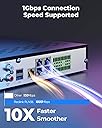
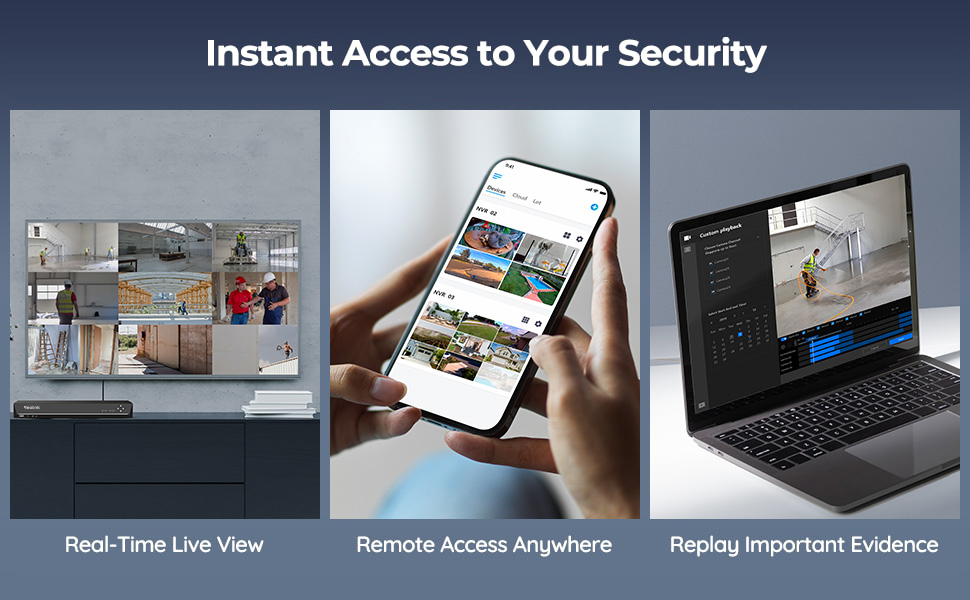
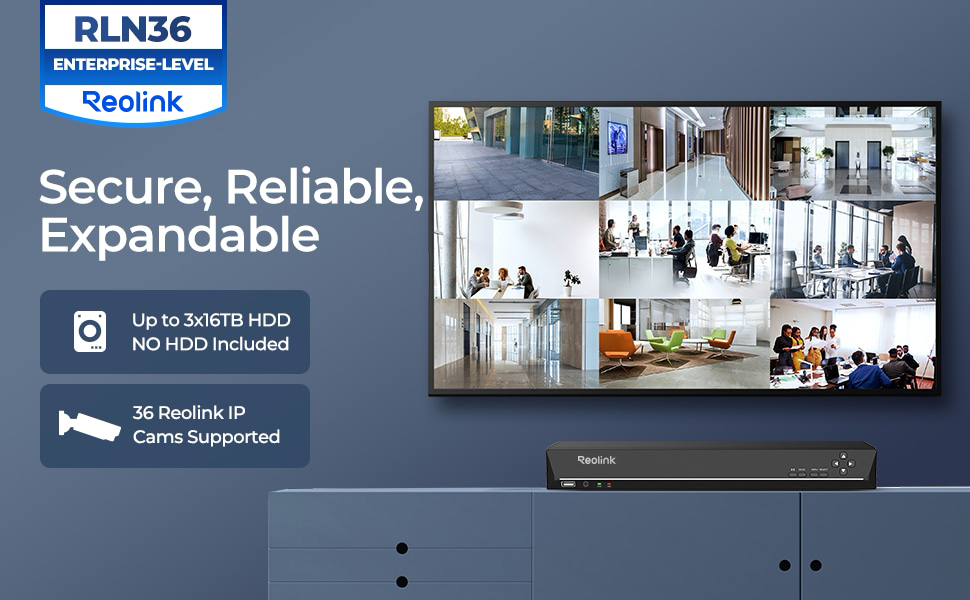
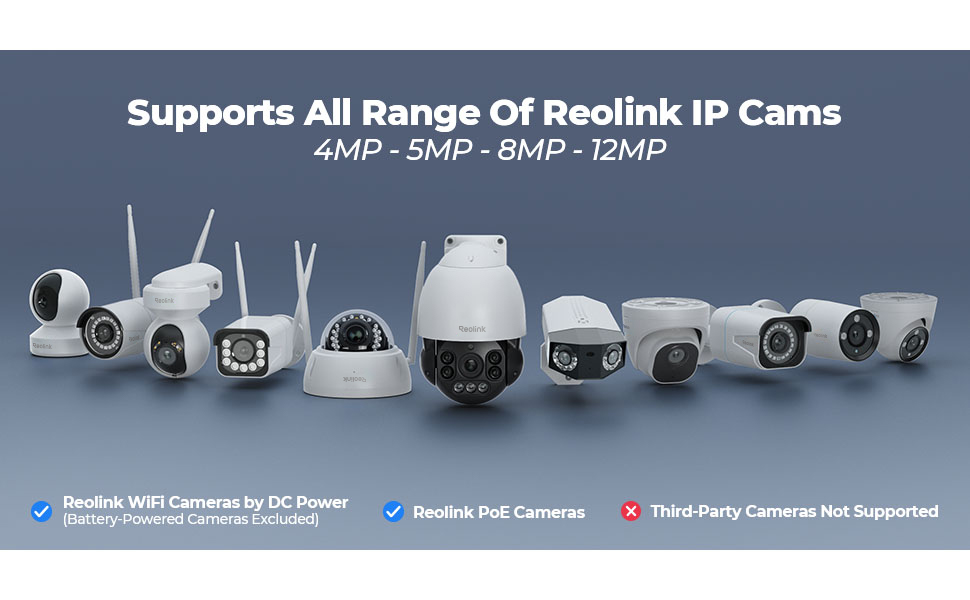
The Reolink RLN36 is a professional-grade 36-channel NVR designed exclusively for Reolink IP cameras, supporting up to 16MP/4K resolution. Featuring three HDD bays with a combined 48TB capacity, it enables continuous 24/7 surveillance recording. Expandable via four PoE switches for zero-latency multi-camera management, it also offers two-way audio and smart AI features like human and vehicle detection, making it ideal for comprehensive, scalable home or business security systems.





| ASIN | B09YDCCMYD |
| Audio Input | RCA |
| Best Sellers Rank | 88,189 in DIY & Tools ( See Top 100 in DIY & Tools ) 4 in Video Transmission Surveillance Systems |
| Box Contents | 1 x RLN36 NVR (without HDD pre-installed); 1 x NVR Power Adapter; 1 x HDMI Cable; 1 x USB Mouse; 1 x 1m Network Cable; 1 x Quick Start Guide; 3 x Pack of Screws |
| Brand | Reolink |
| Brand Name | Reolink |
| Compatible Devices | cams Reolink |
| Compatible devices | cams Reolink |
| Connectivity technology | USB |
| Country of Origin | China |
| Customer Reviews | 4.6 out of 5 stars 243 Reviews |
| EU Spare Part Availability Duration | 2 Years |
| Hard disk size | 16 TB |
| Hard-Drive Size | 16 TB |
| Item Type Name | Reolink 36 Channel NVR for Security Camera |
| Item Weight | 3.84 Kilograms |
| Manufacturer | Reolink |
| Manufacturer Part Number | RLN36 |
| Media Format Digital Video | H.264 |
| Memory Storage Capacity | 48 TB |
| Memory storage capacity | 48 TB |
| Model Number | RLN36 |
| Network Connectivity Technology | USB |
| Number of Channels | 36 |
| Number of channels | 36 |
| Product Warranty | 2-year limited warranty |
| Total USB Ports | 3 |
| Video Input | RJ45 |
B**R
Easy setup works like a dream
Bought this to work with my 2 new cameras, once I’d installed the hard drive it setup and connected to my cameras very fast. There’s no deviation from what the camera sees quality wise and the image recorded and that’s the same with the sound. It’s very easy to use and is the perfect nvr for my Poe cameras! It’s worth noting that it’s compatible other camera makes, but if your using it for Poe cameras you will need a Poe injector as this doesn’t provide power over Ethernet directly
T**R
Does the job
Needed to make Additions to my current cctv set up. Was easy to set and good value for money. Connecting was straight forward. I find reolink is a good quality system. With 36 channels it's got great functionality.
P**L
Good value product
I have been using Reolink's for quite a long time and this is the first time I have even seen the 36 port nvr I was very excited to use it as I have a property that requires a lot of cameras. It works the same as all the other nvr which is a good thing as our simple to operate and configure. It is worth mentioning that you need to purchase and install hard drives as the kit comes with nothing. I suppose this is normal for large devices but I have been used to getting the device with built-in storage so was surprised and had to come back to the site a few days later to install the storage.
J**E
Good value for money
It's been a solid device and is good price to performance compared to some of the range.
M**E
No inbuilt PoE or HDD but works great when set up
Solid, reliable recorder. Set it up with 3x 4TB WD drives and it's been running 24/7 without a hiccup. Interface is clean, footage retrieval is straightforward, and it integrates well with Home Assistant. 36 channels gives plenty of room to grow. Important note: no built-in PoE — cameras connect over your network, so you'll need a separate PoE switch. Worth knowing before you buy.
J**E
Works well
Pretty easy to setup. I don’t have cameras connected directly to it, but rather recording over the LAN. It works well and it’s good to have 24 hour recordings. Good value.
T**G
Good NVR for Reolink cameras
This is a really nice NVR, really easy to setup and use, playback function can be set to only show motion events, which helps to locate interesting events. Only works with Reolink cameras I believe. No HD supplied with this unit, but has capacity to fit 3 3.5" Drives
C**S
Ok, but the UI has a little bit of an identity crisis
Good if you’re already invested in the Reolink system. Especially ok if you’ve got nothing to compare it to. But missing some essential functionality IMHO. I bought this to replace a dedicated (Linux / home brew) based solution, which was built to spec. So an ‘off the shelf’ system was never going to tick all my boxes. But it did make my life much easier to get 9x new Reolink cameras recording quickly, with all the motion event flags, etc. Reolink cameras will attach and record ok. Motion events are highlighted on the playback bar and it’ll attach to the Reolink phone app 👍 BUT… For me, the network playback & administration functionality has a bit of an identity crisis. i.e. The local (hdmi) interface of the NVR is a much richer experience than the app/web based playback. If you want to stick this under your tv in the living room, that’s fine. But in that case, I’d be wanting a remote and a couch control experience too (who wants to use a mouse, 3ft away from their tv)? So to me, this is better suited in a secure, remote location. Like a rack in a locked server room. But then, because you can’t remotely access much of the administrative functions, you’ll need to stick a monitor and mouse in there too. And go there manually to administer it 🤬 I am seriously considering attaching it to a CometPro KVM (or similar) for proper remote access. But that’s basically doubling the cost of the NVR. … and without a network KVM, you really do have to go and attend to it manually. You can’t add new cameras to the NVR via the app or web-if. You have to do it on the device itself. For me, that goes against the spirit of the “N” in “NVR”. Backup is also a bit tedious. I expected to be able to easily pull recorded files over the network when required. But the primary export method involves sticking a USB stick into the physical NVR. Downloading recordings over the network is slow, painful, limited & feels like an afterthought. To me, the playback is a bit odd too. I expected to see a native grid view (all cameras at once, playing back in sync) with the ability to seamlessly toggle between them. But that’s not how it works. It assumes you just want to see one at a time. With a bit of faff, you can ‘pin’ 4 cameras to the same view. But if you want to have more playback views in sync (to see activity across the whole site), you’re out of luck. Full grid view was available on all the DVRs I’ve used in the past worked. But maybe I’ve been spoiled. Last but not least, a minor word of caution to anybody who fits multiple HDDs, of large capacity… the load balancing logic is really basic. It will fill up one disk, then go to the next, and eventually loop. The real world effect of that, is you’ll have a disk spinning for a whole month, with no usage. It won’t spin a disk down, when it’s not being used. Of course, you wouldn’t want it spinning down frequently, but when we’re talking a month or more between access times, then I’d like to have the option.
ترست بايلوت
منذ 3 أسابيع
منذ 3 أسابيع