We remain fully operational. Our teams are working around the clock to ensure your deliveries continue safely.

قم بتنزيل التطبيق


معلومات عنا
حقوق الطبع والنشر © 2024 Desertcart Holdings Limited
قم بتنزيل التطبيق

Buy anything from 5,000+ international stores. One checkout price. No surprise fees. Join 2M+ shoppers on Desertcart.
Desertcart purchases this item on your behalf and handles shipping, customs, and support to KUWAIT.
🎶 Your portable studio’s secret weapon — create, control, and captivate anywhere!
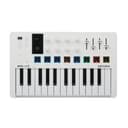
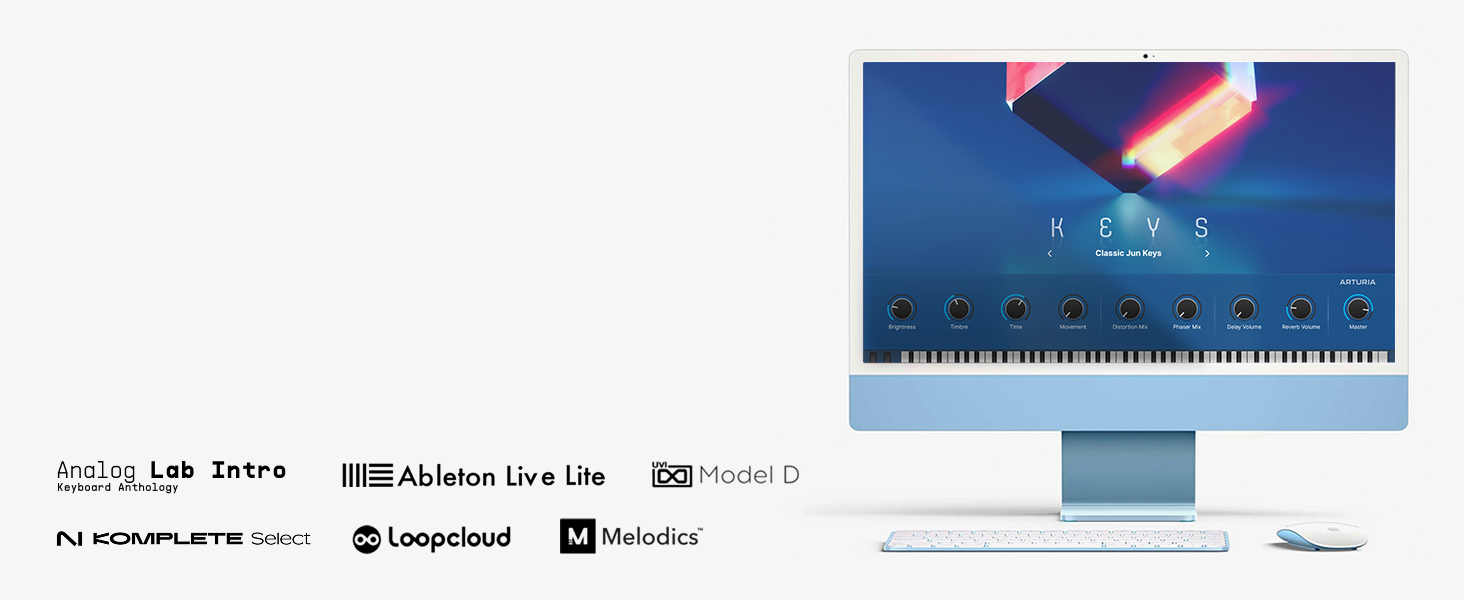
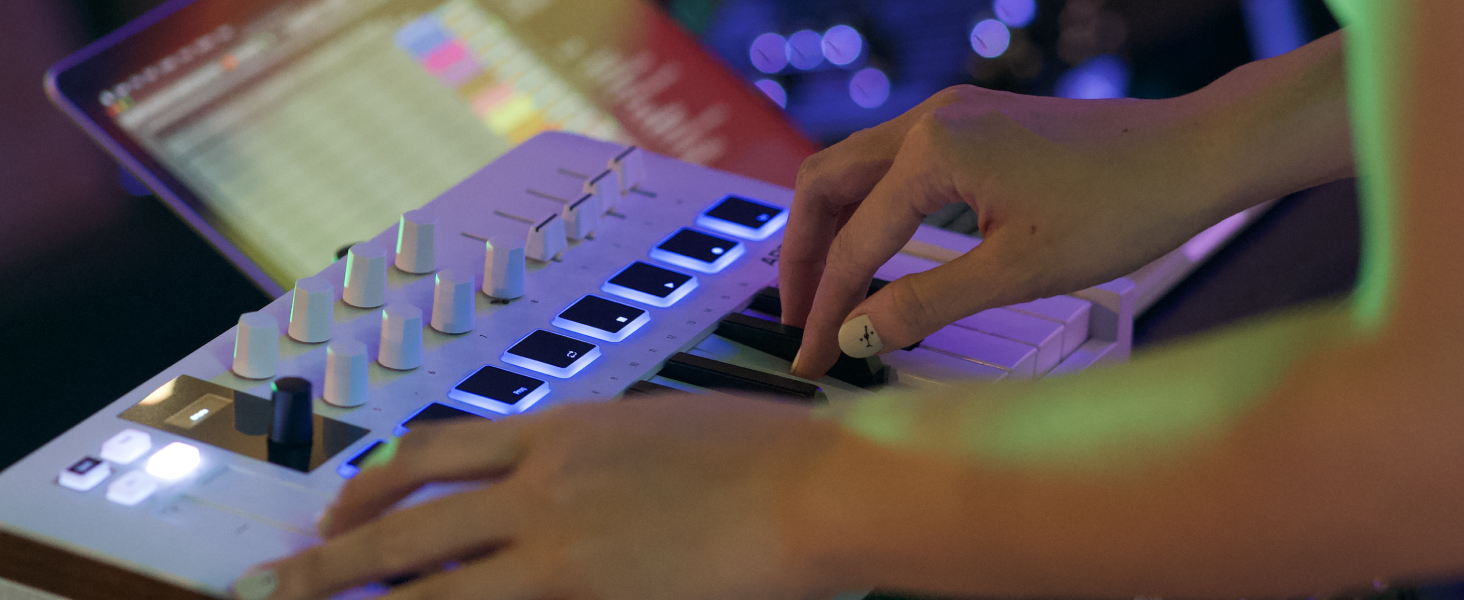
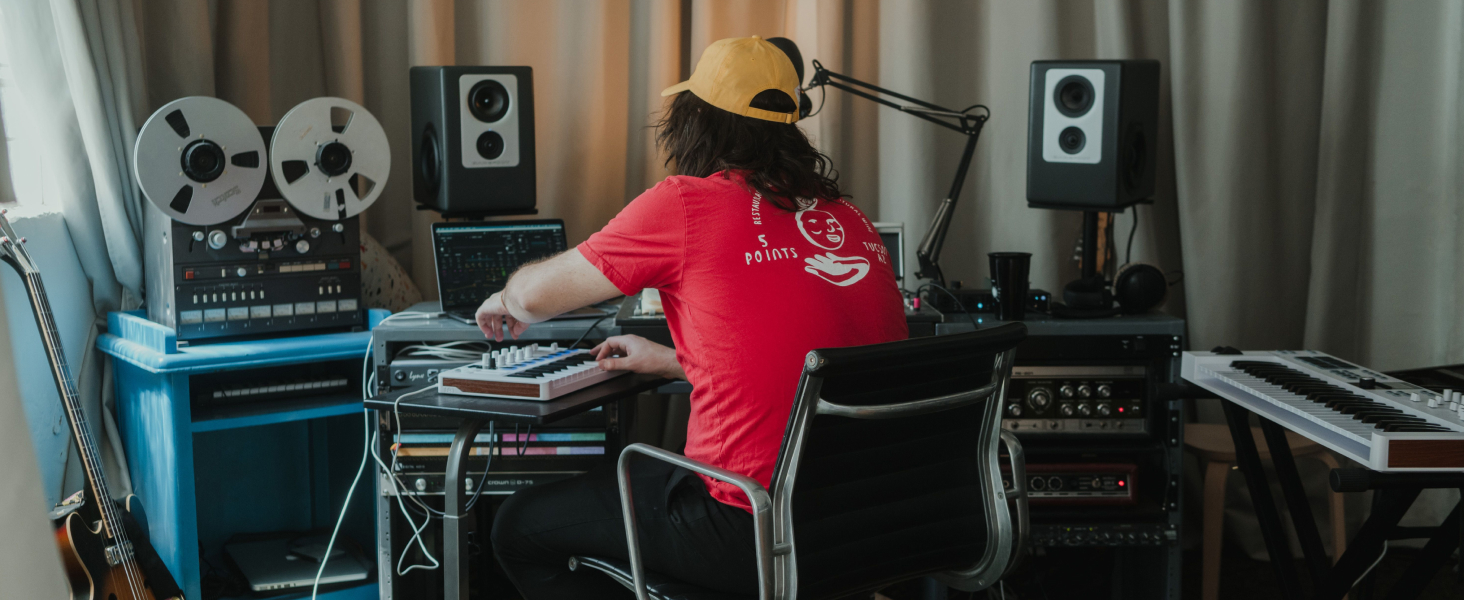
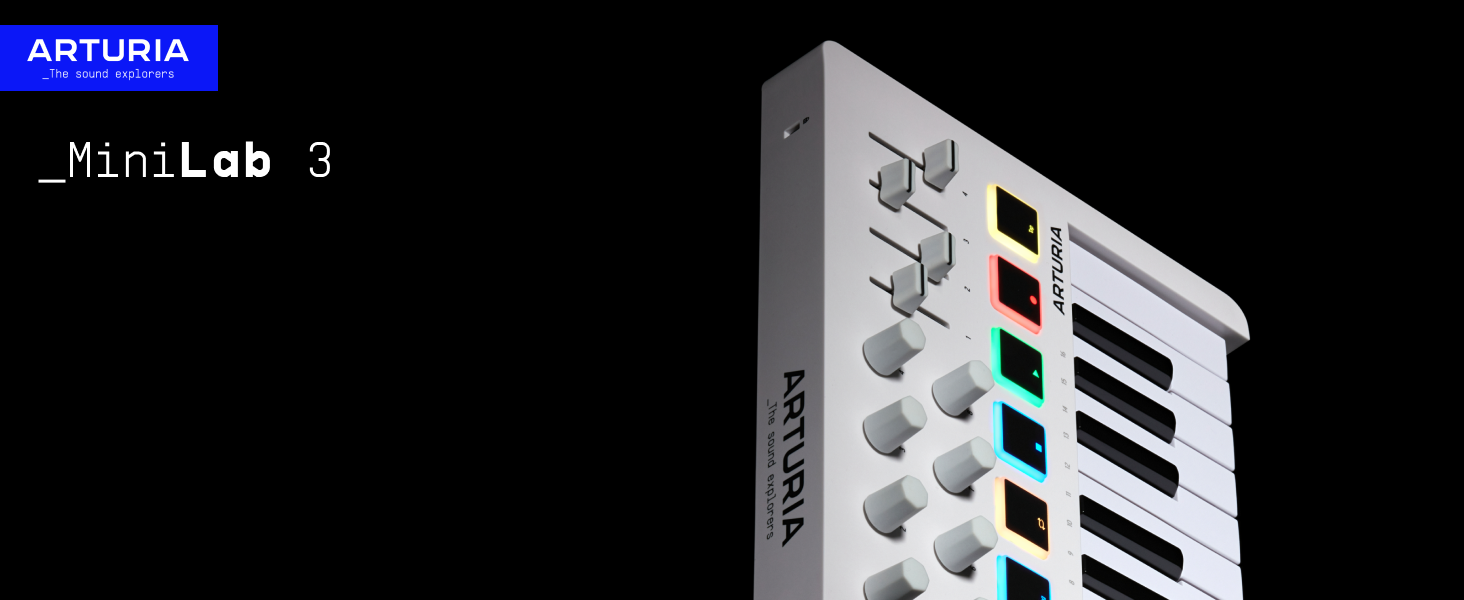
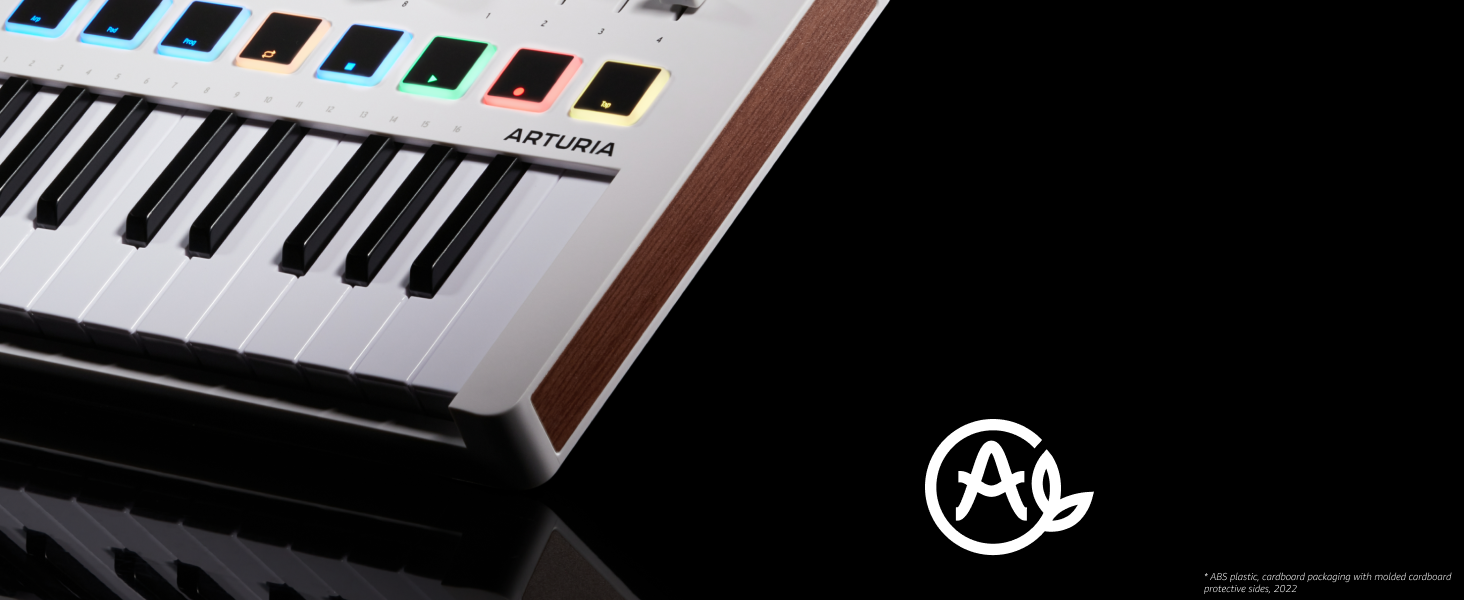
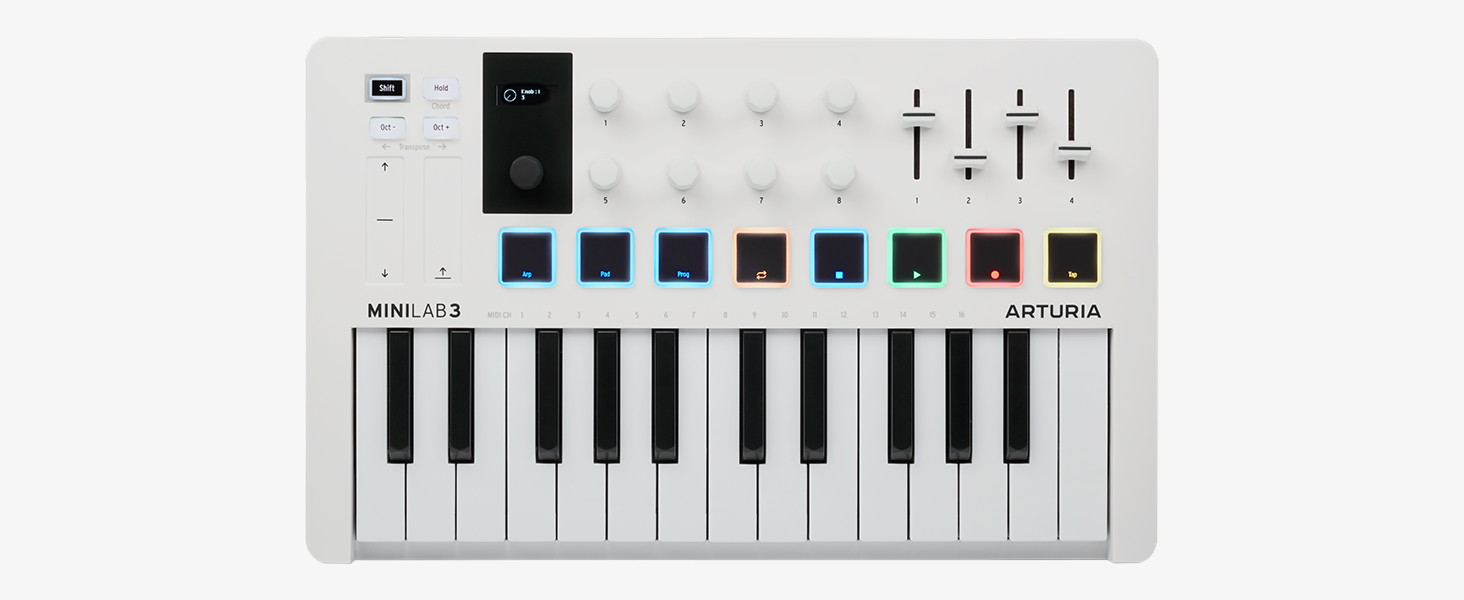
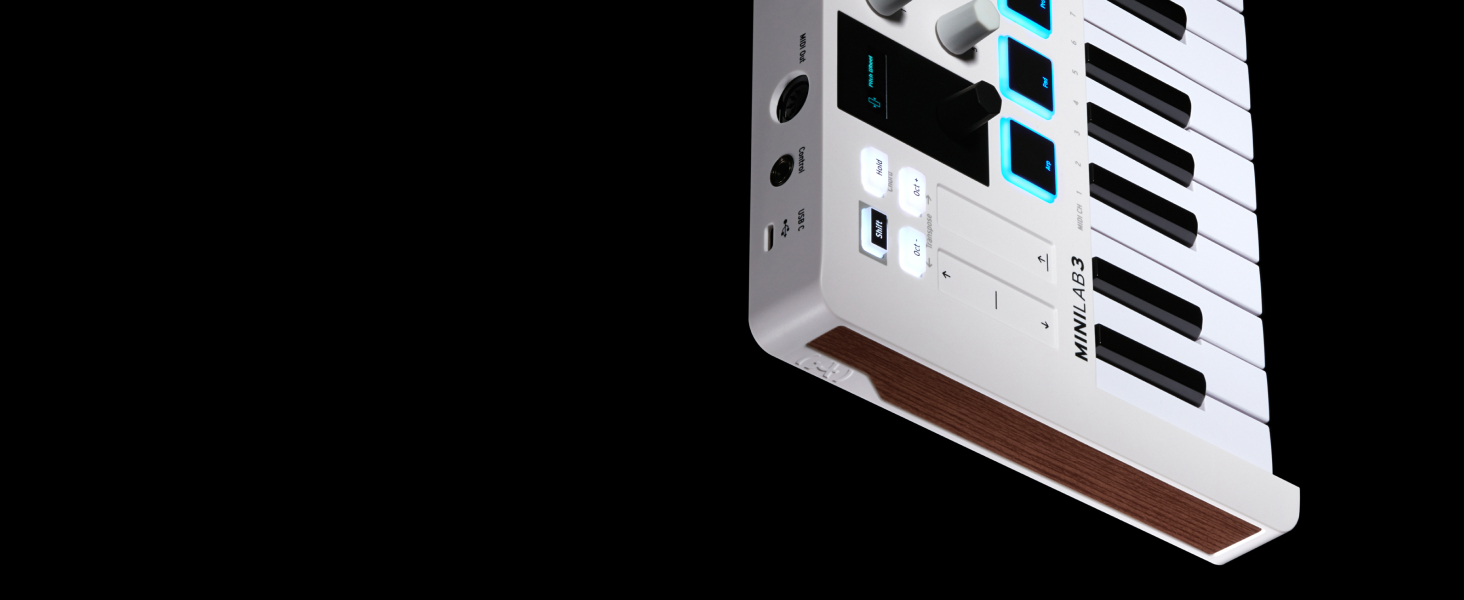
The Arturia MiniLab 3 is a sleek, portable 25-key MIDI controller designed for professional music producers and creators on the go. Featuring velocity-sensitive slim keys, 16 RGB backlit pads, 8 rotary encoders, 4 faders, and dual touch strips for pitch bend and modulation, it offers comprehensive hands-on control. Its built-in arpeggiator, mini display, and bundled software suite (Ableton Live Lite, Analog Lab Intro, UVI Model D) make it a versatile all-in-one solution for seamless music production across PC and Mac platforms.


| ASIN | B0BGMNKCNT |
| Additional Features | 2 banks of 8 velocity and pressure sensitive pads with RGB backlighting, 2 capacitive touch sensors for pitch bend and modulation wheel, 8 rotary encoders, Built-In Arpeggiator, Mini display and clickable browsing knob |
| Best Sellers Rank | #466 in Musical Instruments ( See Top 100 in Musical Instruments ) #7 in Computer Recording MIDI Controllers |
| Brand Name | Arturia |
| Color | White |
| Compatible Devices | PC |
| Connectivity Technology | USB |
| Connector Type | USB |
| Control Method | Touch |
| Control Type | keyboard, pads, rotary encoders, sliders, display, arpeggiator, pitch bend and modulation wheel, MIDI out |
| Customer Reviews | 4.7 4.7 out of 5 stars (3,187) |
| EU Spare Part Availability Duration | 5 Years |
| Global Trade Identification Number | 03760033531694 |
| Hardware Interface | USB |
| Hardware Platform | PC/Mac |
| Human Interface Input | Keyboard |
| Included Components | Software Suite |
| Instrument | Keyboard |
| Instrument Key | Any |
| Item Dimensions D x W x H | 8.6"D x 14"W x 2.1"H |
| Item Type Name | MIDI Controller |
| Item Weight | 3.1 Pounds |
| Keyboard Description | 25 Slim Keys, Synth Action with Velocity |
| Manufacturer | Arturia |
| Material Type | Plastic |
| Model Name | MiniLab 3 |
| Model Number | MiniLab 3 |
| Model Year | 2022 |
| Noise Control | None |
| Number of Keys | 25 |
| Platform | Mac, Windows 10 |
| Product Style | MiniLab 3 Only |
| Size | 25-Key |
| Supported Software | Ableton Live Lite, Analog Lab Intro, UVI Model D |
| Total USB Ports | 1 |
| Unit Count | 1.0 Count |
| Warranty Description | 5 year limited warranty. |
N**O
Works as intended.
Better than expected. The keys have a sort of weight to them that makes it feel similar to a much higher priced keyboard. Using it with FLStudio was easy to setup and get going. The buttons all worked as well. Its really good quality considering the cheaper price. And being on the smaller size, you dont need to take up your whole desk with it being smaller. I liked the color I choose, the black and orange.... pretty sick combo visually.
T**.
Great value keyboard controller! Easy to play, great bundled software, cool built-in features.
I've had this keyboard controller for almost 2 years now and I absolutely LOVE it! If I could give it 10 stars I would! It has plenty of controls, including faders, dials, a nice LED screen to show mode or even what preset you have running in your DAW (Arturia provides Analog Lab V Intro VST 3 instrument plugin with tons of presets), it has a few modes for running arps, holding a chord, etc. There are two touch strips, one for mod and one for pitch bend and they are both responsive. The keyboard itself is easy to play, and the keys are responsive to pressure but not hard to press down. The pads I am not too happy with as those feel stiff because they don't go down very far and you don't really know if you're pressing hard enough or not. But they are quite responsive. Arturia also has a MIDI controller utility to let you adjust these things to your liking. Arturia also provides Ableton Live Lite but I prefer to use this with Mixcraft 10 Pro studio. It works out pretty well. Another cool thing is when it goes into sleep mode the pads cycle in a rainbow of colors for a little lighting effect. But they don't cycle or flash or do anything fancy while you play. Overall, this is a great keyboard controller. It's small so you can take it anywhere. And it has all the basic features and an on-board arpeggio generator system which is pretty decent. You can also hold a chord during an arp for some really cool arps. I use this thing all the time. It's sturdy and holds up well to a lot of playing. Very high quality controller. I highly recommend this if you don't have a lot of room in your studio or if you are on the go and want something to bring along with your laptop to make music with.
A**1
It's really 4/5 stars but hey gotta balance out the haters.
This was my first midi controller and I love it. To be fair I only own Arturia midi controllers, but that's a testament to the fact that I've been happy with their products. I ended up getting a KeyLab61 after the MiniLab3. As far as playing goes, 25 keys is not really enough. But it's definitely better than nothing! And to any newbies like I was, you don't need a midi controller at all since you can use your computer keyboard in Ableton Live (and probably other DAWs too). A midi controller makes it easier to explore the range of sounds that various synths and digital instruments can make. At one point after I got this and before I got the KeyLab I ordered a Launchkey 37 (standard). It was kinda bulky and I figured I'd save my money for a better second controller. But I think the Novation controllers are good too - it's just that I was already hooked on Arturia. I would possibly suggest getting a 37 key controller for your first controller as I used to kind of wish I'd done that. But the compact nature and portability of the MiniLab3 is definitely valuable and has its merits. I like the design and construction of Arturia products. Obviously the key bed on the KeyLab is better, but for $110 the MiniLab is a great starting place. I think the MiniLab3 came with Analog Lab Intro (or was it Lite?) and the KeyLab61 comes with Analog Lab Pro. I love Arturia plugins. I definitely love them better than Native Instruments plugins. I think they work / feel better on Mac. Since getting the MiniLab3 I have gotten: a KeyLab61, V Collection 11, FX Collection 5, and Pigments. Once you get in with a product from one of these companies they keep offering deals on other software. It's a great idea from a business standpoint for them, and it's a great idea for the user if they like the products. They teased me with analog lab intro/lite and got me hooked and now I'm an Arturia goon. Eventually I'll get the AstroLab88. The new AstroLab37 is soooo enticing.
E**D
Happy with this product, great software
I bought this to use primarily as a controller for a live looping set up, I have an older 61-key version that has served well as a keyboard controller for my home recording set up. This 25 key version did not disappoint. The keys are not full size, but playable, key action is nice, and the pads are good as well. The included software is where this company shines, downloads went smoothly. There is one program for MIDI control set up, very powerful and easy to use (and the keyboard has a 5-pin MIDI out, thanks!). The bundle of software sounds (pianos, synths, etc.) has enough high quality sounds to keep me fiddling for a long time, and many are musically useful. The user interface on the sounds package is improved over earlier versions. My only wish is they would make this package available for iPad. I can't comment on the Ableton lite package, i have not used that. Overall, I think this will be a good choice for folks wanting a compact controller and keyboad for home DAW setups.
E**S
Recientemente adquirí el Arturia - MiniLab 3, influenciado por las vibrantes recomendaciones en Moneyland, y mis expectativas han sido superadas. Este controlador MIDI no es solo un dispositivo; es una ventana a un universo de creatividad musical sin límites. 🔹DISEÑO Y CONSTRUCCIÓN🔹 👍 LO QUE MÁS ME HA GUSTADO: - Estética y Calidad ➤ Su diseño elegante y la construcción sólida me impresionaron desde el primer momento. A diferencia de otros controladores MIDI, el MiniLab 3 se siente robusto y confiable, perfecto para llevarlo a cualquier parte sin preocupaciones. 🔹FUNCIONALIDAD Y USO DIARIO🔹 👍 LO QUE MÁS ME HA GUSTADO: - Versatilidad ➤ La integración sin fisuras con software de producción musical, especialmente con el paquete todo en uno que viene incluido, ha revolucionado mi flujo de trabajo. Las 25 teclas sensibles a la velocidad, junto con las 8 almohadillas, ofrecen una expresión musical inigualable. - Facilidad de Uso ➤ La curva de aprendizaje fue sorprendentemente corta, gracias a la interfaz intuitiva y el software complementario. Incluso para alguien que, como yo, viene de explorar Moneyland sin mucha experiencia previa en producción musical, el MiniLab 3 facilita la experimentación y la creación. 🔹CONCLUSIÓN🔹 El Arturia - MiniLab 3 ha sido una adición valiosa a mi conjunto de herramientas creativas. Su diseño, funcionalidad y el paquete de software incluido lo convierten en una elección insuperable para cualquier entusiasta de la música, desde principiantes hasta profesionales. Gracias a Moneyland por la recomendación; el MiniLab 3 no solo ha cumplido, sino que ha superado mis expectativas, abriendo un nuevo horizonte de posibilidades musicales. 🎶💖
C**6
Ho acquistato l'Arturia MiniLab 3 per migliorare le mie sessioni di registrazione con la chitarra e per creare tracce MIDI multi strumentali. Questo controller MIDI si è rivelato una scelta eccellente per le mie esigenze, è davvero versatile e potente se si ha pazienza a settare ogni cosa! L'Arturia MiniLab 3 è un controller MIDI compatto dotato di 25 tasti sensibili alla dinamica, 16 manopole assegnabili e 8 pad sensibili alla pressione. È compatibile con la maggior parte dei software di produzione musicale e viene fornito con un'ampia gamma di software inclusi, tra cui Analog Lab Lite. Che tra parentesi ha una libreria audio fantastica! PRO: - La qualità costruttiva è solida e il design compatto lo rende perfetto. I tasti sono reattivi e piacevoli da suonare, mentre le manopole e i pad sono altamente personalizzabili. - Utilizzo i controlli MIDI per facilitare le mie sessioni di registrazione con la chitarra, permettendomi di regolare effetti e parametri in tempo reale senza dover interrompere il flusso creativo. - Preparare tracce MIDI multi strumentali è un gioco da ragazzi con questo controller. La mappatura dei controlli è semplice e intuitiva, e la compatibilità con il mio software DAW è perfetta. CONTRO: - Non ho riscontrato nessun problema significativo con l'Arturia MiniLab 3. L'unica cosa che potrebbe migliorare è l'inclusione di più pad, e magari rendere il feedback tattile un pelo migliore. Capita che ho il dubbio che abbia preso il comando o meno. Rapporto Qualità-Prezzo: Il prezzo è assolutamente competitivo per un controller MIDI di questa qualità. La combinazione di funzionalità, versatilità e accessori software inclusi rende l'Arturia MiniLab 3 un ottimo investimento per qualsiasi musicista. Conclusione: Consiglio vivamente l'Arturia MiniLab 3 a chiunque cerchi un controller MIDI versatile e affidabile. È perfetto per facilitare sessioni di registrazione e per creare tracce MIDI multi strumentali in modo efficiente e creativo. Un must-have per il mio setup!
P**R
Nice compact, looks great, love the feel of the endless rotary knobs, very satisfying to turn. So much value is bundled with the software you can redeem once registered, i was super impressed! I love Arturia's plugins already before I bought this, I love them even more now, they definitely make you feel like your business is valued just with how much value they give you with every purchase, to sum up Arturia they GIVE you the milk and the quality cow, meanwhile every other competitor is trying to milk YOU for all you got! That's how you do Brand loyalty!
J**É
Arturia es calidad en sus teclados midi, aparte te incluye licencias muy buenas Es fácil de transportar y trabaja bien con Logic
L**A
Gostei, mesmo não tendo "contemplado"! Vou providenciar upgrade do computador (imac e macbook 2011), mas deveria devolver o produto. Não consegui acessar os knobs em nenhuma DAW que tinha (máquinas não suportam versões atuais). Mas vou elogiar a leveza e a praticidade aparente de instalação. Ruim: não poder ligar direto a uma caixa bluetooth, ou, ter uma alimentação de energia própria (para facilitar uso com celular. Fora isso, é o que dizem nos reviews.
ترست بايلوت
منذ يومين
منذ أسبوعين