We remain fully operational. Our teams are working around the clock to ensure your deliveries continue safely.

قم بتنزيل التطبيق


معلومات عنا
حقوق الطبع والنشر © 2024 Desertcart Holdings Limited
قم بتنزيل التطبيق

Buy anything from 5,000+ international stores. One checkout price. No surprise fees. Join 2M+ shoppers on Desertcart.
Desertcart purchases this item on your behalf and handles shipping, customs, and support to KUWAIT.
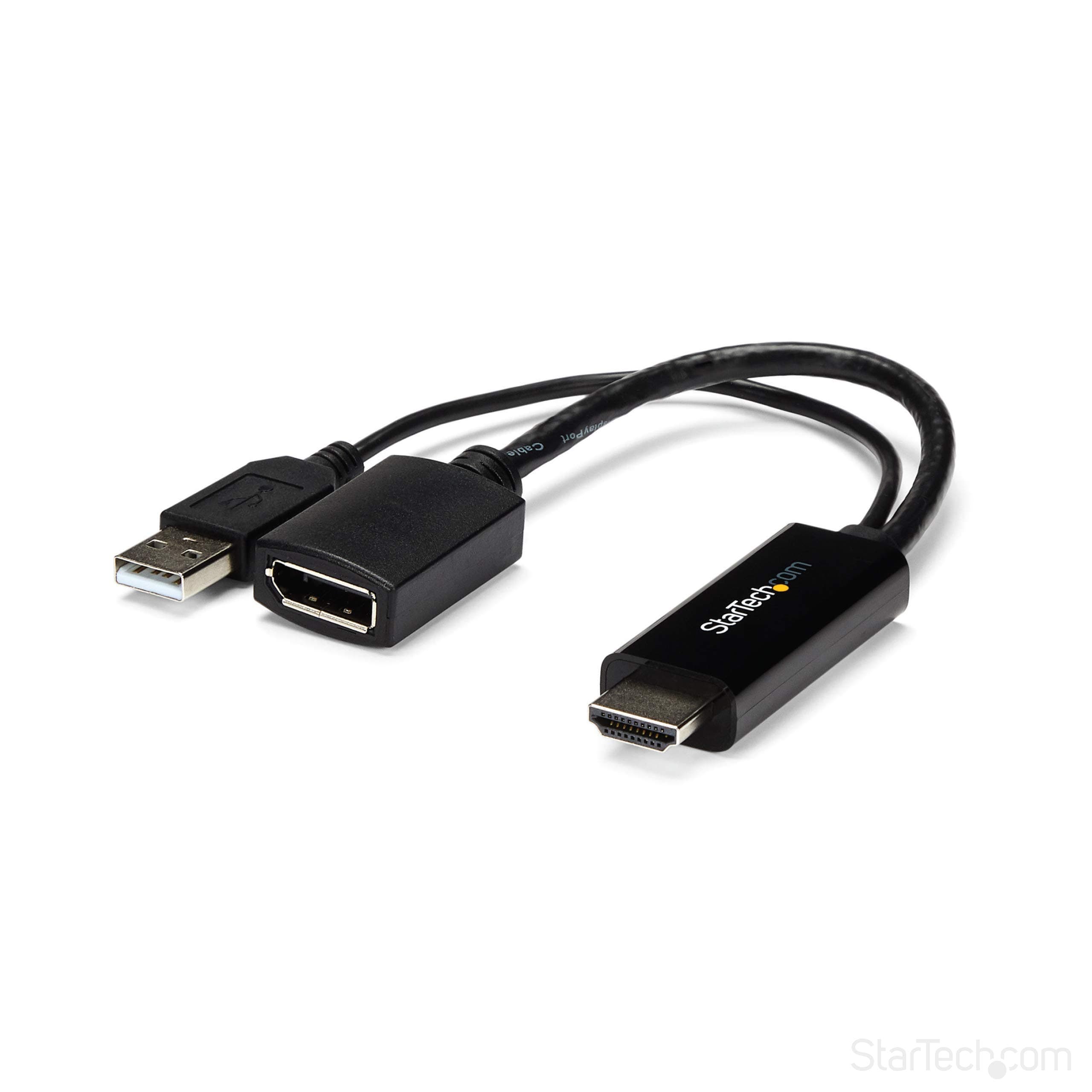
🚀 Elevate your workspace with flawless 4K and ultra-smooth display power!
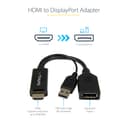
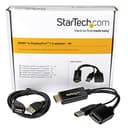
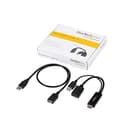
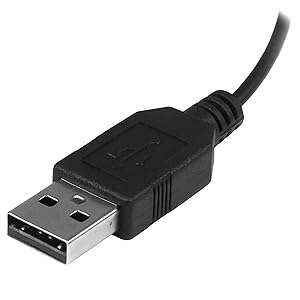
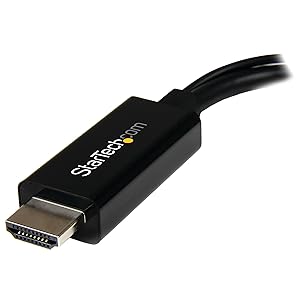
The StarTech.com HDMI to DisplayPort adapter actively converts HDMI 1.4 signals to DisplayPort 1.2, supporting up to 4K resolution at 30Hz and high refresh rates up to 144Hz at 1080p. USB-powered for convenience, it enables professionals to connect HDMI laptops to DP monitors without external power bricks. With plug-and-play ease and backed by a 3-year warranty plus lifetime support, it’s a reliable productivity booster for modern workstations.


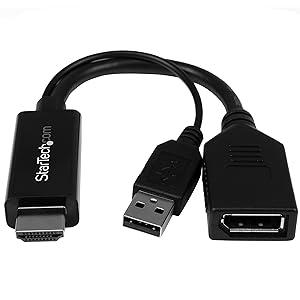
| ASIN | B0144NS4Z6 |
| Best Sellers Rank | 22,143 in Computers & Accessories ( See Top 100 in Computers & Accessories ) 56 in DVI to HDMI Adapters |
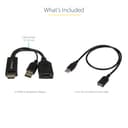
| Box Contents | User manual, cable or connector. |
| Brand Name | StarTech |
| Colour | Black |
| Compatible Devices | Devices with HDMI output |
| Connector Type | HDMI to DisplayPort |
| Country of Origin | China |
| Customer Reviews | 4.1 4.1 out of 5 stars (392) |
| External Testing Certification | RoHS, FCC |
| Global Trade Identification Number | 00065030861588 |
| Input Voltage | 5 Volts (DC) |
| Item Dimensions | 25.4 x 2.3 x 1.3 centimetres |
| Item Type Name | A/V Cable |
| Item Weight | 0.04 Kilograms |
| Manufacturer | Startech |
| Model Number | HD2DP |
| Nominal Power | 2.5 Watts |
| Number of Items | 1 |
| Number of Ports | 2 |
| Package Quantity | 1 |
| Power Plug Type | No Plug |
| Product Finish Type | Matte |
| Product Warranty | 24 months |
| Specific Uses For Product | Monitor |
| UPC | 065030861588 |
| Unit Count | 1.0 Count |
| Warranty Type | Limited |
R**J
Superb adapter and works for 120hz
I bought this to connect laptop to an external display for 1080p @ 120hz. Laptop has Nvidia card with a single HDMI 2.0 port, but the monitor can only do 60hz as it is only HDMI 1.4. This is where this adapter comes in, take HDMI signal and deliver it to the monitor's DisplayPort where I can get 120hz. Initially, it did not work and I was only getting1080p 60hz. I was confused since the specs on StarTech's website specifically mention that it can do higher refresh rate. Eventually, I found out that I need to go into Nvidia Control panel and scroll down the list resolution option to the PC section, pick 1080, which gives me options for higher refresh rates 120hz, 144hz and 240hz. Works great! The box contains the adapter and an USB extender cable. The adapter can get power from the HDMI port, but not every device provides enough power. This is where the USB cable comes in. On my laptop, there was no need to plug it in. As mentioned above the module works at higher refresh rates, and for 4k flawlessly.
G**.
Works better than expected supports 1080@144hz
This rare item is a wonderful piece of tech. I most manufacturers only make hdmi to display port as opposed to display port to hdmi. So upon finding this item I was delighted and it works better than expected. I currently use a kvm switch to switch between two display port monitors and it switches perfectly. This adapter when not actively being used by the monitor but plugged in continues to act as if its still their meaning the transition between the two screens is very smooth and there's no monitor glitching effects. On my ASUS VG278QR Gaming Monitor, with it being capped at 120hz on hdmi and 165hz through display port, I thought that this device would still cap it at 120hz. But to my surprise this device enabled the hdmi port on my laptop to hit 144hz which is quite impressive.
J**W
Maintained a 1440p 60Hz image from HDMI to Displayport
The image was converted well on my laptop. Unexpectedly, the colours actually look better once converted to DP, however, that may be down to different monitor channel settings. I would have given it 5 stars if it wasn't for the fact that I originally intended it for my Nintendo switch, but the signal output no audio. Audio worked fine when plugged into laptop though. Additionally, not much of an issue but my monitor no longer switches off automatically when laptop is closed. Think it's related to the fact that this adapter gets a constant power supply through the usb connector meaning the monitor does not lose the signal like it would usually when the laptop is closed. Overall, I like the adapter as it allows me to have a third input connected to my monitor at all times and run a 1440p 60Hz image. However, due to the small issues listed previously, it's not as excellent and trouble-free a solution as I've come to expect from other Startech products I've purchased in the past.
J**X
It works better if connected to a USB power source.
This item has no effect on 'Screen quality' and is not meant to. Delivered early and securely packaged. The cable is used to connect HDMI to Display port (DP) and has a USB power cable that needs to be connected for it to work at its best. I have used it daily for the past month with no issues. I'm happy with its performance and quality and would recommend it. However do some research and make sure it is the correct cable for your intended connection.
A**K
Doesn't work with the Wii U
Bought this as I have a new monitor that only has a display port and wanted to play my Wii U on it, this is my second converter I bought and hoped it work over the other one but...it wasn't meant to be. This review is purely based on how it connected to the Wii U and warning customers that this won't work, save up for a TV or a BENQ console gaming monitor
S**H
Excellent adapter for older monitors
I bought this adapter as my new Z97 motherboard didn't have a DisplayPort output and I wanted to use my Dell U2713HM monitor which only supports 2560x1440 on the DVI and DP inputs - the HDMI input only supports 1080p. Newer monitors have HDMI 1.4 inputs which allow higher resolutions than 1080p. The adapter works very well and I can now output 1440p @ 60Hz from the HDMI output on the Z97 motherboard and this adapter connects to my DisplayPort cable which connects to my monitor as before. I have not noticed any lag or visual artefacts - the screen looks and works just the same as when using a DisplayPort cable natively.
M**S
the only adapter that works with my ps4 and mini display port monitor
the only adapter that works with my ps4 and mini display port monitor great however it states it does 4k, it DOES NOT, checked in settings > sound and screen > video output > resolution, only detected up to 1080p, even though my monitor is capable of 5k resolution (Dell Ultra HD 5K (5120 x 2880 @60Hz) Monitor UP2715K 27-Inch Screen LED-Lit Monitor) but im giving it a 4 star as it IS the only adapter i found so far that works update as of 2018.08.10 tried it with my PS3, doesnt work, getting this messege: The current input timing is not supported by the monitor display. Please change your input timing to 3840x2160, 60Hz or any other monitor listed timing as per the monitor specifications. Realised that i was getting this messege because my PS3 was set on 1080interlaced, rather than 1080progressive, once i changed to 1080p it worked
R**K
Works connecting Xbox One to DP Monitor
After hours and hours of trying to figure out how to connect an Xbox One to a monitor with only Display Port (not HDMI) and current cables (DP to HDMI) aren't bidirectional. Even though StarTech have stated they were unsure if this work with an Xbox One, I was at a loss and thought I would try this. I can confirm this does definitely work in plugging the USB and HDMI end into the Xbox One and using a DisplayPort cable from the adapter to the monitor. AMAZING NEWS! Hopefully they'all make a bidirectional cable in the future but until then this adapter is well worth it.
M**A
A must buy for anyone out there who doesnt have a HDMI port in their laptop to connect their Cintiq pro. This really works.
R**E
My title pretty much sums it up. This adapter works for utilizing a single DP monitor connection. My hope was that it would allow me to use my dual DP monitors on my HDMI only laptop. My other laptop has a DP port and I connect two 27" monitors to a StarTech DP hub (MSTDP123DP, ASIN B00JLRBB8I)...works perfectly. My other laptop (work) has only USB and HDMI ports. So...enter this adapter. I connected the HDMI to DP adapter...then connected it to the previously mentioned hub. No joy. Works with a single monitor directly. Works with a single monitor connected via the hub...but two connected DP monitors results in two black screens with a "no signal" message. So, I doubt my use case was intended in the design so it is not fault of the product. Works as designed and works well. However; consider other options if you intend to connect multiple DP monitors to your "HDMI only" device.
I**R
Der einzige und wirklich einzige Adapter der mit HDMI am Laptop oder an der Dockingstation ein Bild am Apple LED Cinema Display 24“ darstellen kann. Alle anderen Adapter oder Kabel die es hier gibt, funktionieren NICHT!!!
F**E
Calidad excelente, entrega antes de lo prometido. Lo usé para conectar un monitor Dell que solo tiene DisplayPort a mi laptop que solo tiene HDMI. Este cable no te sirve al revés (cuando tu monitor tiene hdmi y tu compu DP). Algo caro pero vale la pena la inversión. Saludos!
B**T
It works well on an 2010 iMac 27" display with an Alienware Alpha PC. Supported the native resolution of the display (2560×1440) @ 60hz and picture quality is crisp. Hard to find a solution to plug hdmi only devices into iMac at full resolution and not 720p, this one worked flawlessly. Able to support up to 4k @ 30hz however I have yet to test that capability out yet. Bottom line, if you have an hdmi only PC and would like to utilize your older iMac as a display for it look no further. Just a side not the does NOT support THUNDERBOLT models of the iMac, only MINI DISPLAYPORT variants (2009/2010).
ترست بايلوت
منذ 3 أسابيع
منذ 3 أسابيع