We remain fully operational. Our teams are working around the clock to ensure your deliveries continue safely.

قم بتنزيل التطبيق


معلومات عنا
حقوق الطبع والنشر © 2024 Desertcart Holdings Limited
قم بتنزيل التطبيق


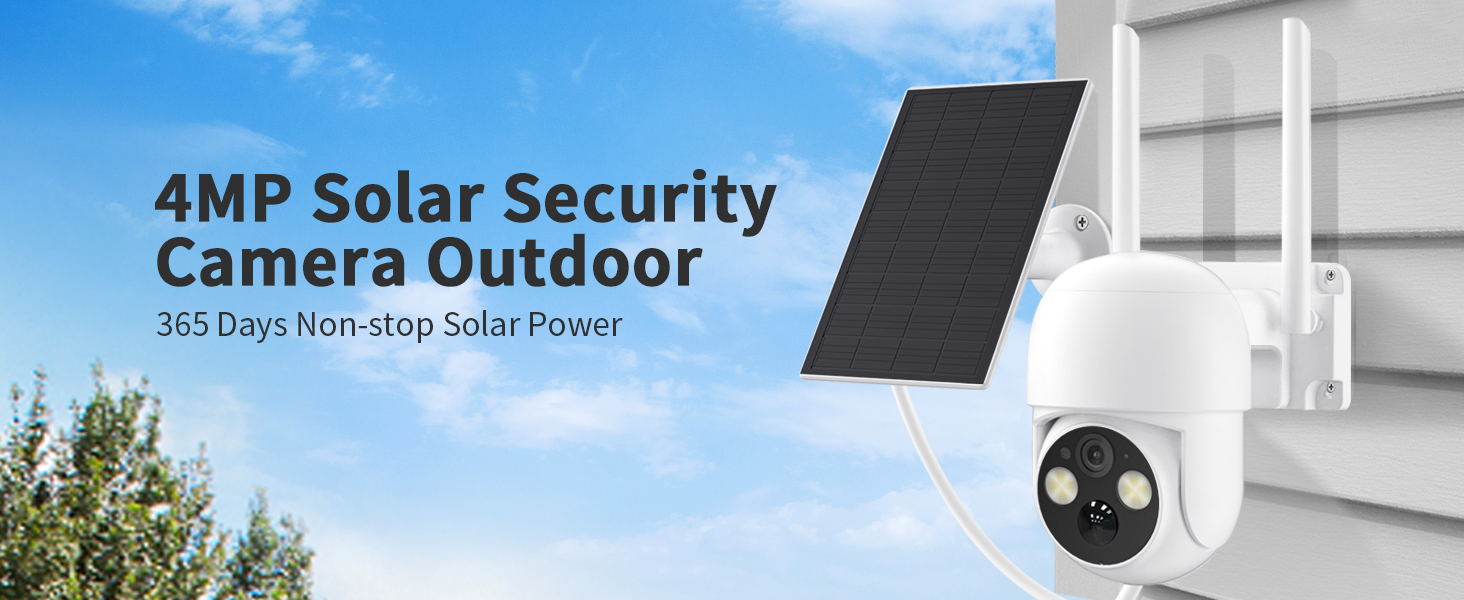
🔒 Power Your Peace of Mind with Solar-Powered Smart Security!
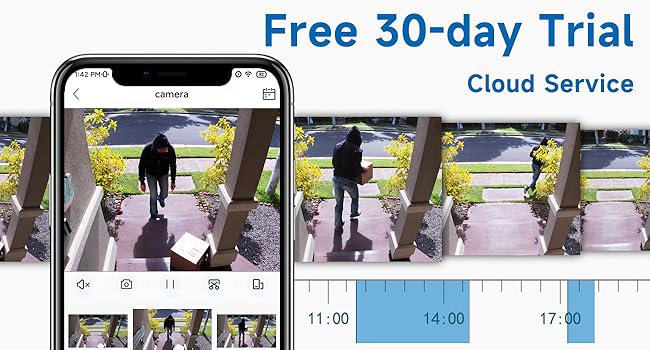
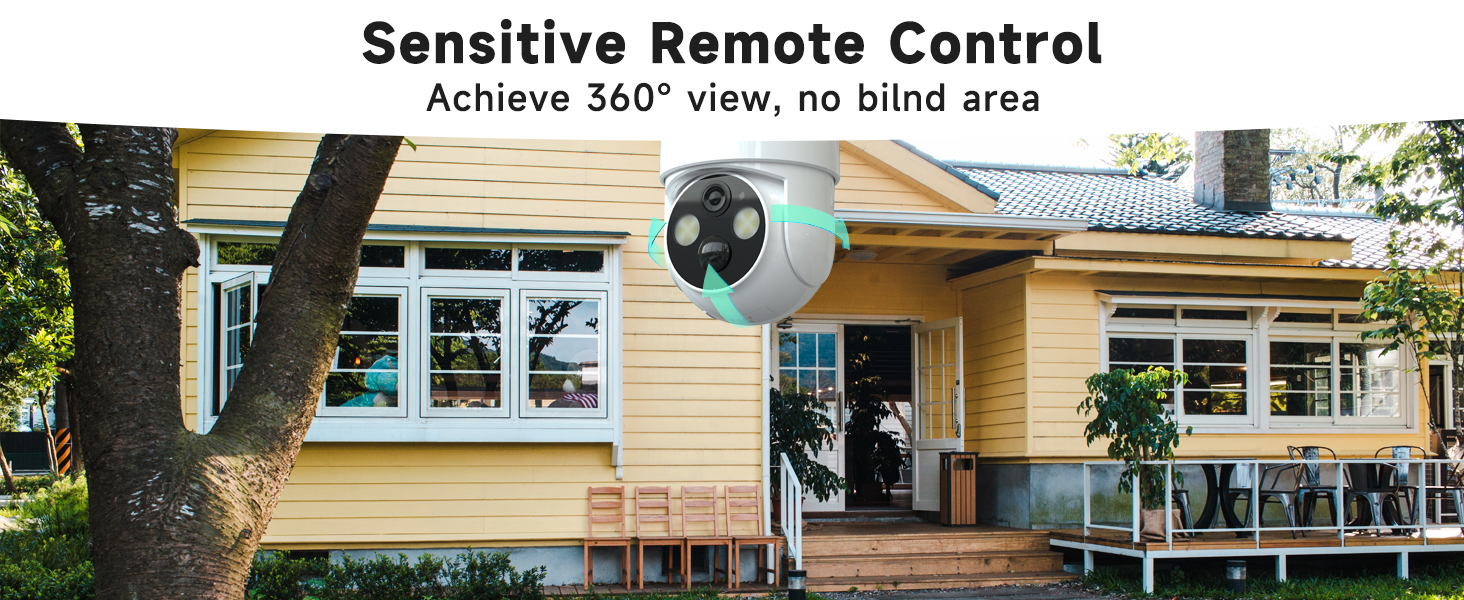
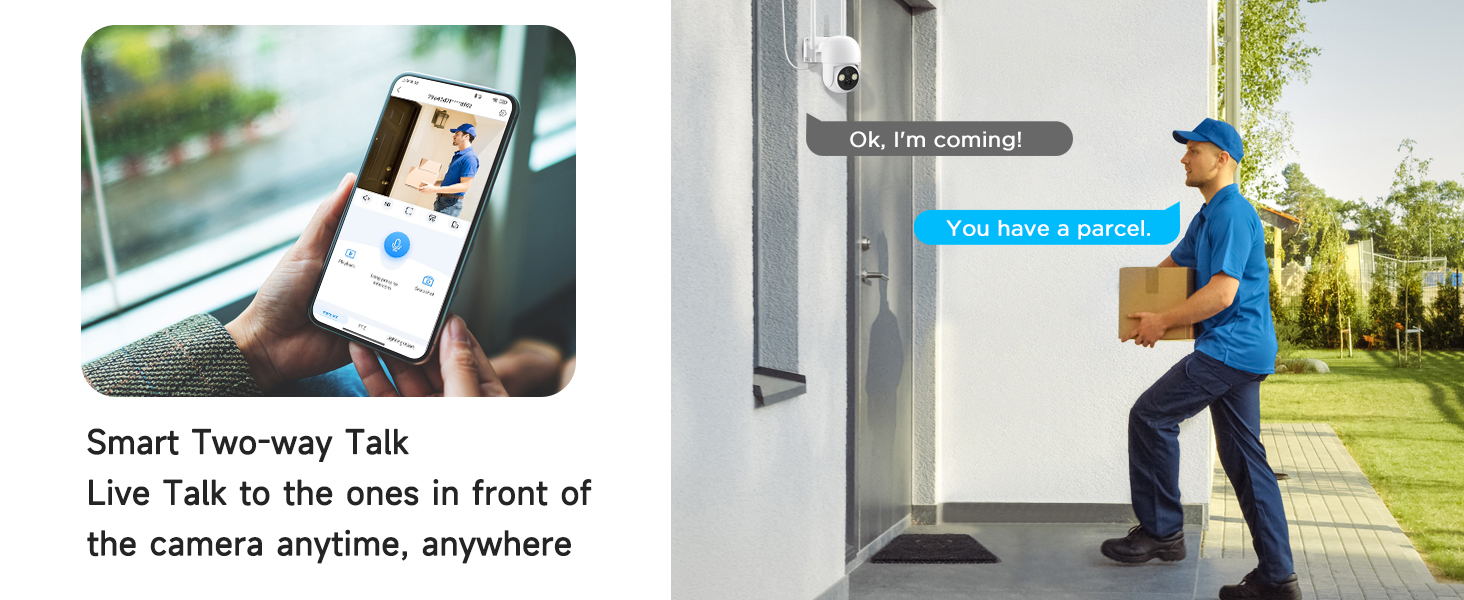
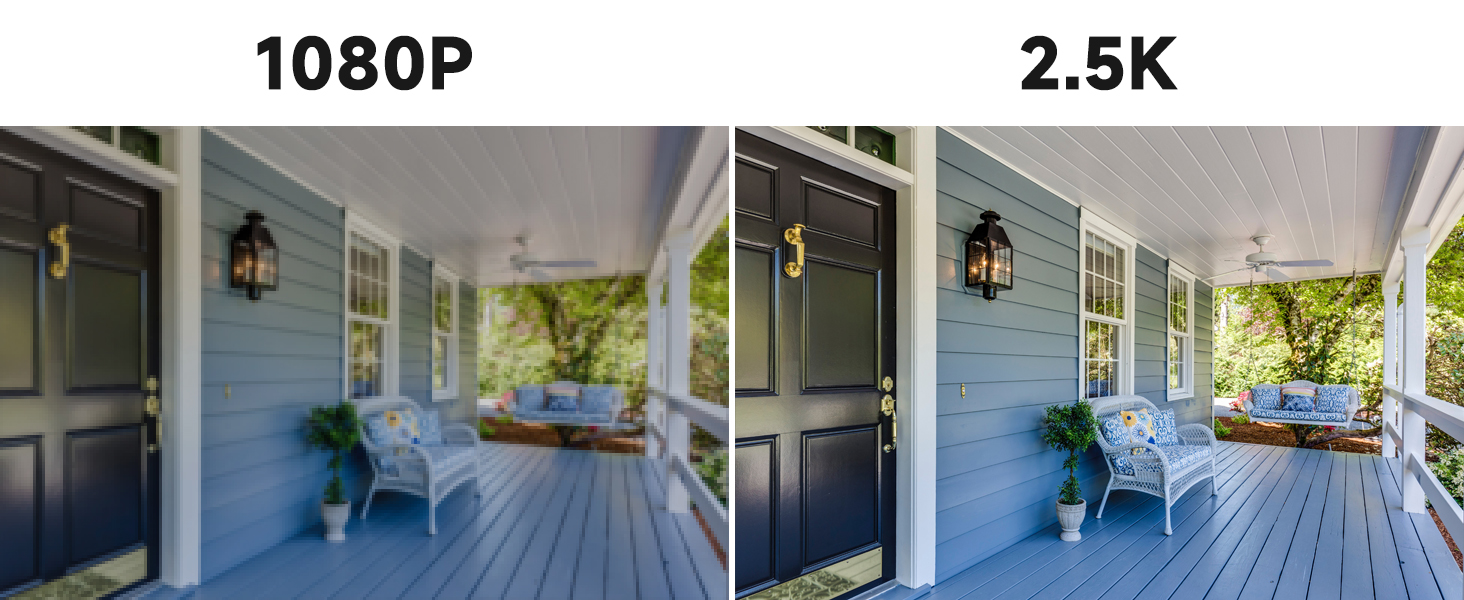
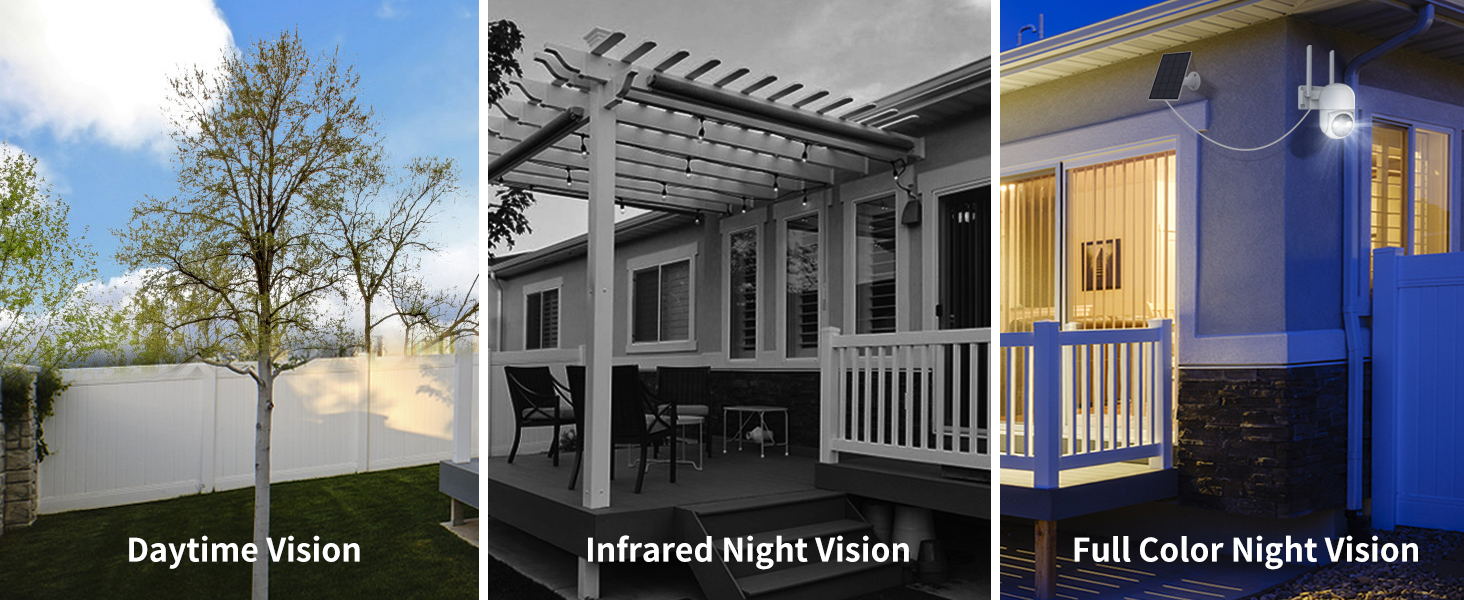
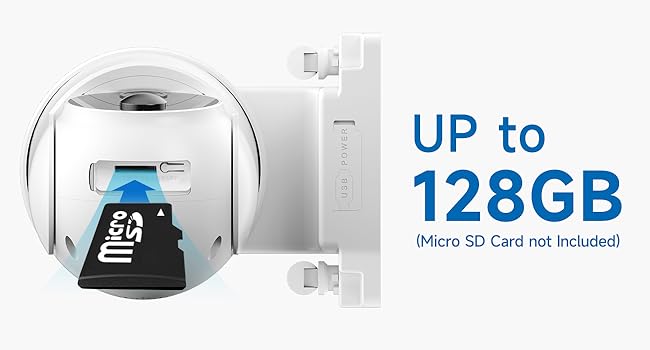
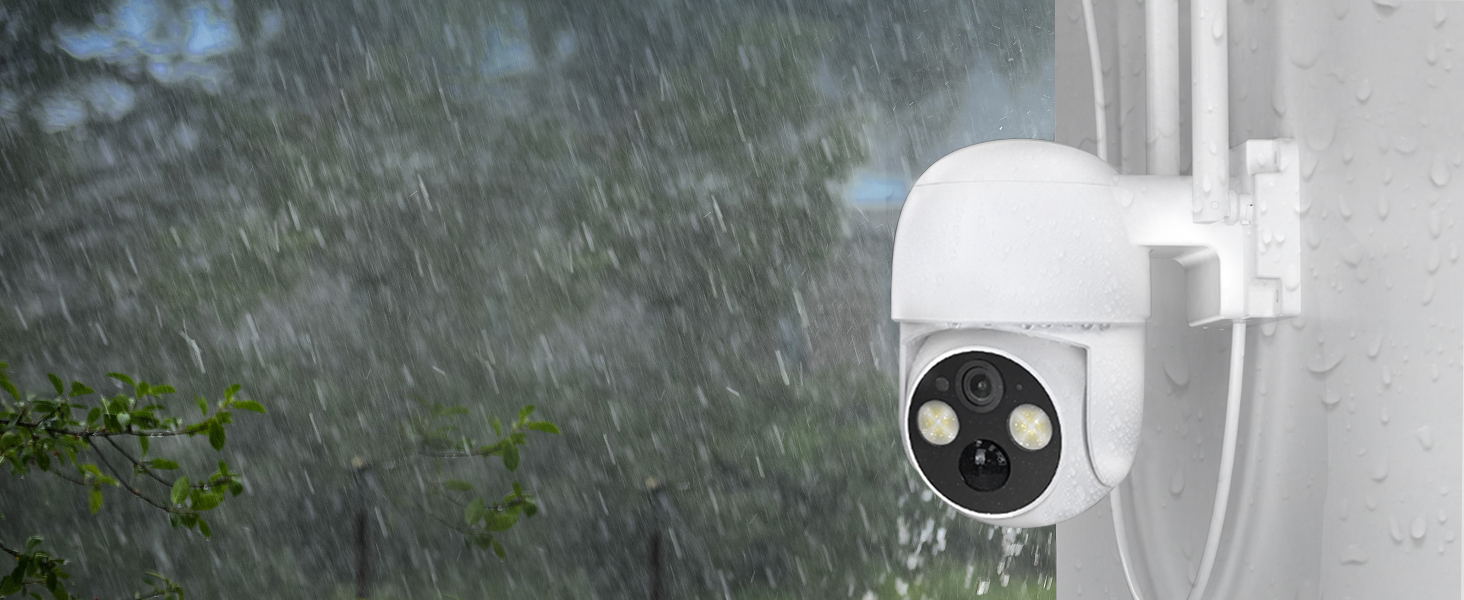
The WOOLINK 2PCS 4MP Solar Security Cameras deliver ultra-clear 2.5K HD video with full-color night vision, powered by a robust 6000mAh rechargeable battery supported by solar charging. Featuring 2.4GHz WiFi connectivity, PIR human motion detection with instant alerts, and two-way audio, these IP65-rated weatherproof cameras ensure reliable outdoor surveillance. Flexible storage options include cloud and local SD card support, making installation wire-free and maintenance minimal—perfect for modern smart homes seeking hassle-free, high-quality security.

| ASIN | B0BV6PDTJG |
| Alert Type | Motion Only |
| Batteries Required? | Yes |
| Battery Power | 6000 Milliampere Hour (mAh) |
| Best Sellers Rank | #505 in Bullet Surveillance Cameras |
| Color | 2PK |
| Compatible Devices | Smartphone |
| Connectivity Protocol | Wi-Fi |
| Controller Type | Android |
| Customer Reviews | 4.1 4.1 out of 5 stars (1,683) |
| Date First Available | February 8, 2023 |
| Effective Still Resolution | 4 MP |
| Field Of View | 355 Degrees |
| Form Factor | Dome |
| Indoor/Outdoor Usage | Outdoor |
| International Protection Rating | IP65 |
| Item Weight | 3.96 pounds |
| Item dimensions L x W x H | 7.64 x 6.36 x 10.91 inches |
| Item model number | N1060-2PK |
| Low light technology | Night Color |
| Manufacturer | WOOLINK |
| Material | Acrylonitrile Butadiene Styrene (ABS) |
| Maximum Webcam Image Resolution | 4 MP |
| Mounting Type | Wall Mount |
| Number of Channels | 2 |
| Number of Items | 1 |
| Power Source | Solar Powered |
| Product Dimensions | 7.64 x 6.36 x 10.91 inches |
| Room Type | Classroom, Kitchen, Living Room, Office |
| Smart Home Compatibility | Smart Home Compatible |
| Unit Count | 2.0 Count |
| Video Capture Format | MPEG-4 |
| Video Capture Resolution | 4 MP |
| Voltage | 5 Volts |
| Water Resistance Level | Waterproof |
| Wattage | 8 watts |
| Wireless Communication Technology | Wi-Fi |
| Zoom Type | Optical Zoom |
J**N
Love at second sight
My first impression of this wireless solar camera (I have two installed) wasn't great. The home screen doesn't show a live view. Instead, you see a static snapshot with the camera in "standby" status. Click on the view and camera wakes up after a few seconds and then shows a live view. The default resolution is standard but you can click to change to HD mode. I contacted support (via chat) to ask if I was missing something and could just default the camera to live view? The answer is No. The reason (which makes perfect sense) is that a constant live view would drain the solar-charged battery. Instead, the camera uses always-on-detection in order to capture video when activated. Although it wasn't obvious at first, this is a brilliant design! Let me back up a second to explain. The fact that this camera doesn't require external power is a HUGE benefit. There was no way I was going to pay someone three times the cost of the unit to wire them up to power. All I had to do was mount these where I wanted. Quick and easy. I have one camera installed near the front door and a second overlooking the driveway. All I really care about is when a subject's motion triggers the camera. I want that recorded so I can review who or what was moving in the monitored area and when. And that's precisely what this camera does. It's beautiful, actually. I have a 75GB SD card installed and the camera is set to overwrite when it's full (which, at the current rate, will take at least a month). Every morning I load up the SAVED view and it shows me the most recent motion captured by the unit. After that plays the camera starts over at the earliest recording for that date and continues playing whatever it captured in order of recording. Which is EXACTLY what I want to know -- what moved to activate the camera and when. You can slow down or speed up the playback, and there's a timeline where you can choose what to review on that date or any previous date. I LOVE IT! The app is user-friendly and works perfectly. The settings are plentiful and effective. I've found that setting motion sensitivity to the second-most-sensitive position works best. The only thing I'd like to do, that I cannot, is default the recordings to HD. I asked support about this and the answer was, like before, this was done to minimize battery drain. Still, I would like the option. I could always turn it off if the camera was regularly running out of steam. Another missing feature is that the camera won't "follow" a moving target. That might be a turn-off for some people, esp. if you need the camera to cover a particularly wide field of view. In my case, it's a non-issue. All in all this is a great security camera at a great price. Very glad I purchased it and highly recommend it for those looking for an inexpensive (and painless ) installation option.
R**G
Great solar powered camera
Overall these are great cameras. Bought one over a year ago, and recently bought two more. Have recommended it to many, and my repeat buy should speak for itself. Weatherproof and solar power give you the freedom to mount them pretty much anywhere, limited only by the distance from your router, and you can remote mount the solar panel where it gets the best sunlight. My farthest is about 200 ft from the router, and still works well. I don’t have to deal with freezing or snow conditions, so that may be a consideration for those of you living in the great white north! As long as you have a router that supports 2.4g, they work. While great for speed, 5G isn’t as good through walls, or for longer ranges anyway, so 2.4g isn’t a bad thing. Most newer routers support both, and older ones are 2.4g anyway. Couldn’t see the camera until I shut off 5g on the router so it would only broadcast at 2.4g. Once the camera was setup, 5g was turned back on and all was good. Apparently my router prioritizes 5g. Setup isn’t hard, but the app is not intuitive. Once I added the camera, it did not show until I backed out of the app and came back in. Maybe an IOS thing? One is mounted on a power pole watching my driveway and gate. The other is on the back of the house to watch the rear of the property. You can see both in the app, or focus on one. Will do real time video over the net, and you can move the camera as needed to get a better view on anything catching your attention. Movement is a bit coarse, done by dragging a finger on the screen, so it takes some practice to find the spot you want. But still, accessing it from a remote location is handy. I tested it from 1400 miles away, and it worked great! As the resolution is pretty good, (they claim HD), you can do a digital (pinch on the screen), zoom to get a better focused view as needed. Could the FBI run facial recognition on a perp? Not likely, but it is still really good for a $60 camera! Battery status is displayed on the camera app page, and the included solar panel does a great job of keeping the battery charged. Even after multiple cloudy, rainy days, have never seen it below 75%. The alarm functions work well, and there are adjustments for sensitivity as well as a ‘human’ filter, which saves nuisance alarms. A set up tip: Before you mount it, plug the camera into a usb power supply, (cable included) and do all your set up with the camera next to you. That way you can verify and test everything without climbing a ladder. You can then shut it off, mount it where you want, and turn it back on when you’re done. It remembers all the set up parameters. Night vision is OK, but not as good as daylight. It has IR emitters to illuminate in the dark, but range is limited to maybe 50 feet. Bright sources such as outside lighting, (in my case solar lights), tend to wash out the view. But on a comical note; I live out in the boonies in Florida, and it is amazing to see how many night flying critters show up on the video. Looks like a bug invasion! I don’t have the sensitivity set high enough so they aren’t setting off alarm events. Neat to watch though. You can add memory to the camera with an SD card, or purchase cloud storage to take snapshot video of alarms. 32gig SD cards are cheap, so I didn’t opt for the cloud offer. Lots of video of me around the yard to delete. Glad I’m not tying up cloud data for that!
B**Y
Absolute junk and horrible customer service. Waste of money.
These cameras are absolute junk. Don't waste your money. The company and customer service are also a joke. The cameras themselves are utterly useless most of the time. Half the time they don't catch events so if something happens that you need the footage of, I highly doubt it caught it. The night vision went out in 2 of them after a few months. They take forever to load when you want to watch live. Customer service is absolutely horrific. They charged me for a month of service that I didn't have. What happened was, I didn't renew my subscription for a month so I had zero access to watch any recorded events for that whole month. I decided to get them up and running again so I had access to the alarm videos and they double charged me, charging me for the month prior that I had zero access to the alarm videos. Customer service was a joke when I told them they can't charge me for a service I didn't receive, they argued with me then they just started ignoring me. So if you decide you dont want to pay for the alarm videos for a few months then decide you again want to access the recorded events, when you pay for the subscription, they will charge you for those past 2 months that you had no access to the alarm videos. So BEWARE!! DO NOT WASTE YOUR MONEY ON THESE CAMERAS. You will regret it. There are plenty of better cameras on the market. These things don't work half the time, the customer service sucks and night vision goes out after a few months. Spend your money elsewhere and avoid the frustration. They're a complete waste of money and absolute gargabe.
ترست بايلوت
منذ أسبوعين
منذ شهر