


Buy anything from 5,000+ international stores. One checkout price. No surprise fees. Join 2M+ shoppers on Desertcart.
Desertcart purchases this item on your behalf and handles shipping, customs, and support to KUWAIT.
🚀 Upgrade your network game with blazing 10GbE power!
The FebSmart X540T2 is a high-performance PCIe x8 network adapter featuring dual 10Gbps RJ45 ports powered by the Intel X540-AT2 controller. Designed for professionals demanding ultra-fast, stable connectivity, it supports a wide range of operating systems and advanced virtualization features, making it ideal for desktops, servers, NAS, and soft routers. With PCIe Gen2 x8 interface and compatibility with Cat6/Cat6A cables, it delivers enterprise-grade 10GbE speeds with plug-and-play ease.
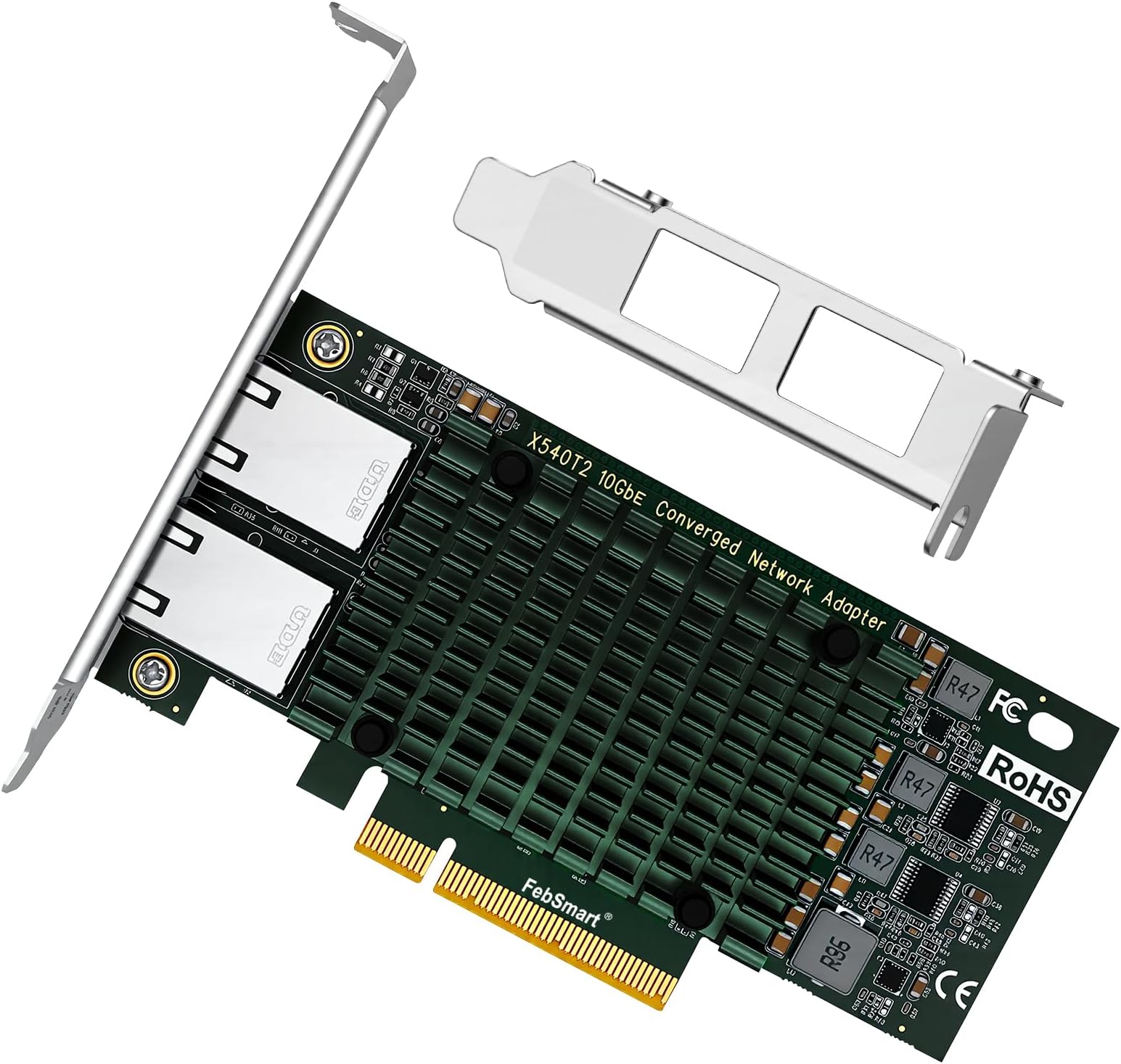

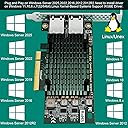
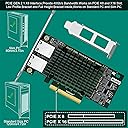


| ASIN | B0BMZ8PQFN |
| Best Sellers Rank | #178 in Internal Computer Networking Cards |
| Brand | FebSmart |
| Built-In Media | 1X Low Profile Bracket, 1X Mini Driver CD, 1X Mount Screw,, 1X User Manual, 1X X540T2 |
| Color | Green |
| Compatible Devices | Desktop |
| Customer Reviews | 4.3 out of 5 stars 113 Reviews |
| Data Link Protocol | IEEE 802.3an, 802.3, 802.3u, and 802.3ab |
| Data Transfer Rate | 10 Gigabytes Per Second |
| Hardware Interface | Ethernet, PCI Express x8 |
| Item Dimensions L x W x H | 4.72"L x 5.39"W x 0.72"H |
| Item Type Name | PCIE X8 Interface to 2X 10Gbps RJ45 Ports Network Adapter |
| Item Weight | 160 Grams |
| Manufacturer | FebSmart Co,.Ltd |
| Mfr Part Number | X540T2 |
| Model Number | X540T2 |
| Product Dimensions | 4.72"L x 5.39"W x 0.72"H |
| Unit Count | 1.0 Count |
| Warranty Description | 1-Year Limited Parts Warranty. |
F**L
Card works great
My last nic card I think was not working right. So, I bought this one. It worked perfect and installed all drivers without the disk! The odd thing, which isn't bad, When I turn my desktop off, the 2 rj-45's in the 10g switch still have the green lights on. If I turn the power off to the PSU, they go off. I guess this card stays on even when you shut the PC off. But I unplug power to the PC when not using, so no big deal! But after the drivers were installed, it saw my 4 NAS devices and the one Cloud device. Also, the 10g rj-45 from the router.
S**N
Needed for WinServer 2019
As the title suggests I needed a card for my windows server setup. Playing around with it due to getting a key from my school so I figure why not set up an old machine to mess around? The onboard network card didn't work. Major issue for a SERVER right? Yep. Tried all the drivers I could find. No bueno. So this card said it worked with server, and was cheap.. Win/Win. (windows ha?) So picked it up - just installed. Worked like a charm - no drivers necessary since windows found it right away no questions asked. Now my machine is updating, and working as I was hoping it would with the onboard card. TLDR: Works with Windows Server 2019 without drivers.
M**N
Works - install is a bit more complicatd depending on your system - manual is terrible.
The device seems to work perfectly after fiddling around with driver installation. I cannot give it a full 5 stars because the installation was not as easy as one would have expected. Upon installation of the NIC board it would not connect to the internet so I checked and found that my system (Asus Z790E mother board) did not auto recognize it and load appropriate drivers. I had to revert to manually loading. First issue was that when downloading the files from Febsmart web site I found (1) finding them was not as straight forward as I expected and (2) that there were numerous versions of the drivers with no indication of which to use. Hmmmm. Since my PC does not have a built in CDROM reader/writer I had to find one and connect it externally using a USB to SATA adapter. When loading the driver I again found numerous ones with no indication of which to use. Hmmm....again.... So this time I tried to let windows do the installation itself by selecting the device in Deivce Manager and using the update drivers function. After unzipping the files I downloaded windows ws finally able to find and install the drivers. Another restart and all came up working as expected. The Cd and / or the downloaded files should have a batch file installed to auto install the drivers without having to figure out which one to use. In addition, the user manual was obviously written by someone that does not speak English as a first language. Due to this it was very difficult to understand some of the more technical aspects of the installation. If you want to sell in the US I suggest that you hire someone to review your customer documents (including the Amazon ad) and re-write them so that they are both accurate and understandable. BTW, I am a EE with over 60 years experience in computing, software and hardware design. All this took about 90 minutes and should have taken only 2 minutes. A real waste of my time !!!!
A**R
Works Great!
Easy to install and works great. Needed a new NIC when the onboard went bad. This one allows multiple connections, but can utilize a single connection as well.
A**S
You get what you pay for - may or may not get lucky!
Updated 3/29/26 I apparently made my previous review too fast. You get what you pay for, with this thing. It does seem to have legit intel hardware, but the construction of this thing isn't that great. it gets HOT. And, for me, the ports are finicky. I can't get it to stay on, I'm unsure if its the motherboard connection, Ethernet ports on this unit, or my Ethernet cables. I've tried various configurations to diagnose why it wont stay functioning. Gave up. If your lucky, this thing is OOB compatible with a Proxmox setup at least. Just plugged in and worked...until it didn't of course. Its $60...I would kind of recommend it. Its just a 50/50 it may work. 1 Star from me.
H**M
Works fine. Easy to install
My HP motherboard started giving me problem while booting... it kept crashing several times before finally reboot to Windows properly. It took several trial and error, and accidental discovery to find out that my onboard ethernet port was the issue. When ethernet cable is unplugged, it boots up with no issue. When ethernet cable gets plugged, it would crash and will try to reboot and crash about 10 times before finally getting to the login screen successfully. (I had the latest bios and hp stopped supporting my model while ago). So I decided to giving a new ethernet card a try. This was an easy install, worked right out of the box. Windows 10 recognized it right away. No issue what so ever. it's been more than 2 months and it's running fine. Worth the investment.
A**N
Works graet so far easy install
gets the speeds it say link aggregation works good to specially in server environments
B**N
Quick do-it-yourself fix
When the ethernet port on my computer stopped working, it was shocking how less useful the computer became. Internet is everything. The ethernet port was on the motherboard, but I quickly found this reasonably priced PCI-e card that looked like it would fix the problem. It has both full-height and half-height adapters - I needed half-height. It was delivered in two days. I plugged it in and connected the cable, and it just worked. No driver or setup needed.
Trustpilot
1 day ago
2 months ago