

Desert Online General Trading LLC
Dubai, United Arab Emirates
Desert Online General Trading LLC
Dubai, United Arab Emirates
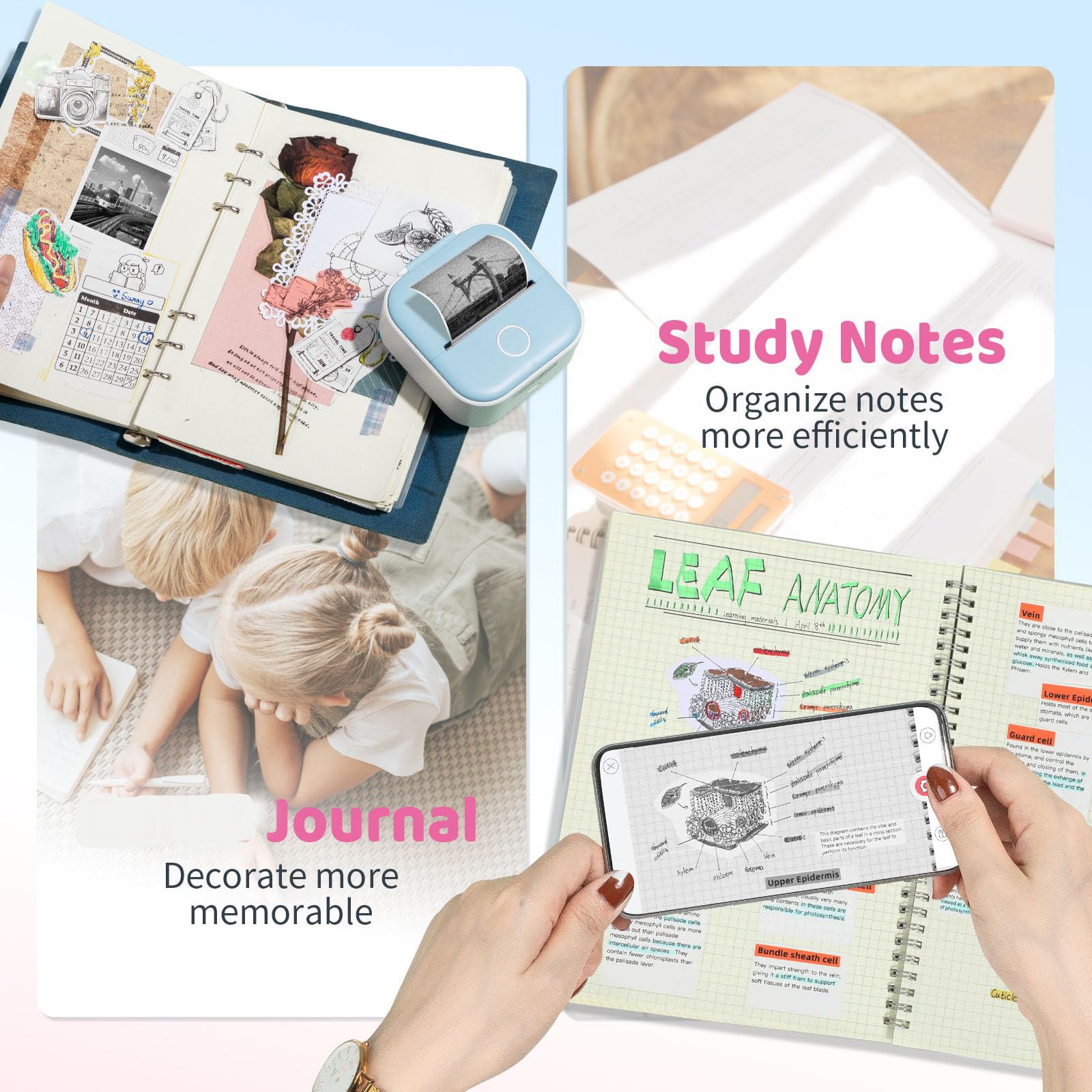
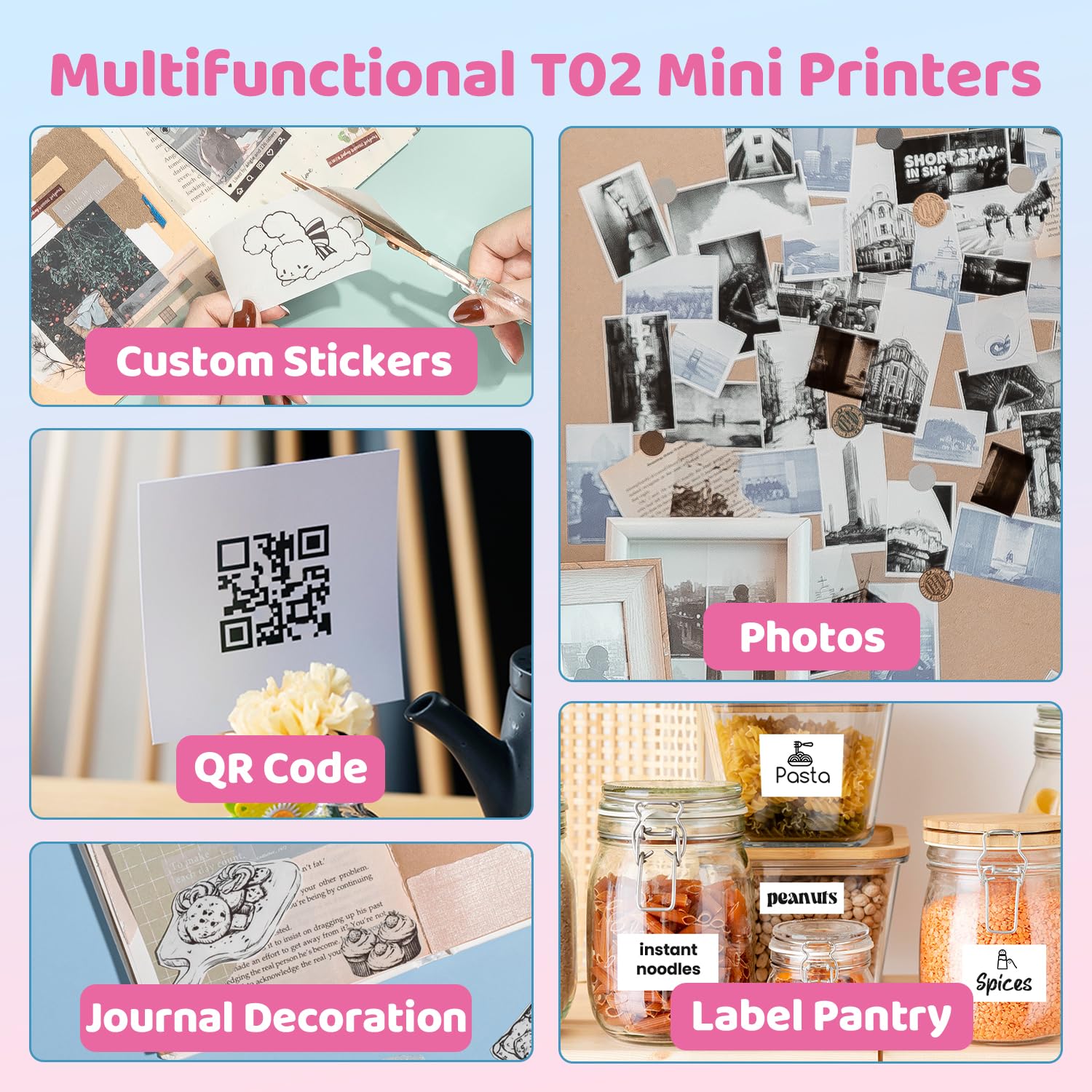
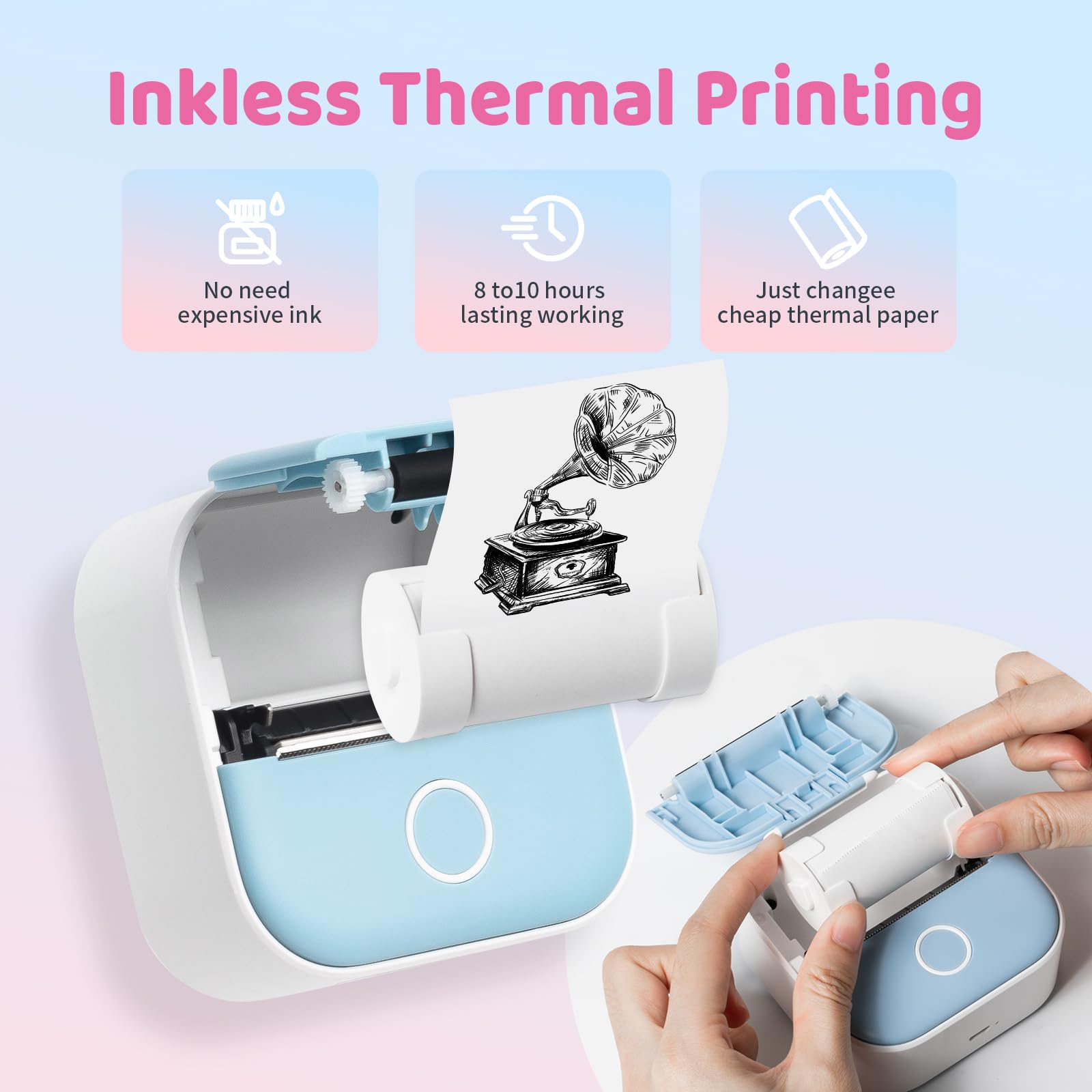
🖨️ Print your world, pocket-sized perfection!
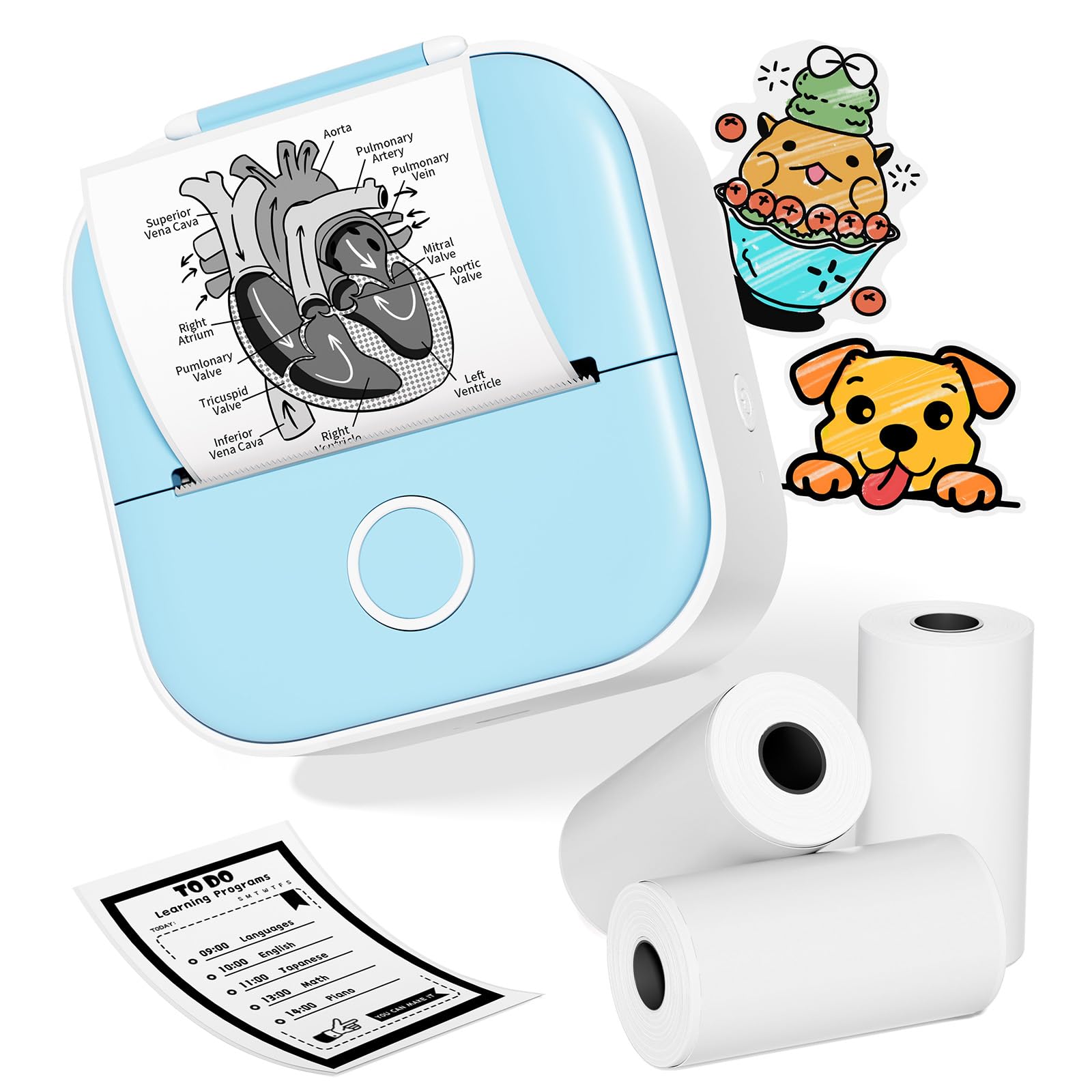
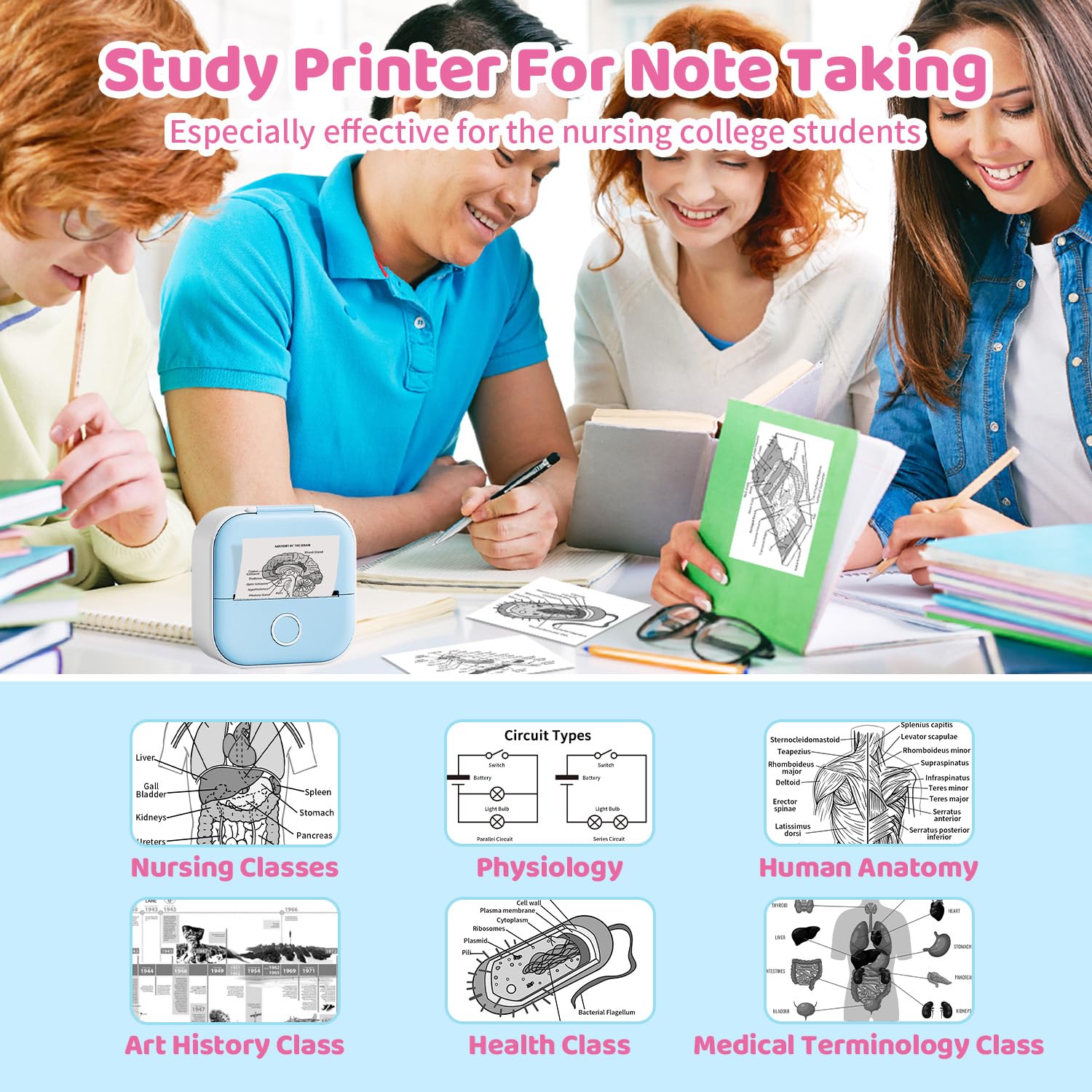
The Print Pods Mini Printer is a portable, inkless thermal sticker printer featuring app-controlled print density, compatibility with over 10 types of thermal paper, and a rechargeable 1000mAh battery that lasts up to a week—ideal for professionals and creatives who want high-quality, customizable prints anytime, anywhere.
L**N
Cute and Helpfull
Helpful for making labels and stuff. Pictures are ok quality nothing too crazy for a black & white thermal printer. Connects to your phone really easily and is easier to print too than a regular printer! The only two draw back is the paper that it comes with it a little too thin and pictures can come out miss aligned, and tearing the paper can be kind of hard and cause the paper roll to pop out if you don't hold the door closed.
A**X
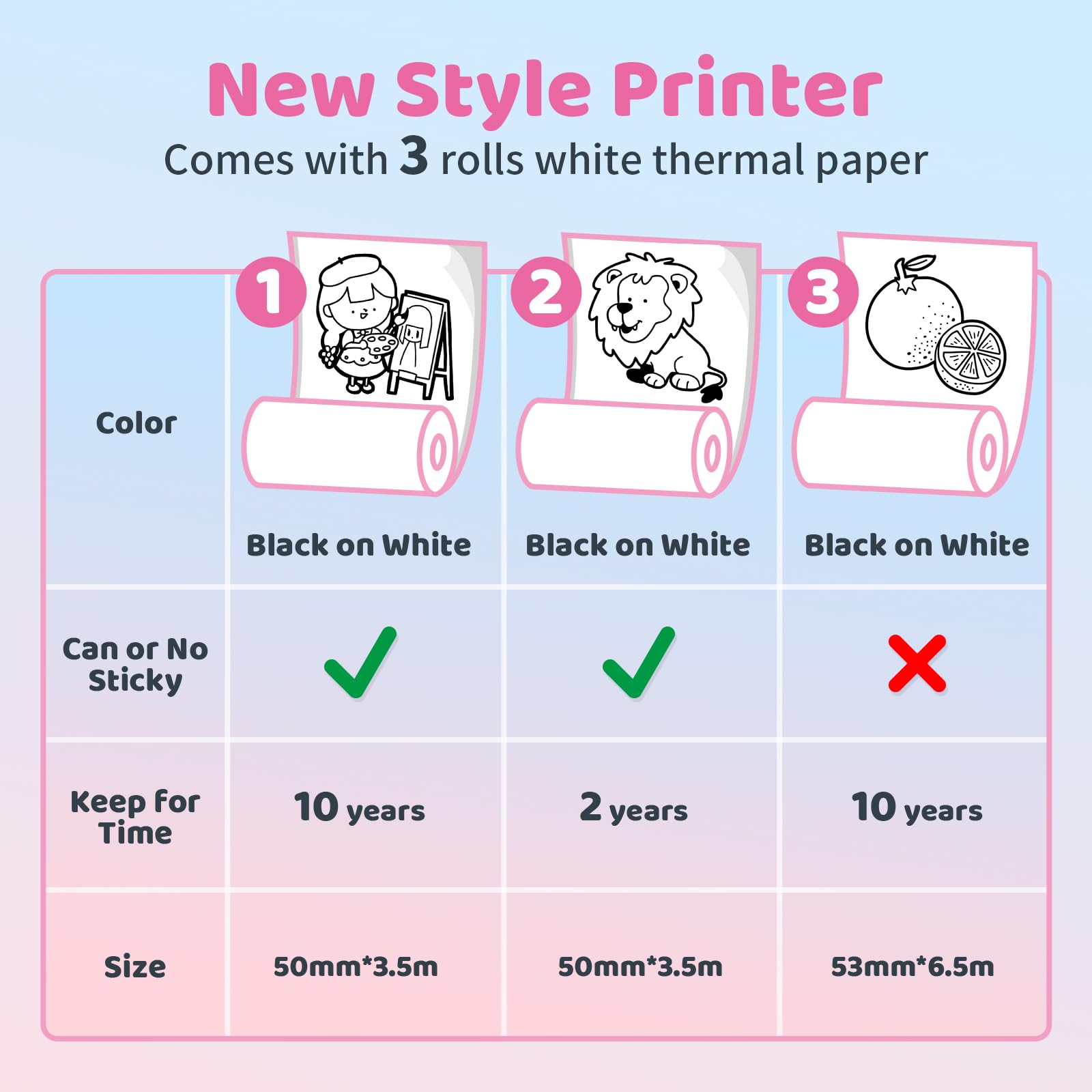
You can use any thermal paper with this that is the right width
There actual official paper for this is pretty expensive and is just normal thermal sticker paper, spooled onto a special plastic carrier thing. But you can easily use a piece of tape to spool any thermal paper onto the carrier for a lot less money than the paper they sell, while producing less plastic waste
I**S
Perfect little printer
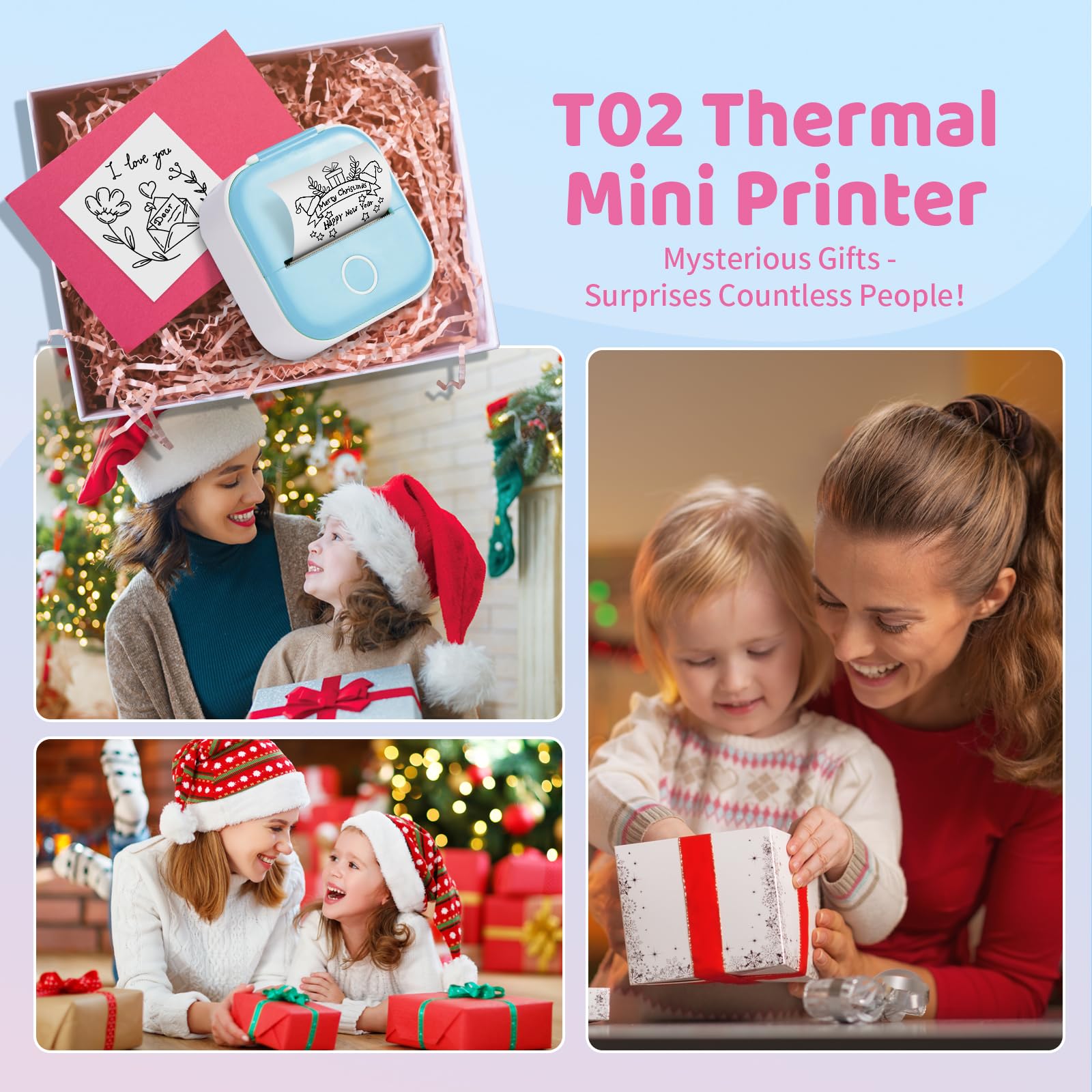
We got this for my daughters 13th birthday and she absolutely loves it. The app has a lot of templates they can use. It comes with sticker paper and printer paper.
A**Y
Pictures are grainy
The bigger the picture the more grainy it will be but otherwise it works as advertised.
S**L
Pretty Good
Easy to use, sometimes ink is a little messy.
L**S
Excelente
Imprime bien
K**R
Ok
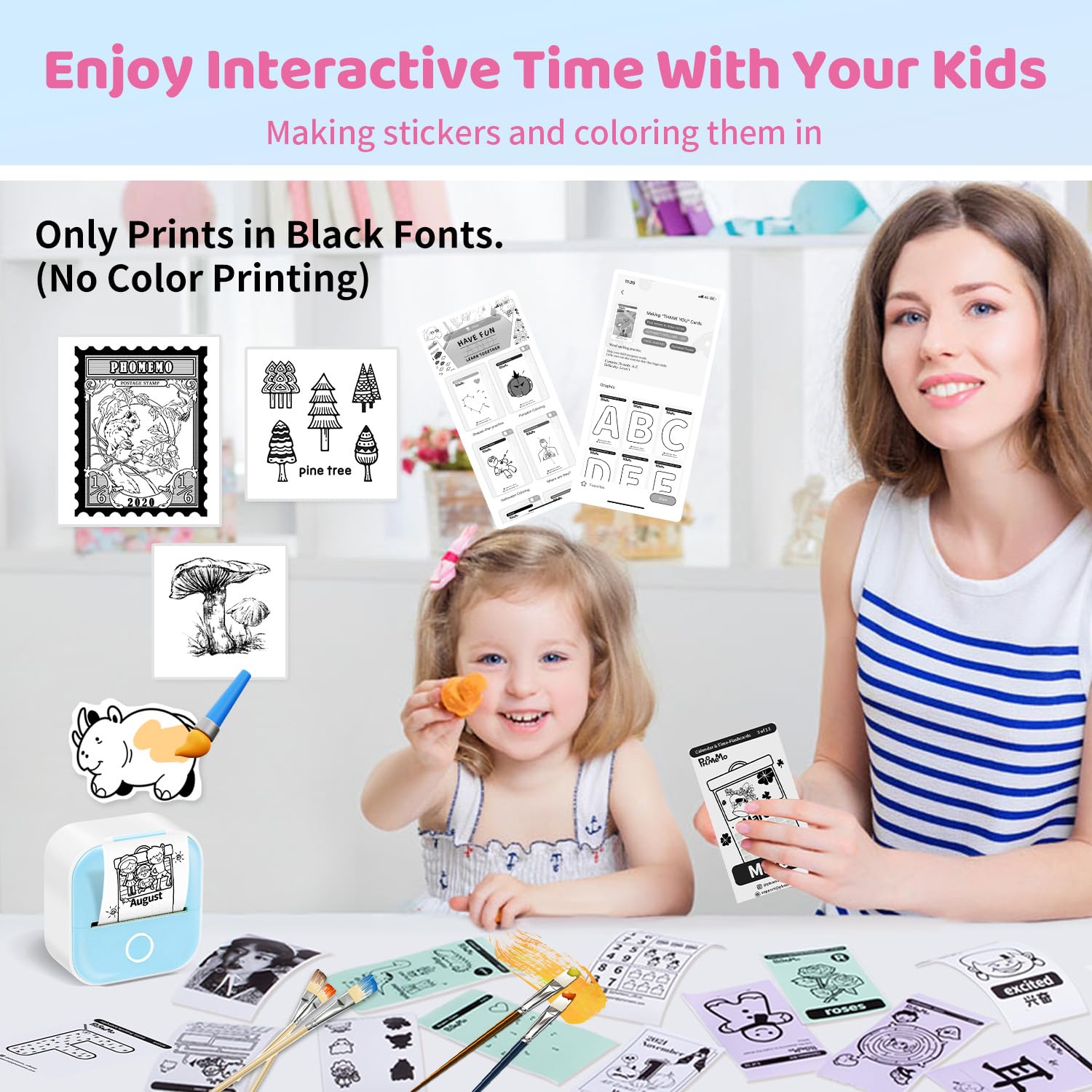
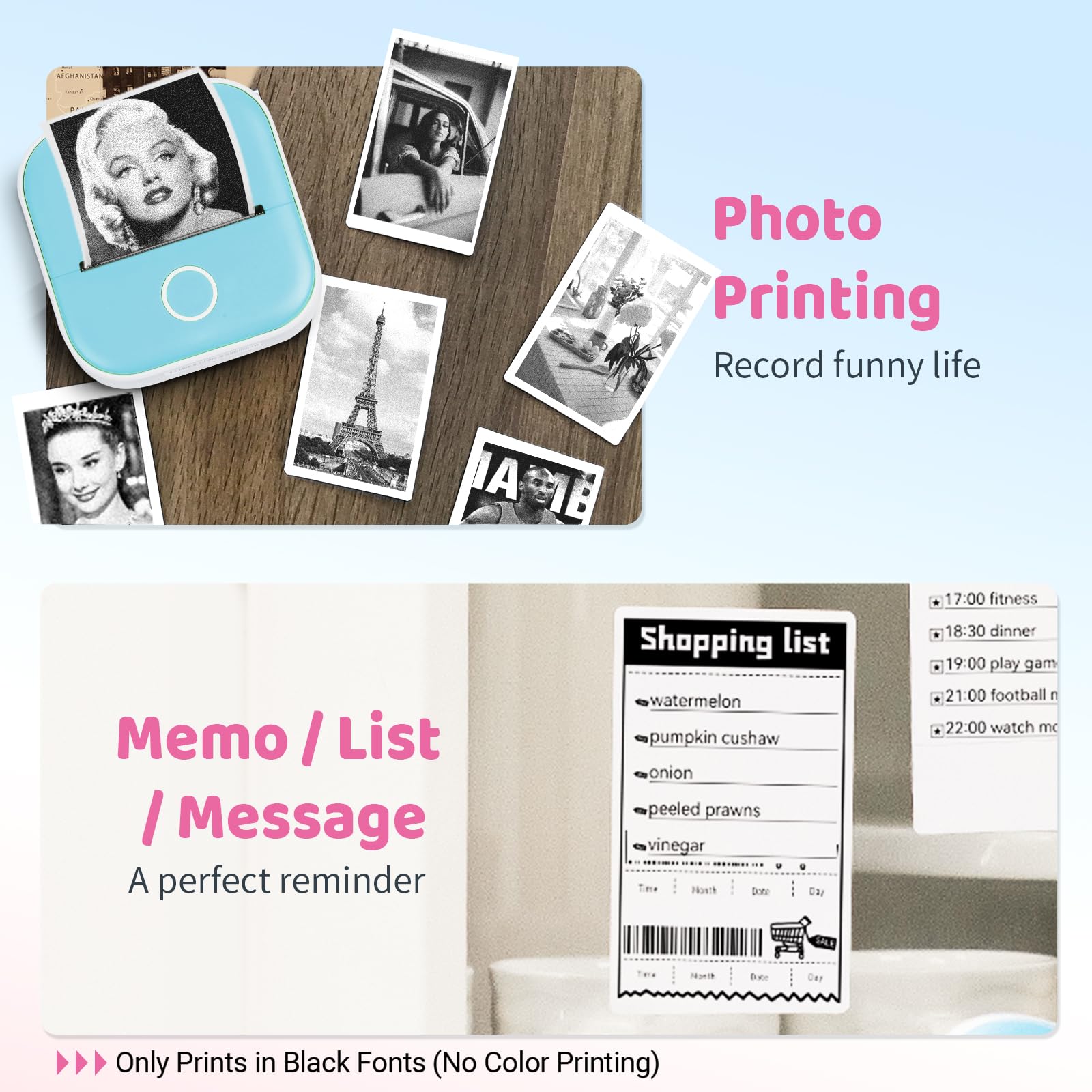
It works but it did not say that it prints in black and white
R**Z
So fun
My boyfriend took it to work and had a great time with his coworkers making silly lists for things
K**E
Great
Work amazing but hard to find paper
R**H
Great build quality, fast and quiet printing but print quality is splotchy and not sharp
The Ponek T02 Mini Printer is fairly compact, feels solid and uses high quality plastics on housing. It was easy to setup and pair with the Phomemo app. The Phomemo has a polished interface and was easy to use and not. When you get into Notes, you can immediately start typing, which is great if you want to print off a shopping list or reminder. However if you want to create more complex layouts like tables, the interface is clunky and becomes frustrating. For example, to add text to a table cell, you have to double-tap the cell the edit. You enter the text in prompt on bottom of app and have to press the Confirm button. If you tap on another cell without pressing Confirm, you lose what you just type. Similar frustration when you want to change a font style or size. It is just not intuitive or easy to use beyond wanting to print some simple notes.Pairing and printing was easy and the app detected the printer. Print quality is okay for images and when printing with larger fonts. However, printing smaller text or tables with horizontal and vertical lines show some of the printer's limitations. Small text were often not sharp and look splotchy and same with lines. They looked splotchy and faded and not what I would have expected from a thermal printer. Even changing the thickness (Light, Medium, Heavy, Dedicated) before printing did seem to help. I've used compact thermal printers from Niimbot and the print quality was more consistent and sharper. The description claims this printer has a resolution of 203 dpi, which I think is accurate. It is the consistency of print that I'm not too impressed with.Printing was quick and printer was quiet. Sticker paper is included but you can also use plain thermal paper, which is better suited when printing notes and shopping lists where you don't need the adhesive back. On Amazon, the T02 thermal paper is under $20 for 10 rolls, which is a pretty decent value (price checked on Mar. 2022).
H**Y
Cool gadget to make labels
I got this label maker to create more variety of labels after having only an embossing label maker. Set up was very easy via the clear instructions provided in the box. The app is straight forward to download and use. The label maker itself comes with one roll of label paper (marked 'sample'). The label maker charges via USB-C cable (included)When printing via the app, there are two settings you can set: copies (very useful), and thickness (which I think refers to the line thickness, with options Light, Medium, Heavy and Dedicated). I tried using both Light and Dedicated thickness options to print a picture of our cat. Dedicated was more clear than light, but both images ended up with some grainy-ness. I also used the app to create a text label with supplied emoji and printed it via the Medium thickness setting. The text printing was also similarly grainy.Overall, it's pretty fun and simple to use, and the printer itself is small and lightweight. It can pretty much print whatever you want in black and white, however, I wouldn't recommend it if you're looking for crisp labels.
A**E
Neat little thing
Pros:- Good quality- Compact- Convenient- Clear print- Easy to useSuch a handy little printer and you can use it from your phone! It was easy enough to connect to my Samsung phone. I love the fact that its all so portable. The print is clear and not blurry, a nice crisp print.Such a convenient sticker printer to have in the house. The labels that came with it are a big enough for what I wanted it for. I'm just using this for household labelling so its perfect. So convenient, you can use it anywhere!! Love it!
L**T
Functional little sticker printer
Comes as pictured in the listing and pretty easy to get setup once you download the Phomeoapp. Discovered the printer right away and was able to print some samples. The sticker roll is continuous so you aren't technically limited in size, so if you just keep printing without tearing, you can do some interesting things with it for sure. Stickers themselves have a good amount of adhesive and should stick on smooth surfaces without too much issue.In terms of cons, the printed output isn't the best for images as the DPI capabilities of the printer aren't the best. It is slightly difficult to do a clean rip of the continuous sticker as well, a lot of the time I ended up with mis-ripped ends; they are also always ragged due to the teeth that rip the sticker as well as the backer (no other slicers built in like on some dymo machines either).Overall, It's a neat idea, the ability to create black and white stickers on the fly. Unless you have a specific need for these wider set stickers, you may be better off with some other similar items that offer pre-cut sticker bases that will at least give you nice crisp edges on the output without needing to carry around a pair of scissors. Would say it's more of a 3.5 than a 4; but as long as you are willing to put in a bit more time and aren't as particular about the output, it's a decent little portable printer.
ترست بايلوت
منذ يومين
منذ 3 أيام