We remain fully operational. Our teams are working around the clock to ensure your deliveries continue safely.

قم بتنزيل التطبيق


معلومات عنا
حقوق الطبع والنشر © 2024 Desertcart Holdings Limited
قم بتنزيل التطبيق
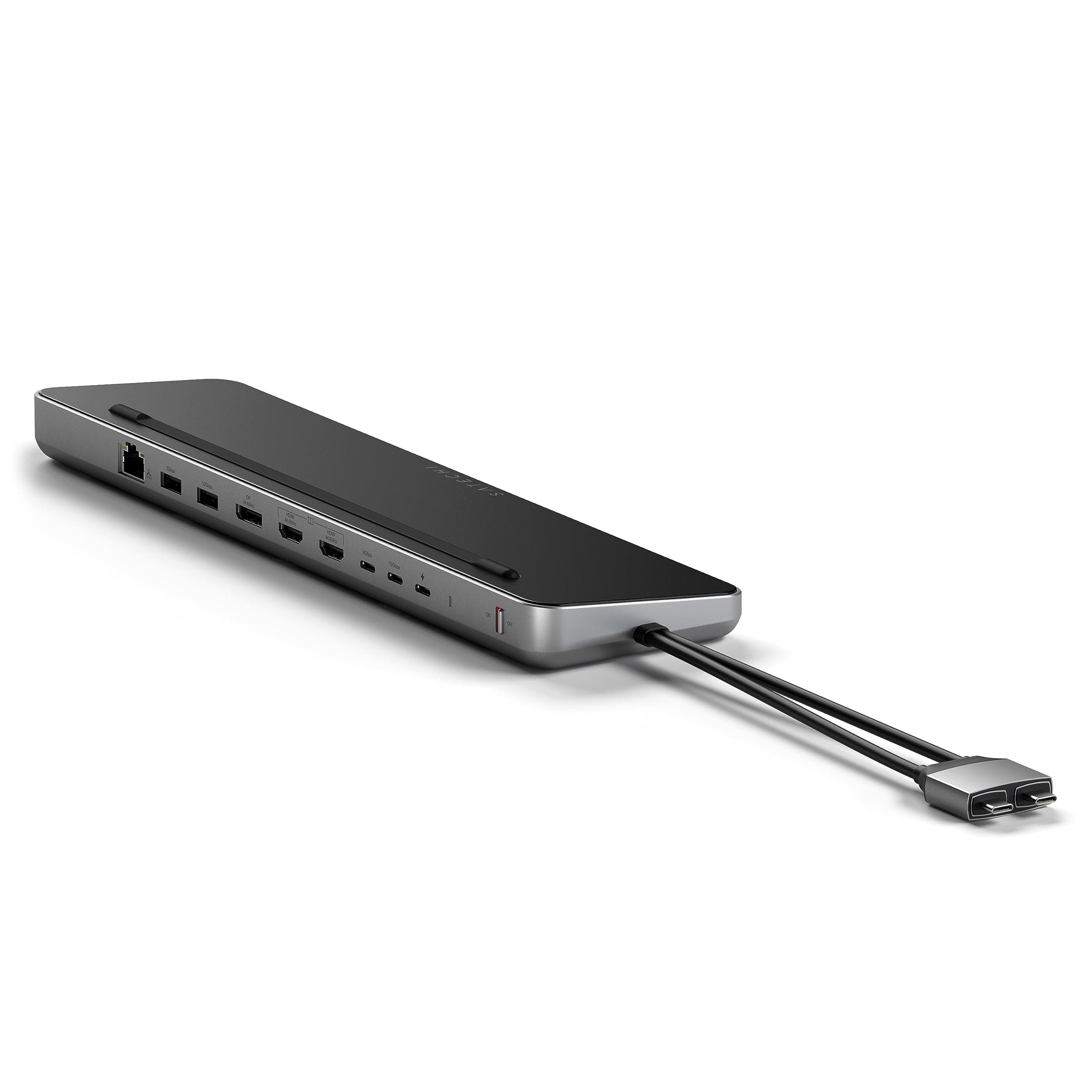
🚀 Power, speed, and screen space—dock like a pro!
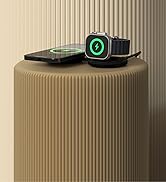
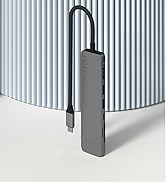
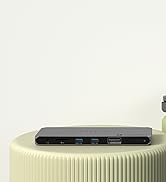
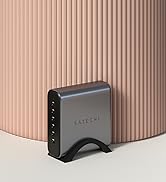
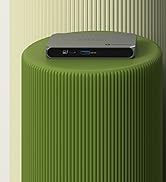
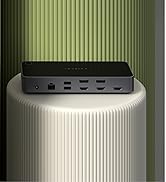
The Satechi Dual USB C Docking Station and Stand is a premium multi-port hub designed for MacBook and Windows professionals. It supports dual 4K external displays, delivers up to 75W USB-C charging, and features a high-speed NVMe/SATA SSD enclosure for ultra-fast data transfers. With 9 ports including Ethernet and USB-A/C, it consolidates your workspace into a sleek, plug-and-play powerhouse backed by a 2-year warranty.



















| ASIN | B0CFWX61HL |
| Best Sellers Rank | #32,269 in Electronics ( See Top 100 in Electronics ) #419 in Laptop Docking Stations |
| Brand | Satechi |
| Built-In Media | 1 product |
| Color | Space Gray |
| Compatible Devices | MacBook Pro 14/16-inch (2025 M5/M4/M3/M2/M1), MacBook Air 13/15-inch (2025 M4/M3/M2/M1), Lenovo ThinkPad, Microsoft Surface - For MacBook Pro 14-inch M3, MacBook Air 13/15-inch M3, One External Display Supported with the second display only outputting when Mac is in Clamshell mode, For MacBook Pro 13-inch M2/M1, MacBook Air 13-inch M2/M1, One External Display Supported |
| Customer Reviews | 4.1 4.1 out of 5 stars (234) |
| EU Spare Part Availability Duration | 1 Years |
| Global Trade Identification Number | 00810086360987 |
| Hardware Interface | USB Type C |
| Item Dimensions L x W x H | 12.2"L x 3.15"W x 0.94"H |
| Item Weight | 419 Grams |
| Manufacturer | Satechi |
| Number of Ports | 9 |
| Total Number of HDMI Ports | 2 |
| Total Usb Ports | 4 |
| UPC | 810086360987 |
| Unit Count | 1.0 Count |
| Warranty Description | 2-year limited warranty |
| Wattage | 75.00 |
A**.
Died after 4 months, but good support service
The unit died after 4 months. It just stopped working out of a sudden and got very hot; all devices disconnected and the led behind went off. I contacted suport and gave them all the details. I was then offered a replacement unit, which is on its way now. I like the unit itself as it just works out of the box with my MacBook M3 Max — no need drivers, just plug and go. The NVMe slot can handle 8Tb with no issue. I was using it with two external displays, a 24" 4k and a 27" 4k. All ports were used, so perhaps that's the reason the the unit died — or perhaps only an issue with the one I had...
J**A
Best USB Hub I've ever owned!
I just love this hub and I'm really happy I found it! When I turn the computer off, everything that I had connected to it also turns off. I don't have to worry about unplugging everything, every time. I saw some reviews saying that it didn't work with multiple monitors, but I think that is related to the processor you have on your macbook. Mine is a M2 Pro and I could connect two more monitors, having 3 different working screens. The NVME slot is perfect because I can not only save one USB outlet, but also I don't have to carry an external drive around. I had no problem with heat so far, no connectivity issues at all. A little pricey, yeah, but totally worth it!
C**M
Highly recommend - but has one important nuance...
I absolutely love this hub/docking station. It plugs up to my 2019 Macbook Pro flawlessly. I think Satechi did well in their overall design but a couple of nuances cost this review a star...which may be important to [some] home recording folks out there. Those nuances are: 1.) Know ahead of time that is device does NOT provide pass-thru power to any USB port except the PD one that feeds directly into your MBP. So if you're thinking all of the USB-C ports provide power to attached devices, it doesn't. Just your MBP. Additionally, this device supports 75 watts of PD to your MBP - but if you dig a little deeper, the factory wall plug for 2019 MBP's is 90+ watts. Yes, it charges/keeps your laptop up, but if you sit down to do some intensive CPU work with the battery already low - it's gonna struggle to get you back to 100% until you let the MBP 'come up for air' so to speak. Not really an issue, but then again it is. ---> MIDI peripherals - If you have a USB-C powered device like an Arturia Mk3 MIDI controller that draws it's power from the USB-C plug, then you have to go strait to your MBP, NOT thru the Satechi hub. This was kinda my pinch point with this device.<--- The onboard NvME slot in this hub is certainly a nice feature to have, and well worth it. Super fast, and accommodates Apple's Time Machine functionality well. :) Hat tip to Satechi for this one. :) The device overall is built extremely well, and the MBP doesn't 'slide off' when you're typing. It stays put. The MBP also doesn't heat up more than normal so this device actually helps cool your working system. Would I recommend this to others? Yes - just know the limitations going into it if you're expecting this hub to charge anything you subsequently plug into it aside from your Mac.
M**L
Excellent for Surface Pro Devices
I've had this device now since 2023 and it has performed without fail. I don't use a passthrough power supply. I have a Microsoft Surface 9 Pro that I plug both USB-C connections into and it handles everything without issue. I have a 2TB NVME m.2 ssd installed as well in it. I would highly recommend this unit as an external dock for any Dual USB-C Surface Pro device.
A**D
It locked up my Dell XPS 9510.
A neat idea for modern laptops that have only 3 USB-C ports and one of those is for power. I thought this would be the hot setup, but even with having 130w power delivery for the dock and the factory 130w for the laptop, the laptop would completely freeze. I had to do a hard restart (which I have never had to do in the 2+ years I have owned the laptop.) And this was without any additional ports on the dock being used. In addition to the lockups, the dock is a constant drain on the laptop battery. I thought I had done something wrong, but after repeating the process 2x times, I have concluded that this dock is not for me. The dock is beautifully designed. I have previously purchased and continue to use 2 other smaller Satechi docks which I love. Regrettably, I think I'll need to be contented with fewer ports available and return the dock.
M**F
Does not allow two external monitors and M3 MacBook Air screen
I just bought the M3 MacBook Air, which, according to Satechi’s website, is compatible with this dock. The picture on Amazon’s website says that the Mac M1 and M2 are limited to one external monitor in extended mode with this dock. It seems reasonable to conclude that this dock would allow more than one external monitor in extended mode for MacBooks that are not M1 or M2. The included instructions indicate that this dock is plug and play, so the extended mode should activate when the MacBook is connected to the dock using both USB-C ports and two external monitors are connected to the dock. This did not happen. Based on the picture on Amazon’s website, I should be able to use the external monitors AND the MacBook screen, rather than closing it to activate the external screens. I’m definitely glad to be wrong here because then it would function as I expected when I purchased this dock (feel free to chime in, Satechi). Perhaps it’s only M3 MacBooks that are not MacBook Air that provide dual external monitors with this dock. I don’t know. I bought this when I purchased my MacBook so I could have what I already had with my PC laptop - two external monitors and a laptop display. To be sure, the limited external monitor availability is an Apple issue; I just hoped this dock would fix that. The dearth of available ports on the M3 MacBook Air makes this dock somewhat useful but it does not allow for two external monitors in conjunction with the laptop, which is why I bought this dock. I will be glad to revise or update my review if I am wrong and this dock does allow for two external monitors together with my MacBook screen.
H**J
La SATECHI Docking Station USB-C è un dispositivo eccellente per espandere le porte del laptop. Design elegante e compatto, offre una vasta gamma di connessioni, dalle USB-A alle HDMI, mantenendo tutto organizzato e funzionale. Ottima velocità di trasferimento dati e perfetta per chi lavora con più periferiche. Super consigliata!
K**S
Kupiono 12 kwietnia 2025 oddano 09 lipca 2025. Wystarczyły niespełna 3 m-ce by sprzęt przestał działać. Nie ładuje, nie łączy się z komputerem. Jako podstawka w miarę stabilna, czasem odczuwałem problemy z wifi jak w innych opiniach.
J**Z
Con interruptor, conector interno para SSD. Multipuerto. Muy bien acabado y estable.
A**ー
M1のMacBook Airを使用しています。 USB-Cのコネクターが2個並んでないと使えません。 私は今までハブを2箇所刺して 外部モニターやHD等繋いでクラムシェルモードで使ってましたが、 両方のUSB-Cが塞がりますが大きいですが一個で済むので、 今までよりかはデスク上はスッキリなった感じはします。 またSSDが装着出来るのも有り難いです。
U**L
Connecté sur mon MacBook Pro (M4 Pro), j'y ai connecté sans aucun soucis : - deux SSD externes (un pour Time Machine et un pour le transport de mes données), - un écran AOC 24P1W1 (résolution : 1920x1080) et un écran LG UltraWide (résolution : 2560 x 1080) J'utilise les 3 écrans simultanément sans avoir besoin d'installer de pilotes ou de programme de gestion. C'est vraiment très chouette pour travailler ! Vivement que j'ai un disque NVMe à installer dans la docking pour remplacer mon disque dur externe servant à mon backup Time Machine ! !!! Attention, seul 1 écran externe peut être géré si votre ordinateur est muni d'un processuer M1 ou M2 !!!
ترست بايلوت
منذ شهر
منذ 3 أسابيع