We remain fully operational. Our teams are working around the clock to ensure your deliveries continue safely.

قم بتنزيل التطبيق


معلومات عنا
حقوق الطبع والنشر © 2024 Desertcart Holdings Limited
قم بتنزيل التطبيق
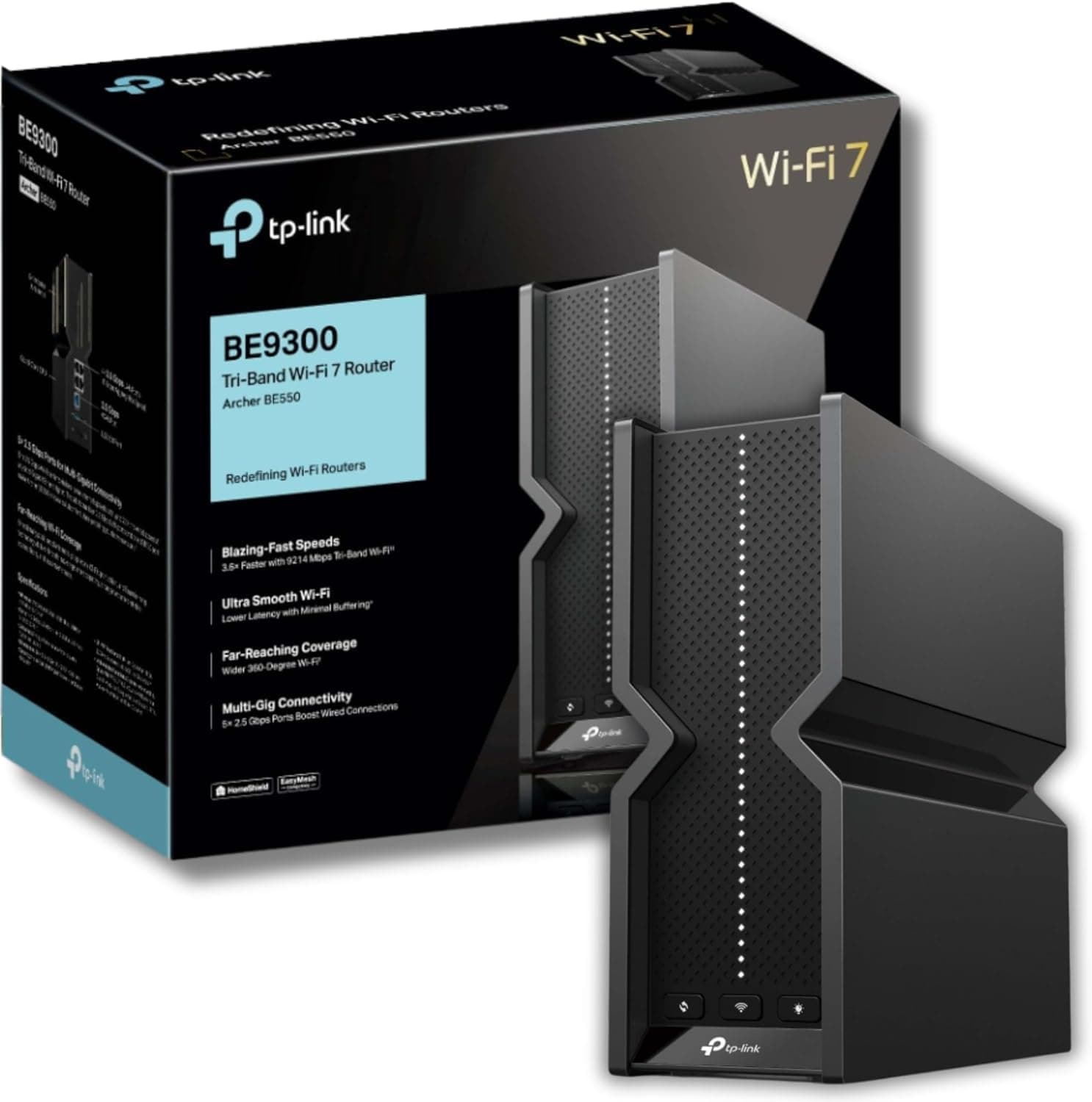
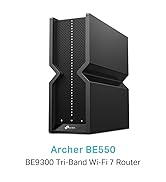
🚀 Upgrade to the future-proof WiFi 7 powerhouse and never settle for slow again!
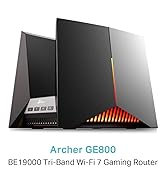
The TP-Link Archer BE550 is a cutting-edge WiFi 7 tri-band router delivering up to 9.2Gbps speeds with 6 internal antennas for expansive 2,000 sq. ft. coverage. Featuring 5× 2.5G WAN/LAN ports, Multi-Link Operation, EasyMesh compatibility, and advanced security via HomeShield, it’s designed for professionals demanding ultra-fast, reliable, and secure home networking.


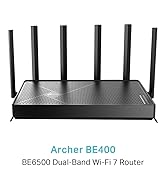
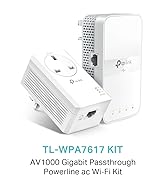
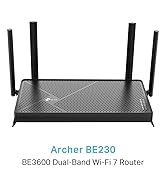
| ASIN | B0CT94XNX3 |
| Antenna Location | Home |
| Antenna Type | Fixed |
| Best Sellers Rank | 2,424 in Computers & Accessories ( See Top 100 in Computers & Accessories ) 19 in Routers |
| Box Contents | Archer BE550 |
| Brand Name | TP-Link |
| Colour | Black |
| Compatible Devices | Laptop, Personal Computer, Smart Television, Tablet |
| Connectivity Protocol | Wi-Fi |
| Connectivity Range | 2000 Square Feet |
| Connectivity Technology | Wi-Fi |
| Control Method | App |
| Controller Type | App Control |
| Coverage | Maximized Coverage |
| Customer Reviews | 3.8 3.8 out of 5 stars (185) |
| Data Transfer Rate | 9214 Megabits Per Second |
| Frequency | 6 GHz |
| Frequency Band Class | Tri-Band |
| Has Internet Connectivity | Yes |
| Has Security Updates | Yes |
| Is Modem Compatible | Yes |
| LAN Port Bandwidth | 2500 Mbps |
| Manufacturer | TP-Link |
| Manufacturer Part Number | Archer BE550 |
| Maximum Upstream Data Transfer Rate | 9214 Megabits Per Second |
| Model Name | Archer BE550 |
| Model Number | Archer BE550 |
| Number of Antennas | 6 |
| Number of Ports | 5 |
| Operating System | RouterOS |
| Other Special Features of the Product | Wi-Fi 7, Multi-Link Operation, 2.5G Ports, EasyMesh-Compatibility, TP-Link HomeShield |
| Router Firewall Security Level | True |
| Router Network Type | Tri-Band |
| Security Protocol | WPA/WPA2/WPA3 (Likely includes WPA2) |
| Unit Count | 1.0 count |
| Voltage | 12 Volts (DC) |
| Wi-Fi Generation | Wi-Fi 7 |
| Wireless Compability | 802.11.be |
J**Y
7 Months Later, Rock Solid Performance Even in a Victorian Terrace
I bought the TP-Link Archer BE550 in August 2025 and I’m writing this review in March 2026, so that’s about 7 months of daily use. I’ve had zero issues with it. At the moment I’m running it in Access Point mode behind my ISP router and it’s been completely stable. No random drops, no freezing, and the coverage has been very good. For context, I live in a Victorian terrace with thick solid brick walls and heavy plaster. WiFi in houses like this is normally difficult because signals struggle to get through the walls. My setup is the ISP router connected by Ethernet to another TP-Link router upstairs, and then that connects by Ethernet to the BE550 downstairs in the hallway where most of the activity in the house happens. Because the nodes are wired rather than repeating WiFi, the network stays very stable and devices move between them properly. Speeds depend on where you are in the house. In the same room I can get close to full gigabit speeds. Through one or two brick walls I usually see somewhere between 200 and 500 Mbps on WiFi, and sometimes even around 900 Mbps depending on where you’re sitting. One thing I noticed is that the TP-Link routers actually perform better than my ISP router. On the ISP router I normally see around 700 to 900 Mbps on my gigabit line. When connected through the BE550 or the other TP-Link node I often see results around 1.1 to 1.2 Gbps on internal tests. I think a lot of the lower ratings come from people expecting a single router to cover an entire house. In older houses with thick walls that just isn’t realistic. Using multiple access points or mesh nodes makes a big difference. The hardware itself feels powerful and the app makes everything easy to manage. Long term I plan to put my ISP router into modem mode and use the BE550 as the main router instead. That will also let me enable a VPN server so I can connect back to my home network when travelling. Overall I’m very happy with it. If you set it up properly and understand your home layout it performs exactly how you’d expect from a high end router.
B**T
Works as described faultlessly.
I ended up sending this Router back for a refund, which was quickly received. I've apologised to the seller, because it was my extreme lack of knowledge, regarding setting up the configuration for IPv6. This item worked completely as it should, but I couldn't get it to do what I expected it to....
N**O
1/5 – Definitely NOT an upgrade. Looks great on paper, but performs worse than older TP-Link models.
I upgraded from a TP-Link Archer AX73 to this BE550, expecting better speeds and wider Wi-Fi coverage. The specs suggest it should be incredible: Wi-Fi 7, up to 9214 Mbps, and a 2.5Gbps port and LAN ports. But in real-world use, it’s honestly been a letdown. The key difference is the antennas: The BE550 has internal/hidden antennas, whereas the AX73 has six proper external high-gain antennas. And that matters. A lot. In my house (Victorian walls, two floors), the AX73 delivers strong, stable Wi-Fi everywhere — upstairs, downstairs, even into the garden. But the BE550 really struggled. Coverage dropped off sharply after just one or two rooms, speeds became inconsistent, and devices would occasionally disconnect. It feels like this router was designed for a small apartment or studio space, not an actual home with brick walls. (I barely got 20mbps on my phone and maybe 55mbps on macbook) After a couple of frustrating days, I’ve boxed the BE550 and instead ordered the Archer AX72 Pro, which has Wi-Fi 6 + a 2.5Gbps port — and if it performs anything like the AX73, it’ll be a far better fit for a full house. Pros: ✅ 2.5Gbps WAN/LAN for faster internet backhaul ✅ Clean, minimal design ✅ Easy setup Cons: ❌ Internal antennas = noticeably weaker range ❌ Struggles through real-world walls ❌ Worse performance than cheaper TP-Link models ❌ Not suitable for house-sized coverage Verdict: If you live in a flat or open-plan apartment, this might be fine. But for a house, especially with solid walls, stick to the Archer AX series (AX72 Pro / AX73 / AX5400 range). They simply perform better where it matters. Sometimes the newest isn’t the best — and in this case, the “upgrade” was actually a downgrade.
S**S
Router + mesh node is very good
I originally gave this router 2 stars because the range seemed to be worse than our Google router and 1 Google mesh node. This was surprising as the range stated is 2000 sq feet which should have been more than sufficient. I have since bought a powerful TP Link mesh node and we now have excellent speeds and range. Pros Easy and quick to setup, you don't need to be an expert. The 6ghz network has vastly improved the wifi speeds of my work laptop The Tether app is a little more insightful and useful than the Google home app Cons I was expecting the router alone to have a stronger signal than our Google router and mesh node, but it wasn't. But the router with the TP Link mesh node has created a superior range and speeds compared with our Google system. I seems to take a while to settle in. 2 days ago we couldn't 4k stream from our outbuilding at all. Last night the signal was strong. I will review again in 3 months time
N**K
Very good router but possibly limited range
Super fast router is your close if you’re using the 6G band it has limited range. My Broadband supplier provides 900mbps I regularly get 775mbps on a moblie device Amendment :- After a couple of months it started to momentarily drop connection across devices on the network. After warranty support from TP-Link I thought they’d sorted the problem. Unfortunately it started again so give up and changed router. (Looking at other reviews this is not an isolated issue) That said we are in a brick and steel building so may have signal penetration issues but other (WiFi 5) routers haven’t had issues, and for a while it worked perfectly well. So you may not have an problems In short fantastic router if your close and not many devices, otherwise not up to TP-Links usual standards
C**N
Buon prodotto, esattamente come descritto.
ترست بايلوت
منذ أسبوعين
منذ أسبوع