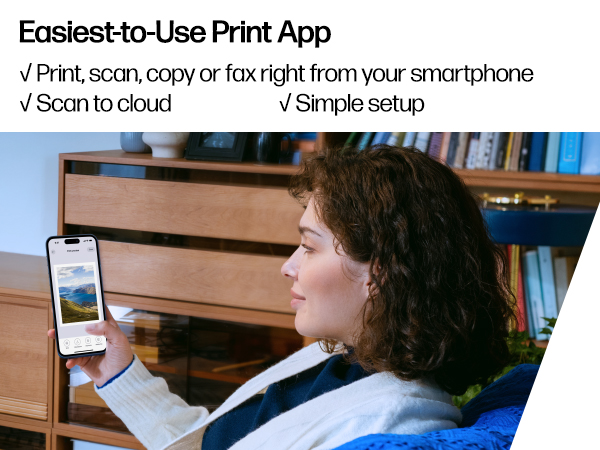
🖨️ Print smart, live vibrant — your home office’s new MVP!
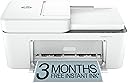
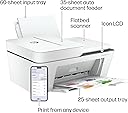
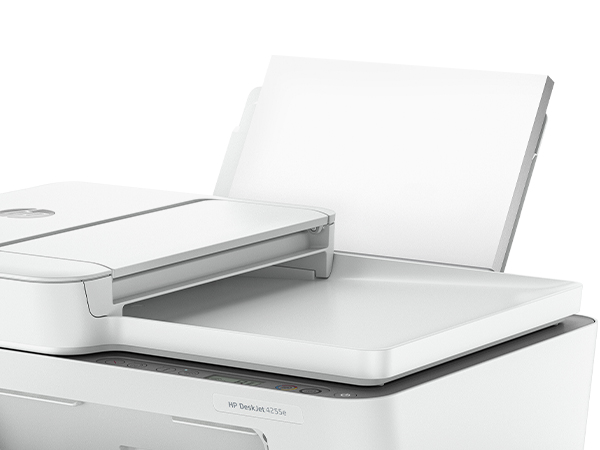
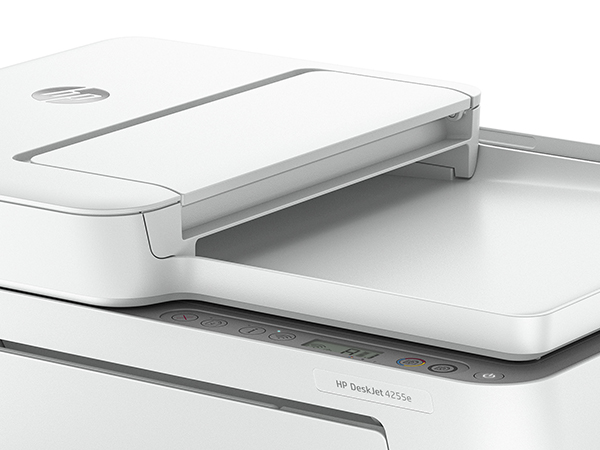
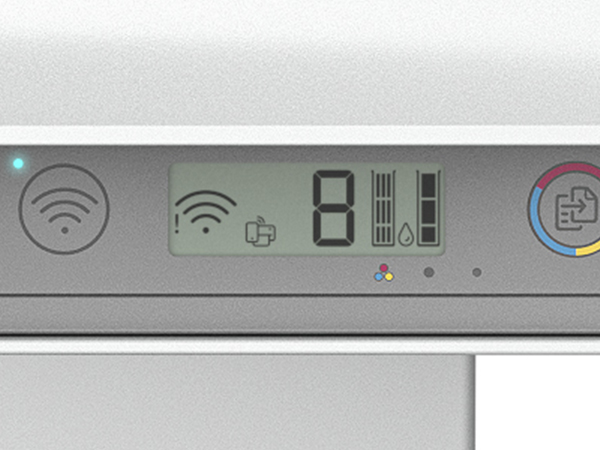
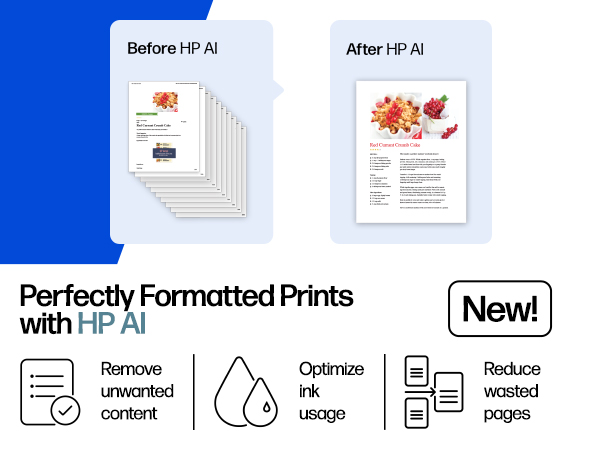
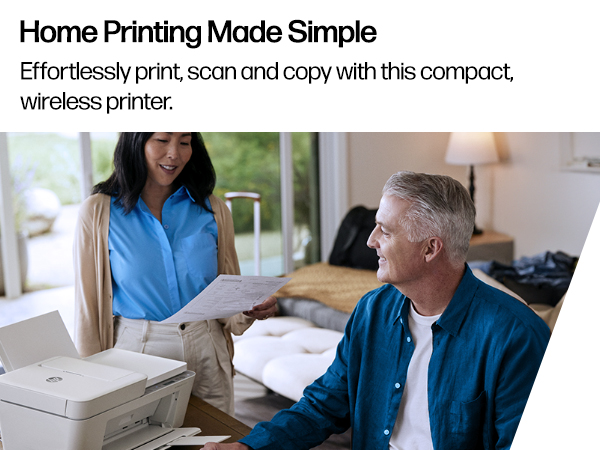
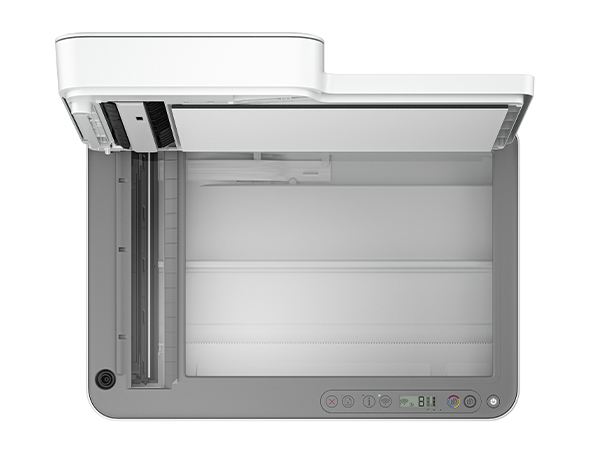
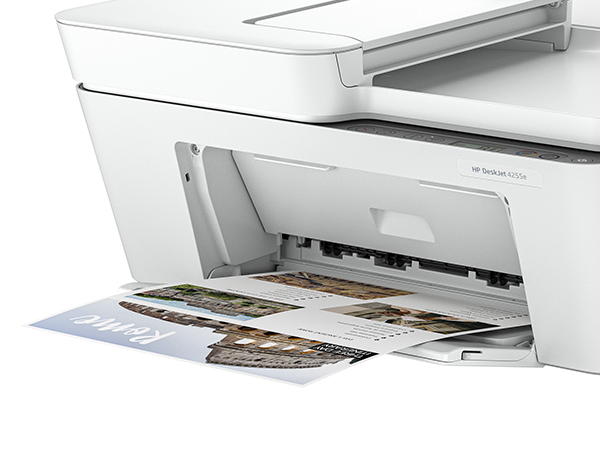
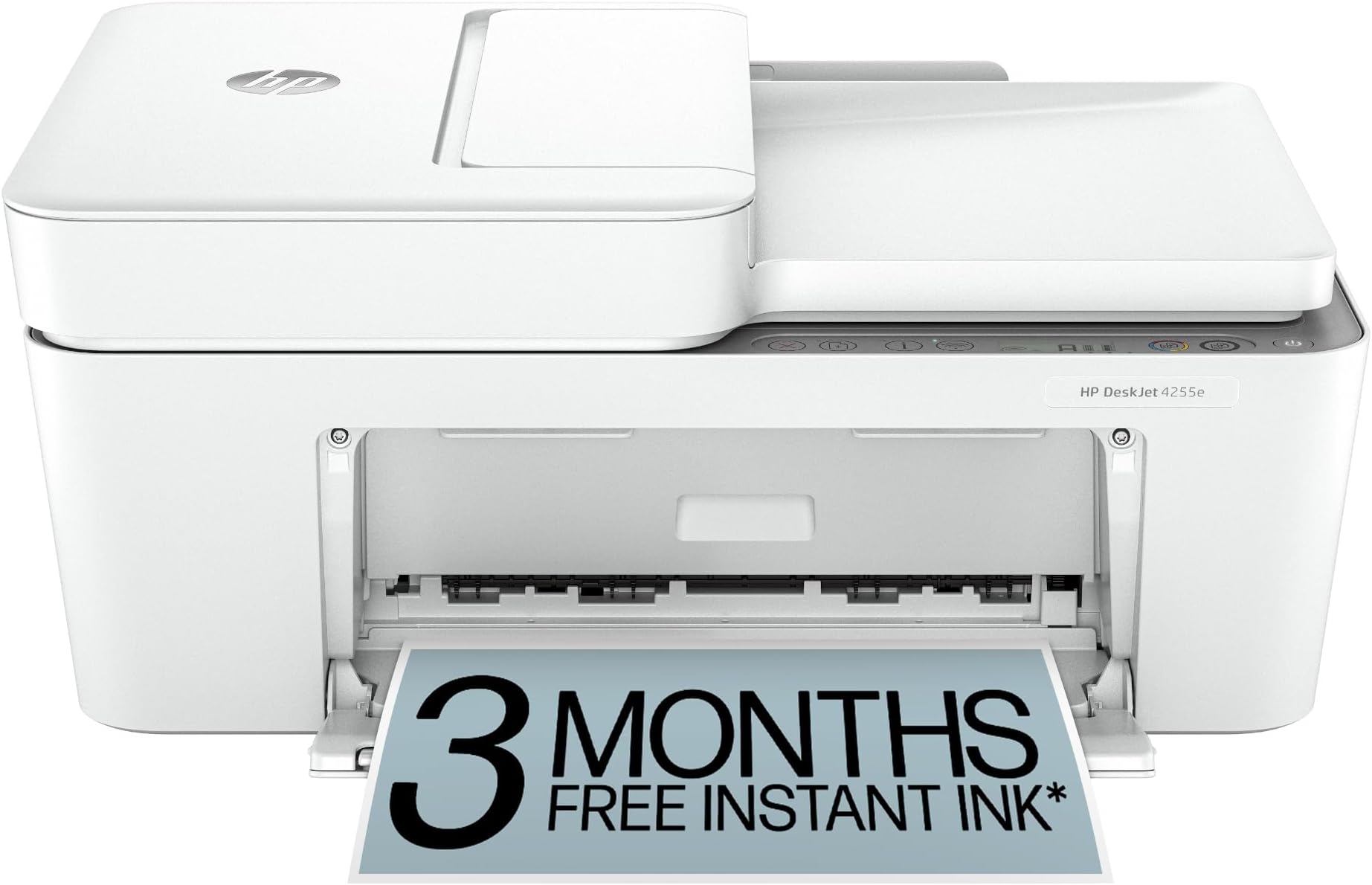
The HP DeskJet 4255e is a compact, AI-enabled all-in-one inkjet printer designed for home and home office use. It offers reliable 2.4 GHz wireless connectivity, fast print speeds up to 8.5 ppm (B&W) and 5.5 ppm (color), and eco-friendly construction with 60% recycled plastic. Featuring a 60-sheet input tray, auto document feeder, and HP+ integration with a 3-month Instant Ink trial, it balances convenience, quality, and sustainability for everyday printing, scanning, and copying needs.


| ASIN | B0CT2QHQVF |
| Additional Printer Functions | All In One |
| B&W Pages per Minute | 8.5 ppm |
| Best Sellers Rank | #201 in Office Products ( See Top 100 in Office Products ) #4 in Inkjet Computer Printers |
| Brand | HP |
| Built-In Media | HP DeskJet 4255e All-in-One Printer; HP 67 Setup Black Cartridge; HP 67 Setup Tri-Color Cartridge; Regulatory flyer; Setup guide; Reference guide; Power cord [For ink volume and page yield information, visit http://hp.com/go/learnaboutsupplies] |
| Color | White |
| Color Depth | 24 |
| Color Pages per Minute | 5.5 ppm |
| Compatible Devices | Laptops, PC, Smartphones |
| Connectivity Technology | single band wi-fi |
| Control Method | App |
| Controller Type | iOS |
| Customer Reviews | 3.8 out of 5 stars 5,859 Reviews |
| Display Type | LED |
| Dual-sided printing | Yes |
| Duplex | Manual |
| Hardware Interface | USB |
| Initial Page Print Time | 19 Seconds |
| Ink Color | Black; Cyan; Magenta; Yellow |
| Is Electric | Yes |
| Item Dimensions D x W x H | 13.07"D x 16.85"W x 7.87"H |
| Item Type Name | Inkjet printers |
| Item Weight | 10.6 Pounds |
| Manufacturer | HP |
| Maximum Copies Per Run | Up to 9 copies |
| Maximum Copy Resolution Black and White | Up to 300 x 300 dpi |
| Maximum Copy Resolution Color | Up to 300 x 300 dpi |
| Maximum Copy Speed Black and White | 6 ppm |
| Maximum Media Size | 8.5 x 11.69 in |
| Maximum Print Resolution Black and White | Up to 1200X 1200 rendered dpi (when Printing from a computer) Dots Per Inch |
| Maximum Sheet Capacity | 60 |
| Maximum print Resolution Color | Up to 4800 x 1200 optimized dpi color (when printing from a computer on selected HP photo papers and 1200 input dpi) Dots Per Inch |
| Model Name | 4255e |
| Model Number | 588S6A#B1H |
| Model Series | DeskJet 4255e |
| Number of Trays | 1 |
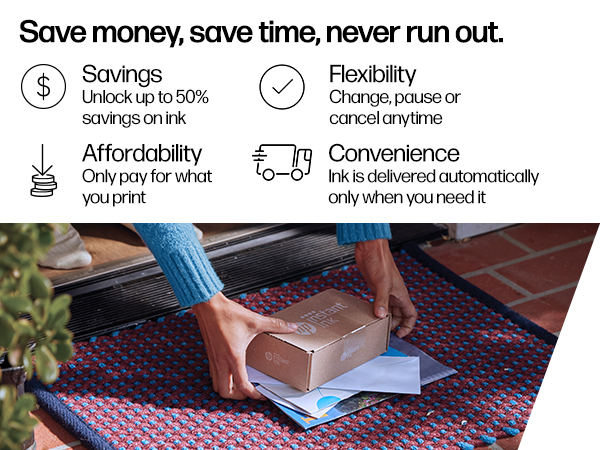
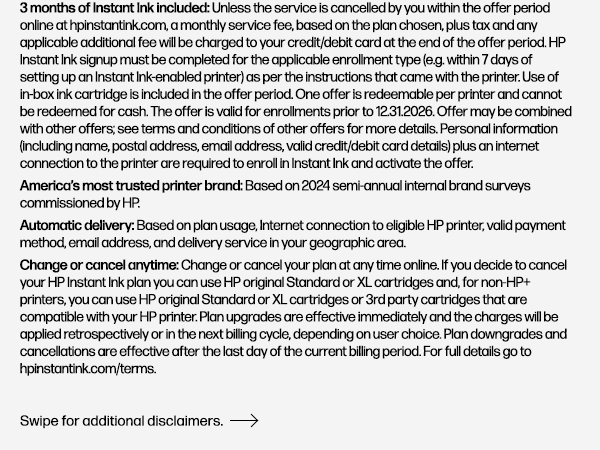
| Other Special Features of the Product | 60% post-consumer recycled plastic, HP+; HP Instant Ink eligible; Scan to PDF |
| Output sheet capacity | 25 |
| Paper Size | 8.5 x 11;8.27 x 11.7;8.5 x 14;7.16 x 10.12; |
| Power Consumption | 2.8 Watts |
| Print media | Paper (plain) |
| Printer Connectivity Type | single band wi-fi |
| Printer Output Type | Color |
| Printer Type | Inkjet |
| Printing Technology | Inkjet |
| Resolution | 1200 x 1200 |
| Scanner Type | Flatbed |
| Special Feature | 60% post-consumer recycled plastic, HP+; HP Instant Ink eligible; Scan to PDF |
| Specific Uses For Product | Home, Home and home office |
| Total USB 2.0 Ports | 1 |
| Total Usb Ports | 1 |
| UPC | 196337380103 |
| Unit Count | 1.0 Count |
| Warranty Description | One-Year limited hardware warranty with option to extend to two-years with acceptance of HP+ Offer. For more info please visit us at support.hp.com .For full terms and conditions visit: support.hp.com. Warranty and support options vary by product, country, and local legal requirements |
| Warranty Type | One-Year limited hardware warranty with option to extend to two-years with acceptance of HP+ Offer. For more info please visit us at support.hp.com .For full terms and conditions visit: support.hp.com. Warranty and support options vary by product, country, and local legal requirements |
| Wattage | 100 watts |
A**L
Easy to use and great quality prints!
This printer works really well and was very easy to set up. It prints clearly and quickly, and the quality is great for both documents and color prints. I also like how compact it is—it doesn’t take up too much space and looks clean on my desk. The wireless connection is convenient and works smoothly, making it easy to print from my phone or laptop. Overall, it’s reliable, simple to use, and perfect for everyday home or school use. Highly recommend!
M**N
Sent back: Dynamic Security chip on printer ink
This printer might seem like a good deal at first, but it’s really just a ploy to lock you into buying expensive ink from HP. I bought this to replace my HP 4255e after its printhead failed, and even the replacement head didn’t work. This printer cost me about $50 less than that replacement head alone, so I thought I was getting a bargain. The setup was straightforward, and it connected to my network without any issues. However, I’m uneasy about how HP connects to the printer over the internet—who knows what data they’re collecting? One glaring flaw is the lack of automatic two-sided printing. Instead, you have to manually reload the paper to print on the other side, following on-screen prompts. It’s an annoying step back from the fully automated feature I had before. The switch to a single color cartridge is a step backward, too. It’s more convenient, but with separate cartridges, you could at least use up each color fully before replacing it. Now, you’re throwing money away when one color runs out. The so-called “free” 6-month trial of HP’s Instant Ink (Dynamic Security chip on printer ink ) program is just a sneaky way to milk more money out of you. It’s not really an ink subscription; it’s a deal where you pay for the number of pages you print each month, regardless of how much ink you actually use. Even if you print just one word on a page, it counts towards your limit. If you cancel the program, any ink they’ve already sent becomes useless, forcing you to buy their overpriced cartridges. I canceled it and switched to aftermarket ink, which works just as well for half the price. Print quality is also a letdown. It’s nowhere near the standard of my old 8610, though it’s adequate for basic home printing. Forget about using it for anything professional or for printing barcodes—scan codes often don’t work on the first try. I printed show tickets, and the usher had to scan them several times to get them to work. The same issue happens with UPC-style codes, though QR codes fare a little better. Bottom line: I would never buy this printer again. After this experience, I’m done with HP printers altogether.
J**Y
Performance & Print Quality
Here is your review in English, ready to use for Amazon or any other platform: ⸻ 🖨️ HP DeskJet 4200 All-in-One Printer Review The HP DeskJet 4200 All-in-One Printer is a reliable and affordable inkjet printer designed for home use and small offices. It offers printing, scanning, and copying features in one compact device, making it a practical solution for everyday tasks. Performance & Print Quality The DeskJet 4200 delivers good print quality for both black-and-white and color documents. Text prints are sharp and clear, while color graphics and photos look vibrant for casual printing needs. It is ideal for homework, personal documents, forms, and occasional photo printing. Print speeds are moderate, which is typical for an inkjet printer in this category. It’s best suited for light to moderate printing volumes rather than heavy daily use. Connectivity & Convenience One of the standout features is its wireless connectivity. The printer supports Wi-Fi printing, allowing you to print directly from smartphones, tablets, and laptops using the HP Smart app, Apple AirPrint, or other compatible services. It also includes a USB connection option. The setup process is generally simple, and the compact design fits nicely on a desk or small workspace. Additional Features • Flatbed scanner for clear document scanning • Copy function for quick duplicates • User-friendly control panel • Compact and lightweight design Pros ✔ Affordable price ✔ Wireless printing capability ✔ All-in-one functionality (print, scan, copy) ✔ Compact size for small spaces Cons ✘ Ink cartridges may need frequent replacement with regular use ✘ Not designed for high-volume printing ✘ Print speed is average The HP DeskJet 4200 All-in-One Printer is a solid choice for students, families, or small home offices that need a dependable printer for everyday tasks. It offers good quality, convenient wireless features, and multifunction capability at an accessible price point.
A**R
I found it difficult to set up
Really good printer so far. However, to get it set up was a process and took way too long. The printer I have always bought in the past was super easy - plug it in and your good to go - it is now $250. I used to pay $20 - $30 at the most for it. So I tried this one and it was a real nightmare setting it up. It could be me. I am not tech-savvy at all.
A**6
Great Affordable All-in-One Printer for Home
Great little printer for home use I’m really happy with the HP DeskJet 4255e so far. Setup was quick using the HP Smart app and it connected to my WiFi in just a few minutes. Just make sure you’re using 2.4 GHz WiFi, since that’s what this printer supports. Print quality is surprisingly good for a home printer. Text is crisp, color prints look nice, and the scanner and copier work perfectly for everyday things like documents, school papers, and forms. I also like that it’s compact and doesn’t take up much space, but still does everything I need. The 3-month Instant Ink trial is a nice bonus too so you don’t have to worry about running out of ink right away. Overall it’s a great affordable all-in-one printer for home use, and I’d definitely recommend it.
D**E
Reliable All-in-One Printer with Minor Drawbacks
I've been using the HP DeskJet 4255e for a few months now, and it's a solid performer for home use. Here's my take on it: Pros: Versatility: This printer does it all – print, scan, copy, and even fax. It's a great all-in-one solution for home offices or households with multiple users. Wireless Connectivity: Setting up the wireless connection was a breeze, and it stays reliably connected. I can print from my phone or computer without any hassle. Having that feature alone makes the cost worth it for me. Print Quality: The print quality is good for everyday tasks like printing documents, photos, and even some graphics. The colors are vibrant, and the text is sharp. My wife uses the prints for her CRICUT designs and they look amazing. Compact Design: It's compact and doesn't take up too much space, which is perfect for smaller home offices or apartments. HP Instant Ink: The included 3 months of HP Instant Ink is a nice touch. It saves me the hassle of running out of ink unexpectedly, and the subscription is affordable. Cons: Noise Level: The printer can be a bit noisy, especially during multi-page printing or scanning. It's not deafening, but it's noticeable. At the end of the day, this is a minor issue.... it's a printer. Cost of Ink: While the HP Instant Ink subscription is convenient, the cost of ink can add up if you print frequently. It's something to keep in mind if you're a heavy user. Also, be aware the free color ink included does not actually work if you don't sign up for the HP service. So be sure to buy color ink separately if you don't want to pay for a subscription. Speed: The print speed is decent, but it's not the fastest. For large print jobs, it might take a bit longer than some higher-end models. Overall, the HP DeskJet 4255e is a reliable and versatile all-in-one printer that's well-suited for home use. It offers good print quality and wireless connectivity but be mindful of the noise level and ink costs if you're a heavy user.
K**R
Most complicated printer to set up I've ever owned
Before you can set this up you have to agree with HP to buy HP ink for the life of the printer. I've been working on the setup now for almost an hour and a half and I cannot get to the point where it'll print the alignment page. My advice to you is stay far away from any printer that says HP and look at a different brand that's my personal recommendation it's too bad because HP used to be a really good company. Update 2/16/25 This printer got hacked by a nasty piece of malware. Cost me 719.00 to get it cleaned up and get a 3 year protection plan to prevent it getting hacked again, Wish I could leave a negative star review for this piece of hp junk Update 2/20/25 Printer is constantly falling offline and is impossible to find out why and fix it. Update 9/28/25 Printer is again falling offline and hp scan and print doctor which is a good program can't fix it. This printer has caused much more than 75 dollars worth of frustration and problems in keeping on line even though I am using an HP laptop. this is a total POS piece of hp junk I wish I could give it negative 5 stars because that is what this junk is worth. Update 12/16/25 How to avoid brain damage with this all in one printer scanner. Order a direct to pc cable from amazon and plug it into the connector hole in the back of the printer. this is a U shaped connector on the back of the printer. Plug the other end of the cable into the usb C port on your laptop to establish a direct to printer connection. And avoid the brain damage from hooking up via wifi which this all in one HP device does not handle well at all. It constantly drops wifi and goes offline and no HP tech has fixed it yet. The direct print method saves a lot of brain damage. This HP unit is also listed as frequently returned. HP does not care they make their money selling ink subscriptions not printers.
P**O
Amazing Printer
I’ve seen mixed reviews about this printer. I personally love it! I had no issue getting out set up but my boyfriend can’t seem to find it in the network but it’s okay. We at least have one laptop with access to it. Loving it!
ترست بايلوت
منذ 5 أيام
منذ 3 أسابيع