
قم بتنزيل التطبيق


معلومات عنا
حقوق الطبع والنشر © 2024 Desertcart Holdings Limited
قم بتنزيل التطبيق


🔥 Elevate Your Craft with Laser Precision & Clean Air 💨
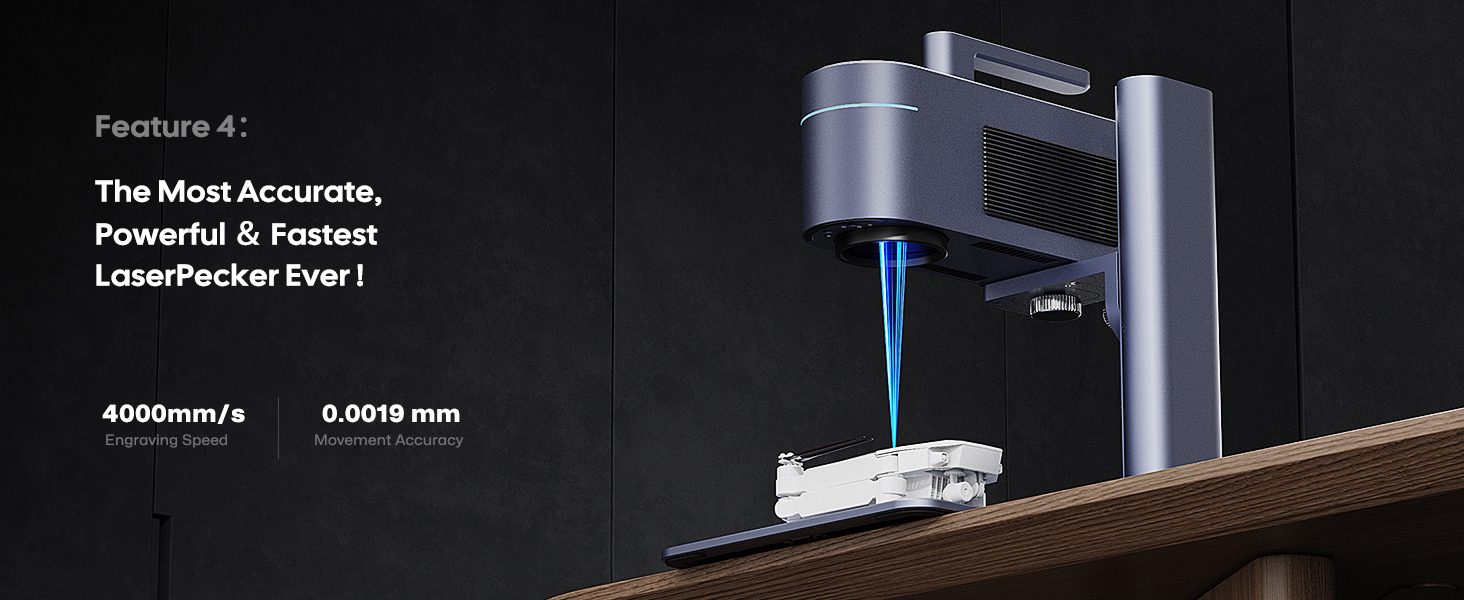
The LaserPecker LP4 (Ultimate) is a compact yet powerful dual-laser engraver featuring a 160x300mm workspace and advanced slide & rotary extensions. It includes a 4-layer HEPA desktop air purifier that removes 99.97% of engraving fumes, ensuring a safe and odor-free environment. Designed for professionals and creators, it supports batch engraving with smart repeat functions and integrates with LightBurn + LDS software to speed up production and reduce waste, making it ideal for high-volume custom engraving on metal, wood, plastic, glass, and ceramics.




| ASIN | B0D12VPQ59 |
| Best Sellers Rank | #256,518 in Arts, Crafts & Sewing ( See Top 100 in Arts, Crafts & Sewing ) #712 in Jewelry Making Engraving Machines & Tools #4,451 in Craft Cutting Tools |
| Customer Reviews | 4.1 4.1 out of 5 stars (33) |
| Date First Available | April 7, 2024 |
| Item Weight | 41.6 pounds |
| Item model number | LaserPecker 4 |
| Manufacturer | Shenzhen Hingin Technology Co.,Ltd |
| Product Dimensions | 32.28 x 12.01 x 16.54 inches |
B**E
Good quality machine
The packaging of this product was fantastic. It survived the mailing system to Alaska! Assembly was easy and straightforward. A bit of a learning curve on setting up the various attachments but the instructions are accurate. I like the fact that it came with some test pieces and extra hardware plus a case to hold that extra stuff. I’m really new to the machine still but I’m learning fast thanks to the support groups and online help videos. Loving the LP4’s ability to mark a multitude of materials. Highly recommend the LP4.
M**W
Very Satisfied
This is my first laser and it was very easy to put together and operate. I'm still working on using the rotary extension, but everything else has been very straightforward and easy to get great results. Would recommend to anyone.
N**I
Worst item that I bought
Package came like brand new BUT it was USED and MISSING most of the part How can you sell the engraving machine without an engraver !?!??! Insane I had a big Event and went bad
N**K
98% good
It glitches out about 2 percent of the time on when doing a second pass with the extension. And that’s all it takes to ruin an engraving.
T**T
Definitely an amazing engraver
My husband had been wanting a laser engraver to put his makers mark on knives. We knew it would be an expensive investment just to use with his knives. We asked other knife makers what they used and looked at several different engravers. I craft with my cutting machine and I knew from experience that software is the hardest part to navigate. One knife maker he follows was given a Laserpecker to test and review. He used it 5 months before doing a video about it. Once I saw him use it and he was pleased with the engraving on the knife I knew this was the choice for us. While this laser will work with Lightburn I didn't feel that was a software my husband would be comfortable with and my design experience with these more robust softwares was limited and I knew I would be called upon to help him. While he may later move to a 3rd party software the LaserPecker Design Studio is more than robust enough for him. He was engraving right out of the box. The android app has given a little trouble needing to be uninstalled and reinstalled to connect back with the device but we will troubleshoot that later to see how it may be resolved. He seems happy to use his phone even though I have a laptop set up for him. He received the engraver late Friday, and was happily engraving basswood, metals, plastics, knife metals, wood spoons and today a ROCK, yes he engraved a river rock today. So I can't say enough about this little engraver. I'm interested to see how it works to do some 3d items later on once the new has worn off. I believe this will expand his world of sales farther than knives. He has been on social media watching videos and in groups learning since I ordered. It does take about a week to get the item so he had lots of time to learn.
A**R
Great way to get into laser engraving but you may need to learn some basics first
I purchased the LaserPecker 4 (LP4) as part of a bundle with the rotary unit, slide extension and air purifier. I've had it for a little over a month which and have managed to use all the different pieces as well as push through the learning curve for this device. The whole thing is well packaged and has a very good unboxing experience. I don't care much about that, but it also means that everything is carefully packaged which prevents damage in transit. The main LP4 unit all by itself will do a lot of the tasks most want. It's well made, well supported and the only negative I have for it is that the fan is a bit loud and when it is lowering itself you can keep lowering it even after the protective shield has made solid contact (if you hold the buttons it goes up or down on its own instead of in increments). The former is an issue because you need to be connected to the device with your tablet or laptop to access all the features of the software and to set the laser settings for the burn. That hum gets tedious and it would be very nice if there was a way to set the laser settings without being connected. The latter is an issue because it can bend the base a little bit when pushing down. A simple potentiometer could address it so that you can't ever drop the unit too far. Within its power limits it does very well. Expect to spend some time experimenting to get settings dialed in. The defaults are good places to start, but the material you are burning is not consistent. This will be true no matter what engraving system you use and is not a knock against LaserPecker. Human nature being what it is, however, there will be some that blame the tool. The air purifier is a must, in my opinion. You are burning wood or leather or chemically applied coatings on metal. They are going to stink up the joint. Initially I was using this in my woodshop and even there I wanted to make sure the burning wood smell was gone. The purifier handles this. It handles it well enough that I can use this in the house where there is air conditioning! The slide extension is handy if you simply want a larger staging area or want to do small batch work. It works smoothly. It would be nice it there was a positive stop or something on the base to consistently register it in line with the center of the main unit. The rotary extension is best used for small round things. If you want to do tumblers, it's just not long enough to do them horizontally. This is handled by running the tumblers vertically but does take a little fiddling to get it right. Support is pretty much on Facebook. The company is in China which means, on average, a one day lag between questions and answers. They replied promptly to my questions and there was an 'off hours' auto-reply letting you know they'd get to you the next day. There are two Facebook groups; one official, one user based. Join them. If you are thinking about buying, join them and read up and learn. Documentation is sparse. What is really missing is info to help people learn both the design software and the LP software. If you are already familiar with design, great, but otherwise you're going to see a lot of stuff that assumes you learned some fundamentals elsewhere. The software is the main letdown here. You have desktop versions and mobile/table versions. Feature parity is not there and this can be frustrating. LaserPecker Design Studio (LDS) is fairly well featured but missing stuff you will want for processing clip art or doing a lot of design work. You will likely use Inkscape or Adobe or some other app, convert to svg or png there and do the final setup in LDS to work with the laser. Some will say use LightBurn -- that might be a bit of a large ask to a hobbyist just coming to laser engraving for the first time. In my case, my main computer is not going to be co-located with the LaserPecker. This means I do my design work, save it and transfer it to my Android Tablet. For the most part this works, but it would be easier to set the laser settings on the 'big' computer instead of having to do that final step on the tablet. I have had hit and miss success doing everything in LDS and then transferring it; layout changed, other things were not the same when the project was opened so now I just design in Inkscape first. One thing to note; this item is marketed in such a way that you get a newbie 'double-whammy'. People are new to laser engraving and they are also new to the design process and the specific of that world. This leads to a lot of frustration; especially when all the YouTube videos assume that you are familiar with one or both of those worlds. If you accept, up front, the learning curve for both and set out the time to work with it, you will have a much better experience overall. Amazon doesn't let you do partial-stars. If the software experience was better, I would give it 5 stars (and will, because with effort you can overcome the software experience). Otherwise, it would be 4.5 stars from me.
M**N
Need better tutorials
This laser seems to be very good. This my first but the few things I have in graves came out very nice. That being said their tutorials are horrible, they need to work on them.
J**S
I'm not 100% but I don't think all the pieces were there
Had to send back, things didn't add up and I couldn't use it
ترست بايلوت
منذ 3 أيام
منذ 5 أيام