Desertcart purchases this item on your behalf and handles shipping, customs, and support to KUWAIT.
🚀 Scan smarter, faster, and worry less with the iX1600 Premium!
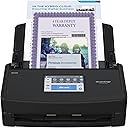
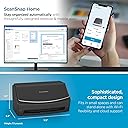
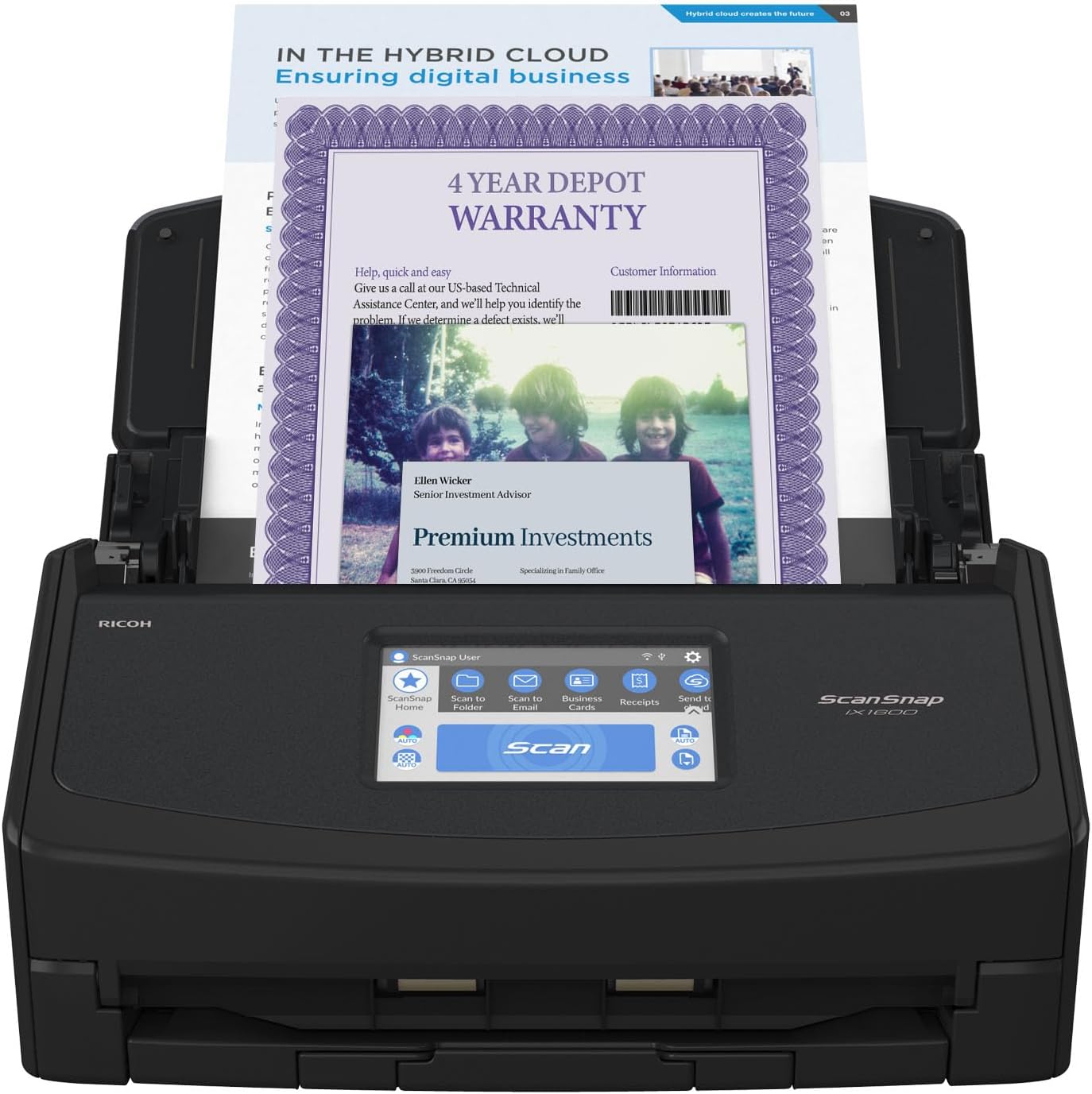
The ScanSnap iX1600 Premium is a cutting-edge duplex document scanner designed for Mac and PC users, featuring 40ppm scanning speed, versatile Wi-Fi and USB connectivity, a large color touchscreen with 30 user profiles, and advanced ScanSnap Home 2.0 software for effortless document management. Backed by a 4-year manufacturer’s protection plan, it’s the ultimate productivity booster for home offices and small businesses.

| ASIN | B0CHKNM2W7 |
| Best Sellers Rank | 247,459 in Computers & Accessories ( See Top 100 in Computers & Accessories ) 290 in Document Scanners |
| Brand | ScanSnap |
| Brand Name | ScanSnap |
| Color Depth | 24 bpp |
| Connectivity technology | USB, Wi-Fi |
| Customer Reviews | 4.6 out of 5 stars 1,709 Reviews |
| Greyscale Depth | 8 bits |
| Item Dimensions D x W x H | 15.2D x 29.2W x 16H centimetres |
| Item Weight | 3.4 kg |
| Light Source Type | LED |
| Manufacturer | PFU Limited |
| Media Type | USB |
| Minimum System Requirements | Any common operating system (Windows, macOS, or Linux) with internet access for software updates and cloud services |
| Model Name | iX1600 Premium |
| Model name | iX1600 Premium |
| Network Connectivity Technology | USB, Wi-Fi |
| Optical Sensor Technology | CIS |
| Product dimensions | 15.2D x 29.2W x 16H centimetres |
| Resolution | 600 dpi |
| Scanner Type | image scanner |
| Scanner type | image scanner |
| Standard Sheet Capacity | 50 |
| UPC | 097564314087 |
| Unit Count | 1 1 |
| Wattage | 17 watts |
P**A
replace contact
Hi thnere is a problem with software and doeesnt work
D**B
Remarkable speed, almost never jams, included software better than expected
I bought a Fujitsu fi5110EOX scanner in 2005 and liked it so much I bought a second one used in 2017. Both finally succumbed to rubber roller rot by 2024. The fi5110EOX had been a great scanner for the price, despite its paper-feeding quirks, and I figured that the similarly priced ScanSnap iX1600 would be a suitable replacement 19 years later. The first thing I scanned flew through the iX1600 so fast I thought something was wrong. Nope! It's many times faster than the fi5110EOX. Summary: 1) Faster scanning then many, even commercial grade printer-scanners costing thousands of $. 2) Scans much straighter than the fi5110EOX, even for narrow receipts. 3) Scans thick stacks of normal paper and NEVER misfeeds. Really! 4) A stack may contain a mixture of different size sheets - it still feeds straight without jamming 5) Scans thicker media than the fi5110EOX, even stacked 6) Cannot handle stack with a mix of different thicknesses (that's asking too much) 7) I haven't tested scanning from underneath - haven't needed it 8) The software included with the iX1600 works so well that I actually use it. (I gave up on the fi5110EOX software and used 3rd party (VueScan) software instead). Put anything in the hopper, press scan on the front panel, and it selects b/w or color appropriately. I only use VueScan when I want to set scanning parameters very specifically - which is seldom. 9) The front touch display panel is easy to use (and I'm hard to please). When I feed it something inappropriate (like an envelope with the flap unsealed), the scanner will finish scanning the it, then stop, give a warning, and provide a choice of continuing, or quitting (with the option to save the scan just done). Very convenient. 10) Goes into sleep mode automatically, unlike the fi5110EOX which kept the scanning lamp on unless I closed the lid. 11) I don't like the software's default choice of file naming (month-day-year). I would prefer year-month-day. A minor complaint. I would buy it again and definitely recommend it.
W**L
Excellent, fast scanner
This scanner is really excellent, especially the speed helps a lot! I scanned several thousands of pages within a really short time, it would have been a nightmare had it not been that fast. The document feeder is really reliable and usually way better at separating the pages to scan them individually than I can normally separate them with my fingers. For those few times that it doesn't work it sends an error message soon and stops the scan, getting them out of the feeder and re-scanning them is no issue at all. I scanned a few hundred photos as well and it was pure joy to see how well it handled those too. The scan results are excellent too. The variety in settings regarding the quality leaves very little to be desired. The little screen helps a lot, you don't have to initiate the scan from the computer all the time, it helps tremendously to save time and effort. The only downside that I have yet discovered is that I wasn't able to find out how scan multiple pages in one go and save them as separate files. I could only do that by splitting the scanned pdf file using a pdf software. The scanner comes with a serial number for the PDF software "Kofax Power PDF Standard" but I haven't tried that since I use Adobe Acrobat professional for business reasons, but it's good to know that the scanner does have an alternative to Adobe. I can't recommend that scanner enough, am really glad I bought it!
S**Y
This is the one you want.
I bought one because we have these at work and I know how well they perform. They are simple to operate and amazingly fast. I've had several multi purpose printer/scanners that cost 1/2 as much or less and what a waste of time and money that was. If you have 1/2 an hour to flip pages and scan a 10 page 2 sided document or un-jam your scanner repeatedly then you don't need this but if you want to get things done with a scanner that's actually smart and easy to get along with this is the one for you.
P**W
Incredible Scanner
If I could give this scanner 6 stars I would. I have experience with Fujitsu scanners. Our company has had two humble ScanSnap S1500s in service for over a decade, each having scanned 50,000+ documents on all original parts (and still going). We also experimented with a Fujitsu N7100 network scanner (I think we paid $1700 for that scanner new). I like this scanner better than all of them. First of all, the old S1500s only worked with ScanSnap Manager and the older Fujitsu software. This one works with both the old software and their flagship ScanSnap Home software. I honestly thought I'd hate the new software and was planning to just use ScanSnap Manager again. I begrudgingly gave ScanSnap Home a chance and I must say, it's substantially better. First of all, the older software was made up of multiple parts that all had to work together. ScanSnap Home has one clean interface that acts as a document manager, a scanner config, and so on. The flexibility is where this thing really shines. At first glance the touchscreen appears to be laid out how they think you'll want it. In reality you can customize every button, change it's icon, change it's action, etc You can have ScanSnap Home manage the docs or have it scan elsewhere and not even show the document in ScanSnap Home. I have my scanner setup here at home in a dual role. I use the default ScanSnap Home button to scan to my local NAS (as a directory on my computer, not direct [more on that later]) . I have other buttons that scan to various OneDrive locations that sync with SharePoint. For those documents it just scans direct, and I don't have it showing on my computer. Everything just works perfectly. Setup was a breeze. I initially set it up with a USB cable then decided to put it on the Wifi just for fun. I figured I'd setup the mobile app but never got around to it. Then one day the USB cable was unplugged and I went to scan something, not even thinking about it, and it just worked. My computer found the scanner over the network without any additional configuration. Even over Wifi and uploading to either my NAS or OneDrive scanning is pretty much instant. I've scanned 50 page documents and after the last page went through it was fully OCR'd and available to open within about a second. Here's the only downsides (which I didn't dock points for because this is not an expensive scanner by comparison). Although you can (with a firmware update) scan direct to a network share without the use of a computer the scanner doesn't perform any OCR on it's own. Our expensive N7100 could perform OCR on it's own but honestly it was slower. To really leverage this scanner's true capabilities, you should use it with a computer. The ScanSnap Home software is able to perform OCR on the incoming documents faster than anything I've ever used. On that note, you do have to check a box in the settings for the PDF files to actually have it save the PDF as searchable. My suggestion for when you get it is to bypass the manual altogether and just dive in. Pretty much everything is self-explanatory. If you go to Settings / Scan Settings in ScanSnap Home you'll be pretty much good to go.
V**G
Works perfectly 👏
The scanner works perfectly well. Fast and simple to use.
Trustpilot
1 month ago
2 weeks ago