


🚀 Elevate Your Internet Experience!
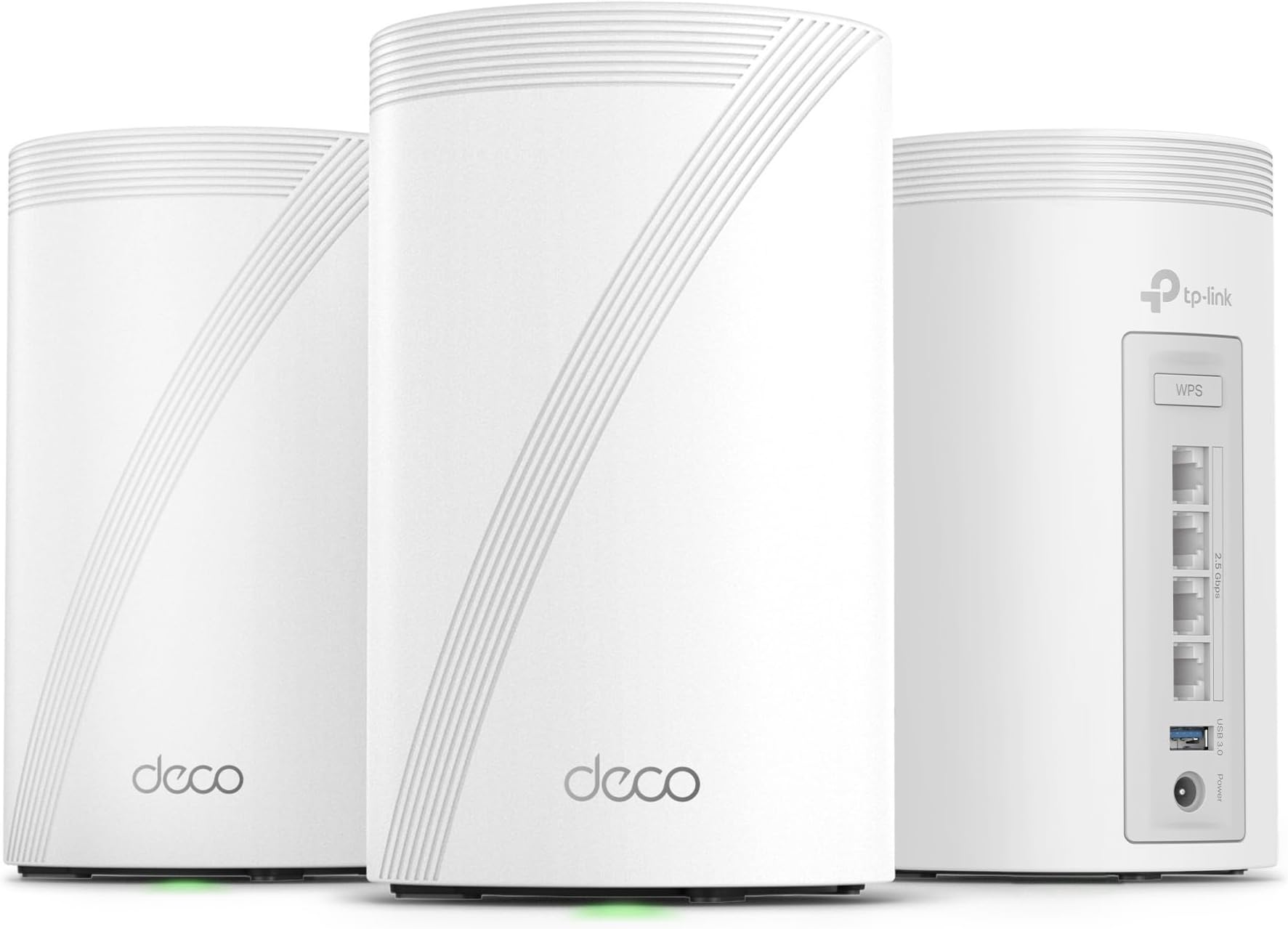
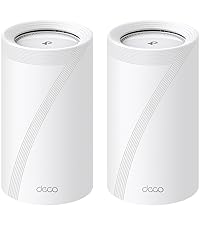
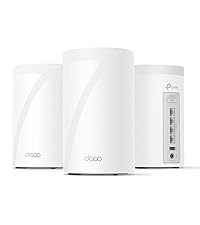
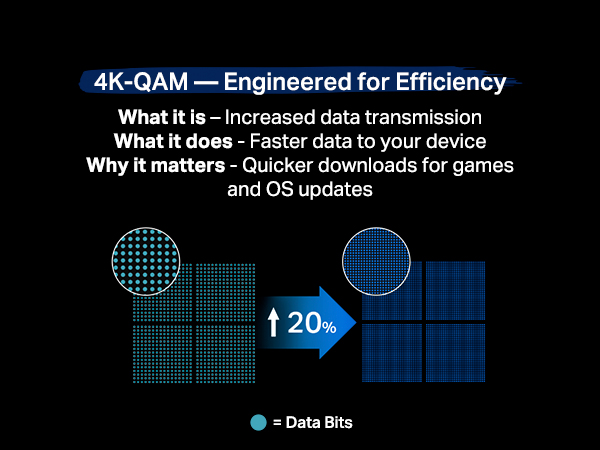
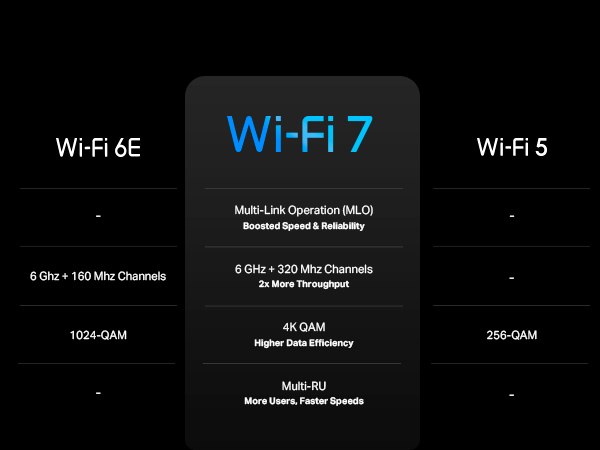
The TP-Link Tri-Band WiFi 7 BE10000 Whole Home Mesh System (Deco BE63) is a state-of-the-art networking solution designed to deliver ultra-fast speeds of up to 10 Gbps across a vast coverage area of 7,600 sq.ft. With advanced features like AI-driven roaming, robust security protocols, and extensive device compatibility, this system ensures seamless connectivity for over 200 devices, making it perfect for modern smart homes.









| ASIN | B0CN8QLS4K |
| Best Sellers Rank | #19,174 in Computers ( See Top 100 in Computers ) #79 in Whole Home & Mesh Wi-Fi Systems |
| Customer reviews | 4.2 4.2 out of 5 stars (1,465) |
| Item model number | Deco BE63(3-Pack) |
| Label | TP-Link |
| Manufacturer | TP-Link |
| Product Dimensions | 10.74 x 10.74 x 17.6 cm; 2.26 kg |
M**.
Awesome
Love these things. I set these up as a mesh system for the ground floor, which doesn't have any router signal. Just connect one of them by Ethernet, then let the rest repeat off of that. You'll get great coverage for the entire ground floor. Also, setup is super easy as TP-Link has a great app for this. Thinking of buying another pack just to extend coverage even more.
M**S
Top tier mesh system, for a reasonable price
Easy to set up, app connects quickly, and the speeds are top notch. Probably the best option for the price.
A**A
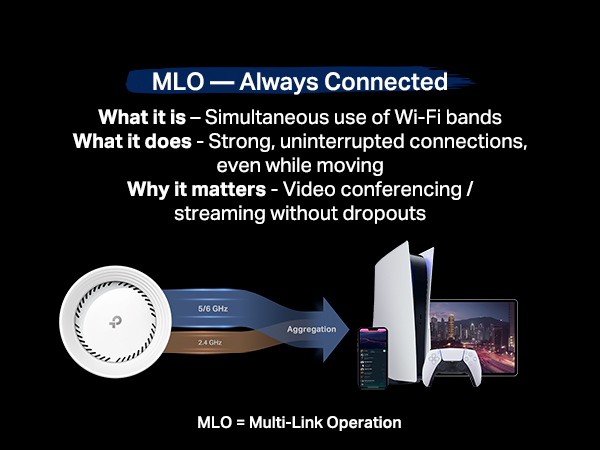
Te permite crear una red de 2.5 a 5GHz, una de 6GHz y una MLO de 5 y 6GHz, además de crear una red para invitados, aislar dispositivos de tu IoT. Con 2 cubre perfectamente 200m² y atraviesa paredes sin tanto problema. Se acabaron mis problemas con la disponibilidad de mis dispositivos.
R**K
Goodbye EERO! We have been EERO users since 2024 when our ISP (Frontier) sent us a “free” EERO 6 PRO for a $10 shipping fee. It was easy to setup and we got good, not great, performance. About 140 Mbps down and 50 Mbps up on a 500/500 system. Compared to the router it replaced we were happy. I run a home network with android phones/apple Ipads, windows computers ( 5 on W11, 1 on W10 ) , a Linux computer and 3 TVs . The EERO was easy to set up and easy to add additional nodes. Connections were never a problem with the EERO. The TVs would often buffer when we watched YouTube-TV. The android phone app used to control the EEROs has problems. The status screen, used to show the health of your EERO nodes, is terribly unreliable. Often it will show EERO nodes that are unplugged as online. We called EERO support and spent several hours debugging this problem. I had android 11 at the time but my son had android 16 and both showed the same error. EERO support wrote a ticket on this problem but we have noticed no improvement in the app since. In Feb 26, I noticed Frontier had been charging us $7/month for the “free” EERO. We called and they took it of the account and required that we ship the “free” EERO PRO 6 back to them – which we did. We were using EERO 6 non-pro nodes on our system for some time. The EERO PRO 6 ran so hot we were a little afraid of it. In mid March 26 we noticed Amazon had a EERO 7 PRO on sale for $199. We ordered that and connected it to our system. As always, it was super easy to add a new node with the EERO app. The EERO PRO 7 was getting 370 Mbps/170Mbps which seemed like a huge upgrade! We noticed in the status it was connecting on the 6Ghz network to our intel and AMD boxes. This was great! On the Linux host, it connected and did 350/320. Wow, awesome! The joy did not last long, however. Later in the day, on the intel computer I was seeing 120 / 57 again. I found it was back on the 5 GHz band. If I disconnected and reconnected. It reconnected and we were back on the 6Ghz band with great performance. Later in the day it had gone back to the 5 Ghz band along with disappointing performance. It appears the EERO are coded to go after the strongest signal even if a good signal on a super performance band is available. I read a review online of the TP-LINK DECO B3 10000. The review indicated you could set a per-device preference of the band to use for the connection. EERO does not have this! I felt this might be just what I needed. The router arrived later in the day thanks to prime! We installed the 3 node TP-LINK DECO B3 10000 in the same locations as 3 of our existing EERO nodes. The TP-LINK app is not as easy to use to install the system as the EERO app. After a couple of failed attempts we got it to install. Yea! Once you have the first node set up it is really easy to add the additional nodes. The app does let you customize the network to use for each device. Excellent! I checked the intel windows box again. It was hitting 430/420 on WiFi. Wow! Damn! We had not seen that performance before with EERO, ever! The other WiFi devices where showing good performance too. The LG/TCL TVs are no longer buffering on YouTube-TV. All of our phones were on the 6Ghz band. There was one big exception to this joy! The UBUNTU Linux 24.04 node wold not connect to the TP-LINK DECO. I suspect it was a problem with WPA3 protocol DECO uses! We tried all sorts of things but it would never work. Wait, there are 4 Ethernet ports on the back of each TP-LINK DECO node. There is a network node ( EERO and TP-LINK) right by the Linux computer. Let me try that. It worked! The Linux box was hitting 480/470 with the Ethernet connection. The intel box, which is right next to the Linux box, hits over 500/500 when hooked up to the Ethernet cables from TP-LINK DECO. We have let it run for a couple days to see if there are gotchas. None so far. We have the winner. We are done with EERO. We are shipping the EERO PRO 7 back to Amazon tomorrow.
ع**د
ممتاز
C**O
En verdad el Deco BE63 distribuye una velocidad igual a la contratada por tu proveedor de servicios de Internet, es un equipo increíble, la instalación muy fácil.
E**R
Working fine but i cant connect my WIFI 7 devices to this, i mean our android phone is showing WIFI 6e and sometimes WIFI 6 but haven't seen WIFI 7 yet
ترست بايلوت
منذ يومين
منذ شهر