Desert Online General Trading LLC
Dubai, United Arab Emirates
Desert Online General Trading LLC
Dubai, United Arab Emirates

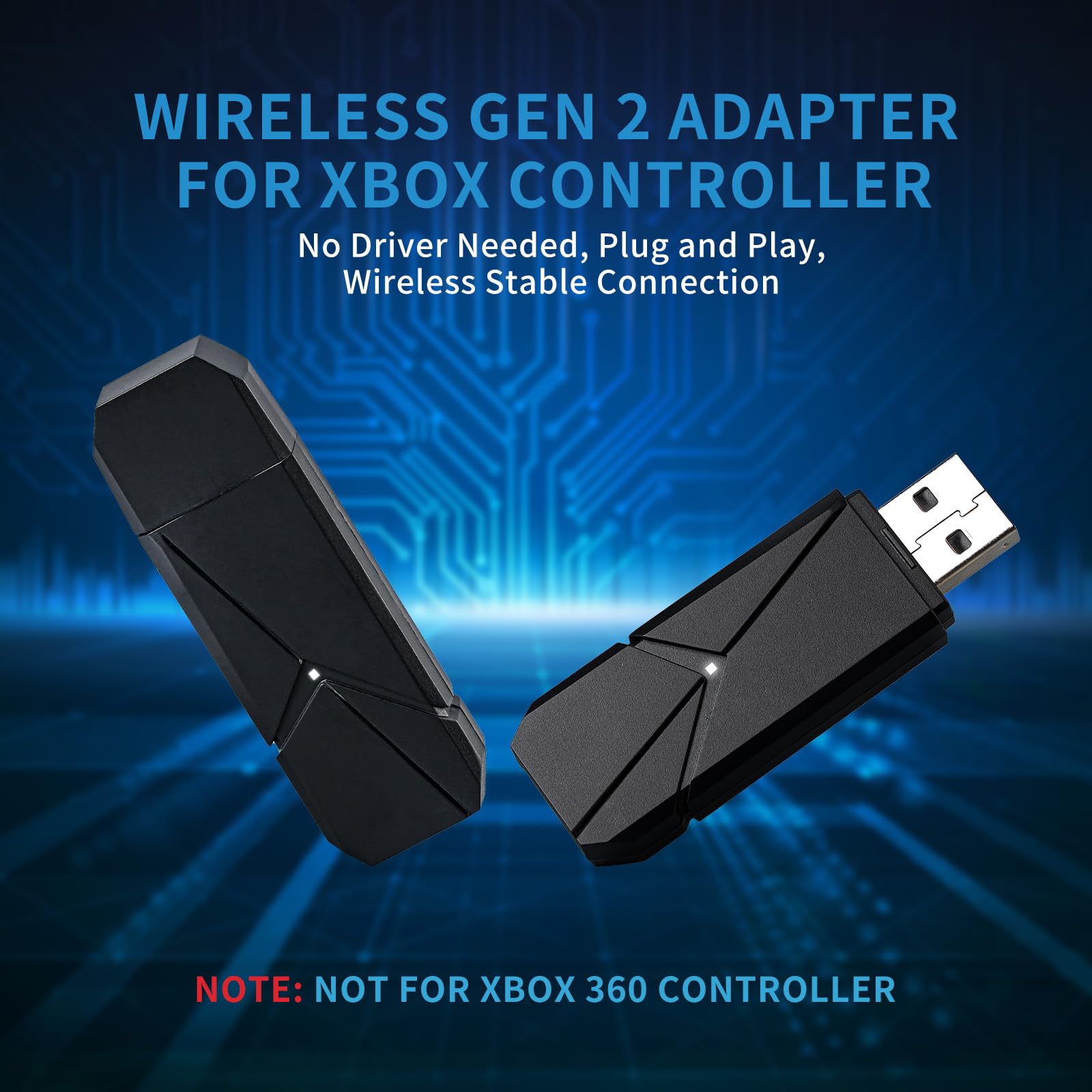


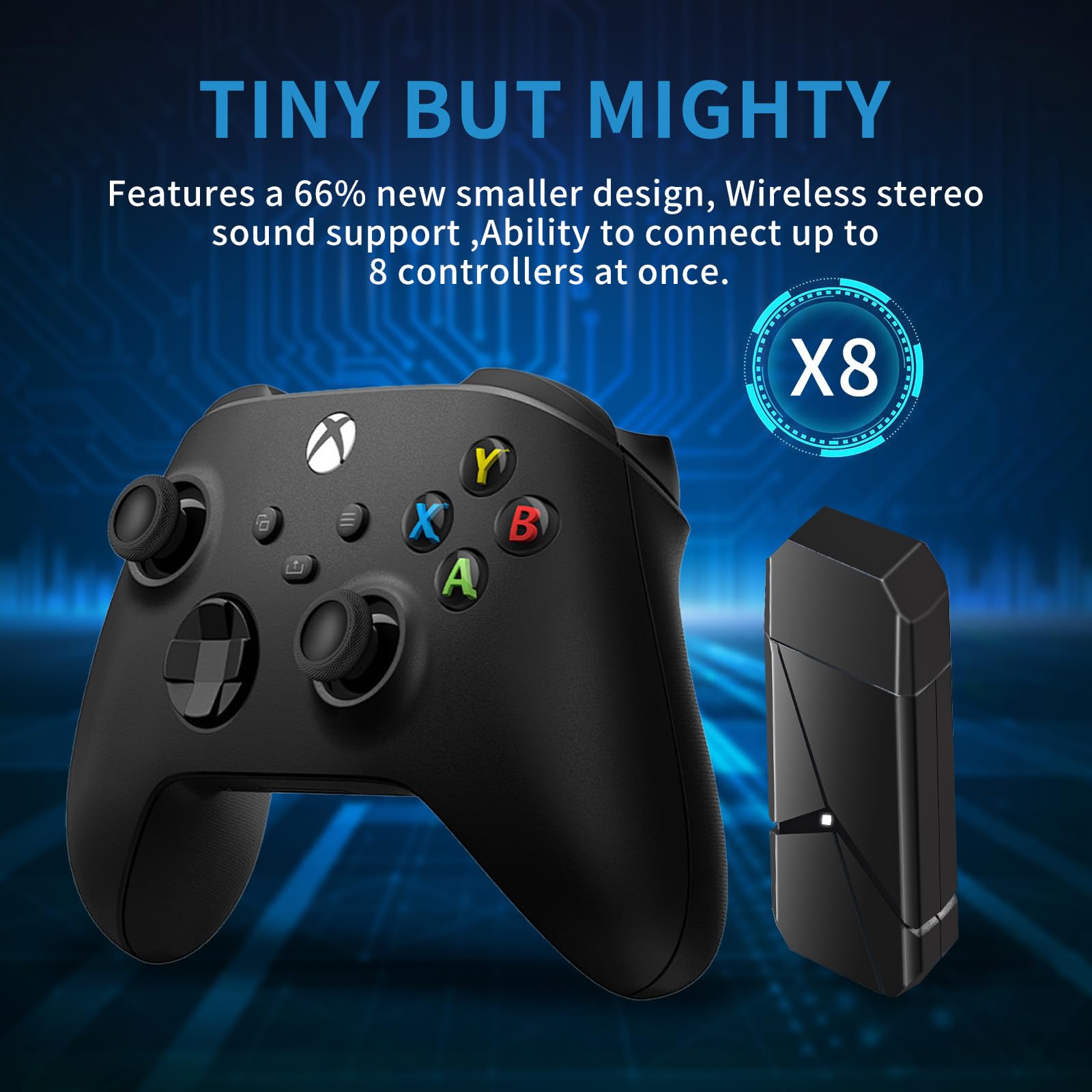

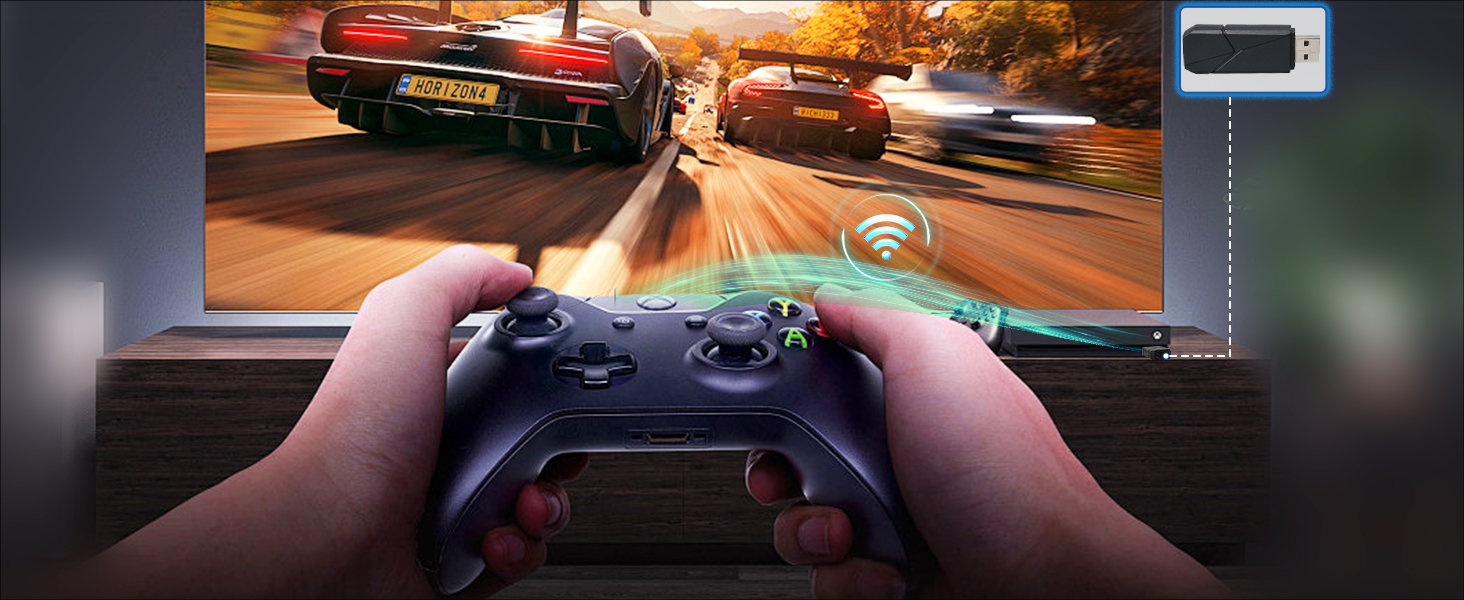
TECTINTER Wireless Adapter for Xbox One - Xbox Wireless Adapter for PC Windows 11/10/8/7,Original IC Chip Compatible with Xbox One/Series X|S/Elite Controllers


| Unit Count | 1.0 Count |
| Number of Items | 1 |
| Package Quantity | 1 |
| Item Dimensions | 3.94 x 3.94 x 0.59 inches |
| Finish Types | Metallic |
| Color | Sky Black |
| Warranty Type | Limited |
| Connector Type Used on Cable | Controller Adapter |
| Compatible Devices | Controller for Xbox Series X |
O**O
Windows was only designed to accept 2 Xbox controllers through Bluetooth
Microsoft is garbage when it comes to Bluetooth. They are essentially where Android was several years ago when they were just starting to figure things out.Anyways. Microsoft's Bluetooth management, especially with Xbox controls is inexcusably bad and has been for many years. Instead of fixing this issue, they sell their own overpriced proprietary dongle.Thankfully, alternatives like these exist on the market so you do not have to reward Microsoft for their bad behavior.For me, it worked fine. Though I had to go to Windows update including the hidden optional updates part to download all the Bluetooth drivers for this adapter, then restart. Not a big deal, sure does beat hunting down vender drivers like some manufactures still expect you to do.Timing can be important for pairing as well. To pair my fourth controller I had to time when I pressed the syncs and turn of all other controllers.Once I set up drivers and paired the controllers on both my PCs, I can now switch all 4 controllers between my bedroom and the family room without issue.My only complaint is the dongle does get a little warm. It is probably nothing, but at the same time. I do not feel like a wireless/ Bluetooth dongle should be getting this hot. But then again, so do most flash drives. Not sure why.Overall, I am very impressed with this device and how it created a well working workaround for an issue I was having with Windows Bluetooth drivers for months.Lastly, do not forget to update your Xbox One and Series x/s controllers regularly using the Microsoft accessories app. Not updating them can cause connectivity issues.
K**S
Works!
Not sure why Microsoft stopped selling their version of this, but this works perfectly connected to the computer and paired with an Xbox controller. Just follow the instructions as you would for the Microsoft version. Simple
ترست بايلوت
منذ شهر
منذ شهر