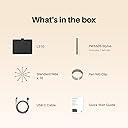
🎨 Elevate your digital art game—where precision meets portability!
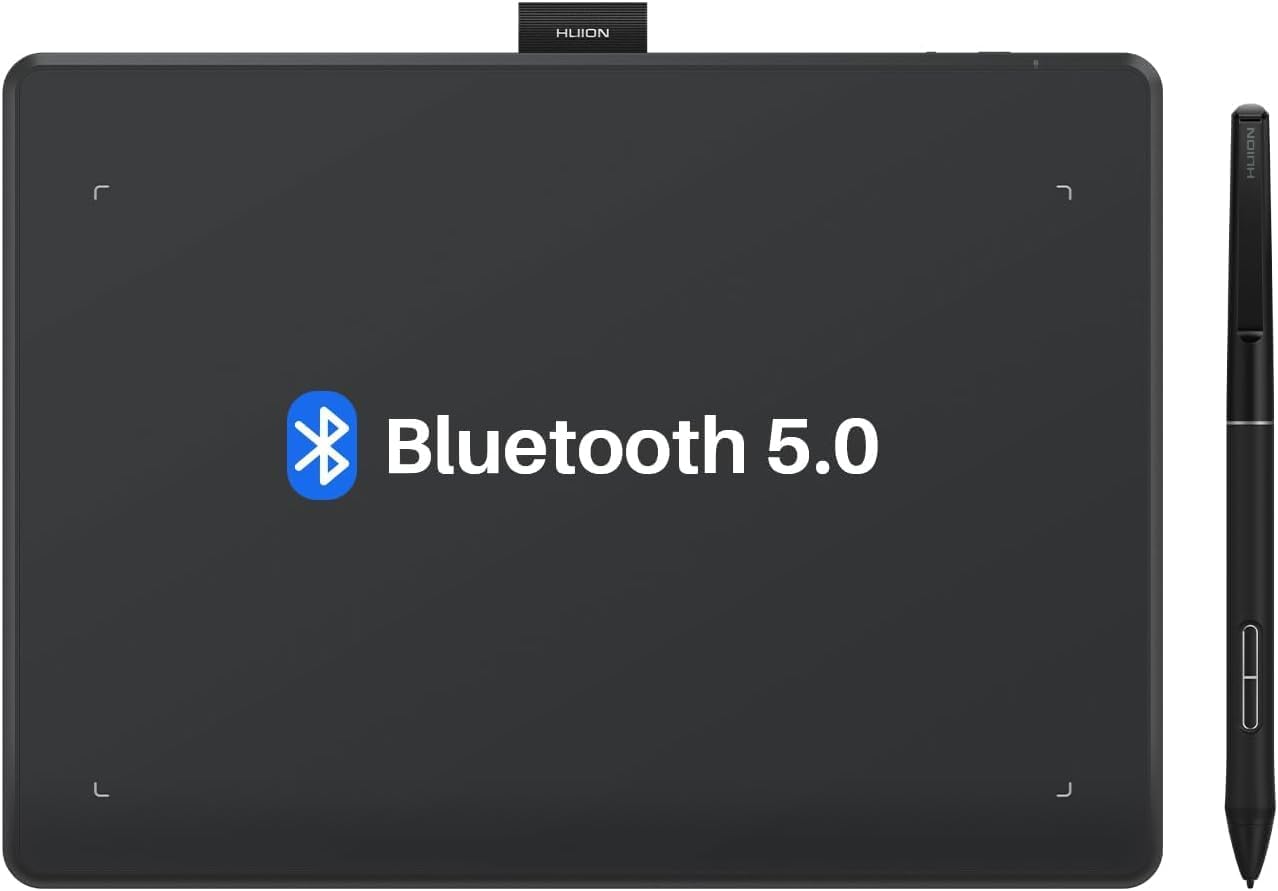
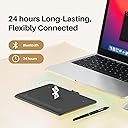
The HUION Inspiroy Frego S is a compact, wireless drawing tablet with a 6.3 x 3.9 inch active area, 8192 levels of pen pressure sensitivity, and up to 24 hours of battery life. Designed for professionals and creatives on the go, it offers Bluetooth and USB-C connectivity, a slim ergonomic pen with programmable buttons, and broad compatibility across Windows, Mac, Linux, Android, and iOS platforms.


| ASIN | B0D6FXHX7P |
| Active Surface Area | 155.89 cm² |
| Best Sellers Rank | 9,813 in Computers & Accessories ( See Top 100 in Computers & Accessories ) 32 in Graphic Tablets |
| Box Contents | Stylus |
| Brand | HUION |
| Brand Name | HUION |
| Colour | Black |
| Compatible Devices | Tablet, Laptop, Smartphone, Desktop (possible) |
| Connectivity technology | Bluetooth |
| Country of Origin | China |
| Customer Reviews | 4.3 out of 5 stars 237 Reviews |
| Display Type | LCD |
| Item Dimensions L x W | 16L x 16W centimetres |
| Item Weight | 350 Grams |
| Manufacturer | HUION |
| Model Name | Inspiroy Frego S |
| Model Number | cd309a38-c58c-4ad0-a07b-3c493ec71a63 |
| Model name | Inspiroy Frego S |
| Native Resolution | 8192 levels |
| Network Connectivity Technology | Bluetooth |
| Operating System | Windows 7 or later(Wired) Windows 10 or later 64bit(Wired&Bluetooth) macOS 10.12 (Wired)macOS 10.13 or later(Wired&Bluetooth)Android 6.0 or later(Bluetooth)ChromeOS 88 or later(Wired&Bluetooth)Linux |
| Operating system | Windows 7 or later(Wired) Windows 10 or later 64bit(Wired&Bluetooth) macOS 10.12 (Wired)macOS 10.13 or later(Wired&Bluetooth)Android 6.0 or later(Bluetooth)ChromeOS 88 or later(Wired&Bluetooth)Linux Operating system Windows 7 or later(Wired) Windows 10 or later 64bit(Wired&Bluetooth) macOS 10.12 (Wired)macOS 10.13 or later(Wired&Bluetooth)Android 6.0 or later(Bluetooth)ChromeOS 88 or later(Wired&Bluetooth)Linux See more |
| Pressure Sensitivity | 8192 Levels |
| Pressure sensitivity | 8192 Levels |
| Product Features | Wireless Bluetooth Connectivity, Without Shortcut Keys, PenTech 3. |
| Screen Size | 9.5 Inches |
| Specific Uses For Product | Teaching |
| Target Audience | Teacher |
J**R
Good new pretty
I’m happy new
J**T
Huion graphics tablet
This tablet is bob on. Well made and very responsive. Well priced and easy to use.
A**N
5 Star
Great product , does as expected , completely satisfied
P**N
Unable to customize dials (UPDATE - Sorted)
On the face of it, the tablet appears well-made and generally works well. However, I have been unable to customize the dials leaving me with two dials that do the same thing. Have had a lot of communication with Huion support, but no solution found, despite now trying three different drivers from them. I am using a MacBook Air. It's become so frustrating that I will probably return it. UPDATE: Huion finally sent me a message clarifying how to customize the dials. It's not how it's explained in the instructions! Attached video from Huion explains how to do it. Basically, don't click the "Dial Settings" button.
C**H
Very impressed
This is a review for the Inspiroy Dial 2. I have to say this tablet has really impressed me, I do have a Huion Kamvas Pro 16 screen tablet but I like wireless non screen tablets for when I want to sit back and relax when I draw. The pen is the first thing that really impressed me, the 3rd generation pen is on par with Wacom now, the nib has almost no travel so feels far better to draw with over the second generation pen on my Kamvas Pro. Both types of nib feel great but I really love the felt nibs these feel better than the felt nibs did on my old Wacon Intuos Pro. The tablet has a larger working area than the Intuos pro medium which costs twice as much but the physical size still remains compact, The surface has a good amount of tooth but not too rough. The keys and dials are both very nice to use and feel good quality. Battery life is in line with what was stated, roughly 18 hours. If i had anything negative to say it would just be 2 very minor things. I think the feet are a little small and don't grip the desk as much I would like but it's not a big problem, also the Bluetooth connection button is where you would hold the tablet if resting it in your lap so it can be accidentally pressed resulting in the tablet losing connection and you having to re-pair it. I have a Bluetooth 5.1 dongle plugged in to the front usb ports of my desktop and have not had any issues with connection. I can't speak to how it works with Android or Ibis paint on the Ipad because I only wanted it for my desktop PC. A little bit of advice for these types of tablets as a whole, a lot of them have a 16 x 10 apect ratio so if you are using a 16 x 9 display you should go in to the driver, click on working area and set it to aspect ratio instead of full screen. This will mean a very small area at the top and bottom of the tablet becomes unusable but the shape you draw on your tablet will not be slightly distorted. Overall a great tablet at a very fair price, my Intuos pro medium cost me about double what this did. I would pick this any day.
S**E
Huion Inspiroy Dial 2 and zBrush.
I got this as an alternative to my Wacom which was bricked due to them dropping it off the latest driver update for the MacOS 26. Using this for zbrush alongside the Huion Keydial mini and I’m really enjoying them. Took me a day to alter my workflow to integrate them, but they’ve speeded my sculpting up no end. Highly recommend them.
H**H
Do not buy this!
I bought this tablet 33 days ago, at first the driver had a problem and after testing several drivers, I was finally able to get a fairly decent performance from it, I put it in my desk drawer for a few weeks, and a few days ago I noticed that the upper sensitive screen The inside is separated and slightly inflated! It's really strange, think that I had used it for 2 hours and it broke by itself!!! And now the interesting thing is that Amazon does not refund it because of the 4-day delay, the company has not accepted to refund it until now!
J**S
So worth it!
Great product, easy to install (plug and play). Did not find drivers on the website, but seems you really don’t need them. Can be connected via cable and Bluetooth.
ترست بايلوت
منذ 3 أسابيع
منذ 3 أسابيع