🚀 Elevate your home network—fast, secure, and everywhere you need it!
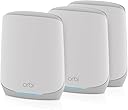
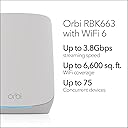
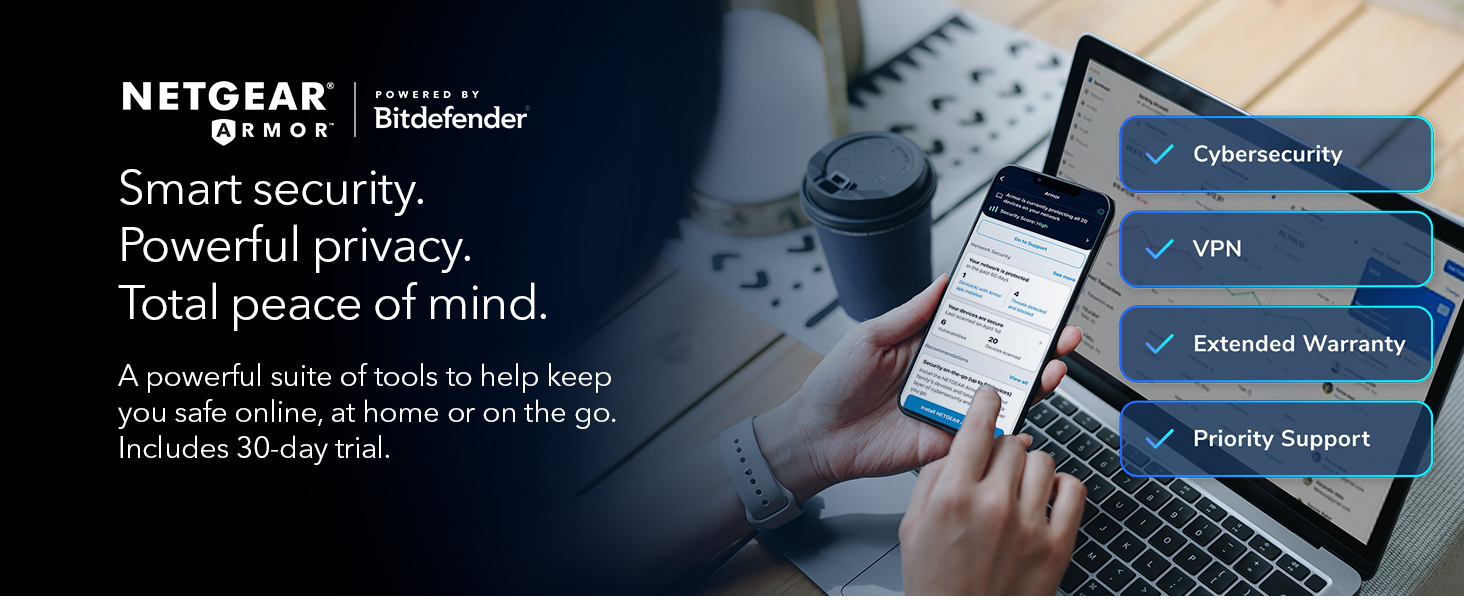
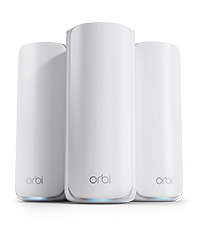
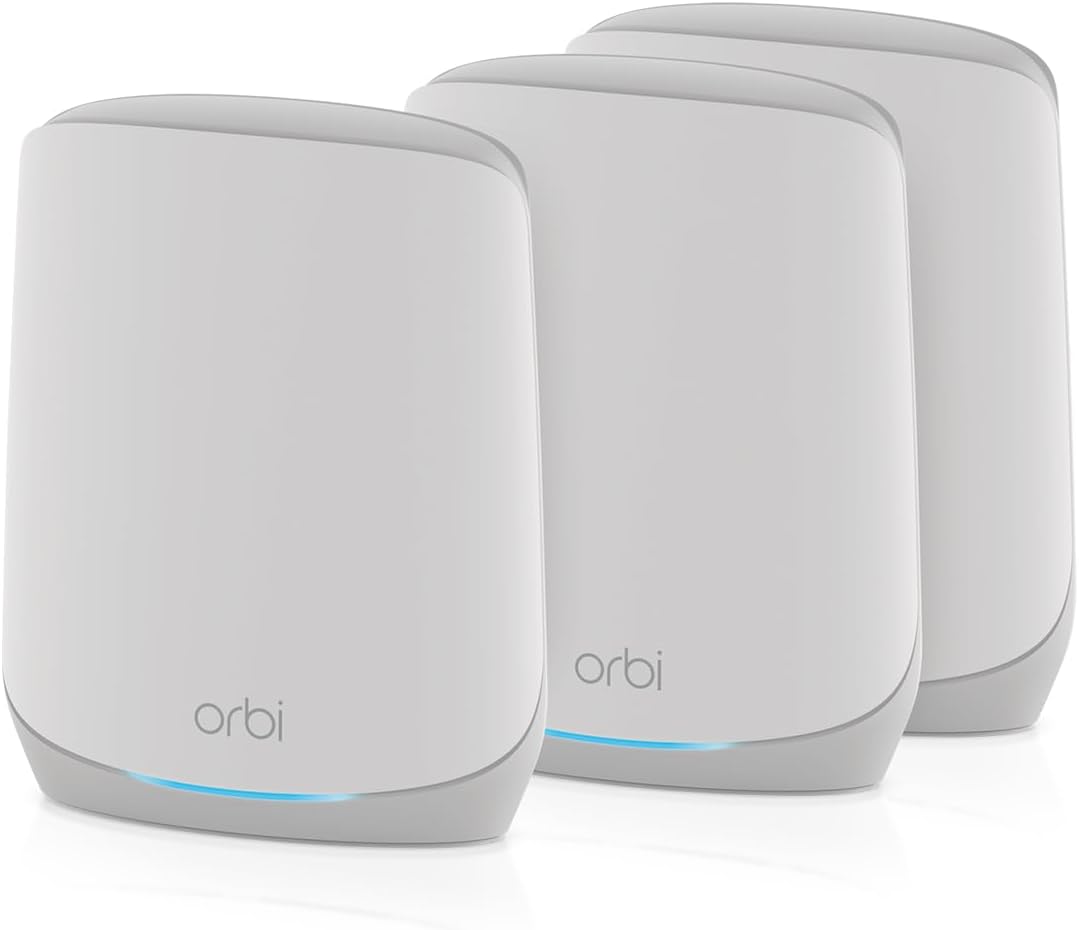
The NETGEAR Orbi RBK663 is a tri-band WiFi 6 mesh system designed to deliver ultra-fast AX3800 speeds and expansive coverage up to 6,600 sq.ft. Supporting up to 75 devices simultaneously, it includes two satellite extenders and advanced security features via NETGEAR Armor. Compatible with any ISP up to 1Gbps, it offers seamless app control and multiple Gigabit Ethernet ports for wired devices, making it ideal for modern homes demanding reliable, high-performance connectivity.


| ASIN | B0DJ1PSQSK |
| Antenna Location | Business, Gaming, Home |
| Antenna Type | Internal |
| Best Sellers Rank | #3,782 in Electronics ( See Top 100 in Electronics ) #23 in Whole Home & Mesh Wi-Fi Systems |
| Brand | NETGEAR |
| Built-In Media | One (1) 2m Ethernet cable, One (1) Orbi Router (RBR660), Quick start guide, Three (3) power adapters, Two (2) Orbi Satellites (RBS660) |
| Color | White |
| Compatible Devices | Gaming Console, Personal Computer, Security Camera, Smart Television, Smartphone |
| Connectivity Protocol | Wi-Fi, Ethernet |
| Connectivity Range | 6600 Square Feet |
| Connectivity Technology | Ethernet, Wi-Fi |
| Controller Type | App Control |
| Coverage | up to 6,600 sq. ft., extendable to 8,800 sq. ft. with additional satellites |
| Customer Reviews | 4.0 out of 5 stars 98 Reviews |
| Data Transfer Rate | 3.8 Gigabits Per Second |
| Frequency | 5 GHz |
| Frequency Band Class | Tri-Band |
| Is Modem Compatible | Yes |
| LAN Port Bandwidth | 1000 Mbps |
| Manufacturer | NETGEAR |
| Maximum Upstream Data Transfer Rate | 1900 Megabits Per Second |
| Mfr Part Number | RBK663-100NAS |
| Model Name | Orbi RBK663 |
| Model Number | RBK663-100NAS |
| Number of Antennas | 5 |
| Number of Ports | 7 |
| Operating System | [Proprietary: NETGEAR Operating System] |
| Other Special Features of the Product | Internet Security |
| Security Protocol | WPA2-PSK, WPA3 |
| Special Feature | Internet Security |
| UPC | 606449158571 |
| Warranty Description | 1 Year Limited |
| Wi-Fi Generation | WiFi 6 |
| Wireless Communication Standard | 802.11ax |
| Wireless Compability | 802.11ax |
T**S
good quality and great price since its older technology
great price since this is older technology, but perfectly acceptable performance for my three level 3500 square-foot house. easy set up and clear instructions. Hardware seems to be good quality and provides adequate bandwidth and reach for regular household Internet use (no kids gaming or downloading massive video files, etc.) Netgear keeps trying to upsell VPN , monitoring and firewall services, but I already have those separately. Very pleased.
K**N
Bad install instructions
I was replacing my old (no longer supported) Orbi with a new one. On the install guide it says take a pic of the QR code and it will run me thru the install. Not! It sensed my old id and wanted me to log in. I did and it took me to my old router and discovered it was not there. After some maneuvering thru the App I managed to get it to realize I had a new device. After that it was clear sailing and it works just fine.
J**Y
After 8 hours of frustration, I gave up.
Here is my experience with this router... I wasted a full day trying to get this router to work. Problems encountered were: 1) the app not recognizing default passwords on several occasions, 2) devices being dropped and unable to reconnect to the network when I did have it operating, 3) tech help was helpful, but very difficult to understand due to their thick Indian accents. I literally spoke with 7-8 different tech employees and they all had the same accent. The last guy I spoke to, I could literally hear birds chirping, a chicken clucking in the background and people opening and closing an old squeaky screen door, 4) Over the course of all my calls with Tech Support, they had me reset my router over 10 times trying to get it to work. A reset on the router required me to hold a button down for 2 mins while unplugging and plugging back in the electrical cord. Many of those attempts to reset the router failed, so Tech Support had me go through the same routine several times in a row, 5) the router's software sometimes took 10 minutes to reboot which meant Tech Support would continually ask me what color the lights were on the router, 6) when I finally got the router to work, I learned that assigning the new wifi's password could not be the same as my old network's password because my old one did not have any special characters which is required by the new router. I have over 45 devices that I would have had to individually reassign new passwords to in order to connect, 7) even though my phone would connect to the new wifi, the first device that I assigned a new password to connect would not connect. It looks like many people had positive experiences while configuring their wifi network with this router, but I apparently got a real lemon. I spent roughly 8 hours either waiting to talk to tech support on three separate calls, and my phone calls being disconnected twice while talking with tech support, and fiddling around with the router while tech support had me going through multiple iterations to get a wifi connection only to have it disconnect after I ended my call with tech support. I could go on and on about the amount of frustration I experienced, but needless to say I reached my limit after 8 hours of screwing around with the router, so I gave up and arranged for it to be returned to Amazon. Sidenote: After dropping off the router at The UPS Store this morning, I went to BestBuy and bought another manufacturer's mesh router. Went home and had my wifi network back up and operating with all of my devices online within 45-60 minutes.
M**J
Fixed Slow Internet Speed Areas
This is a great product. For the last 5 years I had three areas that had less-than-desirable internet speeds in my 2-story house. I changed Internet companies twice, and that helped. But still slow in those areas most of the time, e.g., Zoom would temporarily freeze up. I decided to try Orbi (by Netgear). I purchased the Orbi Router and two Satellites (one package). The Orbi app is great. It walked me through how to connect router and the satellites. I had all installed in 20 minutes, except to connect 3 Firesticks, printer to router, one more iPhone (mine connected automatically), security camera, PC, and laptop. I thought by naming the new WiFi and keeping the password the same, those devices would automatically accept the new router's WiFi. They did not and, therefore, this step probably took another 45 minutes as my WiFi connected printer and app for security camera gave me challenges that I figured out. (Tip: Connect the printer directly to the Router/Satellites as that works best.) My speed is GREAT. It is now 300+ Mbps i(my plan is 300 Mbps) in every area of my house. Previously it was 10-20 Mbps or often lower in some areas. The coverage is great. The Signal strength is great. Again, it was easy to setup. It also automatically checked for a firmware update, but none was needed.
J**S
Easy to install - does everything it promises - efficient WiFi EVERYWHERE!
About six years ago, I bought a Google Mesh WiFi system - one router, and two satellites. I only have a small two level townhome - 1,600 square feet. The main router was in an upstairs corner office (not ideal), but the satellites were not too far away. In my office, next to the main router, my Spectrum internet varied (depending on time of day) from a low of about 150mps to a maximum of 410mps. In the area near my first satellite, the peak was about 140mps, but often dropped to less than 40mps - if I rebooted, it went back up to about 120 to 140mps. The final satellite, (downstairs) never achieved more than 60mps. It has been driving me nuts - when the second satellite dropped speed, my streaming of Netflix etc via AppleTV was abysmal. If I rebooted, it usually got up to a reasonable stream, but was unreliable. I decided tot take a chance on a new mesh network. After some research, I decided on the Netgear Orbi RBK660 three system - I router and two satellites. I set it up this afternoon using their app on my iPhone. If you follow the instructions to the letter, I don't think you can go wrong - super easy - but you need to be patient - took about 20 minutes. Main office is now up nearly 500mps - but the biggest surprise is that I am achieving the same speed EVERYWHERE!. It doesn't seem to drop off the further you get away from the main router. Look, it's the first day, and who knows what might change. But at the moment, I cannot believe how efficiently this works - and at a terrific value. Highly recommend!
K**.
Nice System, But No Single Satellite Purchase Option Available
Easy to install and get running. Knowingly, I opted for this wifi-6 system because I was replacing a very old, type-N, router. So, even this product is a great technology upgrade. The Amazon Black Friday price also made the jump to a Mesh system very affordable. My home is over 4000 sq. ft. and I also have an out-building with a buried Ethernet cable running to it. So, I need to add at least one satellite to extend the wi-fi service to it. I'm only giving it 4-stars rating because I'm disappointed that I have not been able to find a compatible satellite unit to expand the new mesh system. Its looking like I will have to purchase another complete system (router with 2-satellites) just to get the one satellite that I need. I have not been running this Mesh system very long, but the hardware is probably worthy of 5-stars though.
R**S
It's a very competent mesh system.
The system is just what I needed at a price point that was perfect for my needs. It was easy to install and set up by myself... leaving only a couple of settings that my grandson can tweak to make the system a little more functional. It was up and running within about a half hour from opening the box, to having the WiFi up and running. It's strong enough for my needs and fast enough to meet my requirements.
T**D
Will not link to Alexa
Not as easy to set up as expected. Had to reset 5 times to get it to get all satellites to link up. Never could get to link to Alexa. Sending back.
ترست بايلوت
منذ 3 أسابيع
منذ شهر