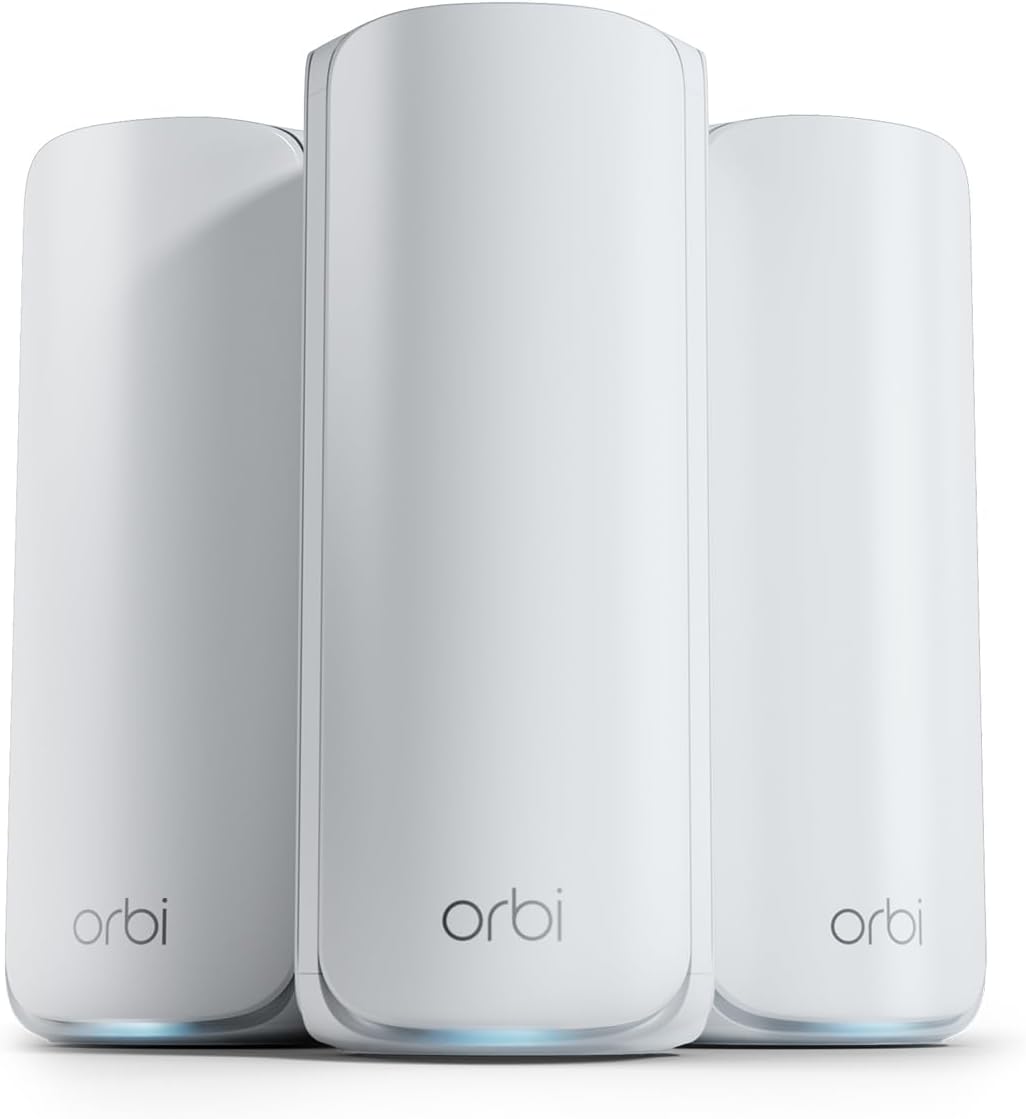
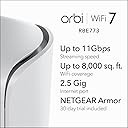
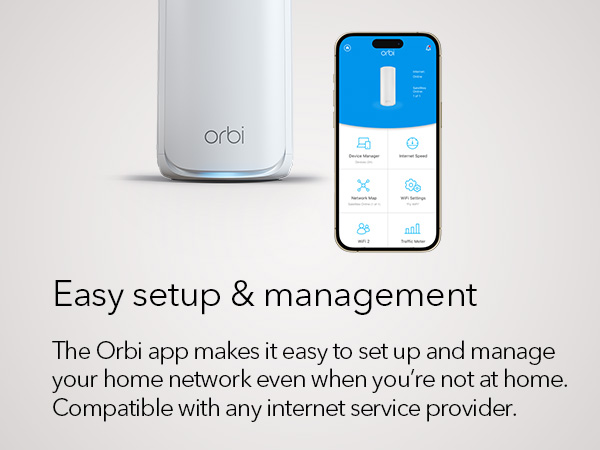
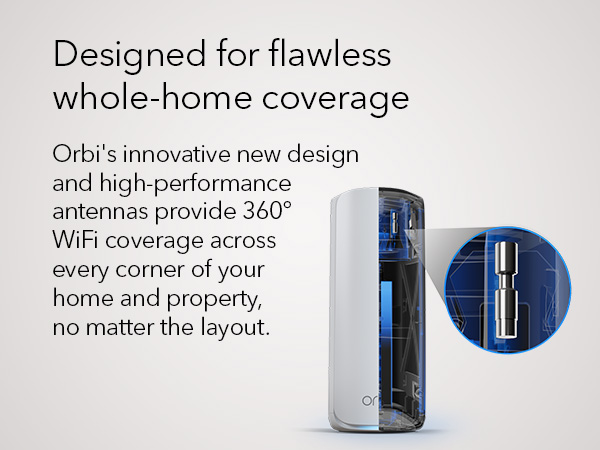
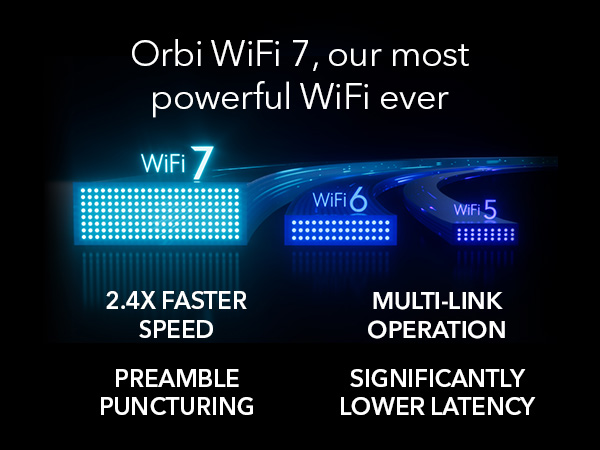
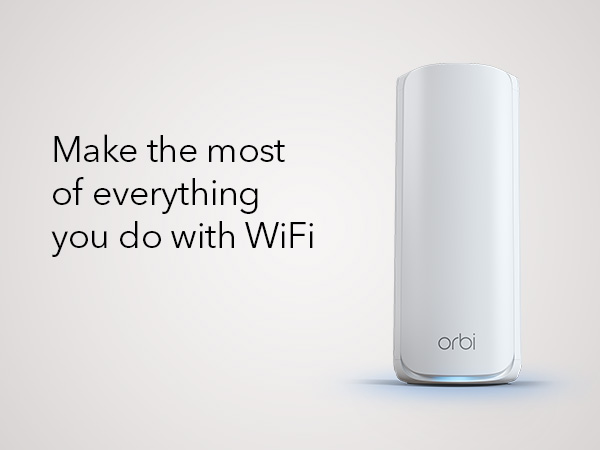
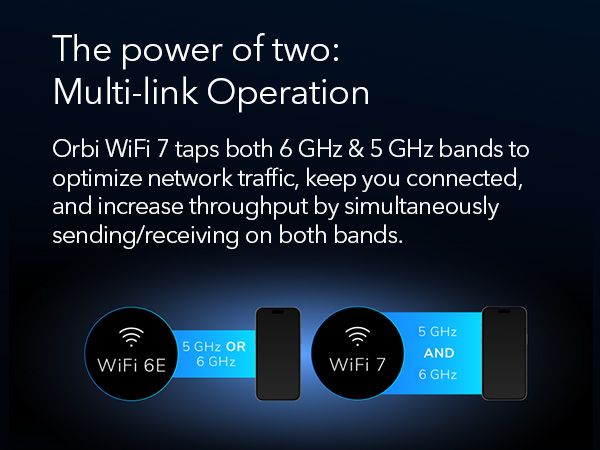
Outstanding GUI, Firewall, and Wireguard VPN support - Product - NOT so much! I replaced a Linksys Mesh Wifi 6 Router & Linksys Velop Pro 6E WiFi Mesh Nodes. Why, Linksys tech support absolutely bricked my Linksys Mesh Wifi 6 Router, locked it up so it would not even allow a logon directly connected to a computer. I have used Linksys since 2014 with some, but not many issues so I thought it would be just as good, was I ever wrong! First tech support is NOT useful. Second, product is NOT reliable. Compare that to the ASUS ROG Rapture GT-AXE11000 & ASUS ROG Rapture GT6 AX10000, Night vs Day, period. The tech support for Asus is FAR superior to Linksys, far, far, far superior. I programed the router, added and moved the nodes to their respective locations and enabled my Proton VPN on the router and programed the firewall. I set up the static IPs for my Security cams, my Synology Drive and other equipment I wanted the IP address fixed. To say this process was simple is an understatement. The GUI interface is exceedingly helpful and informative. ASUS was build and programmed with the end user in mind. What I liked, The GUI, Firewall, and Wireguard VPN support. What I do not like, the consistent drops of the ROG Rapture GT6 Nodes. It IS horrible, at a distance of 30 feet or so it drops over and over. This requires the user to reset the node and add it back in continually. To top that off the router acted up and started power cycling on and off without connecting. To address that I had to reset the router and repeat every step I made to the firewall and VPN programming. Tech support WILL help you with this process however, if you must add the nodes and correct issues with the router over and over, the product is useless. Toggling from Airmesh on the Dashboard to the Network map in the Advanced Settings section my connected node showed GREAT connection, and my Network map showed 3, then 4 bars all the while connecting, disconnecting, then reconnecting. I actually watched this take place and do it do it over and over. Keep in mind this node is less than thirty feet away! The other node set at ~30’ dropped after 4 hours of being connected and had to be factory reset once again to add it back. Note; at 40 feet the one node will not connect, move to 30 and it did but drops. Any closer than 30 - what use is a node? I also had the internet service provide come out and test the lines. We did improve the throughput to the house, marginally but increased the signal quality some. Afre that, the Node crashed. I reset the entire system and the on again off again node issue resurfaced confirming an issue with the router not the ISP. Checking the ASUS blogs identifies this as a documented issue with the system with bloggers really upset, rightfully so. This known issue has been left unaddressed, seemingly ignored by Asus. Asus you have a great GUI, GREAT product support, and a terribly dysfunctional product, a product prone to crashes and drops. That IS the bottom line. I intended on moving on to TP-Link Tri-Band WiFi 7 BE22000 or NETGEAR Orbi. I imaged reviewing/testing products whether I wish or not simply as a customer needing one; preferably one that actually delivered on its promises. I was leaning towards NETGEAR as it is a US Based company and the warnings that TP Link sales may be banned in the future as a Chinese based corporation. Reason: Chinese law mandates that any security flaws identified in its products must first be reported to the Chinese Ministry of Industry and Information Technology (MIIT) a agency of the CCP. I ultimately choose Netgear. The very next day after placing the order I read a Christian Guyton article “I just learned something awful about my home Wi-Fi setup thanks to iFixit’s ‘worst of CES 2025’ awards” confirming my fears. I look for TP Link to soon go down the same path as Tik Toc.After writing extensively on Linksys and Asus utter complete failure to deliver on a true network coverage and hardware capabilities I did purchase Netgears Orbi 770 Series Tri-Band WiFi 7 Mesh Network System (RBE773) - Router + 2 Satellite Extenders. I am very pleased to report that setup was easily accomplished with the ORBI android app. You can also do so with the web interface, I would based on my observations say that the app provides easy setup, use the Gui to fine tune your security settings not the app. Some settings are NOT available on the app, just the web based Gui. The Gui is NOT as flashy or fun as the ASUS Gui, but neither are the system failures. That was made clearly evident in the fact I did NOT have to contact product support one time, not once! That’s has always been my experience with Netgear products, I own plenty, they charge a premium and I am convinced they are worth it. Will I feel this way in a year who knows. I am just happy I found a secure and reliable product for my home network with firewall and VPN capability as well as being able to assign static Ips for several important piece of equipment to include a Synology NAS, all IP Cameras, doorbell and garage door cams, etc. Netgear’s Orbi 770 Series Tri-Band Wi-Fi 7 Mesh Network System (RBE773) - Router + 2 Satellite Extenders work, they just work. That is the bottom line. Save yourself time and headaches and just buy it. I do not think you will be sorry. My ONLY regret, I did buy it first. 2 week update: My Orbi system has held all its settings and I have been able to not monitor it as its throughput is working just as advertised. Our living room node is connected to my Samsung TV via Ethernet, and we have had ZERO drops or issues with buffering. That accomplishment is something neither Linksys or ASUS could deliver. The ONLY issue I have is it does NOT support Wireguard VPN capabilities just Openvpn. Wireguard is much more secure. Netgear are you listening?? It does however have firewall and openvpn , allows fixed IP addresses so Orbi hands-down a winner!