Buy anything from 5,000+ international stores. One checkout price. No surprise fees. Join 2M+ shoppers on Desertcart.
Desertcart purchases this item on your behalf and handles shipping, customs, and support to KUWAIT.
🖨️ Print smart, live vibrant — your all-in-one home office hero!
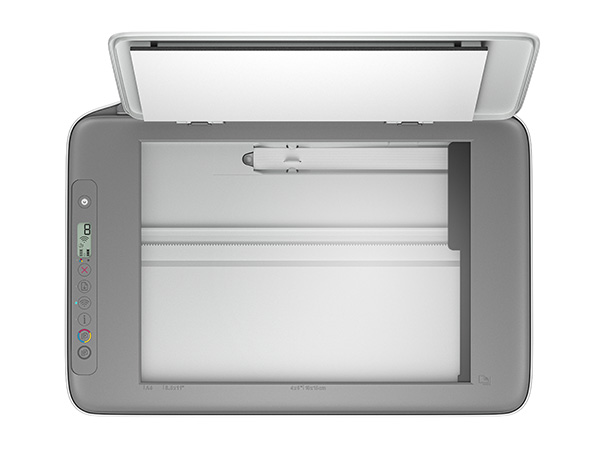
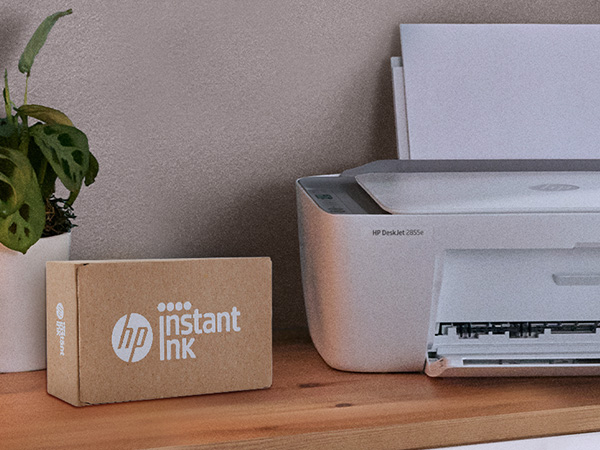
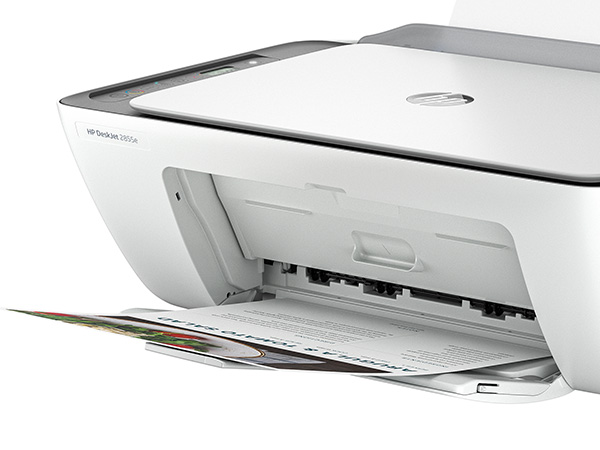
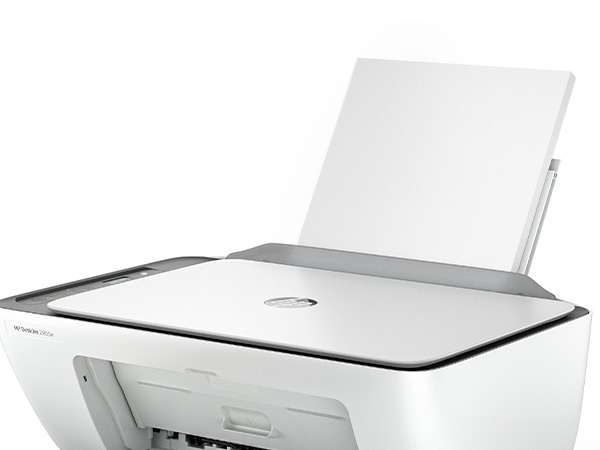
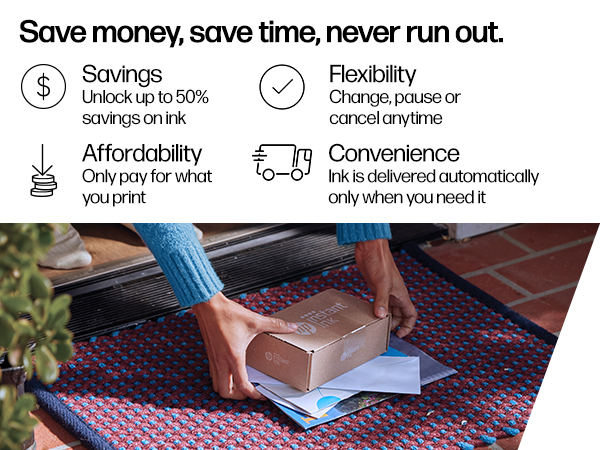
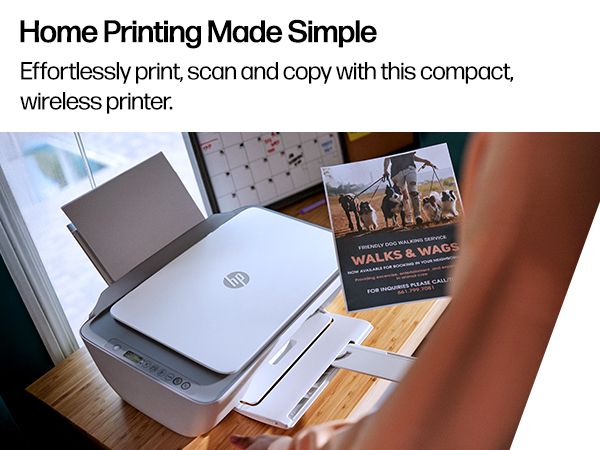
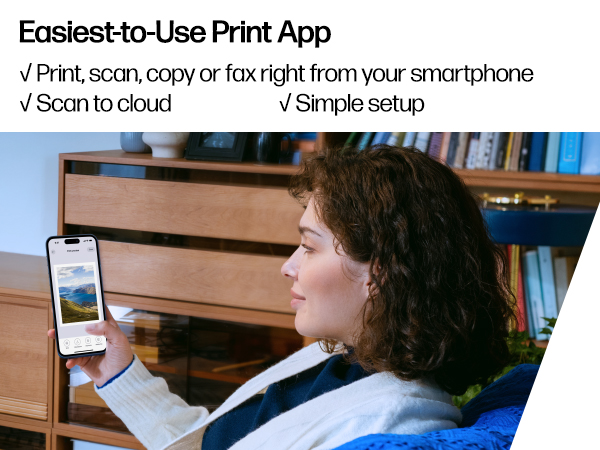
The HP DeskJet 2855e is a compact, wireless all-in-one inkjet printer designed for home use, offering fast color printing up to 7.5 ppm, high-resolution output (up to 4800x1200 dpi), and a 60-sheet input tray. It supports seamless mobile printing via the HP Smart app and includes a 3-month Instant Ink trial with HP+ activation. Made with 60% recycled plastic, it combines eco-conscious design with reliable performance for everyday documents, photos, scanning, and copying.


| ASIN | B0CT2R7199 |
| Additional Printer functions | All In One |
| Batteries Included | No |
| Batteries Required | No |
| Colour Depth | 24 |
| Compatible Devices | Smartphones |
| Control Method | App |
| Controller Type | iOS |
| Customer Reviews | 3.9 3.9 out of 5 stars (14,691) |
| Date First Available | 15 March 2024 |
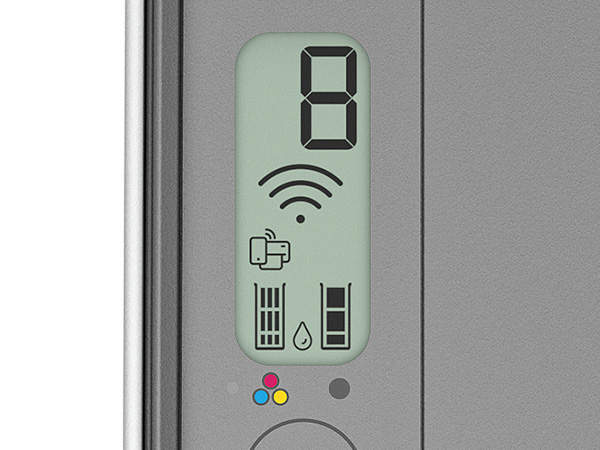
| Display Type | LED |
| Dual-sided printing | Yes |
| Duplex | Manual |
| Form Factor | All-in-One |
| Generic Name | Inkjet Printer |
| Hardware Interface | USB 2.0 |
| Included Components | 588S5A HP DeskJet 2855e All-in-One; HP 67 Setup Black Cartridge; HP 67 Setup Tri-color Cartridge; Regulation Booklet; Installation Guide; Reference Manual; Power Cable [Information on ink volume and page yield can be found at http://hp. |
| Initial page print time | 19 Seconds |
| Ink Colour | Black, cyan, magenta, Yellow |
| Item Weight | 3 kg 420 g |
| Item model number | 588S5A#B1H |
| Manufacturer | HP |
| Max Copy Speed (Black and White) | 7.5 ppm |
| Max Input Sheet Capacity | 60 |
| Max copy resolution black-white | Up to 1200 x 1200 rendered dpi dots_per_inch |
| Max copy resolution colour | [LE] Hasta 4800 x 1200 optimized dpi color |
| Maximum Black and White Print Resolution | Up to 1200 x 1200 rendered dpi Dots Per Inch |
| Maximum Colour Print Resolution | Up to 4800 x 1200 optimized dpi color (when printing from a computer on selected HP photo papers and 1200 input dpi) Dots Per Inch |
| Maximum Media Size | 3 x5 to 8.5 x 14 in |
| Maximum copies per run | Hasta 9 copias |
| Memory Storage Capacity | 64 MB |
| Model | 588S5A#B1H |
| Model Series | 2855e |
| Number of Trays | 1 |
| Number of USB 2 Ports | 1 |
| Number of items | 1 |
| Output sheet capacity | 25 |
| Power Consumption | 2.8 Watts |
| Print media | Envelopes, Glossy photo paper, Paper (plain) |
| Printer Ink Type | ink |
| Processor Count | 1 |
| Product Dimensions | 30.4D x 42.4W x 15.4H Centimeters |
| Resolution | Hasta 1200 x 1200 ( y blanco), Hasta 4800 x 1200 (color) |
| Scanner Type | Flatbed |
| Sheet Size | 3 x 5 to 8.5 x14 |
| Special Features | Wireless |
| Specific Uses For Product | Home and office at home |
| Standing screen display size | 1.2 Inches |
| Total USB Ports | 1 |
| UPC | 196337380097 |
| Wattage | 2.8 Watts |
E**A
Marca de calidad
Buen funcionamiento y tamaño para trabajo y hogar.
K**Y
Extremely easy to set up
Nice printer, works really good It's not real big so it fits in tight spaces Update: April 29... I love this printer I can print anything from my phone such a game changer for me. And so user friendly
C**R
Good printer for at home 🏠
Neat looking little printer, great quality, idk how I feel about the ink usage because it ran out before I printed 200 pages, so purchase extra ink. Has a wireless feature enabling you to set it up from you phone or a computer with may other features. I was surprised about how quiet and compact this little printer is.
A**H
The troublesome program and the frustrating printing experience
I'm really at a loss for words. The printer itself is completely fine, but the program written by HP is a complete mess. The computer took a long time to finally print out a document, but then what happened? I happily threw away the packaging box, thinking everything was fine. But then what happened next? Damn it, the next day when I reconnected, I couldn't do anything. The port couldn't connect, and the program couldn't associate with the device. Later on, on the HP smart page, it showed that I was connected, everything was online, and everything was ready. Then I tried to open a random file from my Office 365 and print it. But it couldn't print out a single document. At this point, I thought, can't be! Maybe it's just an issue with Office. I never even thought to blame this HP printer. But I wasn't giving up. I opened a PDF file. Damn it, it still couldn't print. My computer was doing nothing. Alt+F4 didn't work either. I tried printing from the web. Haha, there was no sign of response at all. Who wrote this "WIRELESS PRINTING – Stay connected with our most reliable Wi-Fi, which automatically detects and resolves connection issues"? Was it written for someone else? For your boss? For your lover? For your mom? You can tell anyone "Oh, it's reliable", but you never told your own purchasing users. You used the most unreliable connection scheme! HP smart? Hp Stupid!!!! The connection program is long, complex, confusing, and no one knows why you have to register an account before you can connect. The network connection technology is even worse. Ha ha, do you know that the WSD port is inherently unreliable? Why didn't they design a backup port? And then you set WSD as the default option. I changed the option but they changed it back. I really can't stand it. Also, the designers never thought that not all networks are stable and long-lasting. Once they go offline or disconnect, this thing will be useless!!! The funniest thing is that downloading this program on a Windows system is a very slow process. During the download, I wasn't allowed to change the storage location. The design like this is like a sewage pit. Who should be buried for such a bad design? Why not something else? Because I suspect that the things that can be called organized in the design of this thing simply can't be sold for value! And that's not all. I tried using other built-in programs to print in an attempt to fix the bug. Damn it, you even won't let me use the most basic method. How can you be so proud of saying that the connection is reliable??? ?? ?
D**H
Nothing but a Hassle
I've been using HP printers for many years and always liked them and always found them very easy to install.....well not this one and it's a better model than I usually buy ! When I first went to set it up it wouldn't install wirelessly so I hooked up my printer cable and that worked but of course I couldn't print wirelessly ! Then it stopped printing altogether so I contacted HP support and was guided to a "virtual assistant". I asked to speak with an agent but the virtual assistant asked me to answer some questions so it could hook me up with the right help. Well I spent 2 full hours answering questions and trying different things(no exaggeration) until finally it hooked me up with a live agent. The agent asked for the model number, product number and serial number and came back and said it was no longer under warranty even though I had just purchased this printer. Somehow, even though I provided her with the correct model number and serial number, they accessed the information from my previous printer which of course had a different model number and serial number and it was out of warranty and that's why I purchased a new one ! I was enrolled in their instant ink program which had all the correct info for the the new printer and also entered all the info in HPs Smart app which showed everything properly, model number and serial number but the agent still said it was no longer under warranty and if I wanted help I would have to pay a $19.99 fee. Again I told her this was a brand new printer and even though everything showed up online for this new printer she insisted I send her proof of purchase. Now I'm 70 years old and not the greatest with new tech and I told her this and that I didn't know how to send her proof of purchase and she offered no help of how to do it so I finally gave up after being on chat for a total of 2 1/2 hours ! I definitely would not recomend this model and I guess I'll have to try a different make of printer as this whole process totally put me off HP.
Trustpilot
2 weeks ago
5 days ago