We remain fully operational. Our teams are working around the clock to ensure your deliveries continue safely.

قم بتنزيل التطبيق


معلومات عنا
حقوق الطبع والنشر © 2024 Desertcart Holdings Limited
قم بتنزيل التطبيق
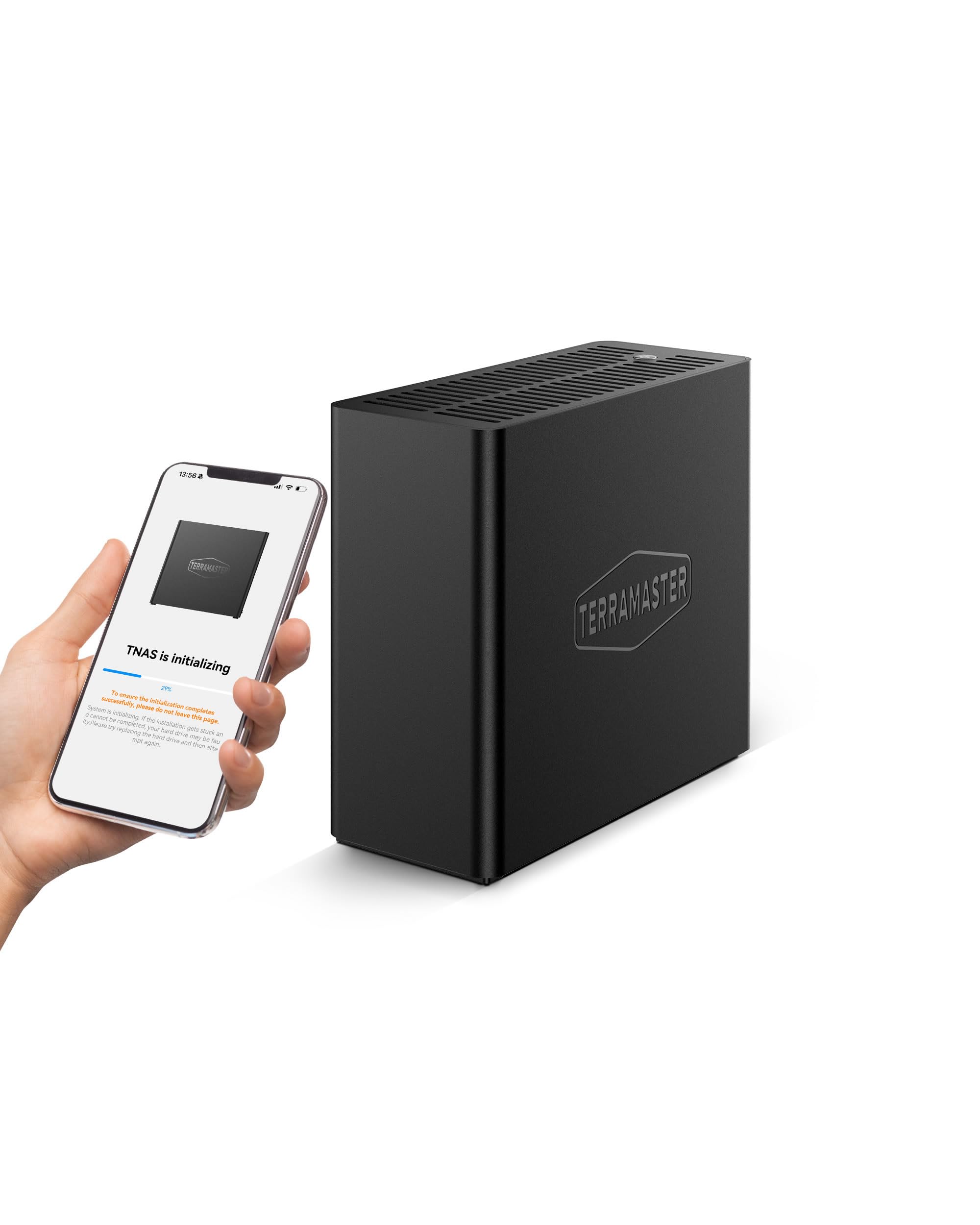
🚀 Power-packed NAS in a palm-sized powerhouse — don’t get left behind!
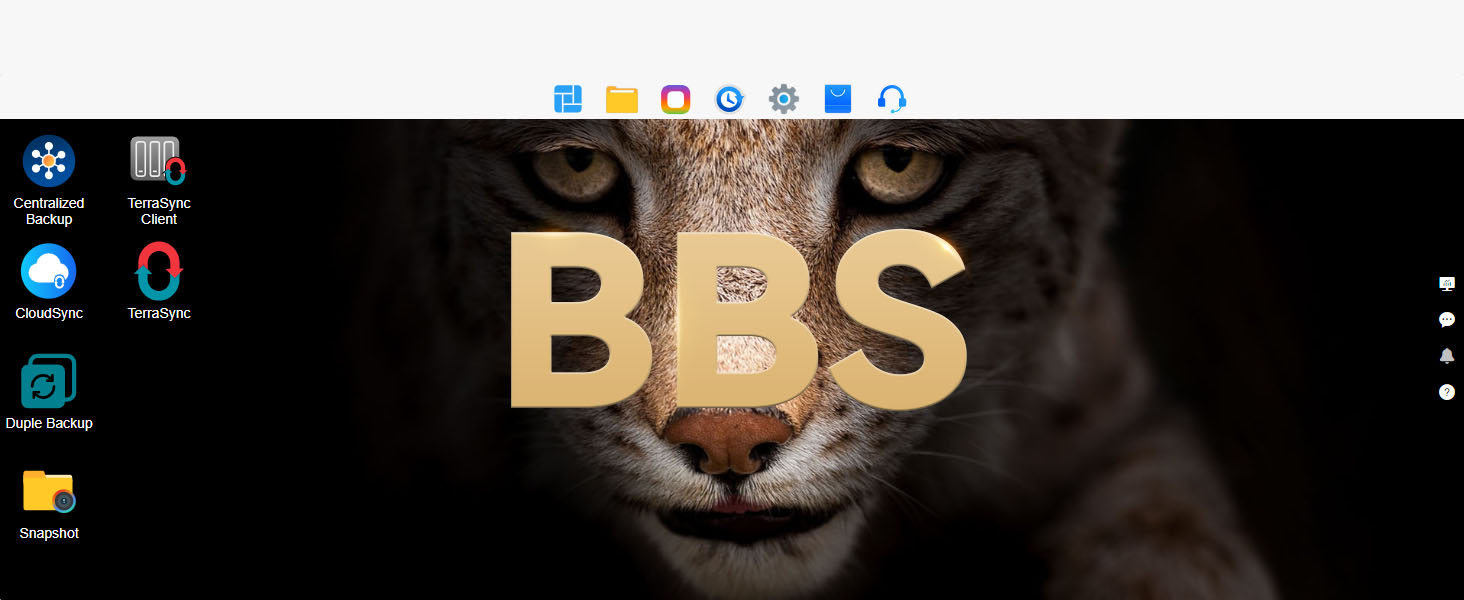
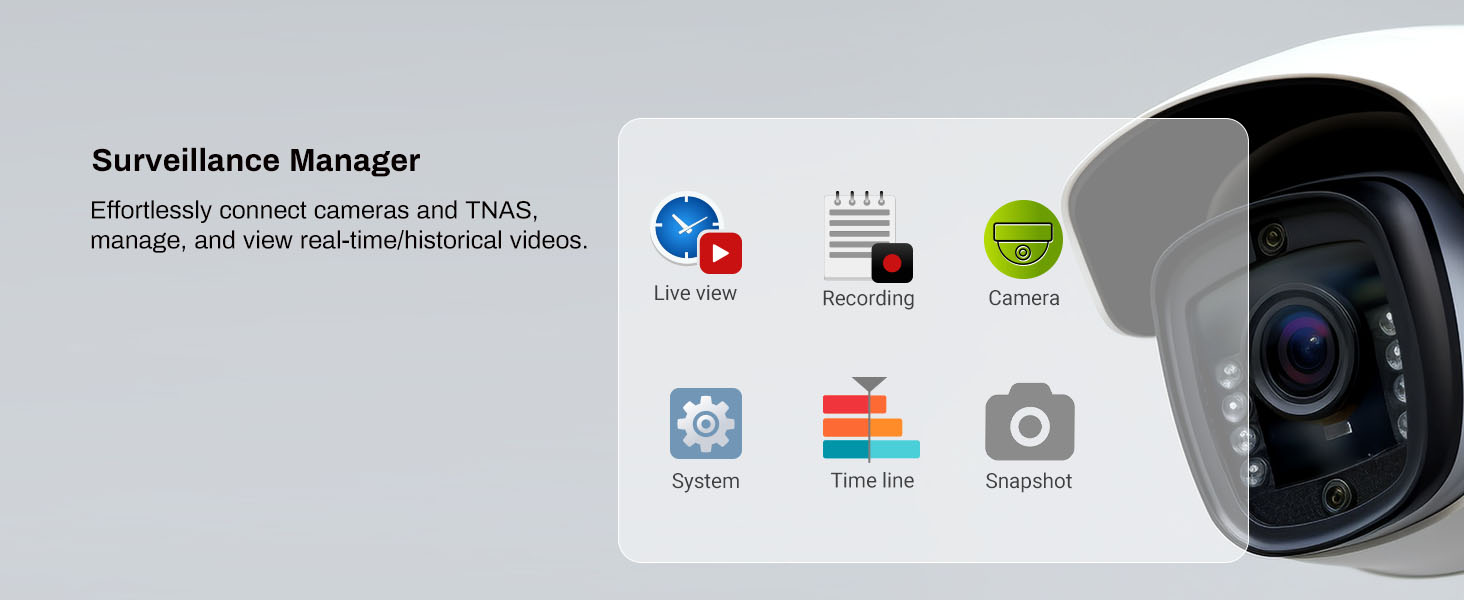
The TERRAMASTER F4 SSD is a compact, high-performance NAS featuring a 3.4GHz quad-core N95 processor, 8GB DDR5 memory, and a 5Gbps Ethernet port. It supports up to 32TB of ultra-fast NVMe SSD storage across four bays, delivering enterprise-grade backup solutions and whisper-quiet operation under 19dB. Designed for professionals and SMBs seeking powerful, portable, and reliable network storage.







| ASIN | B0F8BD112M |
| Are Batteries Included | No |
| Brand | TERRAMASTER |
| Colour | Black |
| Customer Reviews | 4.3 4.3 out of 5 stars (41) |
| Date First Available | 11 Jun. 2025 |
| Form Factor | Customized Form Factor |
| Guaranteed software updates until | unknown |
| Item Weight | 600 g |
| Item model number | F4 SSD |
| Manufacturer | TERRAMASTER |
| Product Dimensions | 6 x 14 x 13.8 cm; 600 g |
V**V
Absolutely happy with device performance, ticked all boxes
A**8
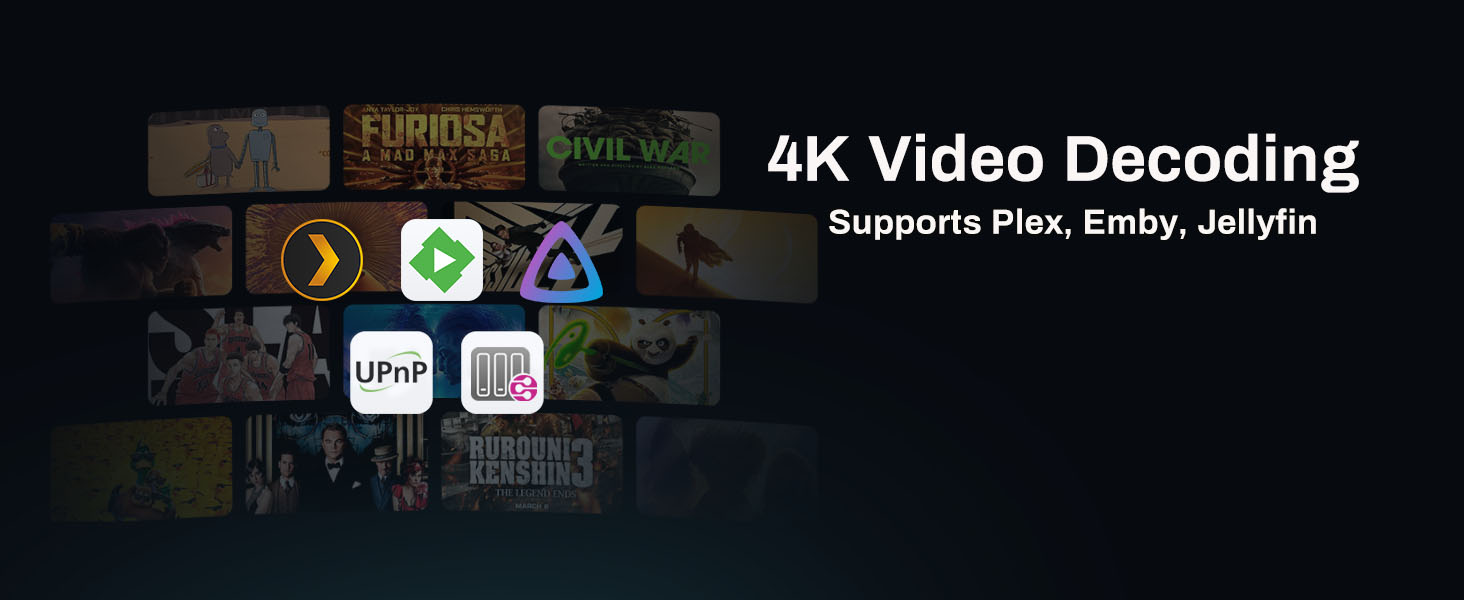
Using this for Plex and iSCSI, it's fast with a 10G NIC. I can saturate the link with this NAS. Fast, quiet, lightweight and portable if you need it to be. Turn off DoS protection to save yourself headaches with ICMP and Proxmox.
A**L
Extremely impressed with the speed and performance of this unit. For those looking to run movies and services off it, you will want the beefier CPU and more RAM to help transcode files as neccessary. The unit is silent and you'd never know it was there if you didn't see the green light ontop. Very happy with my purchase and know this is a rock solid device.
D**E
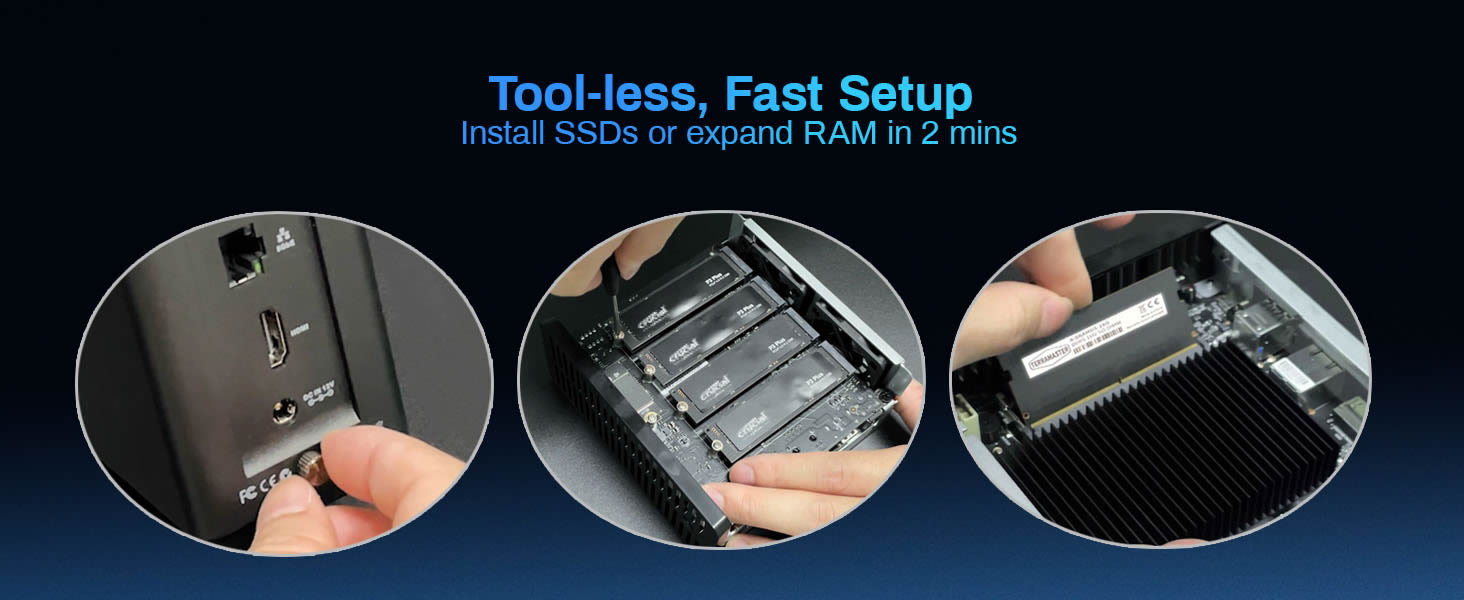
Got the NAS and inserted 4 drives I had already. Setting up the drives was fairly easy. Started using the drives then decided to add 4 more. Got 2 quickly and added them. Drive sync took just a few hours and didn’t overload the CPU even though it’s low powered. When I got the last 2 drives a day later the sync was about the same. Fans are well placed and the drive temps are steady at around 100f whether idle or under load. It comes with the proper heat sinks for M.2 drives that attach with rubber bands. Had 1 break but they have extras in the kit. This is the best SSD NAS I have seen with a good cooling setup and a decent price. It’s tiny and light so you could take it with you when traveling. Build is mostly plastic but sturdy enough that as long as you don’t drop it you should be fine. Software seems to be stable and mostly polished. The network UPS function forces you to use an IP address and will not allow a hostname like every other NAS on my rack. When clicking on certain options in the control panel it gives annoying pop ups and there are no keyboard shortcuts that I can find but once I set it up I haven’t needed to use the interface much so it’s not that bad for me. I have reached over 900MB/s with this pretty consistently and the latency is very low when moving small files.
B**R
I have had the F8 SSD Plus for about a month. I mainly use it as a Plex server, and Plex works flawlessly on this unit - it even does hw transcodes! One of the first things I did was upgrade the RAM to 48GB (with a Crucial RAM 48GB DDR5 5600MHz card); technically, this unit only supports 32 RAM, but the 48 GB seems to be working fine, so far. The next thing I did was replace the operating system - I played around with TOS for a bit, but I am used to Linux and the OS just seemed...foreign, to Linux, almost like it was wearing a skin suit of Linux. I oped to install TrueNAS Scale (which is Debian-based) and it works almost flawlessly - the only thing you gotta do to get it to work is go into the BIOS and change: Security → Secure Boot → Secure Boot → Disabled Chipset → North Bridge → VT-d → Disabled Once you change those BIOS settings, you can install TrueNAS Scale (be warned that turing off Secure Boot can potentially lead to security issues, but that is the only way you can install ANY another OS and imo TrueNAS Scale is worth it). The 8 bays for SSD are great, but it comes with a caveat - you will need one bay for the OS, and for both TOS _and_ TrueNAS Scale, that _entire_ SSD disk is used for the OS, and all other space on it is 'lost'. You have two options - simply buy a cheap 128GB SSD and use that for the OS, OR you can find out how to use the remainder of that space on the NAS. I didnt look into it for TOS, but I do know that can be done for TrueNAS Scale (although it requires editing some python scripts, currently). TL;DR The physical unit itself is great; I wasnt a fan of the installed operating system, but you can - with just a very minor bit of work - install another OS (I installed TrueNAS Scale, and I have seen others install Unraid or even Windows). I highly recommend this unit, especially if you are using this for something like a Plex server.
ترست بايلوت
منذ أسبوعين
منذ 3 أسابيع