We remain fully operational. Our teams are working around the clock to ensure your deliveries continue safely.

قم بتنزيل التطبيق


معلومات عنا
حقوق الطبع والنشر © 2024 Desertcart Holdings Limited
قم بتنزيل التطبيق


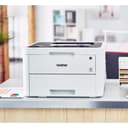
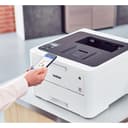
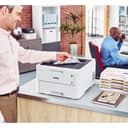

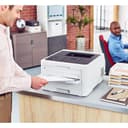

Buy anything from 5,000+ international stores. One checkout price. No surprise fees. Join 2M+ shoppers on Desertcart.
Desertcart purchases this item on your behalf and handles shipping, customs, and support to KUWAIT.
🚀 Print Fast, Connect Smart, Work Brilliantly
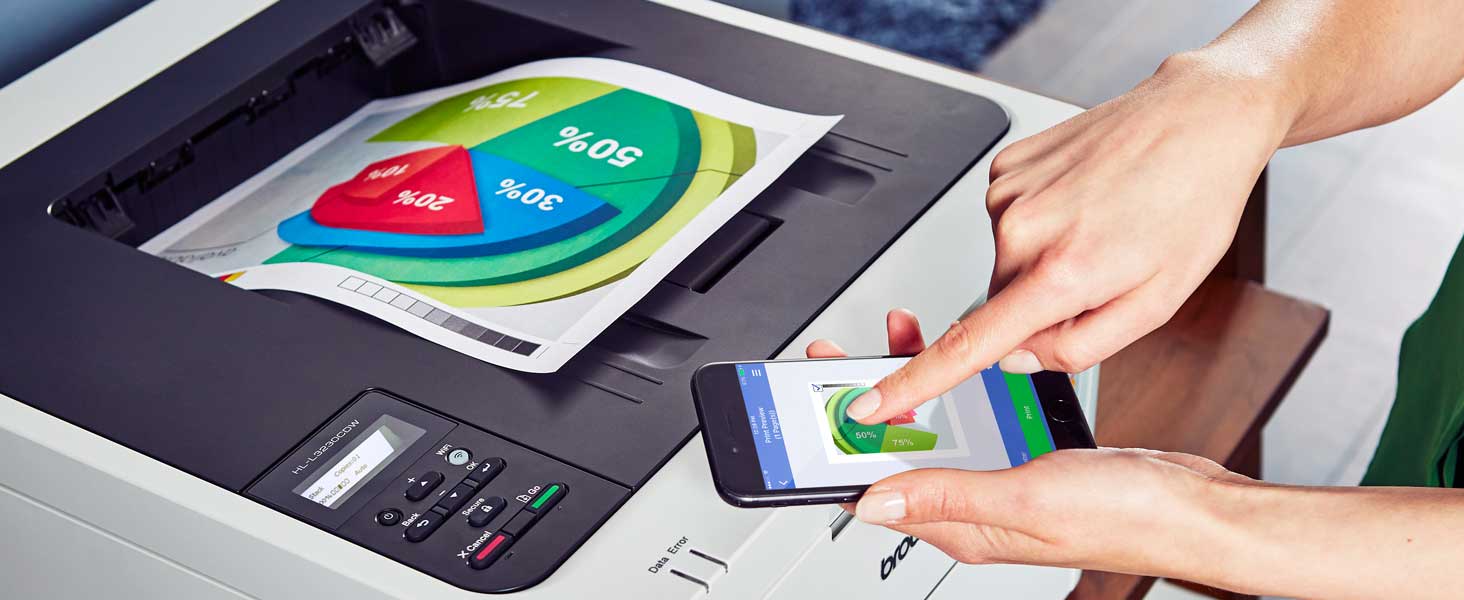
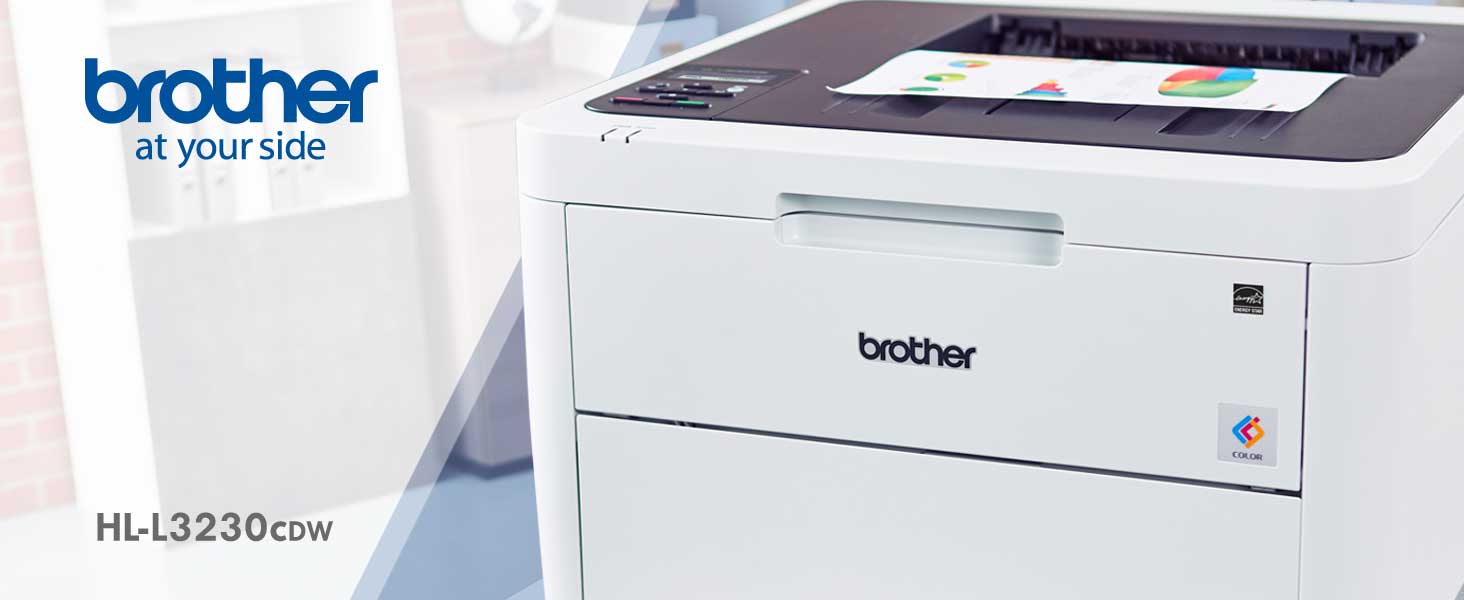
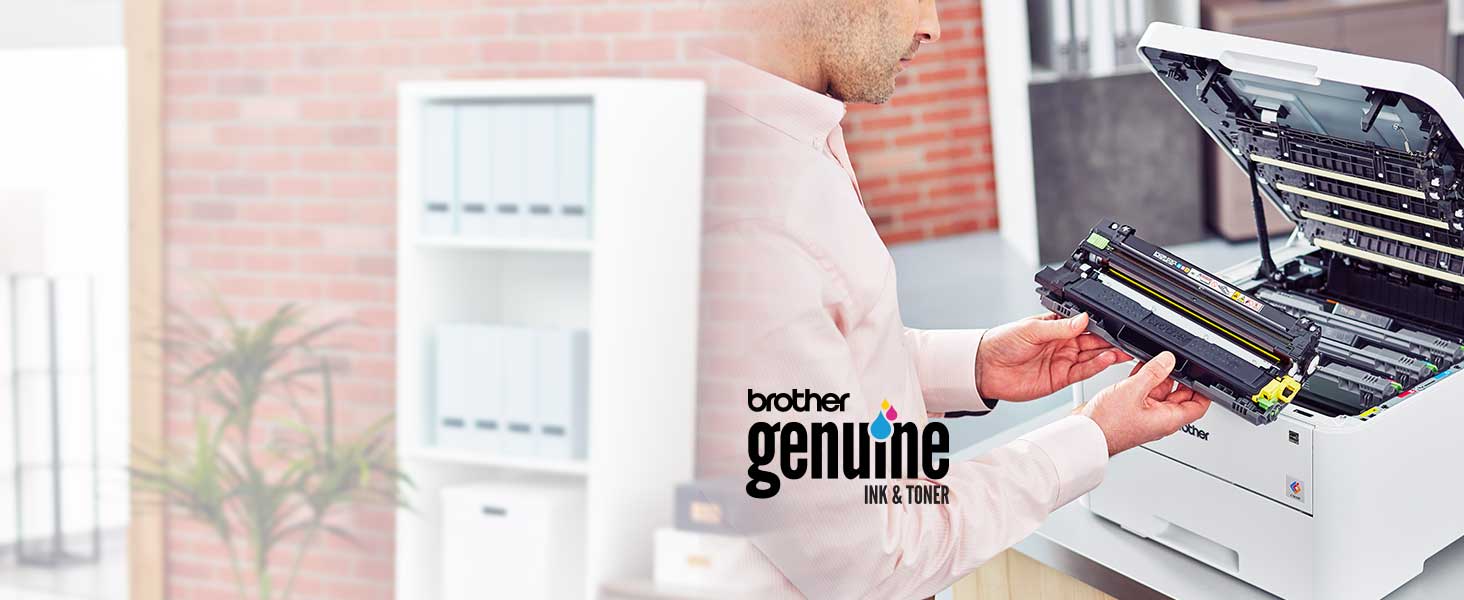
The Brother HL-L3230CDW is a compact, durable color laser printer designed for home and small office use. It delivers fast printing speeds of up to 25 ppm with automatic duplexing and a 250-sheet adjustable tray. Featuring versatile wireless, Ethernet, and USB connectivity, it supports mobile printing via AirPrint, Google Cloud Print, and Wi-Fi Direct. Its laser technology ensures vivid, professional-quality color prints while offering cost-saving toner options and eco-friendly duplex printing.





| ASIN | B07FMYYXZD |
| Additional Printer Functions | All In One |
| B&W Pages per Minute | 25 ppm |
| Best Sellers Rank | #173,108 in Office Products ( See Top 100 in Office Products ) #233 in Laser Computer Printers |
| Brand | Brother |
| Built-In Media | CD-ROM Includes Printer Drivers, HL-L3230CDW Starter Black Toner Cartridge (1,000 pages),Starter Cyan Toner Cartridge (1,000 pages), Quick Set-Up Guide, Starter Magenta Toner Cartridge (1,000 pages)DR223CL Drum Unit Set (18,000 pgs)**, Toner Cartridges |
| Color | White, Black |
| Color Pages per Minute | 25 ppm |
| Compatible Devices | Laptops, PC, Smartphones, Tablets |
| Control Method | Voice |
| Controller Type | Amazon Alexa, Vera |
| Customer Reviews | 4.3 4.3 out of 5 stars (1,407) |
| Display Type | LED |
| Dual-sided printing | Yes |
| Duplex | Automatic |
| Global Trade Identification Number | 00012502651758 |
| Hardware Interface | USB |
| Ink Color | Black, Cyan, Magenta, Yellow |
| Is Electric | Yes |
| Item Dimensions D x W x H | 16.1"D x 18.1"W x 9.9"H |
| Item Type Name | Brother HL-L3230CDW Compact Wireless Digital Color Printer with Mobile Device and Duplex Printing Ideal for Home and Small Office Use |
| Item Weight | 39.7 Pounds |
| Manufacturer | Brother Printer |
| Maximum Copy Speed Black and White | 25 ppm |
| Maximum Media Size | 8.5 x 14 inch |
| Maximum Sheet Capacity | 251 |
| Maximum print Resolution Color | 600 x 600 dpi |
| Model Name | HLL3230CDW |
| Model Number | HLL3230CDW |
| Model Series | L3230 |
| Number of Trays | 1 |
| Other Special Features of the Product | Auto-Duplex |
| Paper Size | 5-x-8-inch |
| Power Consumption | 430 Watts |
| Print media | Card stock, Envelopes, Paper (plain) |
| Printer Connectivity Type | Ethernet, USB, Wi-Fi |
| Printer Output Type | Color |
| Printer Type | Laser |
| Processor Count | 1 |
| Scanner Type | Document |
| Series Number | 3230 |
| Specific Uses For Product | Home, Office |
| Total Usb Ports | 1 |
| UPC | 012502651758 |
| Unit Count | 1.0 Count |
| Warranty Description | 1 year |
| Warranty Type | One-Year Limited Warranty |
| Wattage | 430 watts |
J**.
So much easier to set up than an HP CDW
First - this is my third attempt at purchasing a laser printer for a home office. I went through two identical HP CDW printer scanners from a big box membership store. Thank goodness for their return policy since they both died within 3 months. This printer installed on my Windows 11 platform easily and prints look good, even on low quality paper. I'd give you a more detailed review of the quality, but I am no expert and others have already done that. For me, prints look professional, but I am no graphic artist. The installation was a bit more old school and reminiscent of Windows 7. As other reviewers have noted, it is hard to use the installation CD on a MS surface with no CD drive. But it doesn't matter, the Brother online installation software works just fine. You do need to go into the tools after they are installed and update the first installation software package. That’s normal though. I was initially confused after installing the software and drivers because it showed a scanner tool (after reading reviews, I decided to get one without a built-in scanner). I had to double check the box to make sure I wasn’t shipped a printer with a scanner. Once I clicked on the tool, it disappeared. Apparently, it detected the printer model and removed the scanner tool icon after the fact. I do appreciate the older installation applications that don’t overly rely on an “online service” for installation and use. I have found them to be very unreliable. This just installed the software then updated the firmware and it works, but I am very familiar with older versions of Windows and software installations.
D**P
Big, works great!
11-10-2020 2020 sucks, but my printer is doing great. Still prints fast. We probably print like a page a day, sometimes we print 10. So that's like 400 pages maybe over the course of a year. I don't get any paper jams, or have any of the problems I had with all the other printers I've had to deal with. I am tech support, so I deal with my companies broken computers and printers all the time. 1-3-2020 Two and a half months later I still love it. We are probably nowhere near the 1800 pages or whatever number it was before the cartridges run out of ink supposedly. I have avoided updating the firmware hoping that will not be an issue for us. It works great, why would I want to update firmware? Over the last 20 years I have dealt with so many problems from so many HP printers, and this one just works flawlessly. My only complaint is that if I print a color picture the lines are not as crisp or Sharp. They still look okay. We just get our photo pictures printed somewhere if they are important. I have not tried it with photo paper, and do not intend to. We have mostly used it to print pictures to cut out for my kids projects to stick them to poster boards for presentations, and it was more than satisfactory. We have also used it to print Maps for road trips, it was okay, good enough... Bottom line is printer works great, app to print from phone is awesome. It prints from my network, I have not had issues with one computer printing to it (we have several). I would buy again. I have still not been compensated for this great review but would gladly take handouts! 10-15-2019 brand new today. Quick review: IT'S BIG! HUGE! 2-3 time larger than my 10 year old HP. 50 pounds! Setup wasn't hard, but could have been easier. Prints look great, prints fast, using only for minimal household use. Printed easily from my Android phone using brother print and scan app. I didn't get anything for this great review.
E**Y
A good quiet quality duplex printer
Good capacity and quality, love the duplex, pretty quiet even in a bedroom at night. I've had it for over a year, replaced cartridges in it once. Make sure you have overhead access to open it because any duplex printer is going to be heavy and you don't want to have to move it for paper or cartridge service.
D**S
Great high quality medium duty color laser printer.
Really nice printer. Worked with minimum setup right out of the box. Setup was quick and I was able to customize the printer for my network and workflow easily. Built in web server allowed me to configure the printer using my laptop rather than the small LCD screen (which in itself was quite effective). Prints quickly and with high quality. Using Eco and quiet mode slowed the printing down bit made a big difference in printer sound (quiet mode was as quiet as a typical inkjet). Printer speed was more than adequate - by the time I got up to fetch my printout it was done. I didn’t really notice any lengthy waiting for the printer to start up and start printing. It is noticeably faster with Eco and Quiet mode off if printing large amounts of pages. But for one or two pieces I left Eco and Quiet mode on. Printer quality on fine / vivid color mode was equal to any non-professional inkjet. On Eco / Quiet / Normal mode the color graphic printing was acceptable but clearly not as good as the higher quality modes. AirPrint from my iPhone was seamless and required no configuration whatsoever. The printer is heavy so get a sturdy table to desk to put it on. The only reason I give it 4 stars is the ‘entry’ cartridges they supply. I mean really why can’t they just include regular full sized toner carts?
M**Y
I was impressed with how well this printer was packaged when it was shipped to me. This Brother color laser printer works very well for me and it has some features I did not have in color laser printers in the past. I am very pleased with the purchase of this laser color printer.
T**O
Excelente impresora, llegó en muy buen estado y el tiempo estimado. Acepta hojas de gramaje hasta de 250 por la bandeja manual.
J**R
The printer was easy to set up once one finds the drivers (see below), the print quality is good, and also speedy However, when I tried to find the drivers for the printer on the Brother Canada site, this model was not listed. I simply went to the USA site and downloaded them there. The bigger problem came in trying to register the printer with Brother. When logging in from Canada, one is directed to the Canadian site, where this printer is not one that is listed in the "scroll-down" menu to select the product being registered. There is not option to write in a product. I contacted Brother customer service, who informed me this product is not being sold in Canada, and hence cannot be registered here. They at first thought I had purchased it from an unauthorized re-seller, but I produced the Amazon invoice. The Canadian office of Brother still cannot register the product in their system. At this point, I am not sure that I have warranty coverage, given my lack of product registration. Note added: After exchanging several e-mails with Customer Service at Brother Canada, they agreed to register my printer for warranty.
O**.
Tengo un problema y es que la impresora casi no la he usado y en tan sólo 18 días que han transcurrido me marca que ya se está acabando el toner quiero saber si hay alguna especie de reemplazo del tóner o en su defecto tendría que devolver el producto completo.
A**.
Pero solo me imprimio 100 hojas y pum se acabo el toner negro nuevo que venia incluido
ترست بايلوت
منذ شهر
منذ شهرين