We remain fully operational. Our teams are working around the clock to ensure your deliveries continue safely.

قم بتنزيل التطبيق


معلومات عنا
حقوق الطبع والنشر © 2024 Desertcart Holdings Limited
قم بتنزيل التطبيق




Buy anything from 5,000+ international stores. One checkout price. No surprise fees. Join 2M+ shoppers on Desertcart.
Desertcart purchases this item on your behalf and handles shipping, customs, and support to KUWAIT.
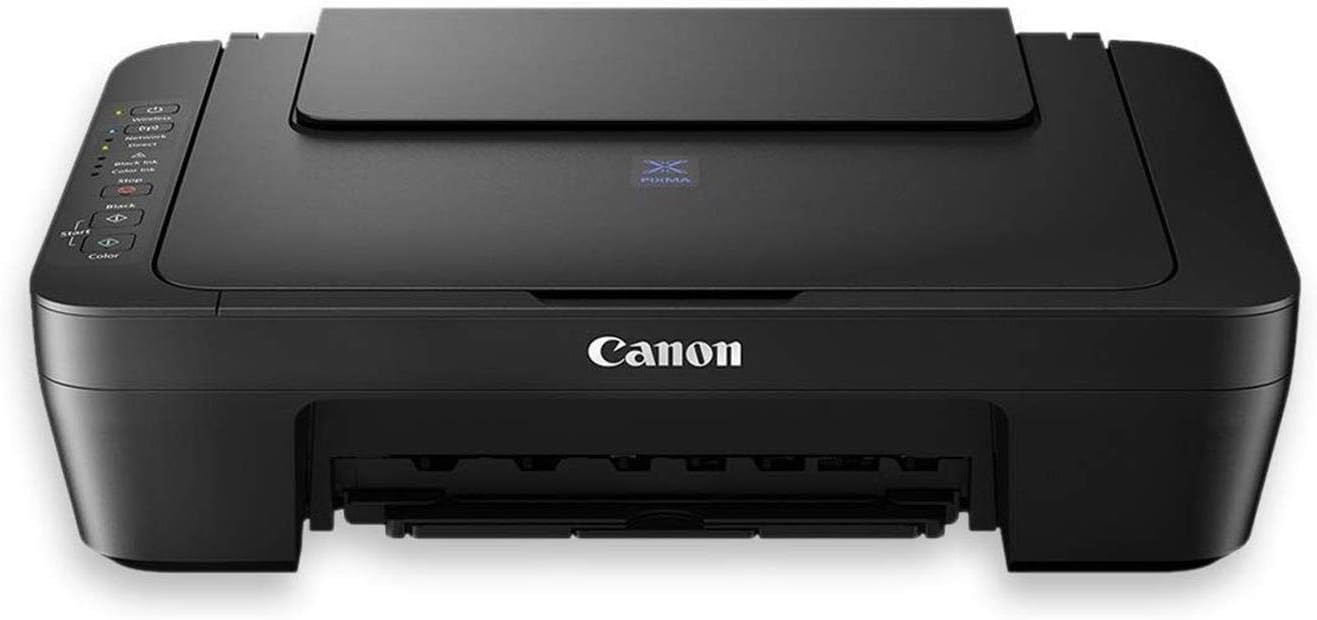
🖨️ Elevate your home office with smart, wireless printing that keeps you ahead of the curve!
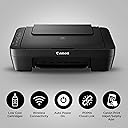
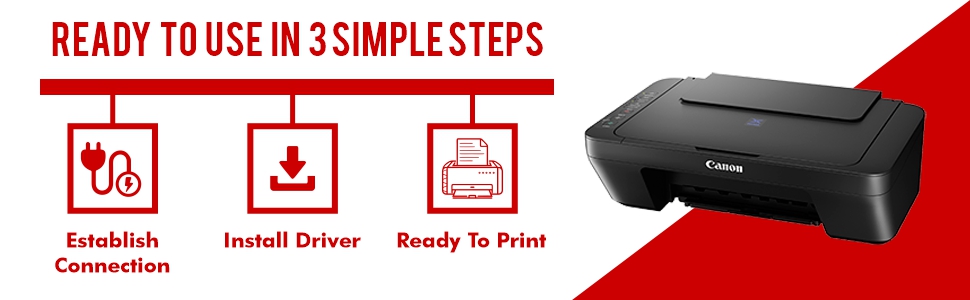
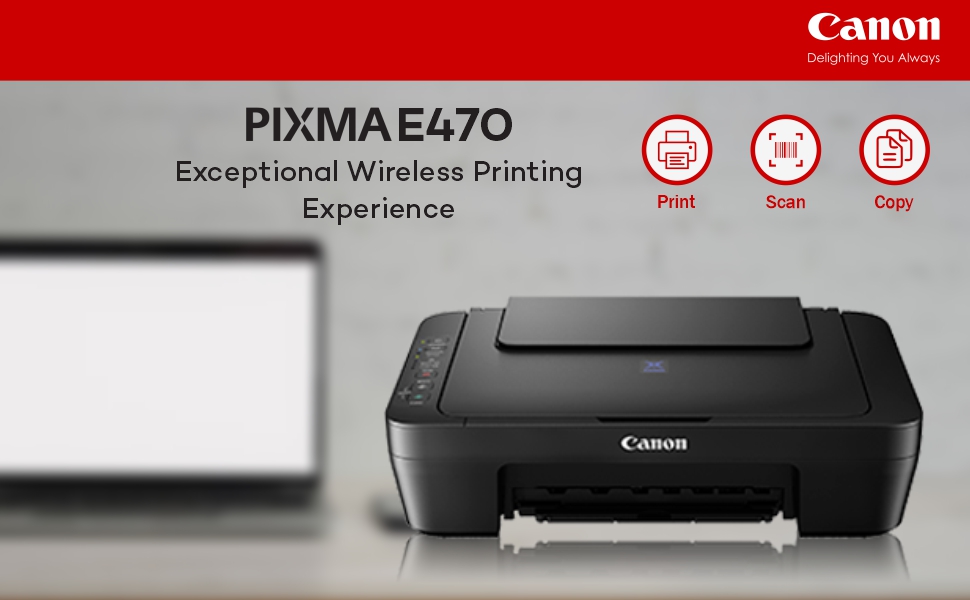
The Canon PIXMA E470 is a compact, inkjet all-in-one printer designed for home use, offering print, scan, and copy functions with WiFi and USB connectivity. It delivers high-quality color prints at 4800x600 dpi resolution and supports mobile printing via Canon’s app and PIXMA Cloud Link. With efficient ink cartridges, auto power-on feature, and compatibility across Windows and Mac OS, it’s a budget-friendly solution for everyday printing needs.


| ASIN | B01LAPARWY |
| Additional Printer Functions | Copy, Scan |
| B&W Pages per Minute | 8 |
| Best Sellers Rank | #158 in Computers & Accessories ( See Top 100 in Computers & Accessories ) #1 in Ink Cartridge Printers |
| Box Contents | Printer, Cartridge Set,,,,, |
| Brand | Canon |
| Brand Name | Canon |
| Color Pages per Minute | 4 |
| Colour | Black_WiFi Direct |
| Compatible Cartridge | PG-47 (Black), CL-57 (Colour) Ink Cartridges |
| Compatible Devices | Printer |
| Connectivity Technology | USB, Wi-Fi |
| Control Method | Touch |
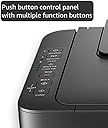
| Controller Type | Push Button |
| Country of Origin | Vietnam |
| Customer Reviews | 3.8 out of 5 stars 12,950 Reviews |
| Dual-sided printing | No |
| Duplex | Automatic |
| Hardware Interface | USB |
| Importer Contact Information | Canon India Pvt Limited.214-218, 2nd floor, Narain Manzil, Barakhamba Road, Connaught Place, New Delhi-110001, India |
| Ink Color | Black |
| Is Electric | Yes |
| Item Dimensions D x W x H | 30.6D x 42.6W x 14.5H Centimeters |
| Item Type Name | Inkjet Printer |
| Item Weight | 3.5 Kilograms |
| Manufacturer | Canon Inc., For any product related queries, kindly contact Canon brand customer care on : [1800 180 3366] [1800 208 3366] Timings: 8:30am-5:30pm |
| Manufacturer Contact Information | For any product related queries, kindly contact Canon brand customer care on : [1800 180 3366] [1800 208 3366] Timings: 8:30am-5:30pm |
| Max PrintResolution Color | 4800x600 dpi |
| Max PrintSpeed BlackWhite | 600 dpi |
| Maximum Copy Resolution Black and White | 600 |
| Maximum Copy Resolution Color | 4800x600 dpi |
| Maximum Media Size | A4, A5, B5, Letter, Legal, 4 x 6", 5 x 7", Envelopes (DL, COM10), Square (5 x 5"), Custom size (width 101.6 - 215.9mm, length 127 - 676mm) |
| Maximum Sheet Capacity | 60 |
| Model Name | Pixma |
| Model Number | E470 |
| Model Series | Pixma |
| Network Connectivity Technology | USB, Wi-Fi |
| Other Special Features of the Product | Wifi |
| Packer Contact Information | Canon Inc., 3-30-2, Shimomaruko, Ohta-ku, Tokyo 146-8501, Japan |
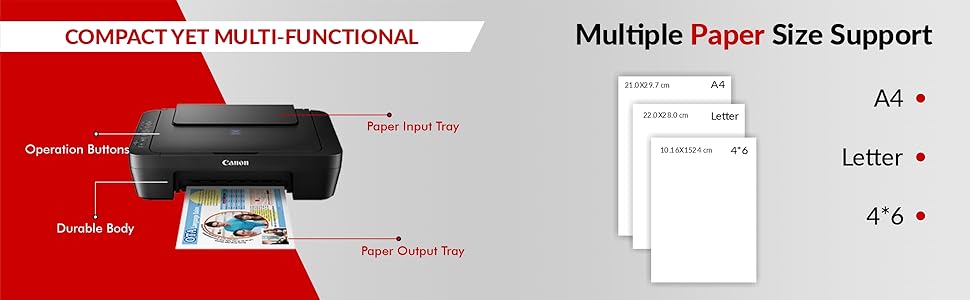
| Paper Size | A4,Letter,4x6 |
| Printer Output Type | Colour |
| Printer Type | Inkjet |
| Printing Media Type | Glossy photo paper |
| Printing Technology | Inkjet |
| Resolution | 600 x 1200 dpi |
| Scanner Type | Flatbed, Photo |
| Special Feature | Wifi |
| Specific Uses For Product | Home use (general printing, scanning, copying) |
| Unit Count | 7 Count |
| Warranty Description | 1 year on-site warranty from the date of purchase. |
| Warranty Type | Limited |
A**R
Very good product, set up & functions @ this price
Kindly don’t go by negative reviews. Product is excellent & installation is equally easy as well. There are several YouTube channels which precisely show step by step on installation process. Received the product on time & in good condition. The cartridges were properly sealed & no foul play on ink being misused. The print quality is very good . And worked with WiFi & with cable with no Lags. The print time is equally good as well. Will get to know in a few months on how vmany prints come through in black & color. Do far good. The only drawback is on the cost of cartridge which is expensive. Not sure how effective the refilling cost & quality
A**E
⭐ Canon Pixma E477 – Honest Review (After My Use)
recently purchased the Canon Pixma E477, and here’s my honest opinion: ✔ Good Points: It’s a very good printer for students and study purposes. Budget-friendly and gets the job done for basic printing. You can print photos, and the quality is decent for a normal printer (but don’t expect high-end photo printer quality). ✘ Bad Points: Very weak in connectivity. I was not able to connect it to my laptop via Wi-Fi, so I had to use a USB cable every time. This is quite disappointing. 📝 Final Verdict: If your budget is tight, you can buy it. But if you can increase your budget, I strongly recommend going for an Ink Tank photo printer — they are better for long-term use, cheaper per print, and give much better photo quality.
T**S
Not working from day 1
Very poor product and disappointing service. There is no onsite warranty, and authorized service centers are hard to find even in metro cities. The printer started showing paper jam error code 1000 from day one, despite being brand new. Basic functionality like paper pickup does not work, and fixing the issue requires visiting distant service centers, making the experience extremely frustrating. The service support is slow and inconvenient. I strongly advise against buying this product. It is unreliable, poorly supported, and not worth the effort or cost.
A**H
Home printer
Nice product. Suitable for home or office
I**U
Good product. Also buy ink with needle so that you can fill cartilage on your own
Easy to use and cost effective, just one small problem cartilage got empty so quick within 40-50pages.
J**J
Good printing but wireless connectivity is a huge hassle
The printer does the printing, copying and scanning functions well enough as you'd expect. The prints that come out while you use the printers copy function tends to be a little lighter than regular prints though. But what is horrible with this printer is Canon's WiFi connectivity feature. The setup process itself is a pain and even if you deal with it thinking it is a one time hassle, it won't be, since over time, at some point the printer will stop being connected to your pc automatically. Especially, if you print only occasionally and assume the printer will automatically connect when you turn it on, because you've already set it up, it will surprise you by not connecting. You'd have to reset the WiFi connection between your printer and PC and setup the connection again. Or choose to connect directly by cable. Feel like I wasted money investing in a WiFi printer since I connect almost exclusively by cable now, not wanting to waste my time often with the flaky WiFi connection. Cartridges as usual are very expensive and doesn't give a lot of pages per cartridge. Choose this printer in that regard only if your printing needs are minimal or occasional. Else you are better off with one of those ink tank printers where initial cost might be high, but you don't have to keep spending on cartridges every so often because they print a lot more per refill.
V**T
Generally Good Printer
Good Printer
A**R
Durable Printer
I am using this for close to 10 years and it has stood the test of time. I used to have hp and epson earlier and they used to get stuck and get into some or the other issue. This one is working like a gem..
ترست بايلوت
منذ 3 أسابيع
منذ أسبوعين