We remain fully operational. Our teams are working around the clock to ensure your deliveries continue safely.

قم بتنزيل التطبيق


معلومات عنا
حقوق الطبع والنشر © 2024 Desertcart Holdings Limited
قم بتنزيل التطبيق


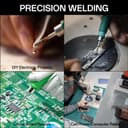
Buy anything from 5,000+ international stores. One checkout price. No surprise fees. Join 2M+ shoppers on Desertcart.
Desertcart purchases this item on your behalf and handles shipping, customs, and support to KUWAIT.
🔥 Master your craft with precision & speed — solder smarter, not harder!
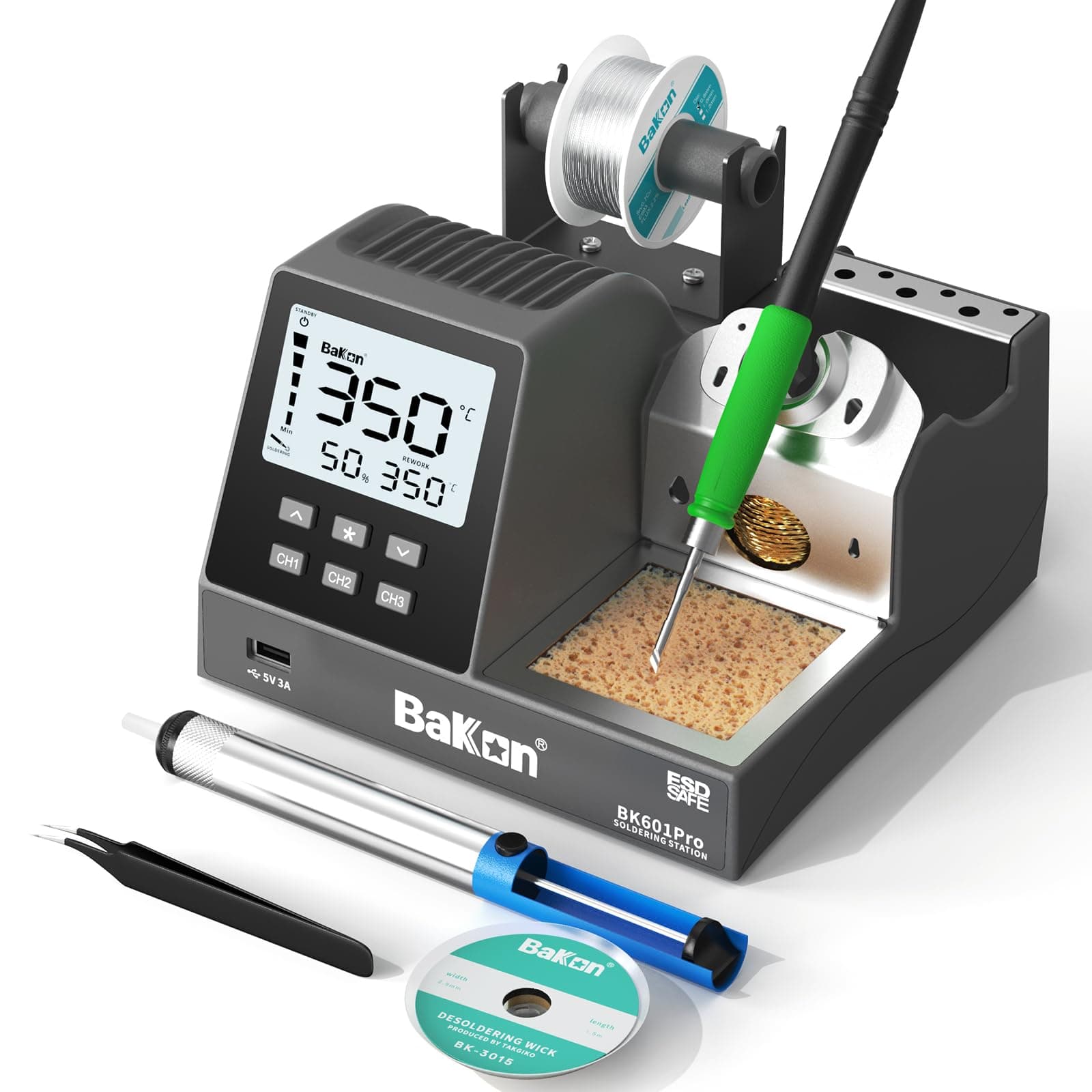
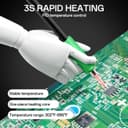
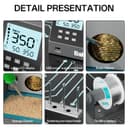
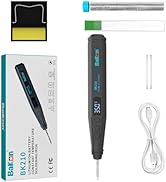
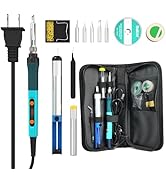
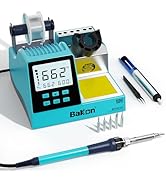
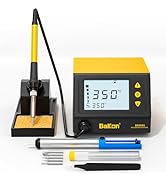
The BK601Pro is a professional-grade 120W soldering station featuring rapid 3-second heat-up, precise temperature control from 302°F to 896°F, and 3 customizable memory channels. Its 2.97" LCD display offers clear real-time data, while energy-saving sleep and auto-shutdown modes protect your tools and save power. This all-in-one kit includes a C210 soldering tip, lead-free solder, ESD-safe tweezers, desoldering pump, and cleaning accessories, making it ideal for electronics repair, DIY projects, and precision soldering tasks.







| ASIN | B0DHG5GM4W |
| Best Sellers Rank | #221,432 in Industrial & Scientific ( See Top 100 in Industrial & Scientific ) #545 in Soldering Stations |
| Brand Name | BAKON |
| Customer Reviews | 4.5 4.5 out of 5 stars (21) |
| Display | LCD |
| Included Components | soldering kit |
| Item Dimensions D x W x H | 6.5"D x 6.3"W x 4.1"H |
| Lower Temperature Rating | 302 Degrees Fahrenheit |
| Manufacturer | BAKON |
| Manufacturer Part Number | BK601Pro |
| Model Number | BK601Pro |
| Number of Channels | 1 |
| Temperature Stability | 35.6 Degrees Fahrenheit |
| Unit Count | 1.0 Count |
| Upper Temperature Rating | 896 Degrees Fahrenheit |
| Wattage | 55 watts |
K**D
Inexpensive but effective
A very useful unit. The system heats quickly and cools down when not in use. This is an excellent iron for people doing repairs or experimenting in a hobbyists capacity. The tip of the iron is grounded. This should be noted as I attempted a repair on a high current 5 volt supply wire and the tip became red hot very quickly. The iron was not negatively impacted and still operates. It does have the odd chirping noise that can be heard when the iron is active. This is well documented on various social media sites. It can be bothersome to some, but it doesn't affect me personally. Like many of these inexpensive irons the soldering iron connects in the back. This is very inconvenient for changing handles should a smaller or larger one be beneficial for the job at hand. The good news is that they are cheap enough that you could have a pair of these on your bench. The downside is the space of course. Definitely worth what I payed for it.
H**G
Guide to how to set up the Soldering Station and Compatibility with other Soldering Irons
Guide: To set up the temperature profiles for the different channels, long press the desired channel (CH1, CH2, or CH3) for a few seconds. You will now see channel displayed and the temperature on the lower left of the screen. Use the up or down arrow key to adjust the desired temperature. Wait 3-5 seconds and you will see SUC (Short for Success). You now have the temperature profile set up for the channel you selected. When pressing the asterisk key (*), you will see the number 1 and you can change the number by using the arrow key ranging from 0 to 4. This is the settings selection screen or menu. Only one number will occupy the screen. The numbers corresponds to a setting. The numbers corresponds to the following settings: 0. Save. (Save that changes you have done). 1. Temperature of the soldering iron when you turn it up. 2. Temperature offset. (Only in Celsius, Can be adjusted -80C to +80C). 3. Celsius or fahrenheit. 4. Time til the soldering iron goes to sleep. (0 to 99 seconds) To adjust the setting, use the up and down arrow to the number that corresponds to the setting you desire to changr, press the asterisk key (*). Now you can use the arrow keys to adjust the desired setting. Press the asterisk key (*) going back to the setting selection with the numbers 0 through 4. To KEEP/SAVE what you have adjusted/change use the arrow key to the number 0 and press the asterisk key (*). To NOT KEEP the settings you have changed wait 5-6 seconds on the setting selection screen or 10-12 seconds if you are on the screen where you are adjusting the setting. Compatibility: Note: Different tips (the C115 and C245 type) will require its on soldering handle. The handle provided are not compatible with different tips sizes. The tip provided is a C210 tip. The handle uses a 6 hole/pin connector to connect to the station. Make sure to buy a handle with the correct connector. The visual of connector the soldering handle needs to be is shown in the photos. Size of tip from smallest to largest: C115, C210, C245. The machine works with a C245 soldering handle and tip. It will also work with a C115 handle and tip (Haven’t tried). The soldering iron heats up very quickly for both the soldering tip that is provided (C210) and the C245 tip. The soldering handle and tip is bought separately. The C115 which is smaller than the C210 will also heat up quickly. Review: Overall the BK601Pro works very well. In the packaging it includes the soldering station, the cable for the soldering soldering, a C210 soldering handle, a C210 soldering tip, a tweezer, a desolder pump, solder wick, and a solder wire. Size of the station is 160x165x105mm and weighs about 2.0 pounds. Stability wise, the station maintains its temperature and is pretty stable. Things to Note when Buying: There is a ringing/buzzing sound coming from the station. It is very quiet, but there if you are very close to it. With a fan or fume extractor on you won’t notice it. However, some people might be sensitive to this sound. If you are wondering what it sounds like you can take a look at the video in the 2 star-review labeled “Its heats quick…supposedly”. In the video if you listen to the background you will hear a beeping screeching sound.
U**W
Pretty good
Works great. Soldered 14 ga trailer wiring just fine. Precise enough for smallish circuit boards. Display & instructions are confusing, but intuitive enough if you don’t need to adjust temperature (I didn’t). Not sure if heating elements are replaceable or how long they might last.
M**L
Great buy! Don't cheap out on tools.
One of the best purchases I made in a while. If you're doing any level of soldering, invest in a good iron. Has been nothing but reliable for me, user interface works, nice features, and built in USB is a nice touch!
G**N
Heats fast. Complete set. Confusing interface.
This 120W precision soldering station offers a solid set of features for hobbyists and makers, though it falls a bit short in terms of user-friendliness. The large, clear readout for temperature is a definite plus, and the station heats up quickly and maintains a consistent temperature, which is essential for soldering. The included accessories are a nice touch, providing some basic tools like a solder sucker, wick, solder, and tweezers to get started. However, while basic temperature adjustments are easy enough with the up and down buttons, I found the rest of the interface somewhat confusing. The limited instructions provided didn't offer much clarity, so I've been using the station in its most basic mode for now. Overall, this soldering station performs adequately for my needs, but the less-than-intuitive interface is a drawback. If ease of use is a priority, it might be worth exploring other options on the market that offer a more user-friendly experience. While this station isn't bad, it doesn't quite stand out from the crowd.
J**N
Good kit for a great price.
This basic kit is at a decent price (about $67 at review). Since another budget unit I liked has failed, this one recently became my auxiliary iron. So far, so good! Temp control is easy and with the large display, it's easy to have this off to the side as a secondary/auxiliary iron, as I have it deployed. The included tip is good for most jobs, but I have other tips that fit, so that's a bonus in my case. The included accessories are the bare essentials, providing the basics of what is needed in a general session, except for flux. At 120W, there's plenty of power to get through some larger jobs, which is also a reason that I chose to place this as a secondary - it's versatile and powerful. I will update if there's a change, but this has been working very well. I'm happy with the purchase.
L**Y
Good Soldering Station
I am not a master solder by any means, and I learned how to do soldering at a conference. At this conference they had a set up similar to this and when I saw this I got excited. Nothing is better practice than using what is familiar to you. Everything works the same. I also have a separate soldering gun (tool?) that I use and I use the sponge (probably not what it is called) and steel wool while I am soldering projects at home. I use it for hobby work, nothing crazy serious. All in all I am impressed and satisfied.
L**Z
Calidad precio funciona muy bien para lo que es y ofrece un poquito más por un buen precio .
ترست بايلوت
منذ أسبوع
منذ 3 أسابيع