We remain fully operational. Our teams are working around the clock to ensure your deliveries continue safely.

قم بتنزيل التطبيق


معلومات عنا
حقوق الطبع والنشر © 2024 Desertcart Holdings Limited
قم بتنزيل التطبيق

Buy anything from 5,000+ international stores. One checkout price. No surprise fees. Join 2M+ shoppers on Desertcart.
Desertcart purchases this item on your behalf and handles shipping, customs, and support to KUWAIT.
⚡ Power Your Productivity with the Ultimate Thunderbolt Dock!
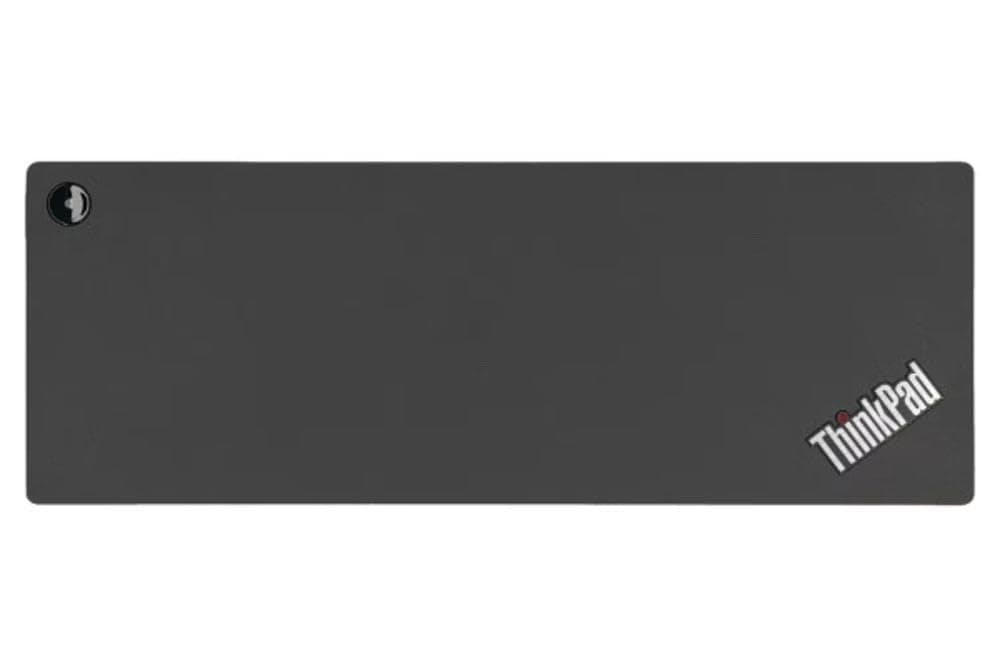
The Lenovo ThinkPad Thunderbolt 3 Dock Gen 2 (135W) is a professional-grade docking station designed to elevate your workspace with dual UHD 4K display support, ultra-fast Thunderbolt 3 Gen 2 connectivity, and a comprehensive 13-port hub. Compatible with a wide range of Lenovo ThinkPad laptops and multiple operating systems, it streamlines your setup by consolidating power, data, video, and network connections into one sleek, black device.
| ASIN | B07M6S81CM |
| Best Sellers Rank | #621 in Computers & Accessories ( See Top 100 in Computers & Accessories ) #72 in Laptop Docking Stations |
| Brand | Lenovo |
| Built-In Media | ThinkPad Thunderbolt 3 Dock Gen 2 |
| Color | Black |
| Compatible Devices | Compatible with ; ThinkPad E490s , L480, P51s, P52s, T470, T480, T480s, T570, T580, X 2nd Gen. X1 Yoga 2nd Gen., X1 Yoga 3rd Gen., X 2nd gen X280 |
| Customer Reviews | 4.0 4.0 out of 5 stars (1,588) |
| Global Trade Identification Number | 00192158239729 |
| Hardware Interface | Thunderbolt, USB Docking Station |
| Item Dimensions L x W x H | 8.66"L x 1.18"W x 3.15"H |
| Item Type Name | Docking Station |
| Item Weight | 2 Pounds |
| Manufacturer | Lenovo |
| Number of Ports | 13 |
| Total Number of HDMI Ports | 2 |
| Total Usb Ports | 5 |
| UPC | 192158239729 |
| Unit Count | 1.0 Count |
| Warranty Description | 30 DAYS |
| Wattage | 135 watts |
R**L
I love it, even if it's not fully compatible with my Lenovo Yoga C930
I got this today and I'm in love. Everything is working seamlesly. I knew this was not listed to be fully compatible with my Lenovo Yoga C930, but I took the shot anyway since another reviewer mentioned the things that worked that did and didn't On my end, the only thing that I'm noticing that's not working is the power button. It has an amber light and doesn't do anything. However, I'm guessing this is due to the compatibility issue and there's not much that I can do about it. To be honest though? I couldn't care less about it. It finally allowed me to have everything connected in one place and only have one connection towards the laptop, so that I can easily move without issues. Moreover, I was having issues with the usb 2.0 in my laptop, and when I tried to connect my wireless mouse and keyboard to the cheaper USB C hubs I had there was too much lag. This dock solved the issue. The ethernet works perfectly, and so does everything else so far. So I would definitely recommend.
M**D
Everything worked perfectly with Linux Mint on Levovo laptop
I have a Linux desktop that's a bit old, but works well. I got a refurbished Lenovo L13 Yoga laptop which is newer and faster, and came with Windows 10, upgraded to 11. I immediately put in a 2TB internal SSD, installed Linux but kept Windows on half the drive. I wanted to use this laptop as my main system, connected to my existing monitor, and I have a logitech keyboard/mouse that can switch between 3 systems, so I can use it for the old desktop, and the laptop with both Linux and Windows easily. So... after a short time, I decided that getting a dock would make this all much nicer, and it did. I've been able to reduce cable clutter, have more USB 3 ports, and a wired network connection that doesn't interfere with the USB-C port (Don't know who designed the connectors on my laptop, but they don't both fit at the same time). Got the refurb model of this dock, connected it up with no directions (there were none) and everything worked right off, with no extra drivers or settings. The audio works just like connecting a line out - all automatic. Even the on/off switch works to turn the laptop on and off. I believe it does not charge when off, which will keep it from overcharging. I'd imagine you could get around this if you needed to charge it while off. As a bonus, it charges faster than the charger that came with my refurbished Thinkpad, which was not the original Lenovo charger. By the way, I connected the speakers together with the desktop by using a simple Y-connector for the audio outputs.
J**N
experience with Macbook Pro 2017.
Finally i decided to write something about the performance with macOS. Well, everyone knows this is a pretty tb3 dock, and i use it with my DELL 5290 2-in-1 (2* tb3 ports), everything works fine, power delivery, DP output 4K@60zh, HDMI output 4K@60hz, ethernet, extra tb3 port, all checked, it is a perfect dock if you want to a reliable TB3 connection. However, in my scenario i also want to use it with my macbook pro, 2017, 15inch. the fact is, i can't get the 4k@60hz from its own DP/HDMI ports, i have to use USB-C to DP/HDMI cable to connect it through the tb3 port at front panel, otherwise i have to run at 4k@30hz@HIDPI OR (QHD@60hz but without HIDPI). i have tried to intall the latest firmware through its website but no luck, it's really bad but we cant blame lenovo. anyway they designed it to support its own laptops (windows), the macOS support will never on its roadmap. but still a bit shame. Nov 2019, yesterday I updated the dock firmware to the latest 3164 version by a windows laptop, then switch back to macbook pro with macOS Catalina10.15.1, now I can get the 4k 60hz from the dock's dp. great work. the problem is, it looks the power supply of the dock are not sufficient for the macbook pro anymore. the battery of the macbook pro drained quickly after i connected the display to the dock's dp port. not sure if its firmware issue or i have too many payloads here. then i have to use the original power supply of the mbp to charge it. after did some research, i connected a secondary power adapter to its 230w port, now the dock is chargd by two power bricks and then it can charge the mbp again. all done now. now in Feb 2022, the dock died after 3 yrs, the battery indicator keep flashing when i connector laptop to the dock, changed with another windows laptop, same result, i wont purchase any Lenovo products anymore, so lame, revise the star to 1.
K**Z
Just as advertirse! Lenovo never disappoints
I have been a ThinkPad fan for decades and this Thunderbolt Dock is just amazing! Everything works and its brand new, even the smell. Everything came wrapped with manuals. Recommendation to download the firmware to take full advantage of every port. And make sure to check laptop compatibility. This dock may not work for every ThinkPad. Happily satisfied. Thank you! PD: my english is not that good sorry :(
M**W
I bought this for my Lenovo carbon Gen 2 extremely, but it also works with my work laptop (dell precision 5530).
E**A
Excelente producto, fácil de usar.
J**M
I loved everything about this product. Handles my UHD 4K Displays very well.
A**X
While the Lenovo 40AN0135US Thunderbolt 3 dock may work well, this product is listed as new and is clearly not. DO NOT BUY. The package came in a generic box and packed loosely and poorly. There are scratches on the unit itself, the documentation is missing, the included cable was the wrong type (USB 3.1 instead of Thunderbolt 3) and the power cable is clearly used and dirty. The package was also missing: ThinkPad Thunderbolt 3 Workstation Dock Split Cable ThinkPad Workstation Dock Slim Tip Y Cable These are listed as coming with the product by Lenovo when you buy new. The listing has them as included, but clearly they are not. DO NOT BUY.
A**E
Station d'accueil
ترست بايلوت
منذ شهر
منذ 3 أسابيع