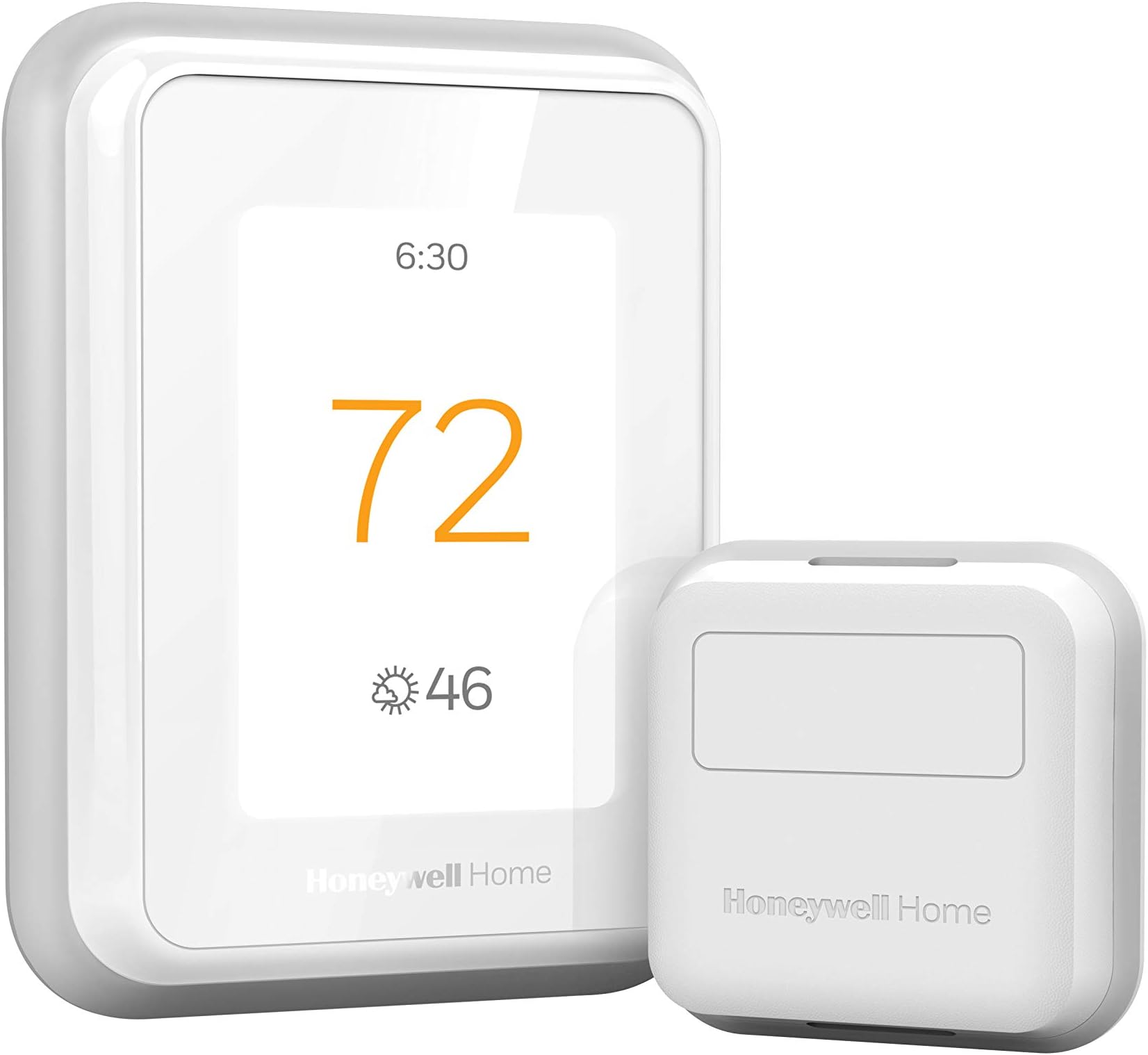
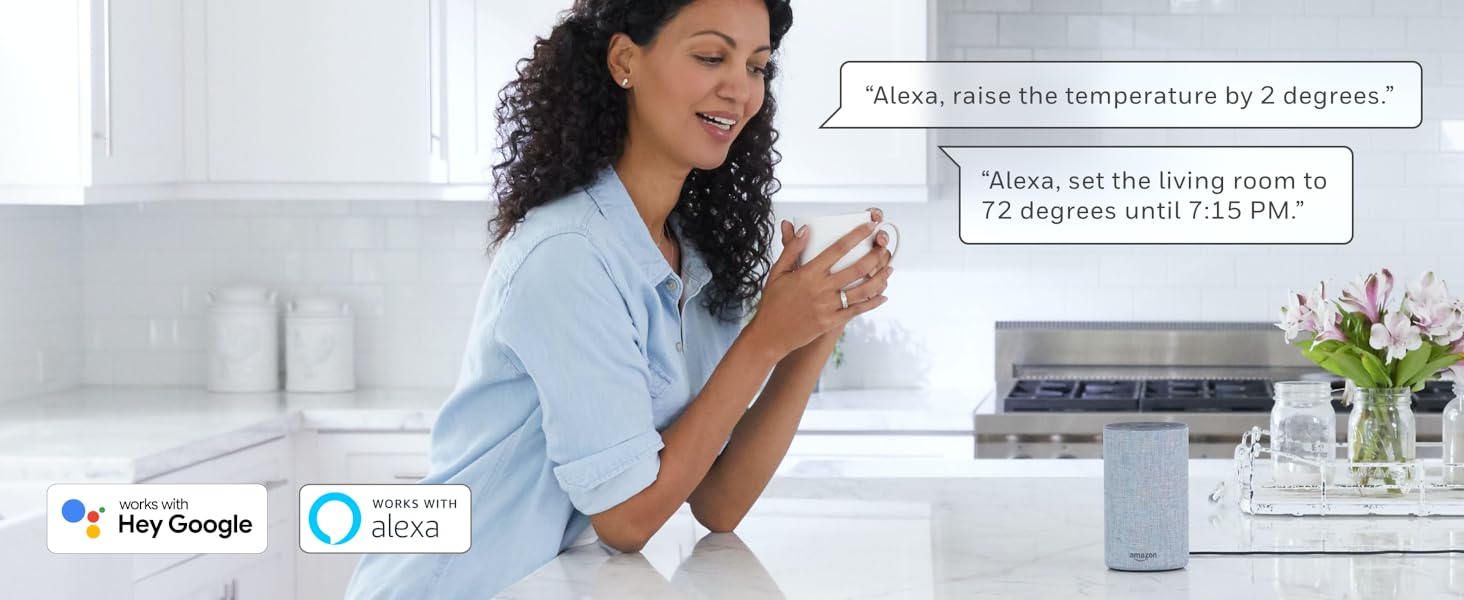
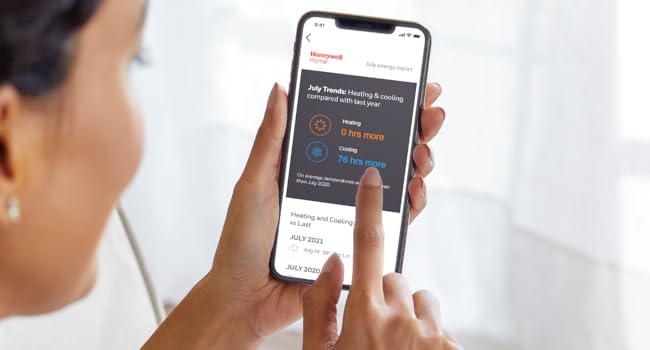
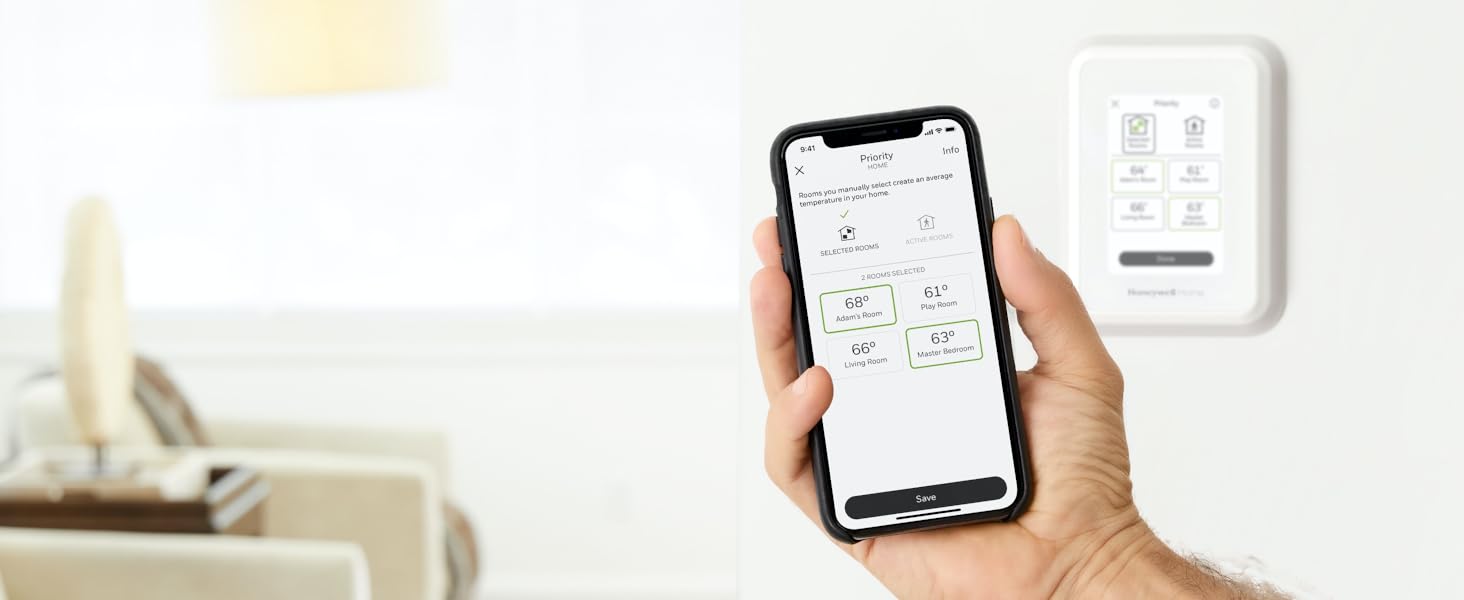
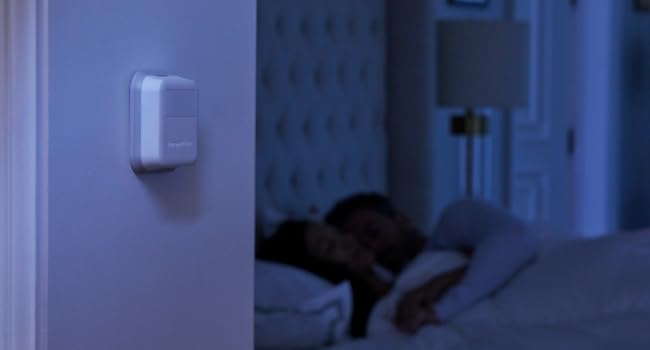
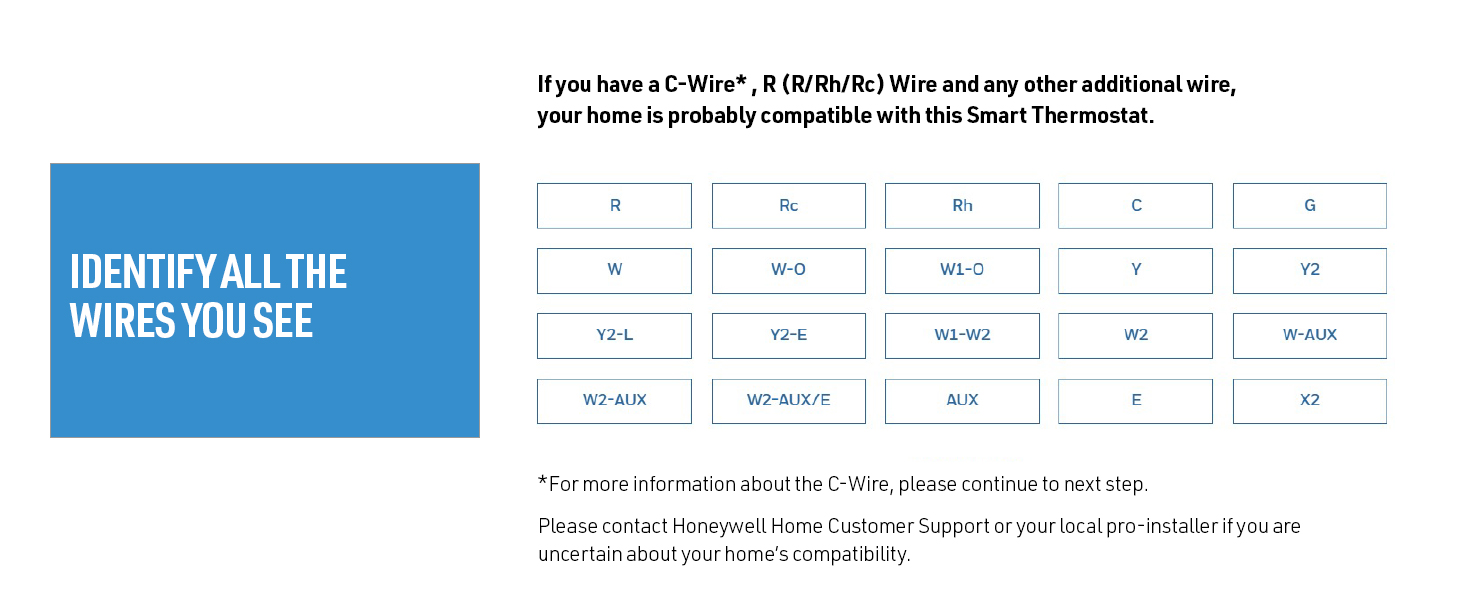
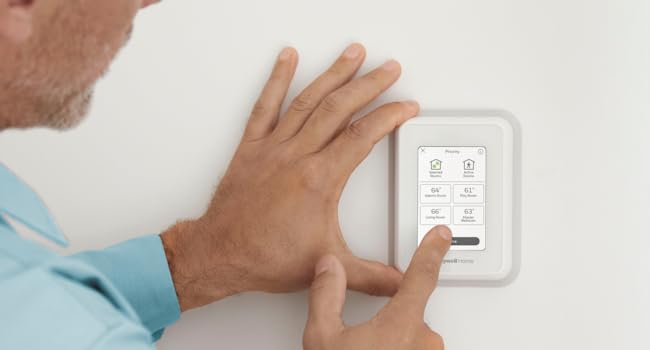
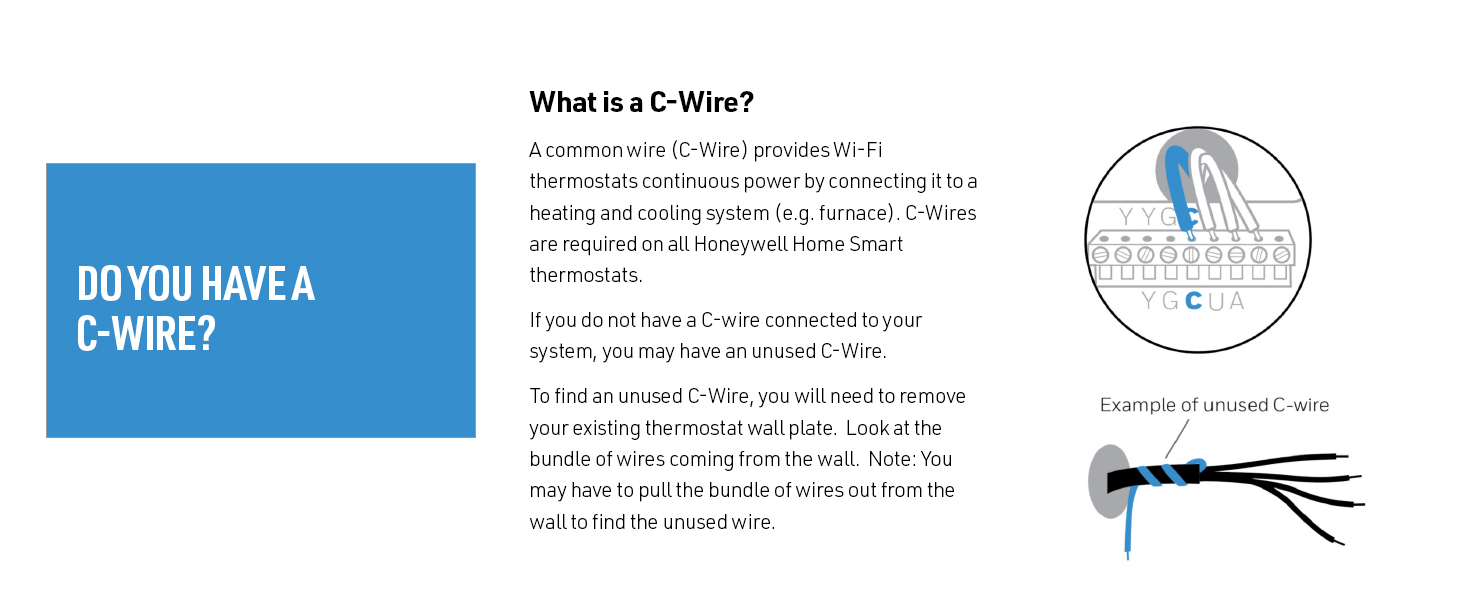
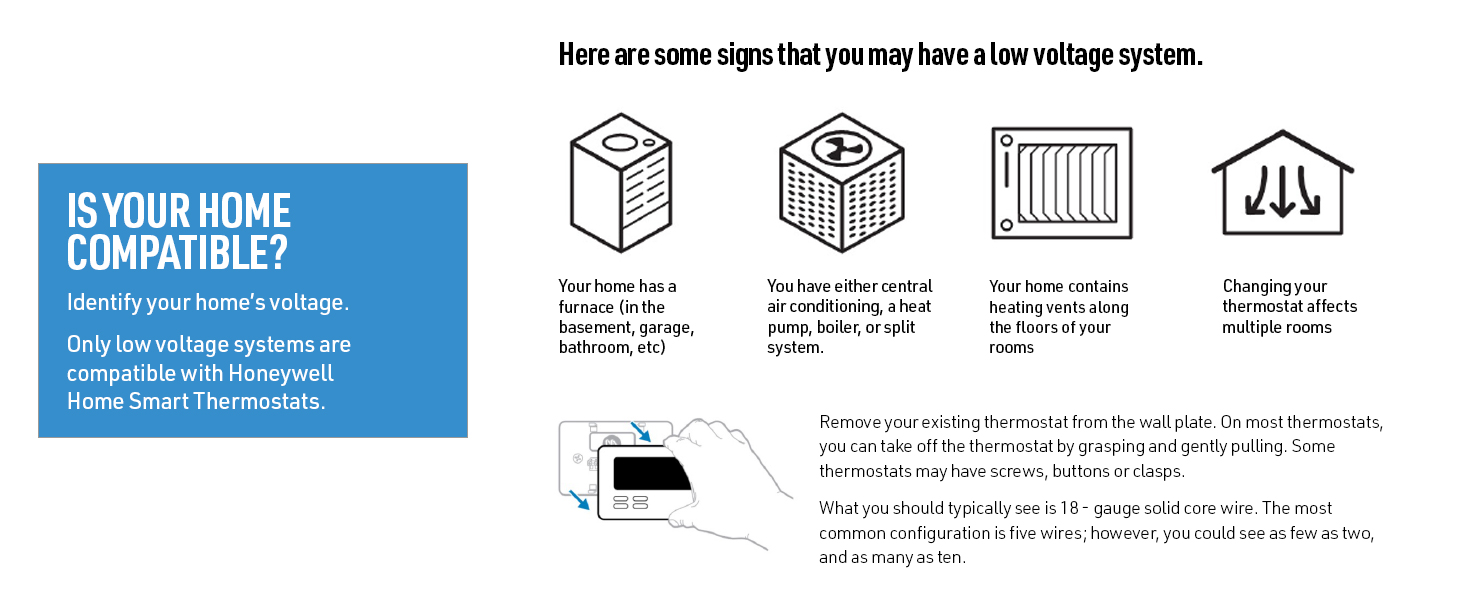
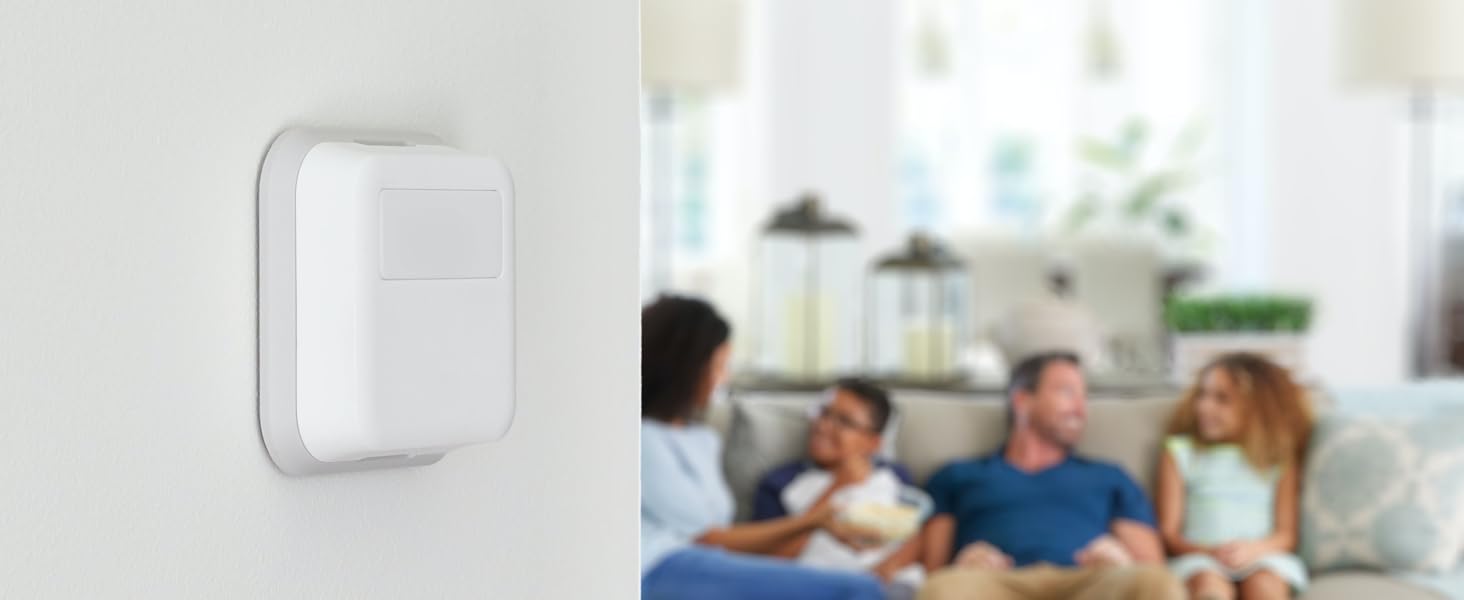
(this review is long but detailed - hope it helps someone) I hesitate to review this thermostat too soon, as I bought a Honeywell RTH9585WF1004 ($200) 14 months ago, gave it a good review, then 13 months later it completely lost any accuracy of the actual temperature - and why I now have the T9. I also hesitated to continue with Honeywell, as the past 2 wi-fi thermostats from Honeywell were horrible (TH9320WF, returned within one month, and the RTH9585, worked for 13 months) - but I didn't like the other brands available. The T9 is brand new, and the remote sensors sounded awesome for my house - 2 story, 1 AC unit, terrible air circulation, temp varies between floors/rooms. INSTALL: I removed the inaccurate Honeywell RTH9585, and installed the T9 according to the very basic install instructions. I had one issue with installation which was my own fault - set the wrong type of HVAC unit in Setup, so the AC wouldn't turn on - then I caught my mistake. I'm still not entirely sure I have the correct type selected, as the T9 indicates my heat pump is 2-stage and I don't believe it is...I'll find out in Nov when I need heat in Arizona. SMART ROOM SENSORS: Bought a total of 4 Smart Room Sensors, 2 for upstairs (one in M Bed) and 2 for down. After installing the Base unit, went to Settings and simply followed the unit's displayed procedure for installing/naming the Smart Room Sensors (place one sensor, return to the Base, name it, then go on to the next sensor). SCHEDULING: This section was really easy setting up a "5+2" day schedule which allows for multiple Away/Stay cycles (vs the usual 2 On/Off, On/Off cycles on previous thermostats). It was also really easy choosing which Sensors to use in the programming. Example: WAKE time, I'm in the Loft on the computer, so that's the Sensor that the Temperature is based on. AWAY time is mid afternoon (Peak Pricing) so the temp is set higher. HOME is at evening (when Peak Pricing ends), I'm always downstairs in the Kitchen or Family Room, so the Temperature is based on those 2 Sensors, SLEEP at night the Temperature is based on the Sensor in the M Bed. More cycles can be added - I'm not sure if they can be named differently. I have the sensors set for times, but they can be used as motion detectors to detect Activity, making them active. If multiple sensors (that you selected) detect activity, the temperature is based on the average of the Active sensors. I don't know what happens if a sensor senses brief activity (like grabbing something from the kitchen then leaving that room, example) or what happens once one goes to bed, thus there is NO activity. For me, using set times is better. Geofencing is also an option but not one I need/use. It detects (via your cellphone) when you're in/out of range and adjusts the temp based on that. (how it works with a family, I don't know) I'm honestly not gone for more than several hours at a time, plus I have a zoo so can't let the house get too warm/cold. HONEYWELL HOME APP (Android): After a week using the Schedule I'd set, it needed a bit of tweaking with some temp changes and changes in renaming/moving a Sensor. I had already installed the Honeywell Home App on my phone but hadn't really messed with it - so I did my "tweaking" of the T9 programming through the App, not the Base unit. It was a bit confusing at first (it's not super intuitive) but, once I got the layout of the App, I was able to make temp changes, move a Sensor, rename a Sensor, adjust some minor details. Using the App (once I got the hang of it) was easier to program the T9 than using the Base unit - I was able to do it sitting down in another room vs standing, hunched over at the Base unit. The App can't be used for the Initial Setup of the Base unit, obviously. CONS: 1) Wi-Fi is supposed to be 2.4Gh or 5Gh. I tried to set the Base to my 5Gh signal...it found the signal but would not connect to it - I got an error message and told to contact Honeywell Support. I didn't want to mess with that (I've read it needs a Firmware update - I just haven't checked if that's true) so it's set to the 2.4Gh signal. Honestly, don't know what diff it makes, why would a thermostat need a faster signal? Only reason I can think of is that my phone is set to the 5Gh and the T9 to 2.4Gh - BUT I was still able to reprogram the Base using the App, so I don't know. 2) The instruction manual is very basic; it gives very brief install instructions, the pictures of the wiring could be a little bigger/clearer. There are no instructions for installing/setting up the Sensors (the Sensor box has a very brief install/program/pairing instruction). That's all described (fairly well) on the Base units display. 3) The Honeywell site has no more instructions than what's in the box. There are some VERY short (~2min) videos on how-to for a few basic things but I didn't watch them. An Online User/Help Forum would be a great addition, I'm sure most people have the same basic questions and some need more detailed instructions - forums are super helpful. It's possible they do have a Forum somewhere but I didn't see one or a link. 4) Alexa is supposed to work with the T9...and it does (once you add the Skill through Alexa - make sure to remove the app/skill for older thermostats) but it's rather confusing. The Alexa App did a search for new items and it found the T9 Base, as well as the 4 Sensors. I can use really basic commands BUT you have to use the name you gave to the Base and/or Sensors...I said, "Alexa, raise the temperature 1 degree" and it replied, "I found multiple items...". I haven't explored it enough to know whether I can say, "Raise the temperature of Kitchen 1 degree" or so on for the other Sensors - and again, Honeywell has NO online instructions for using Alexa or other voice apps. On the other hand, for now I have the programming/scheduling JUST right for all rooms and various times of day, so I've not needed to change it since my tweak. 5) The price is a bit high. Over $300 for the T9 and 4 Sensors (especially since I spent $200 last year for the previous Honeywell unit). So far, having the house a LOT more comfortable and NOT having to be changing the thermostat setting throughout the day, it seems to be worth the money. 6) The sensors are applied using double-sided tape. This is both a pro and a con. Even after cleaning the wall where one sensor was going, the sensor fell off the wall 5' to the tile floor. The tape is nice for not having to use screws and in that I decided to move one of the sensors, but I'd feel better using a screw. PROS: 1) It's only been 2 weeks, but the T9 is working great and it's nice having various rooms of the house at slightly different temps at different times. 2) Easy installation. For my HVAC unit (12 yo heat pump) the wiring was simple enough and I already have the C-wire. The T9 does come with an adapter for homes without a C-wire, I don't know how easy it is to use. 3) The Setup was actually very easy to use (aside from the 5Gh Wi-Fi not working). 4) The Honeywell Home App is also easy to use, once one understands the interface. 5) Multiple Home/Away cycles. I'm generally home all day so I don't need more than the usual 2 On/Off, On/Off cycles but I'm sure the additional cycles are convenient for some households. Final thoughts: I've read several other reviews complaining of needed firmware update and a hassle of needing to use 2 Wi-Fi phones to do the update. I couldn't get the 5Gh to function, but the 2.4Gh works just fine. I guess some people have their Wi-Fi set up so there aren't 2 separate signals? I'm not sure - but I might find out someday if I ever decide I really want the 5Gh signal. I've also read people complaining about the App not working. I've had no issue at all with the app. Also, I've seen people state that if the power goes out, the entire T9 configuration and schedule is lost. I haven't had power issues, I just hope that's not the case. One would think that the settings are saved either at Honeywell Cloud or on the phone, if not the unit itself (though it doesn't use batteries). I hated the previous Honeywell Wi-Fi thermostat, but it never lost it's programming so I can't comment. In my experience so far, even though the included instructions were very basic, the setup for the T9 was straightforward and easy to comprehend using the Base unit's displayed instructions. I only hope that I didn't spend $300+ on a Honeywell Thermostat that will only last 13 months, as my last $200 unit did. So far, I love it.