Buy anything from 5,000+ international stores. One checkout price. No surprise fees. Join 2M+ shoppers on Desertcart.
Desertcart purchases this item on your behalf and handles shipping, customs, and support to KUWAIT.
🚀 Power your home network with speed, security, and coverage that keeps you connected and ahead.
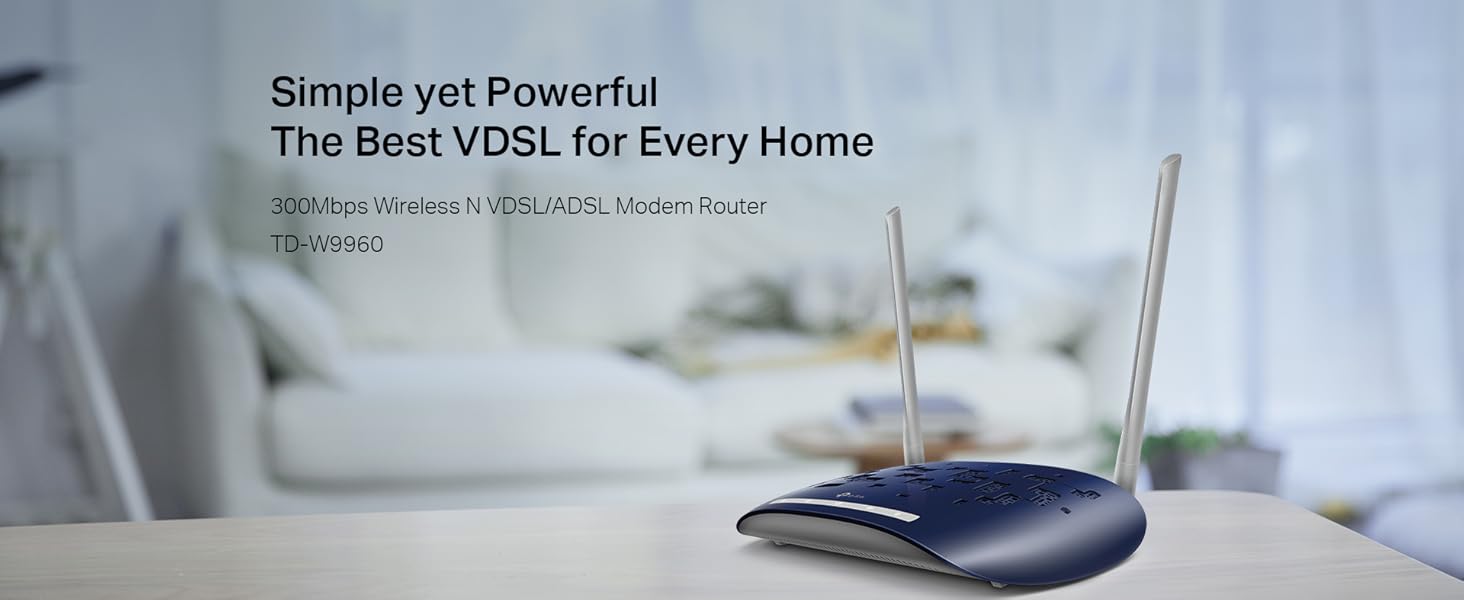
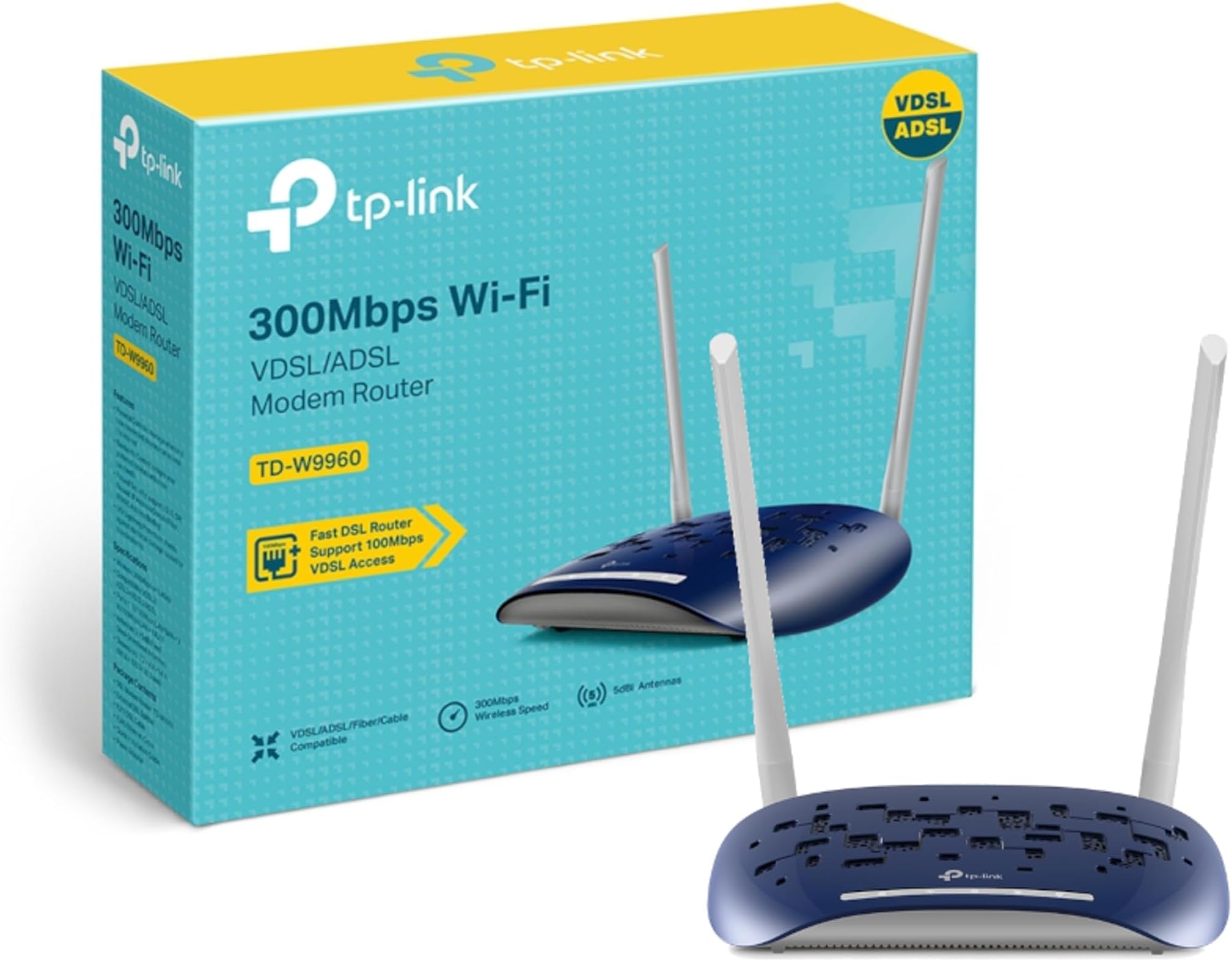
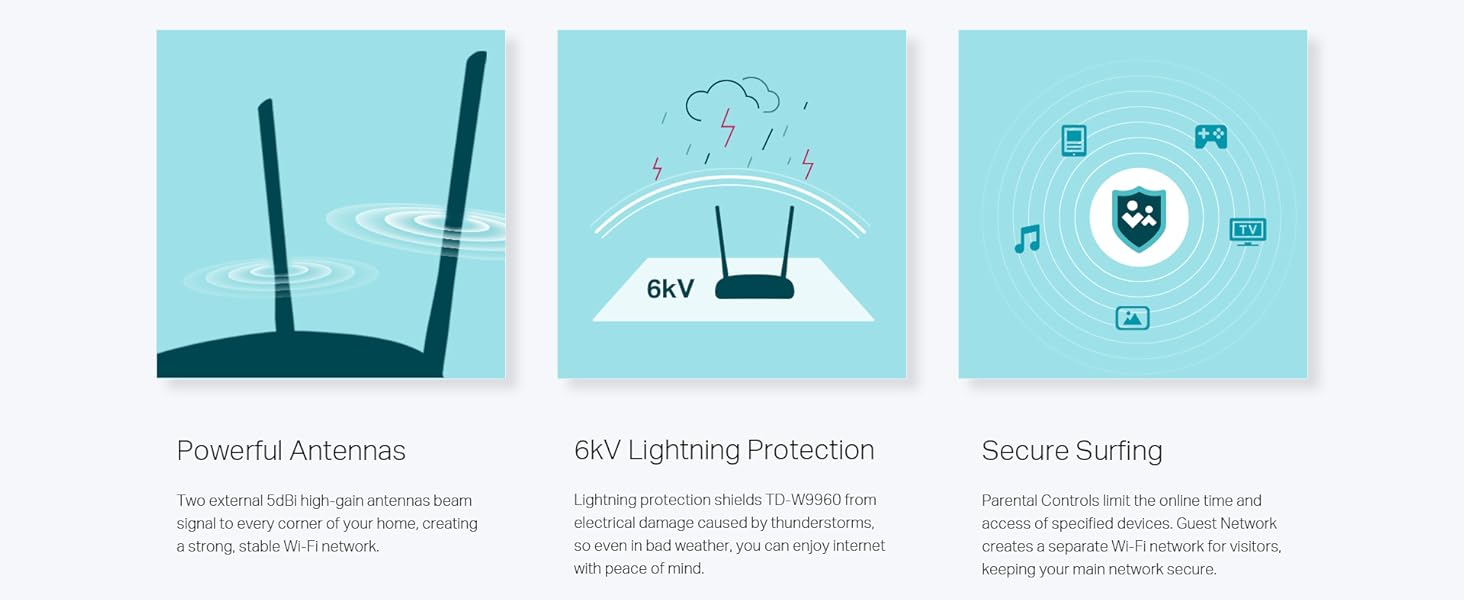
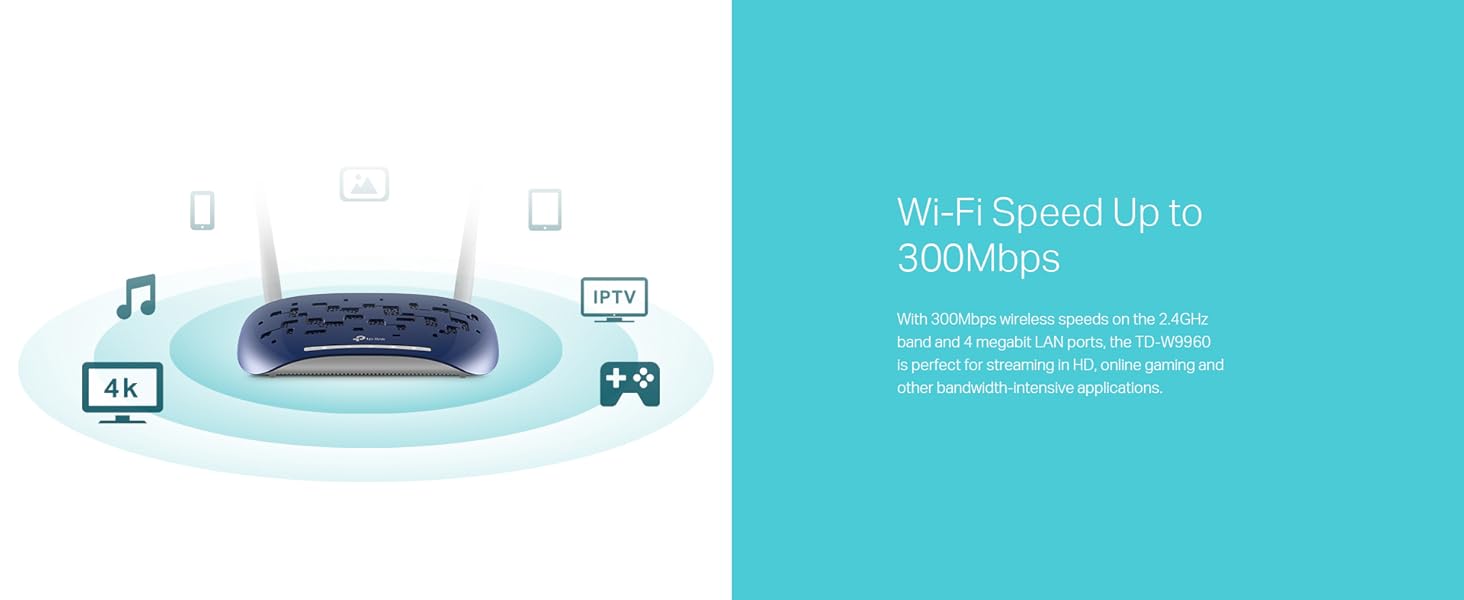
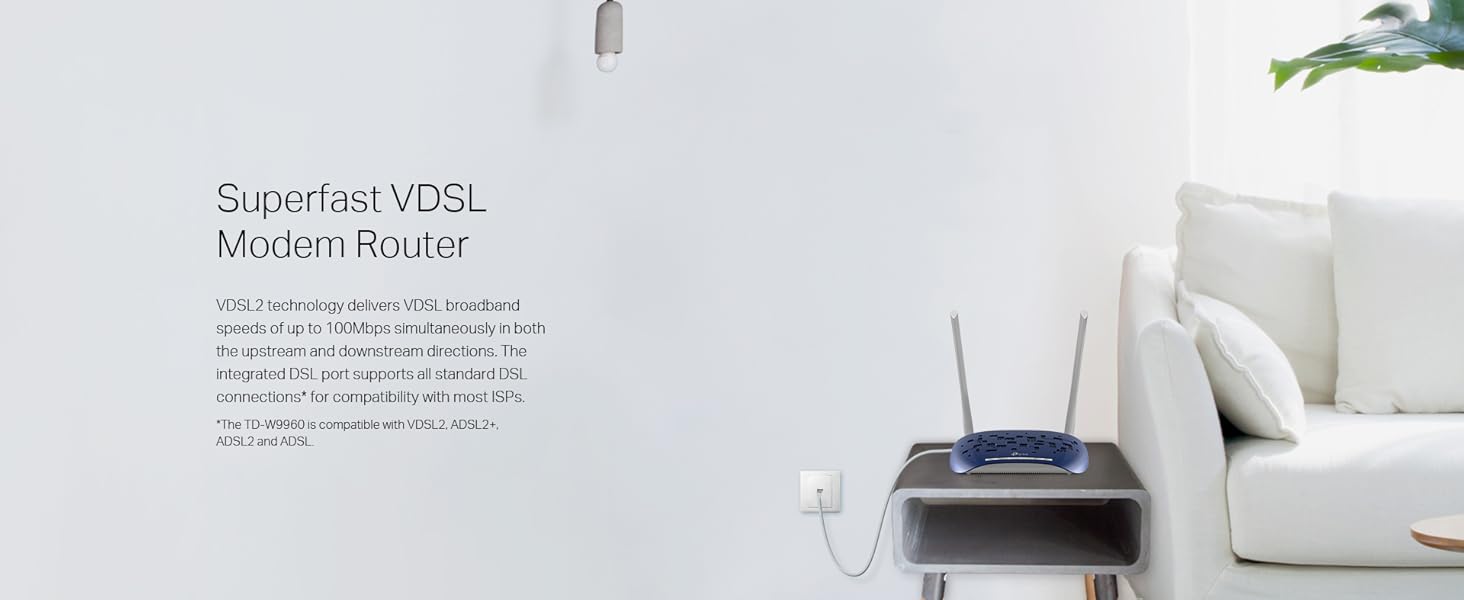
The TP-Link TD-W9960 is a versatile VDSL/ADSL modem router delivering up to 100 Mbps broadband speeds and 300 Mbps Wi-Fi. Featuring 6kV lightning protection, dual omni-directional antennas for wide coverage, and easy management via the TP-Link Tether app, it supports multiple DSL standards and fiber/cable connections. With 4 LAN ports and advanced security features, it’s designed for reliable, high-performance home networking.

| ASIN | B07H5Q3QNH |
| Antenna Location | Home |
| Antenna Type | Fixed |
| Best Sellers Rank | 7,300 in Computers & Accessories ( See Top 100 in Computers & Accessories ) 57 in Routers |
| Box Contents | TD-W9960 External DSL Splitter RJ-11 DSL Cable RJ-45 Ethernet Cable Quick Installation Guide Power Adapter |
| Brand Name | TP-Link |
| Colour | Td-w9960 |
| Compatible Devices | Laptop, Personal Computer, Smartphone, Tablet |
| Connectivity Protocol | Ethernet, DSL, Wi-Fi |
| Connectivity Technology | RJ11, RJ45, Wi-Fi |
| Control Method | App |
| Coverage | Home-wide coverage |
| Customer Reviews | 4.3 4.3 out of 5 stars (63) |
| Data Transfer Rate | 300 Megabits Per Second |
| Frequency | 2.4 GHz |
| Frequency Band Class | Single-Band |
| Global Trade Identification Number | 06935364081973 |
| Has Internet Connectivity | Yes |
| Has Security Updates | Yes |
| Is Modem Compatible | Yes |
| LAN Port Bandwidth | 1000 Mbps |
| Manufacturer | TP-Link |
| Manufacturer Part Number | TD-W9960 |
| Maximum Upstream Data Transfer Rate | 300 Megabits Per Second |
| Model Name | TD-W9960 |
| Model Number | TD-W9960 |
| Number of Antennas | 2 |
| Number of Ports | 6 |
| Operating System | Firmware |
| Other Special Features of the Product | QoS, Parental Control, Advanced Security (NAT/SPI Firewall, DoS Protection, MAC Address Filtering), Remote Management, Built-in DSL Modem |
| Product Warranty | 3 year Manufacturer |
| Router Firewall Security Level | High |
| Router Network Type | WAN |
| Security Protocol | WPA2-PSK |
| Smart Home Compatibility | Not Smart Home Compatible |
| Unit Count | 1.0 count |
| Wi-Fi Generation | Wi-Fi 4 |
| Wireless Compability | 802.11n |
D**N
Great router!!
Bought this router when my Now broadband router stopped working. This was easy to set up using the tether app (although I had to research which options to use to set it up properly). This allows us do everything we need - watch digital TV, social media, work from home etc. WiFi coverage is fab, covering all rooms of our home. Great value for money and would definitely recommend (especially if a Now / Sky customer as I know not all routers work with this network)
L**J
Modem router
Decent, using it in modem mode, works with weird isps.
R**1
Reliable and compact
Limited instructions but mostly user-friendly downloadable interface to set up. Good range, needed a range extended due to our thick walls.
I**N
Good basic router. Used for Onestream.
Bought this and set it up for a friend who is using Onestream in the UK. They use this router for their subscribers as the basic router. It is cheaper to buy this (at £24.99) and have your own than to pay the monthly rental on it. It can handle being plugged in to the old copper network or FTTH. It takes a little setting up but is quite straightforward if you have a little knowledge or know someone that does.
E**N
TP-Link router
My existing TP-Link router is flawless, bought this one for elsewhere. Would recommend.
W**Z
Excellent router
Very good. I bought this one to replace the BT router as modem and is doing a great job. I like this router.
I**L
It’s pretty good
It does the job. Easy to set up.
M**N
Good for vdsl modem, bad for Wi-Fi
Nice and easy to set up with the tether app. The only downside is the wireless capabilities. It can't manage a household. It disconnects you when you least expect it and then you have to reconnect to the wireless network. Wi-fi signal is not bad, it's just it's very limited capability to handle multiple devices at the same time, therefore I decided to connect an additional non dsl , 6th gen wifi router into the lan ports and use this cheap unit just for a modem.
C**N
Buon modem
Trustpilot
2 weeks ago
2 days ago