Desertcart purchases this item on your behalf and handles shipping, customs, and support to KUWAIT.
🎮 Capture Every Victory, Stream Like a Pro!
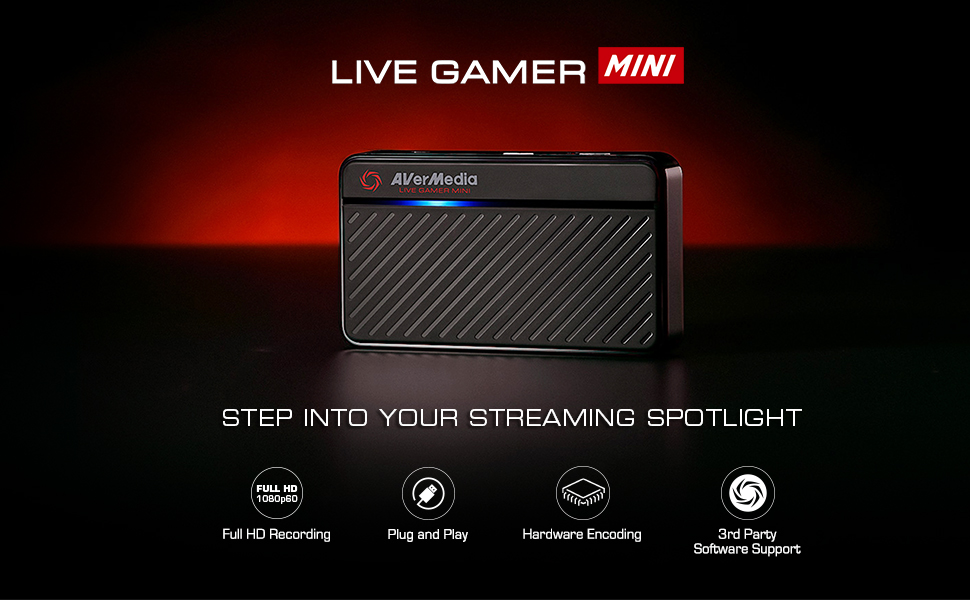
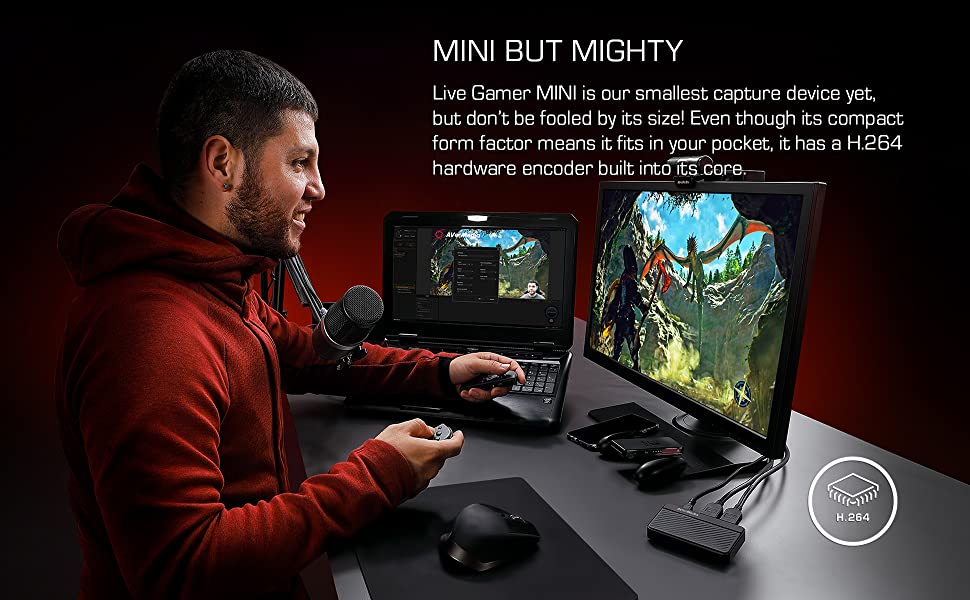
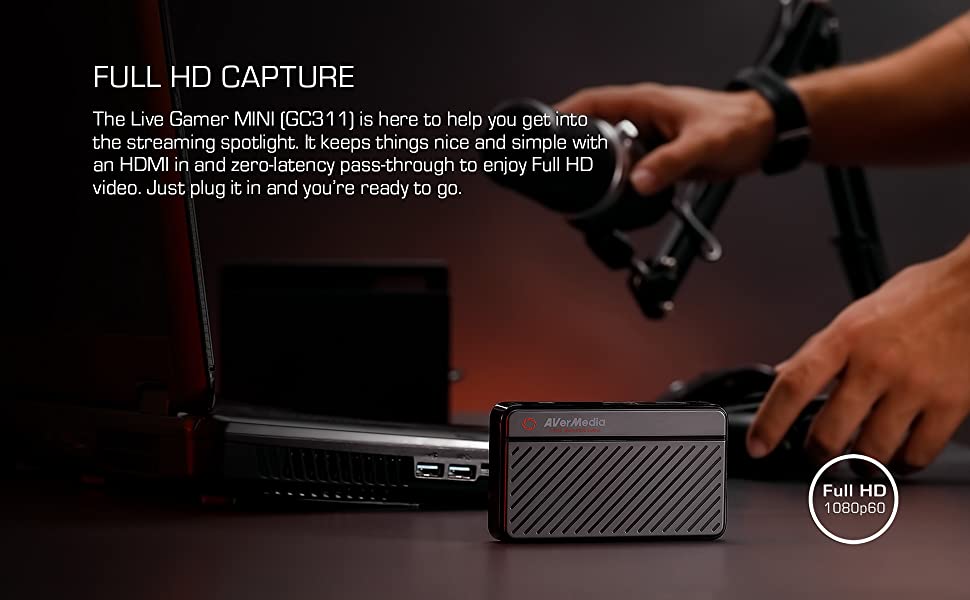
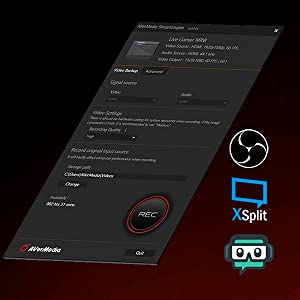
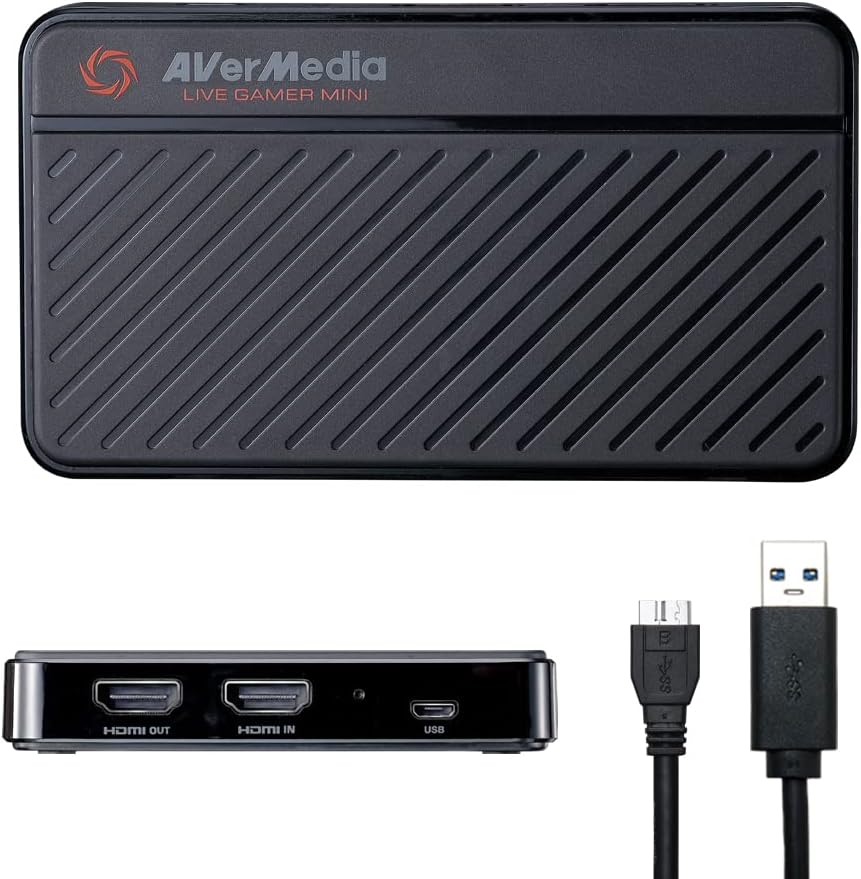
The AVerMedia Live Gamer Mini GC311 is a compact, plug-and-play capture card delivering crisp 1080p60 Full HD recording with zero-latency HDMI pass-through. Featuring a built-in H.264 hardware encoder, it ensures smooth streaming without taxing your CPU. Compatible with major consoles and both Windows and macOS systems, it’s the perfect tool for gamers and content creators aiming to elevate their live streams and gameplay recordings effortlessly.


| ASIN | B07R6P2JJR |
| AV Output | HDMI |
| Antenna Location | Video Recording and Streaming |
| Best Sellers Rank | #60,470 in Computers ( See Top 100 in Computers ) #54 in External TV Tuners & Video Capture Cards |
| Brand | AVerMedia |
| Built-In Media | AVerMedia Live Gamer Mini, USB Micro to Type-A Cable, Quick Guide, HDMI cable |
| Compatible Devices | Game consoles (Nintendo Switch, PS4/PS5, Xbox One 360, Xbox Series X/S) and personal computers |
| Customer Reviews | 4.4 out of 5 stars 1,415 Reviews |
| Global Trade Identification Number | 00795522966018 |
| Hardware Interface | USB 2.0 |
| Hardware interface | USB 2.0 |
| Item Dimensions | 10 x 5.7 x 1.9 centimeters |
| Item Type Name | Game Video Capture card |
| Item Weight | 2.63 Ounces |
| Manufacturer | AVerMedia Technologies Inc |
| Mfr Part Number | GC311 |
| Minimum System Requirements | A system with a USB 2.0 or USB 3.0 port, running Windows or macOS |
| Model Name | GC311 |
| Model Number | GC311 |
| Operating System | Windows 10, Windows 11, macOS 12 |
| Operating system | Windows 10, Windows 11, macOS 12 |
| Other Special Features of the Product | Compact |
| Platform | Nintendo Switch |
| Recommended uses for product | Video Recording and Streaming |
| Special features | Compact |
| Tuner Type | DVB-T2 |
| UPC | 795522966018 |
| Video Capture Resolution | 1080p |
| Video capture resolution | 1080p |
J**O
Buena y Facil de usar
Después de mas de 8 meses de uso, nunca me ha fallado, incluso cuando la conecto a computadoras sin los requisitos mínimos para usarla, es portátil y de fácil uso, además de que tiene una estética adecuada y fácil de identificar
T**E
It just works
It works perfectly. The signal is good. I use it to capture video and take screenshots from my PS5/Switch, and then project to my computer monitor. The only downside is due to it is in 1080p capture. The image quality is not very good. But it’s still serve its purpose. No noticable latency, barely none. Need avercentral application to use
S**G
working well for me
The negative reviews made me think long and hard whether to go for Avermedia live gamer mini or stick to the mainstream Elgato HD60s. But my budget suits Avermedia better so I went for it anyway and is pleasantly surprised that it is working well unlike what the negative reviews were saying. My stream is smooth and quality is good. No lag and im streaming on a laptop! The shipment from US was fast too! Took about 4-5 working days.
E**R
AVermedia
Very easy to set up, comes with an Hdmi but be sure to have another for the monitor you plug into. Still using it now and it works fine. The quality is what it specifies.
C**Y
Works great for PS5!
Opened the box and just plugged in my PS5 to Avermedia, and then into my TV and my ASUS TUF gaming computer. No programs to download. Very simple and straightforward. I use OBS and after figuring out how to use OBS, it was fast and easy. No noticeable lag. Had to figure out how to get PS5 to work with the capture card and OBS with a google search, which didn’t take too much time. There is a HDMI setting on PS5 that must be turned off before Avermedia can pick up the signal. (You won’t be able to watch Netflix etc. when you turn off this setting, which isn’t a problem, cause you just turn the setting back on when you’re done streaming.) This is all easier than it sounds, there are a lot of helpful articles and youtube videos out there. Personally thankful this was so easy and straightforward to use, as someone who is new to streaming, twitch, obs, etc.
Trustpilot
2 weeks ago
1 week ago