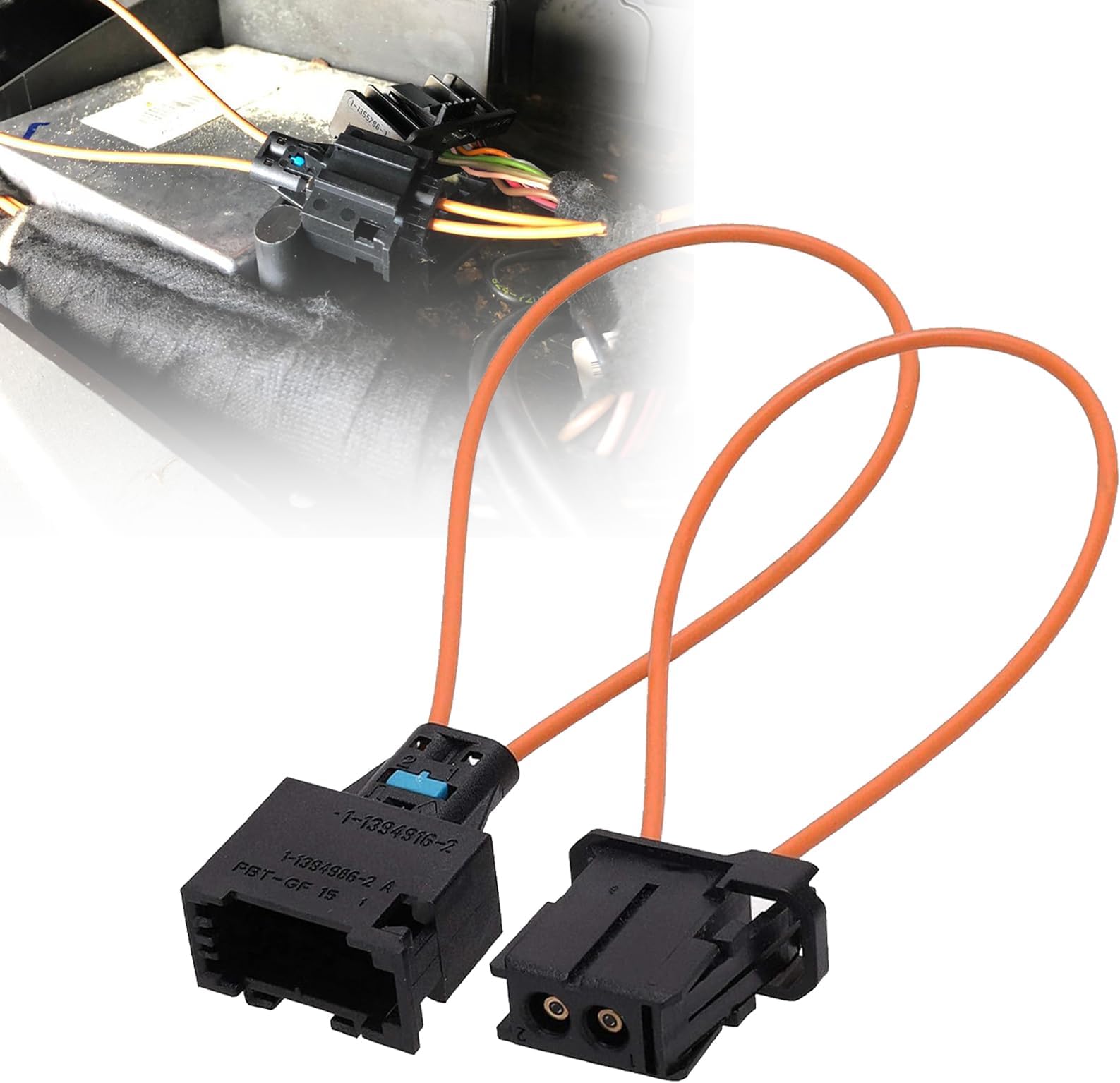
For reference, I have a 2008 BMW 328i with the ‘professional’ sound system (without iDrive/nav screen). Symptoms: yellow SOS warning symbol would sporadically show on gauge cluster, sound the chime, and the SOS button/cover near the sunroof switch would flash its green LED now and then. I could listen to music but the chime would interrupt. With music off, a faint static could be heard every 4-5 seconds like clockwork - it sounded like the end a vinyl record looping over and over. I learned that this is typically caused by a fault in one of two modules under the false floor of the trunk (thanks Google). The bigger, passenger side module will accept this female bypass connector without any modification so try that one first! For me, the driver side module (satellite radio) was the problem so I had to modify the female bypass connector. If you have one at your disposal, I highly recommend using a bandsaw to cut each side of the base of the connector, about 1/8” from the bottom. Be careful not to go too deep with your cuts. Remove the wiring harness plug from the module in the car, connect the modified bypass cable to the wiring harness and use a small zip tie through the wires of both connectors to keep it secure. NOTE Fiber optic cables are fragile. Do not kink or over-bend the green fiber optic cables in the car nor the bypass loop itself. Do not cut into the fiber optic cable at all. Do not cut into or overheat the terminated ends of the bypass cable when modifying. Make sure to blow out any and all dust in the connector before installing. End result: All symptoms are now resolved; the radio, aux, phone Bluetooth, and CD all work flawlessly. The satellite radio option disappeared from my audio inputs on the head unit but I never used it and I don’t like having buttons that don’t do anything so win-win-win.