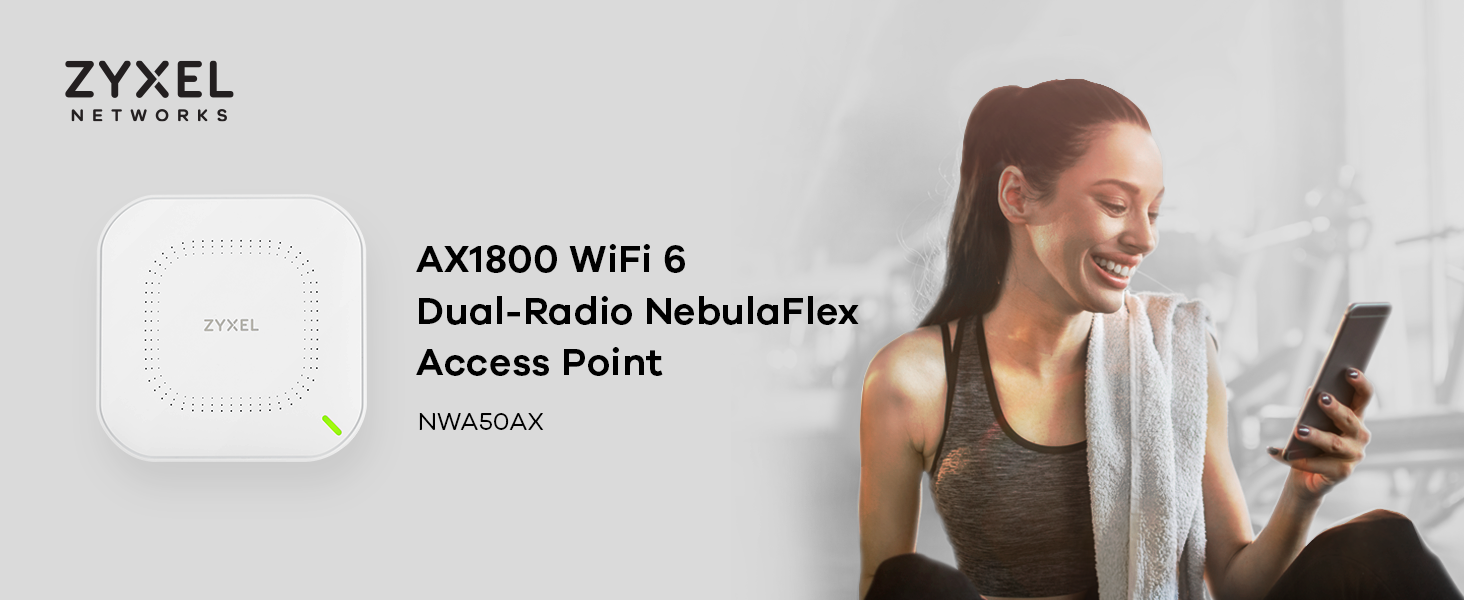
![Zyxel WiFi 6 AX1800 Wireless Access Point | Mesh, MU-MIMO | WPA3-PSK Security | Cloud, App or Direct Management | PoE+ or AC Powered, Adapter Included | TAA Compliant [NWA50AX]](https://m.media-amazon.com/images/I/515H-bntgqL.jpg)


🚀 Elevate your WiFi game with Zyxel AX1800 — where speed meets smart simplicity!
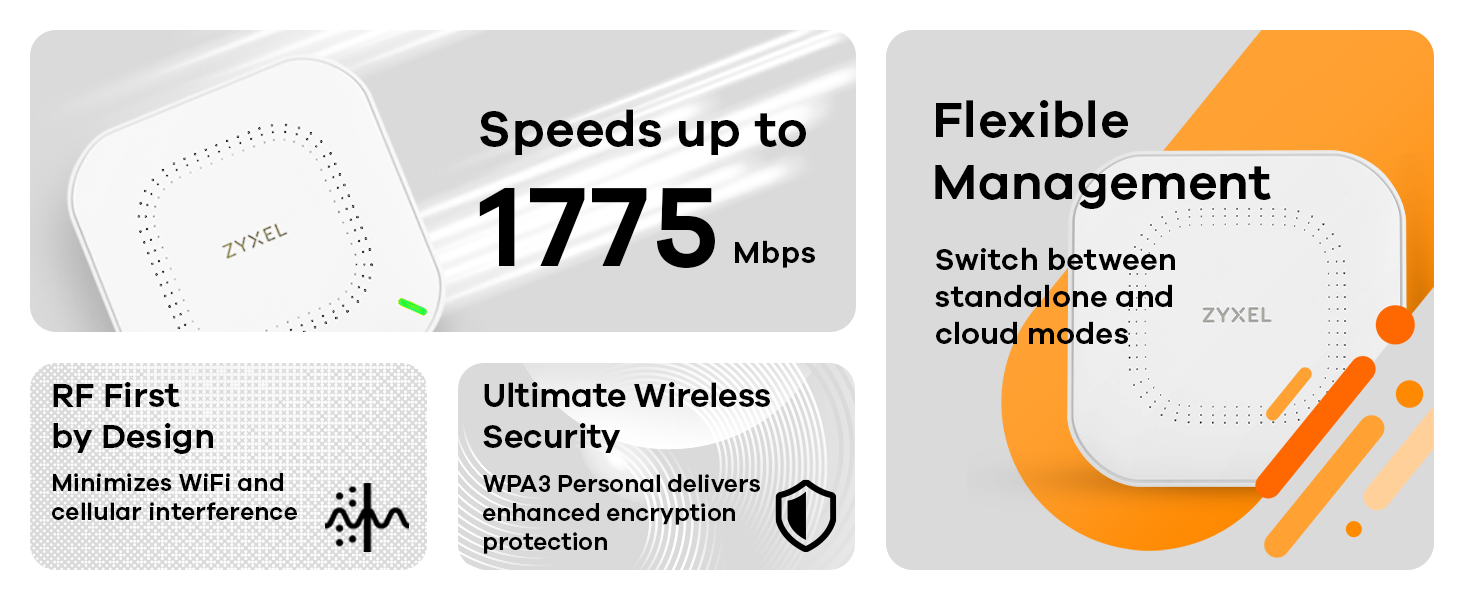
The Zyxel WiFi 6 AX1800 Wireless Access Point delivers cutting-edge AX1800 speeds with dual 2x2 MU-MIMO, smart mesh networking, and flexible power options including PoE+ and AC adapter. Designed for easy setup via cloud, app, or direct management, it supports advanced security with WPA3-PSK and VLAN tagging, making it ideal for professionals seeking reliable, high-performance wireless connectivity.


| ASIN | B09924QS1T |
| Best Sellers Rank | #29 in Computer Networking Wireless Access Points |
| Customer Reviews | 4.3 4.3 out of 5 stars (194) |
| Date First Available | July 9, 2021 |
| Department | Technology |
| Item Weight | 1.32 pounds |
| Item model number | AX1800 |
| Manufacturer | Zyxel |
| Package Dimensions | 9.06 x 6.18 x 2.4 inches |
J**A
Great home access point - with some caveats
This is not a router. I got this access point to improve my internal wifi network speed, instead of buying a router, because I run a standalone firewall (dunning IPfire): Cable Modem <--->Firewall<--->Access Point. Setup using the web application was dead easy, as is setting up and managing multiple SSID's. Because it supports WiFi 6, it also can connect to many more devices simultaneously. In my case the transfer speed just about doubled when compared to to my old 5Ghz router (working as an access point). This will depend on the type of wifi card in your laptop or desktop, of course. Works well with my Intel WiFi 6 AX desktop adapter.
J**.
Worldclass product, high internet speeds..
This a world class WiFi router.. Very simple to setup with a smartphone. I am very pleased with high speeds..
A**W
Great extender. Same as my brand router.
Great product makes my WiFi work in my garage.
N**S
Easy setup and works well. Cost of cloud management is a negative.
Easy to setup and had it going in 5 minutes. Seems to work well. Just beware that the cloud management does not come for free and might be required by some users.
A**K
Strong signal
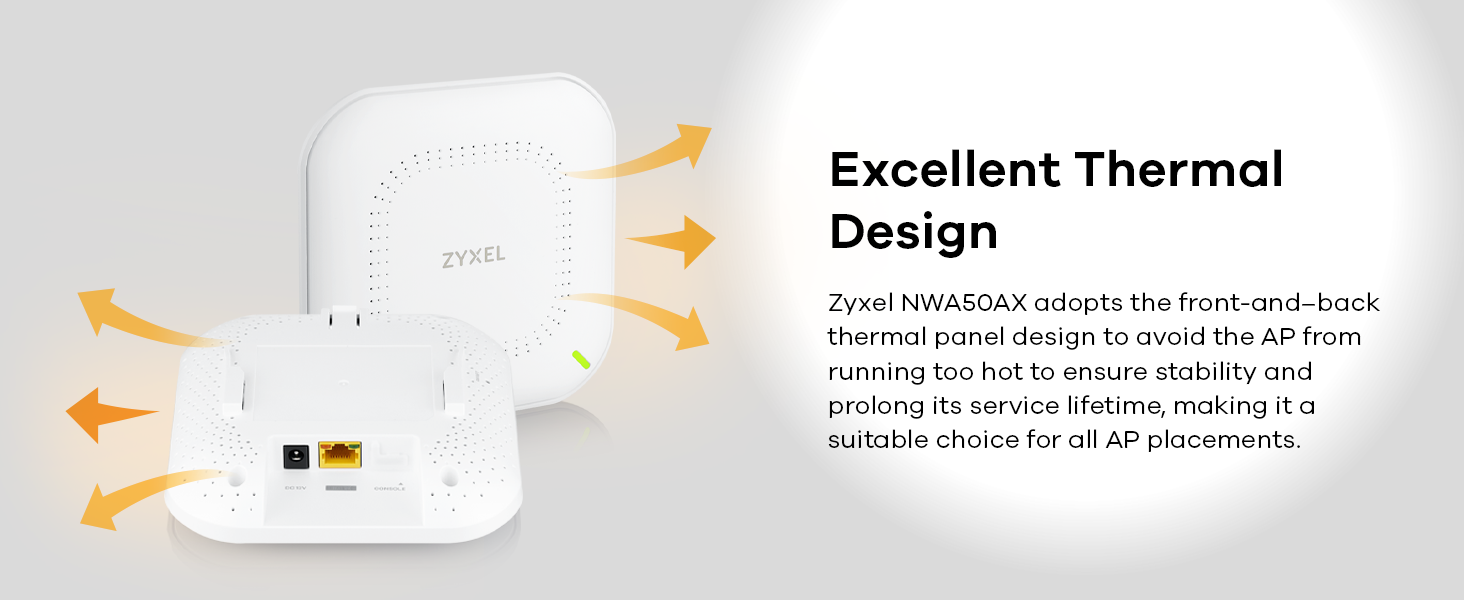
I purchased this AP after being frustrated with a cheaper model that was continually dropping 2.4GHz connections from my wifi enabled home automation devices. This AP has a compact and sleek look, no ungainly antennas, can be wall mounted or sit on a shelf or desktop. Setup was no problem - I used the local administration features (cloud is also available). Measured signal strength for 2.4Ghz is consistently 6-8db better than my prior AP. So far, rock solid!
S**N
I must be too dumb to use it, even though I've worked in this business for 30 years!
I ordered two of these for a customer. Since they were for a customer, I did not want to use them from an app on my personal phone, so I made sure that these could be setup from a browser in a stand alone mode, which they say you can. The documentation says nothing about how to do that, so I just had to stick one of them on the network, look for the Mac address to show up in my router, then type in that IP address. Not easy, but that would work. The setup let me choose the stand alone mode, then required I change the password to login. Documentation, or software says nothing about password requirements, so I had to use Chat GPT for that answer. I tried 20 times to change the password, used two different browsers, could never get it to accept any password. Put it back in the box and returned it. A couple of instructions and functioning firmware might be an improvement.
C**.
You get (way more than) what you pay for
I live in a 4br, 5 person household. Every single one of us does some working from home and/or extensive gaming and there's an absurd number of IoT devices across the home, so a lineup of good, strong APs is a must. For $75, these step up to the plate and then some. Although their range/coverage isn't terribly impressive, the fact that I can afford 3 of these for the same price of a lot of WiFi 6 APs makes it an incredible deal. With 3 in our home, every room has strong WiFi coverage including the porch, so anyone can expect ~200mbps and stable ping pretty much anywhere. The only possible gripe I can have is the fact that the Nebula portal isn't super user friendly. While it does offer loads of awesome features, the GUI could use a little TLC and could be difficult to figure out if you didn't know what you're doing. I'm seriously considering buying some more for my warehouse. These little things are just so great. It beats the stuffing out of a mesh system IF you're wired for it. Attached is a screenshot of a speed test connected to the AP (on a fiber internet connection). Mind you, the nearest AP was ~30ft away and had 4 thick walls to travel through when the test was ran. I've had much more expensive APs do way worse in better conditions. Summary: Buy these things. You will probably need a few, but this is the best budget WiFi 6 AP. If your home or office is wired with Ethernet, this is a fantastic solution for solid, reliable coverage.
J**R
Installed outside 2 years ago, still works!
So we have a "she shed" and it wasn't getting great wifi from the house. The conduit between the 2 was damaged at some point so wiring wasn't an option. I decided to mount an AP under the steel awning above the back porch of the house. It's literally corrugated steel on top of a steel frame. Lots of condensation on the underside in the mornings. I got a plastic planter plate, flipped it upside down and screwed it to the roof. Attached the WAP to that and ran a cable inside to the PoE injector by the router. This thing now provides all the wifi for the brick 3 bedroom house, and she shed. No outages or anything in 2 years. We live in Texas and I thought for sure the heat, that close to a steel roof would burn it up but no! We have lots of bugs because of our wild areas, fruit trees, and veggie garden and they don't bother it either. I will definitely buy more.
E**.
I have installed and tried multiple AP’s. These are easily the best for ease of deployment when you require more than one AP for coverage. I currently have 3 installed all wired back to a POE switch. To install first download the Nebula app. Once you have an account, all you do is add the AP by scanning the QR code. Set up your SSID and password. Once it has downloaded its updates and is online, you can scan your next AP. The app will automatically configure it to the same settings. In the picture (from the web based application) you can see that I have multiple SSID’s. I have it set up so that one of them is only 2.4. This helps with all the IOT in the house. When I add something I make sure my phone is on the 2.4 SSID so that it can find and communicate with the new device. In the second picture you can see Zancon Fuel2G covering all the channels from the 3 AP’s.
Trustpilot
3 days ago
4 days ago