Buy anything from 5,000+ international stores. One checkout price. No surprise fees. Join 2M+ shoppers on Desertcart.
Desertcart purchases this item on your behalf and handles shipping, customs, and support to KUWAIT.
📡 Elevate your home Wi-Fi game with smart coverage and voice control!
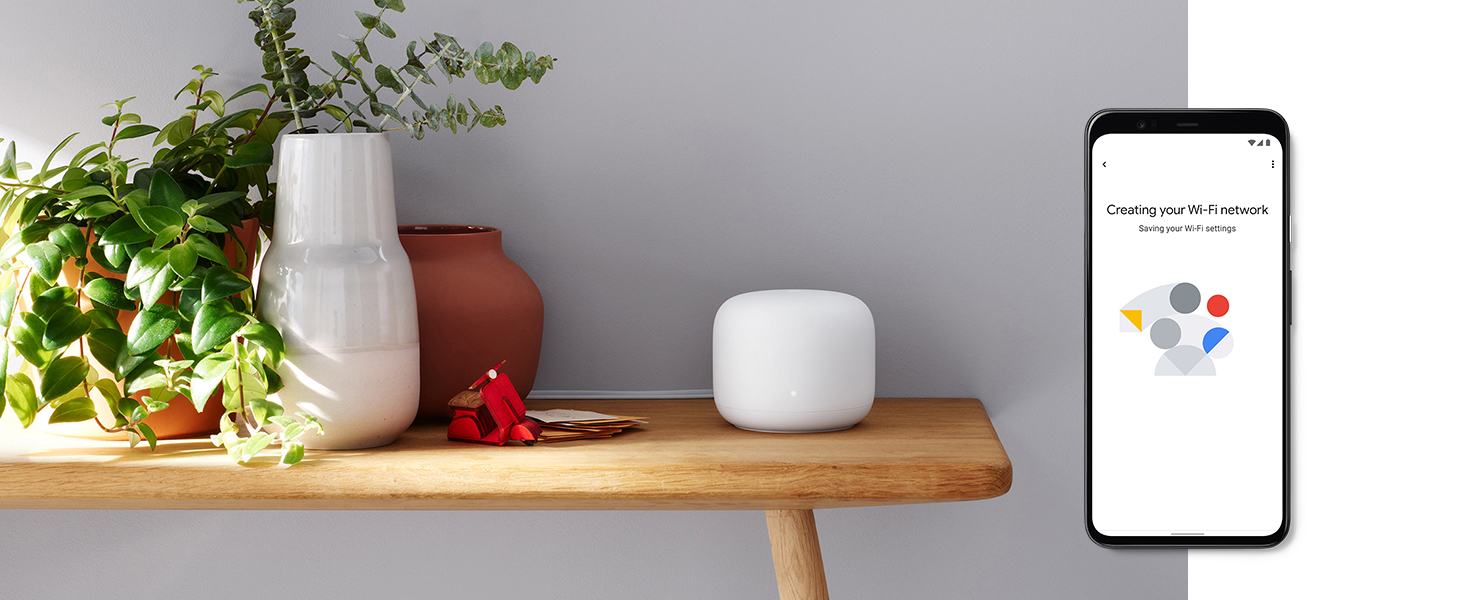
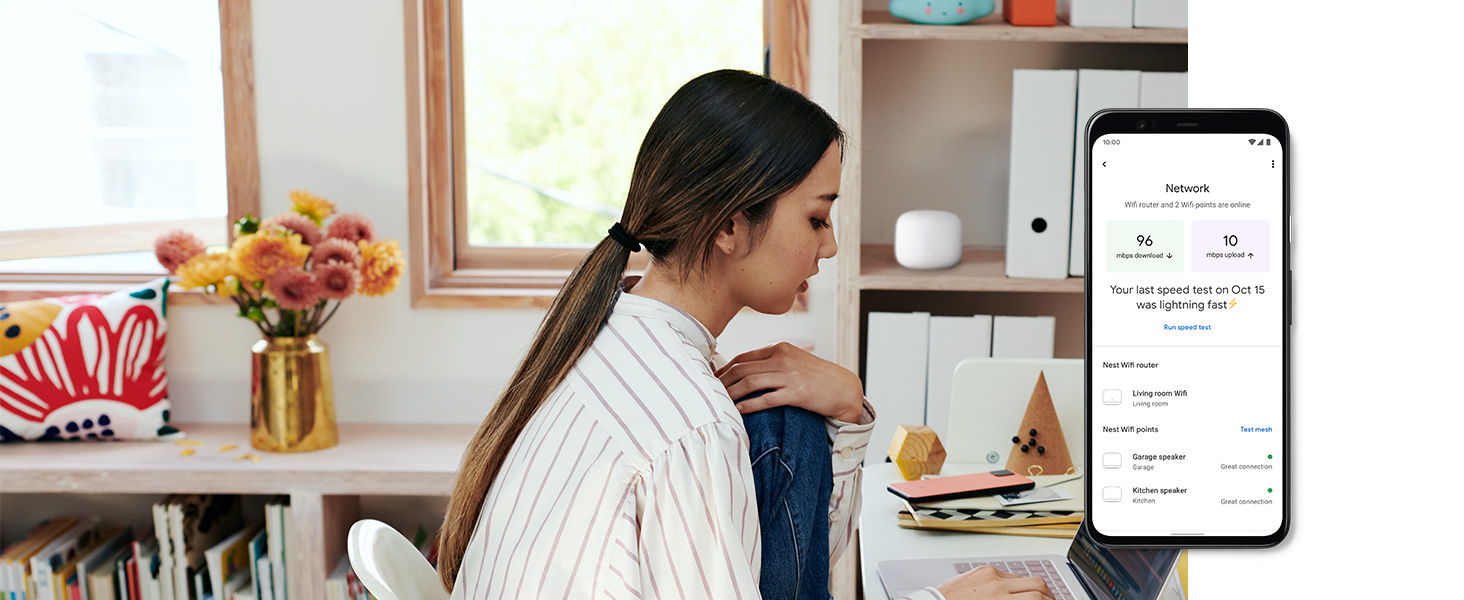
The Google Nest Wi-Fi Add-on Point extends your existing Nest Wi-Fi network by up to 1600 square feet, eliminating dead zones with seamless mesh technology. Featuring a built-in speaker powered by Google Assistant, it offers hands-free smart home control. Automatic software updates ensure your network stays secure and optimized, while easy plug-and-play setup integrates smoothly with your current system for fast, reliable connectivity throughout your home.


| ASIN | B081B4W9FQ |
| Antenna Location | Home |
| Antenna Type | Internal |
| Brand | |
| Brand Name | |
| Compatible Devices | Personal Computer |
| Connectivity Protocol | Wi-Fi |
| Connectivity Range | 1600 Square Feet |
| Connectivity Technology | Wi-Fi |
| Control Method | Touch |
| Controller Type | Google assistant |
| Country of Origin | USA |
| Customer Reviews | 4.0 out of 5 stars 290 Reviews |
| Data Transfer Rate | 1 Gigabits Per Second |
| Frequency | 2.4 GHz |
| Frequency Band Class | Dual-Band |
| Global Trade Identification Number | 00193575001586 |
| Has Internet Connectivity | Yes |
| Has Security Updates | Yes |
| Item Weight Unit of Measure | 0.77 Pounds |
| Manufacturer | |
| Manufacturer Part Number | GA00667-US |
| Model Name | H2E |
| Model Number | H2E |
| Number of Ports | 2 |
| Operating System | RouterOS |
| Other Special Features of the Product | LED Indicator |
| Router Network Type | wireless |
| Smart Home Compatibility | Smart Home Compatible |
| Special Feature | LED Indicator |
| UPC | 193575001586 |
| Wireless Communication Standard | Bluetooth |
| Wireless Compability | Bluetooth |
A**A
BEWARE: Stops working daily and needs a reboot
Mesh network stops working several times a day and requires a reboot (while WAN access works perfectly). This is a no go for someone who often works from home and has many Zoom calls. There are many similar complaints on Google forums, but still there is no official fix.
E**D
Solved my coverage problem and was a cinch to set up
I’m no IT professional, so I was taking a gamble as to whether adding a 3rd wifi point would solve coverage issue in my home office. Luckily it did, and it took less than 5 minutes to add it in my Google Home app and get it up and running.
H**R
Mesh Networks Rule
I have new "smart home" where a large number of different types of devices are connected via WIFI to the internet. Many of these devices (but not all use Alexa). The builders of the smart home put a single WIFI Access point in the ceiling of the main (great room) room and this was supposed to cover the whole home as well as devices located outside the home but still on the property. In most (but not all) rooms inside the home this access point is putting out 324 Mbps. In some rooms less, and outside the home (patio, sides of the home where WIFI connected plugs/switches are located), as well as WIFI connected Home Generator and Water Softener are) much less and sometimes no connection. I decided to install a Google Nest Mesh WIFI network with the router and 3 access points. Now I have 750 to 860 Mbps in EVERY room and 500 to 600 Mbps on all points on my property. This device also allowed me to set up a guest network so I can provide access to WIFI for all my guests (which is badly needed to maintain telephone reception given the block and steel used in the homes construction) without compromising my primary network password. If have a growing number of devices I would highly recommend setting up a Mesh WIFI network.
J**E
Not For Moderate or Advanced Systems
If I can give any word of advice, stay away if you have a whole interior and exterior array of smart home devices. The Google home wifi products are the least configurable technology devices I've ever seen released in recent history. Plus, they are not cheap. They are great for really simple setups, but if you have a bunch of products from different vendors trying to connect them all together across a home, then I would steer away. They consistently crash, try to force all products up to 5ghz spectrum (even though the router is aware that the devices aren't compatible), and the mesh consistently crashes. We have a lot of key home automation devices that we want to control while on travel. The Google wifi products are unreliable and cannot be trusted.
J**.
Easy install and functional
I already had the main WiFi Hub installed and added the access point to have better coverage in the living room area. The setup was a breeze and it is working as described.
Trustpilot
1 month ago
2 weeks ago