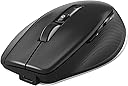
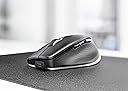
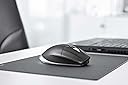
🖱️ Elevate your CAD game with precision and comfort that professionals swear by!
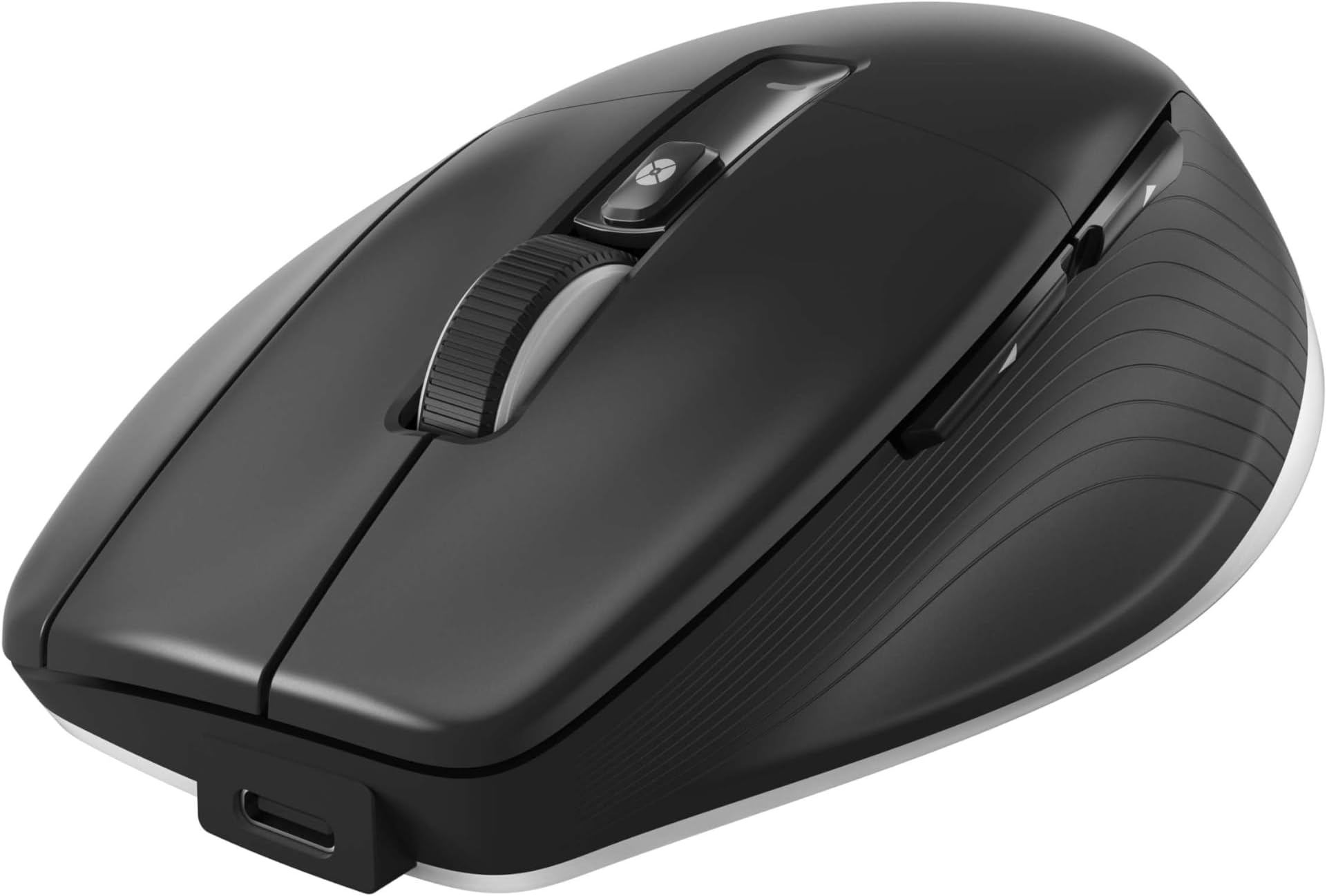
The 3Dconnexion CadMouse Pro Wireless is a premium, ergonomically designed mouse tailored for CAD professionals. Featuring multi-mode wireless connectivity (2.4 GHz RF, Bluetooth, USB-C), a 7200 dpi optical sensor, and 27 customizable buttons including a smart scroll wheel, it delivers unmatched precision and workflow efficiency. With up to two months of battery life and a sculpted design to reduce hand strain, it’s the ultimate tool for serious CAD users seeking comfort and control.
| ASIN | B0BKHB9B7J |
| Average Battery Life (in hours) | 2 months |
| Best Sellers Rank | #416 in Computer Mice |
| Brand | 3Dconnexion |
| Color | Black |
| Customer Reviews | 4.3 4.3 out of 5 stars (91) |
| Date First Available | October 23, 2022 |
| Is Discontinued By Manufacturer | No |
| Item Dimensions LxWxH | 8 x 6 x 4 inches |
| Item Weight | 8.8 ounces |
| Item model number | 3DX-700116 |
| Manufacturer | 3Dconnexion |
| Operating System | Windows, macOS |
| Power Source | Battery Powered |
| Product Dimensions | 8 x 6 x 4 inches |
| Series | CadMouse Pro Wireless |
T**G
A mouse built for all CAD powerhouse users
If you any type of CAD work this is a must in your arsenal of tools. Highly recommended for CATIA users. Three unique full mouse buttons, never have to rely on clicking the mouse wheel for middle-button clicks anymore. Mouse wheel, buttons for mouse speed, as well as the very useful forward and back buttons. Battery life lasts a long time and charges just as easy. You can connect with the USB-C cord, connect by using the Bluetooth dongle they give you, or if your laptop has on-board Bluetooth you can connect with that.
R**N
Great mouse!
Works great. I use it for work, and it took me a while to get used to my hand position on a three-button mouse. I use a standard, two-button mouse for my desktop at home, and it always takes a second or two for my brain to adjust between the two. I'll likely eventually get a three-button mouse for home too (just to make the transition easier; I don't really use the functionality of the third button).
P**N
Perfect mouse for all-day CAD
CAD has been the majority of my job for 13 years now. All that time, ive been using the same mouse. When I decided it was time for a replacement, I found just about every mouse these days has a very heavy wheel click that has my wrists burning after 8 hours. CADmouse has been a lifesaver. The mouse is not a gimmick, either. The tracking, skate feel, and click feel are all excellent. The construction definitely competes with other premium mouse manufacturers. For all you mouse nerds, it's a comfortable weight and size to palm. would probably be a bit heavy for a lot of lifting, however the sensor performes well at high sensitivity so you shouldn't need to lift much. I suspect this is intentional to encourage good ergonomics and It is well done IMO Also this mouse does charge via USB-C, not the micro connection shown in the photo, this is a HUGE ++. Also this mouse is capable of connecting via USB and forgoing wireless connection altogether (Which is definitely not always the case these days). The supplied cord is a good quality braded cord that does not tug the mouse, so it can be comfortably used while plugged in without a very noticeable diffrence. I've seen other reviews mention scroll wheel longevity and macbook compatibility issues. I can't comment to either of those as i haven't had the mouse long enough to comment on longevity and I dont use MAC. Other negative reviews seemed to be user error IMO. If you spend hours using CAD, you want to give this mouse a shot.
S**I
CAD mouse
Finally I decided to replace my regular regular run of the mill mouse with one specifically for CAD work. When it became time to replace another worn out mouse, I began looking for a dedicated mouse to assist in my CAD design drawing. I was tired of the lack of prcision and jumping around of the cursor that was slowing down my production. Based in my research, I chose this one and I'm pleased right out of the box. As I use it more, perhaps I'll update this review as I learn how to program and use the additional control buttons, however, simply using it as a normal 2 button plus roller mouse is amazing how accurate and my production has increased notably already.
E**R
No clear instructions on how to program.
Seems to work as expected...with Fusion 360. I've used it a week so far but still haven't found out how to program the buttons. Basically it's just a mouse but I havent been able to use its intended features. I've searched & searched the website, when I download what I think are the instructions it ends up being another type of mouse. Guess I'll just do it the old way and ask someone on a random forum how this thing is suppose to be programmed. 😀
C**P
Tough to get used to at first
This mouse is nice size but it has extra buttons rather than just the normal two and it takes getting used to which one you have to use and it isn't really ergonomic having to stretch your fingers all the way over and then try to click the mouse button. It might not be good for someone with hand issues like arthritis etc.
B**H
very good
very good
P**L
A lot of problems if you own a Mac
Software driver installation hung up during installation and I can't undo, disable, or get out of this mode. When I did an On Line search, I found out other people are having the same problem. I called the 3Dconnexion and STILL waiting for anyone to get back with me. I have a useless mouse. I joined the 3Dconnexion Forum to see if I can get help there and the list of people with same issue is very long. I am returning this back. I did not expect this.
J**.
Mi dedo índice me lo agradece, manejo Revit y con el scroll del mouse normal ya era un martirio, y ahora que he configurado los botes quedó de lujo. No había escrito una reseña hasta usarlo bien y sobre todo esperar que me llegara el Pad Compact el cual recomiendo lo compren junto, ya que con otros se siente pesado y no de desliza bien es algo palpable al 100% el cambio que sentirán al usarlos juntos.
N**M
Finally I find the right mouse for my 3D software and perfect design for my hand
横**樹
中々良い
松**利
ARESCADで使用するとカーソールがカクカクしてスムーズに動かない。ソフトウェアを更新してもダメです。返品します。
サ**ア
専用のマウスパッドが必要なのでしょうか? 今までLogcoolのマウスを何十年も使ってきましたが、今回3DCADのFreeCADを使うにあたって3ボタンマウスの必要性から本製品を購入しました。 しかしながらボタン以前に真面に動作しない不良品? 机の表面の問題かと色々試しましたがほとんど関係ないです マウスパッドを置いてもあまり真面に動作しません。 ドライバーインストール時に新しいファームがあるとの事でUSB経由で1.21から1.23にアップしています。 メーカーに問い合わせ中ですがこんなに使えない高価なゴミは返品したいです。 追記 メーカーに問い合わせも四日間音沙汰なし、販社ともれんらくがとれないのでAmazonカスタマーと相談し返品債購入することにしました。 朝に返品と再オーダー夕方には代品が届きました。 真面に動作します。 やはりレーザーLEDもしくは受光素子、制御回路の不漁だったようです。 出荷検査されていないようです。(寿命が持ってくれることを祈ります)
Trustpilot
2 months ago
2 weeks ago