

💡 Light Up Your Life with Smart Control!
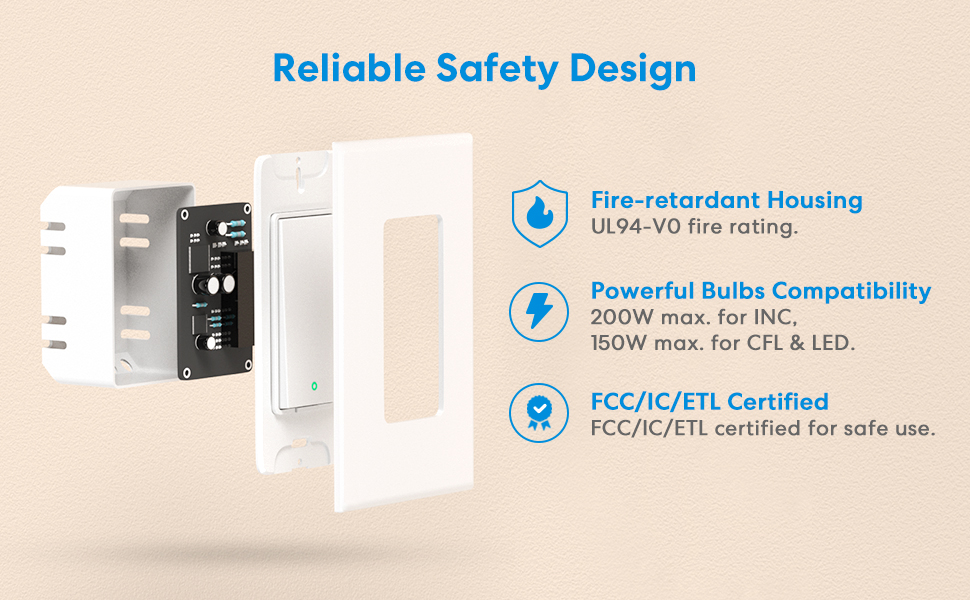
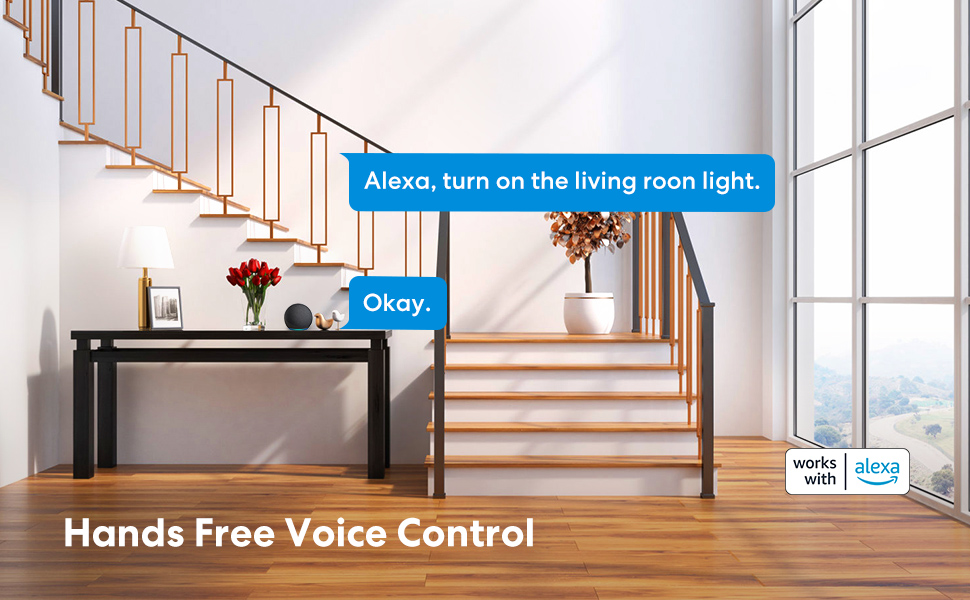
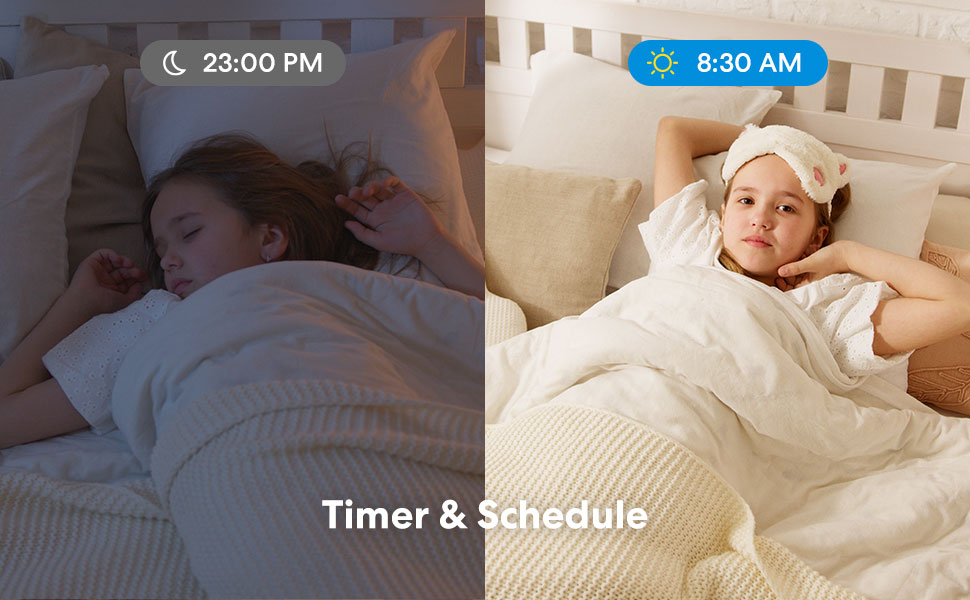
The Meross 3 Way Smart Switch allows you to control your lights from multiple locations, compatible with Alexa and Google Home. It features a user-friendly app for remote access, a timer function for automated schedules, and is designed with safety in mind using fire-retardant materials. Perfect for modern homes looking to enhance convenience and security.


C**N
Does what it promises
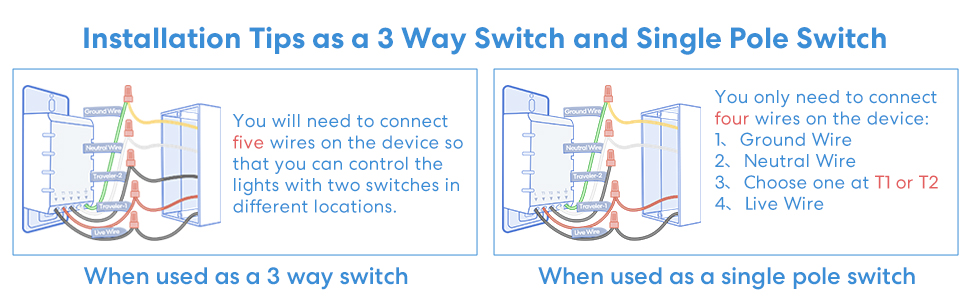
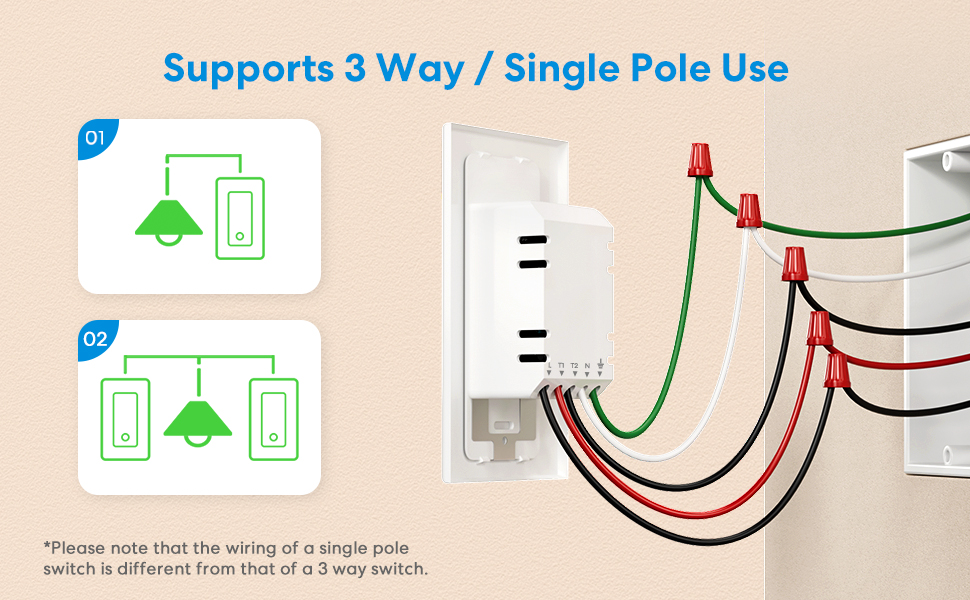
Including:• turns your lights on and off. Check• dims your lights. Check• undims your lights. Check• works with Alexa. Check, although whether Alexa works is a different story. The only way I could get it to work in my daughter's room is if I changed her name to Brian.• works with Google. Check. Although running back and forth to Vital Statistics to change my daughter's name to Brian and back again depending on which smart device I want to use is going to be a real pain.• easy to install. Well, yeah, pretty much. The instructions (which, by the way, are printed on the box—don't waste your time hunting around the house to see if you dropped them, like I heard some people did) simply say to use the Meross app. Which is a lot more useful than you'd think. About eight screens' worth of clear diagrams. The most important ones have been reposted in these reviews.If you've spliced wires together before using wire nuts (included), installation is pretty easy, once you understand what all the pictures are of. (I thought the switch was an iPhone for a long while.) There is only one diagram you really need, the one that shows how to connect the four switch wires to the four colors of wires in your junction box. The only trouble I had with installation was this step…the diagram tells you to hook one of the switch wires to a wire that will be either black or red, another to a wire that will be either black or brown. Well, the wires in my house are bare copper, white, black and…black. So two black wires, both coming from the same direction in the junction box, no red, no brown.So I just shrugged and picked a black wire at random, pretty sure (OK, hoping) that it wouldn't matter too much if I got it wrong (by the way, I don't think this is a common practice with actual electricians).Of course with 50-50 odds I lost. The switch did nothing. But, no sparks came shooting out of the wall toward my eyes, so I was heartened enough to take the switch back out, switch the black wires, and try again. And then everything was fine. The switch gave me a quick little light show to let me know it was working and to show off a bit, frankly, and that was that. If not for the two-black-wires snag, the installation would've taken about ten minutes or so.That's not including adding the device in the app. Which was also pretty easy, but as I had bought a few Meross Wi-Fi outlet switches before, I already had the app, so it was just a matter of telling the app I was adding a new dimmer switch, and that was basically that. I didn't have to type in the Wi-Fi password again or anything. Basically my phone pointed double fingers at me and said, "Gotcha covered." (This actually happened.)Then I had to go to Google and Alexa and add the devices there. That was also really quick and painless. Until, as I mentioned, I tried to get Alexa to understand my kid's name, so if you're trying to decide between Google and Alexa, advantage: Google. Sorry, Amazon. :-S• You do need to have a neutral wire. Now me not being an electrician at all (maybe you could tell?), this was very confusing to me. In my wall I've got sheaths that each contain a wire, and another wire, and a naked metal wire. I assume one's hot, one's cold, one's ground. I think but I wouldn't swear that black's hot, white's not, and I'm almost positive that bare copper is ground. But I don't know if any of them are neutral or not. And I don't know how to tell; they all seem nice enough. And the fact that Meross thinks I should be finding red or brown wires in my walls makes me wonder if I should trust their judgment.But this is the Age of Readily Available but Highly Questionable Information on the Internet. From what I found out, if you have a house built after 1980 or so, you've most likely got neutral wires in your wiring. Which wire? The white one. What's the difference between it and a not-hot wire? I don't know. But basically, if you open up your junction box and it looks like the picture on the Meross app, you're good to go. And to be extra safe, I described my setup to Meross, and they wrote me back very quickly and assured me that I had what I needed to make the switch work. So I took a deep breath and went ahead and connected it (again, not how electricians do it), figuring if the switch didn't work out and my house burned down, well, that's a scathing one-star review for Meross.• it does remember the setting you last set it at, contrary to what another reviewer said. If you set it to half-bright on the wall, when you turn the light off and back on it comes up half-bright. What's more, if you open Google or Alexa, they both show the light as half-bright. If you tell the Google app to turn the brightness to 20% and open the Alexa app, you will see the brightness is at 20% there too. And vice versa. So I had no troubles with the switch losing its memory.• the switch fit my junction box, no troubles there. The switch plate is pretty flush to the wall…maybe I would've liked it a smidge closer, but I don't think anyone but me would ever notice. But it's not like it's uneven or anything. The plate snaps onto the switch rather than screwing on, which is a bit clunky.• I had no delay in turning on the light. Unless you count the light quickly ramping up from dim to full brightness; it starts out dim and very quickly brightens to full in less than a second. I thought that was kinda cool, a feature, not a bug.• the light on the switch is bright enough to see and help you find the switch in the dark (if you can't remember that it's where it always is, by the door), but it's not bright enough to keep you awake, in my opinion. When it's dark in the room, the bottom light glows a pale orangey-red. I have had devices with LEDs so bright I had to break out the electrical tape, but this is a subtle glow and wouldn't bother me.I do wish that the Meross app allowed you to do things like cut off the LEDs altogether, just because some people would prefer that, and why not allow you to? It couldn't be difficult to code that option in. Or change the maximum brightness level; you can change the maximum dimness, why not the maximum brightness too? Most people wouldn't care, but it's an easy feature to add for those that would.• I fail to see why using wire nuts in wiring a switch is a problem. That's how you do it, isn't it? (Again, not an electrician.)CONCLUSION: I would give it four and a half stars, but since I can't, and since the reasons for my half-star penalty would've been quibbly, five stars. Does what it says it does, works, not hard to install. I'll edit my review down if I have any trouble with it.Full disclosure: I received this switch for free in exchange for giving a review of it, but I didn’t go easy on them for that. They just asked for a review, period, not a favorable or five-star review. I just gave the switch that rating cz that's what I think it deserves.
B**L
Great product, easy to setup ..
I bought these smart switches to control lights in my home. Most of the smart switches went to outdoor lights as it was the best option for me to have the best control of lights I needed to operated remotely. The install is super easy and they connect to my wifi with no issues. Every one that I have installed needed a firmware update immediately after installing but they were operational in minutes. Pairing with Alexa app was also easy and I was turing on and off my lights using my echo dot in minutes after install. They are a little bulky compared to normal switches so make sure you push the wires and wire nuts to the far back of the box you are installing them in or you won't fit them in on the first shot evenly. They do need to be grounded and I had to ground them to a metal electrical box in one installation as I have some older wiring in my home along with some newer but the switches work great and wifi signal is not an issue in plastic or metal boxes.I also love that when the lights are off you see a little red light in the body of the switch. You can instantly tell if the lights are on or off and if it is dark in the room you can easily find the switches. They also make a satisfying click when depressed and I haven't had a single issue with any of the switches that I’ve got.
J**R
Very impressed!—-not so much after a couple of weeks of use, but much better now.
After latest update the switches are working perfectly.My original review is below. I was super excited by this product and it worked great...for about two weeks. Now the manual switch doesn’t work. I cannot turn the light on or off without my phone. I had a similar problem a couple of days ago and hit the circuit breaker to try and reset the product and that seemed to work for a few days and now I’m back to the manual switch failing again. It’s a bit frustrating. I’m hoping to find a way to update the product in hopes it will correct it he problem or else it will be returned.Original review:I don’t usually get very excited about light switches, but I am about this one. For a couple of years now I have been looking for a decent blue tooth enabled light switch that is dimmable as well as not overly expensive to run my bedroom lights. The switch is by the door and it’s a good distance from my bed, so I have often tripped over a dog toy or slipper while making my way to the bed. If I could only shut the lights off with my phone which is right beside me on my night table? I’ve tried a couple of pricey Bluetooth switches and returned them for not working well. The Meross smart WiFi dimmer switch is everything I wanted. Easy to install, nice looking led’s on the switch, and a very simple app to control the lights with, even when I’m away on vacation.Like many apps I am sure there will be some glitches, but so far I found it very straight forward and easy to use.The install was just as simple since the instructions pop up on your phone and walk you through it one step at a time.My other light switches run a black a white and a green (ground) wire. However after looking closely I noticed that the white wire coming from the switch was actually also connected to the black wire from the wall. Basically that is the break that the switch then opens or closed to allow the power to continue. Behind the switch was the white wire which you need to make this product work correctly. I attached white to white, the two blacks to the now two blacks after I separated them from the switch, and the green to the green. The switch came with wire twist connectors so it was really easy. I then turned the power back on and connected the WiFi and I was done. Less than 10 minutes for me.It’s been working great to date, and my package even came with two switches to make the price per unit even better.I couldn’t be happier.
Trustpilot
4 days ago
2 months ago
3 days ago
1 week ago