Buy anything from 5,000+ international stores. One checkout price. No surprise fees. Join 2M+ shoppers on Desertcart.
Desertcart purchases this item on your behalf and handles shipping, customs, and support to KUWAIT.
🚀 Elevate your Pi projects with pro-grade autofocus clarity!
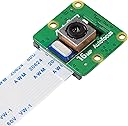
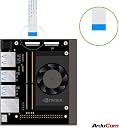
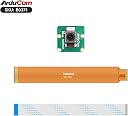
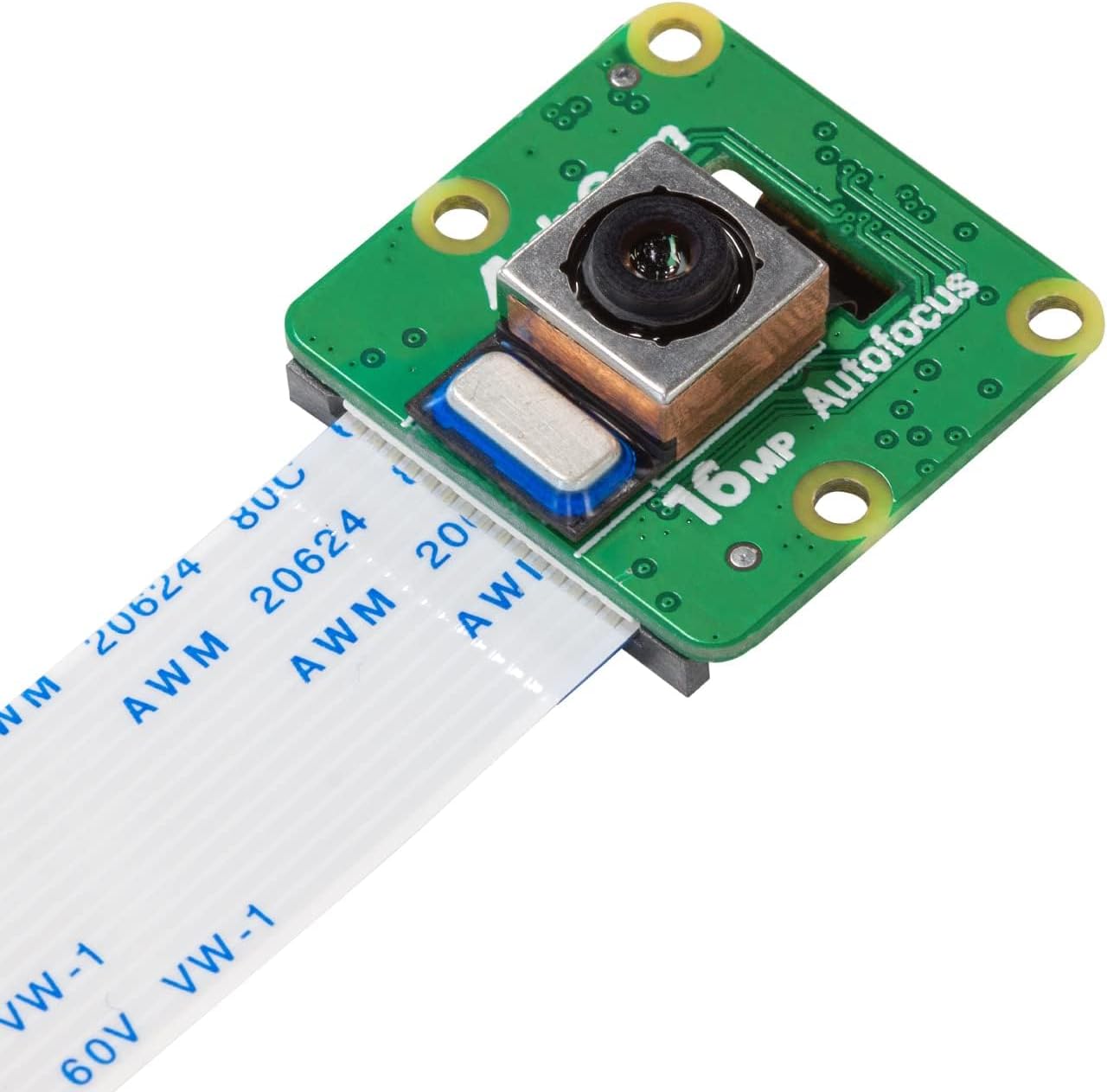
The Arducam IMX519 Autofocus Camera Module delivers 16MP resolution—double that of the Pi Camera V2—with versatile autofocus modes and superior image quality. Compatible with Raspberry Pi 4B, 3B+, and Zero 2 W, it fits existing camera slots for easy upgrades and comes complete with lens and cable for quick deployment.


| ASIN | B0B3XBQM9Z |
| Antenna Location | Recreational and professional video recording, including family events, travel experiences, filmmaking, and journalism. |
| Are Batteries Included | No |
| Best Sellers Rank | #33,730 in Computers ( See Top 100 in Computers ) #27 in Single-Board Computer Kits |
| Brand | Arducam |
| Built-In Media | Camera Body, Manual |
| Camcorder Type | Video Camera |
| Color | Black |
| Compatible Devices | Personal Computer |
| Compatible Processors | Broadcom BCM2835, Broadcom BCM2836, Broadcom BCM2837, Broadcom BCM2837B0 |
| Connectivity Technology | USB |
| Customer Reviews | 4.0 out of 5 stars 178 Reviews |
| Display Resolution Maximum | HD |
| Effective Still Resolution | 16 MP |
| Effective Video Resolution | 16 MP |
| Exposure Control Type | Manual |
| Features | Lightweight |
| File Format | JPEG, RAW |
| Flash Memory Bus Interface Type | SDIO |
| Flash Memory Speed Class | C10 |
| Flash Memory Type | SDHC |
| Flash Memory Video Speed Class | V10 |
| Flash memory type | SDHC |
| Focus Type | Auto Focus |
| Form Factor | Compact |
| Has Image Stabilization | No |
| Image Aspect Ratio | 16:9 |
| Image stabilization | false |
| Item Weight | 0.01 Kilograms |
| Lens Type | Zoom |
| Manufacturer | Arducam |
| Maximum Aperture | 2 f |
| Maximum aperture | 2 f |
| Minimum Aperture | 2 Millimeters |
| Model Name | 16MP Camera Module for Raspberry Pi – Standard Autofocus |
| Model Number | IMX519 |
| Operating System | Debian |
| Photo sensor technology | CMOS |
| Screen Size | 2 Inches |
| Sensor Type | CMOS |
| Shooting Modes | Automatic |
| Style Name | Compact |
| Supported Audio Format | AAC, MP3, PCM |
| Supported Image Format | JPEG |
| Unit Count | 1.0 Count |
| Video Capture Format | MP4 |
| Video Resolution | 1080p |
| Video capture format | MP4 |
| Video capture resolution | 1080p |
| Viewing Angle | 82.6 Degrees |
| Water Resistance Level | Not Water Resistant |
| White Balance Settings | Auto |
| Wireless Compability | Bluetooth |
| Zoom | Optisch |
A**D
Good camera
Good quality camera
F**H
Very good camera with autofocus
I made few tests but I see better quality than others like 5 or 8 MP. It only can be used with Bullseye+ OS. I used a 64bit OS in a RPi 3B+. At first I was able to use this camera but OV5647 neither IMX 219/8MP. I installed required drivers detailed in the user manual but after that any of them were detected. Also had problems with python Picamera2 module. This one was solved with the help of Arducam folks at their forum. The other problems were solved rapidly letting techs access the Pi remotely. Very good support team.
N**R
N
Good
R**.
Good Camera!
This is my second experience with Arducam's cameras. I previously aqcuired the HawkEye 64MP Camera during their crownfunding campaign, but at the time the camera came out, Rapsberry Pi was transitioning to using libcamera and Picamera2, so a combination of the constant updates and changes to the settings coupled with Arducam being a little behind in updating their drivers made it a bit of a headache to use. I was pleased to see that the process is now pretty straight forward and the custom libcamera-apps required to use this camera is right in line with RPi OS now, so the camera can function as a drop-in replacement in terms of code once you have this set up, which only takes a few minutes (same for the 64MP, FWIW). Very pleased with this! UPDATE - 12/1/25 - The current custom libcamera/rpicam dev and apps files needed to install the camera are current up to the latest Trixie if anyone is wondering. The process is pretty straightforward. You go to Arducam's website and find the page for your camera. Look for the 'wiki' link on the page. head down to the guide there and follow the steps to download and install the drivers, as well as to update config.txt with the overlay settings needed for your pi to see the camera. On reboot, the system should see it and you should be able to use the camera as usual, but be warned; unless you use (sudo) apt-mark hold on libcamera-dev and libcamera-app, when you update your system the drivers will be replaced with the ones from the repository and you will need to reinstall them to resume camera functionality. All that being said I'm extremely pleased with this camera. If you don't need the manual focus the official HQ offers, I would highly recommend this camera, which takes nice, clear photos and video. I'm intending to use mine with a customer Photogrammetry setup, which is very common as this camera is one of the popular choices for openscan (please forgive my literal inaugral test photogrammetry video of a sweet potato that look like it has a face on it)
C**N
Funktioniert sehr gut, Preis passt!
Sehr gut, funktioniert, Preis passt!
Trustpilot
2 days ago
3 weeks ago