✍️ Power your productivity with precision and style!
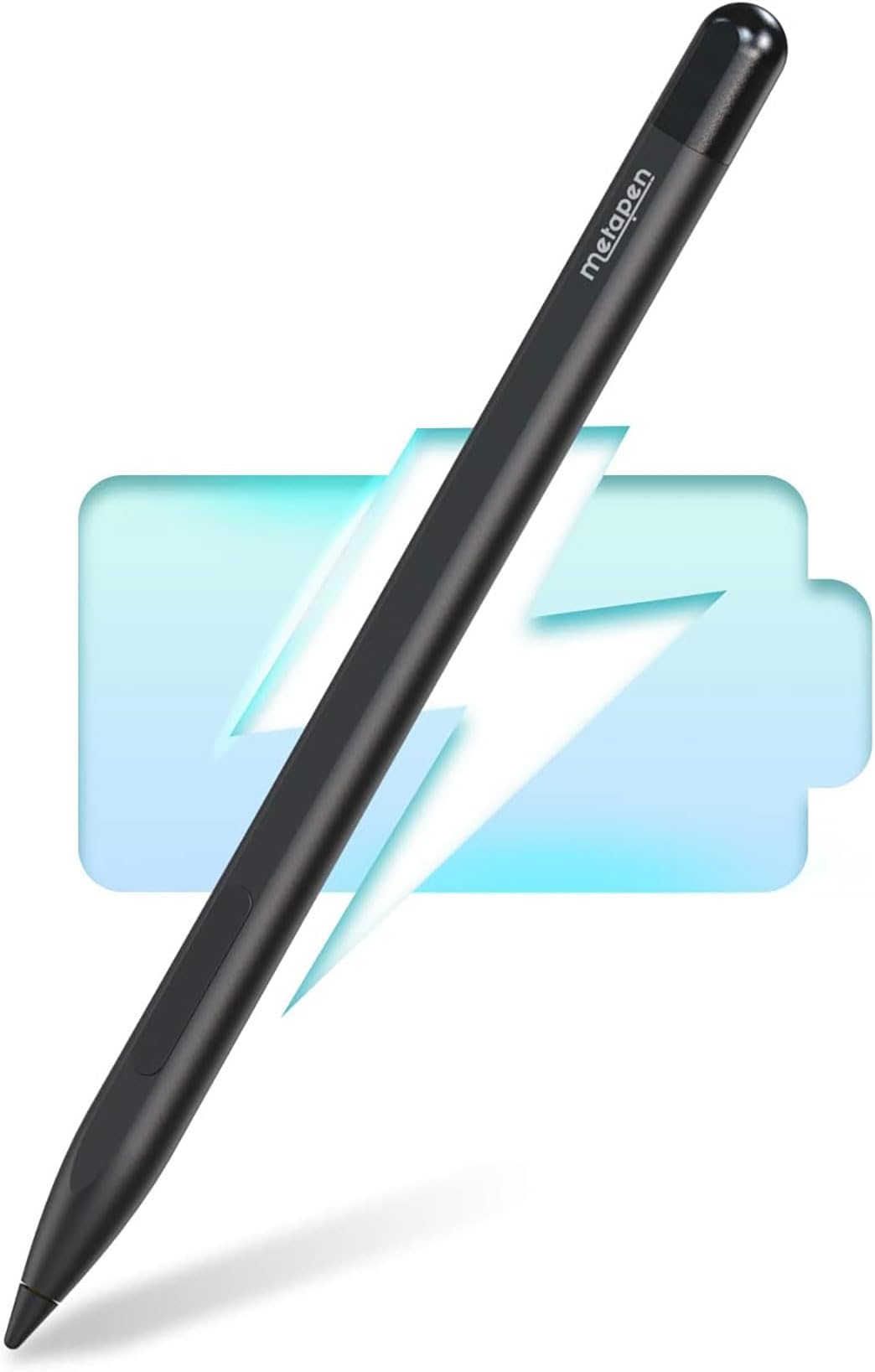
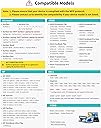
The Metapen Stylus Pen M1 is a sleek, aluminium-crafted digital pen designed for professionals and students using Microsoft Surface and ASUS VivoBook devices. It boasts an impressive 75-day battery life, smooth and lag-free writing experience, and a slim, travel-friendly design. Compatible across multiple Surface models, it offers premium performance and value, making it a top choice for efficient digital note-taking and creative work.


| ASIN | B0B1CS1XK2 |
| Batteries | 1 Lithium Metal batteries required. (included) |
| Batteries Included | Yes |
| Batteries Required | Yes |
| Battery Average Life Standby | 10 Hours |
| Battery Description | Alkaline |
| Best Sellers Rank | #57,439 in Electronics ( See Top 100 in Electronics ) #3 in Digital Pens |
| Brand | metapen |
| Compatible Devices | Laptop |
| Country of Origin | USA |
| Customer Reviews | 4.4 4.4 out of 5 stars (5,056) |
| Date First Available | 15 September 2022 |
| Does it contain liquid? | No |
| Item Weight | 12 g |
| Item model number | ME-MPP712 |
| Manufacturer | asus |
| Material | Aluminium |
| Model | ME-MPP712 |
| Package Dimensions | 18.6 x 5.8 x 1.7 cm; 12 g |
I**.
Nice work! No complaints at all
For me, working perfectly. I've used the erase function, that too works flawlessly. I'll see if I can add anything else as I keep using it. Plus, it's cheaper that the original one, with probably the same (or better?) quality
R**Y
Works for Kobo devices, A very good alternative to Rakuten Styulus.
I got this for my Kobo Libra Color because the official one(Rakuten Stylus 2) was unavailable and expensive as well. If you want a stylus for Kobo got for it. 1. No noticeable lag while writing. You do not need the 4096 finest control of Metapen M2 for Kobo e-readers and nor do you need the tilt functionality. This will serve you well. 2. Do not expect palm rejection on a e-ink device but since the form factor of the devices is small you can write, annotate and highlight easily. 3. The eraser and highlight has two separate buttons near the point where you hold the stylus. (Rakuten has the eraser in the back). 4. They give you one extra pencil tip and two USB-C cap. 5. Attaches with the Kobo e-reader same as Rakuten Stylus(they both are actually same technology under the hood). 6. Battery backup seems good but if something is bad, I will update later. P.S: Remember to charge for 10mins before you first use it.
A**R
Great alternative to the original Pen
Great pen, I have kobo libra color. Its better get Metapen M1 instead of M2 due the conflict within the button, the original pen is twice the money. Highly recommend.
G**V
Immortal battery
I don't know what kind of sorcery this is, but this pen has never discharged after the initial 10 minutes of charging I did on the first day I got it. Buttons work like a charm. Only thing that would have made it better if there was a foam tip on the other end so that I could use it for my smartphone as well. I really want to know what kind of nuclear battery they used in it because it has never discharged since 5 months.
D**H
Fabulous stylus…
Excellent…absolutely fabulous stylus pen. Would like to claim tt it's far better than the original product.…!!! Purchased for surface pro 7…nib of the original stylus was somehow damaged. Using different branded, well famous stylus from HP, Lenovo, MS Surface etc. etc., since 1918. But, not a single can compete this one.
R**Y
Compatible with KoboLibra Color
It works with Kobo Libra Colour. Eraser at upper button and highlight in lower button. Tried on KEPUB format.
G**T
Not worth.
R**A
Light weight, but made of aluminum. Pressure sensitivity. It works great!
P**I
..è semplicemente perfetto, molto meglio come precisione e ritardo dello stilo originale Microsoft.
D**E
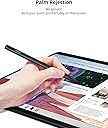
Works for Omnibook x 16in. Sometimes youre able to use it with your hand on the screen but sometimes it lags and the screen thinks your hand is using the screen. It's easy to hold and the tip doesn't scratch the screen so your screen won't be damaged at all. The magnet is tricky to make it stuck to the side of the laptop so I just put it in my bag. The design is great easy to put in pocket and the magnet is great since it sticks to anything metal which is useful. The buttons don't work in you're using a hp omnibook x 16in. I press the buttons while drawing and it never works so you have to manually go over to press the erase button. The accuracy of the pen is very very good no issues using it aside of drawing. Overall good pen if you're looking for a stylus that won't break the bank. Very affordable and lasts.
C**Z
Connected so fast and very light weight. I love it
I**N
Genuinely really liked it, and I’m quite a picky person. I have to add, I didn’t use it much for drawing or more professional stuff like that.
Trustpilot
2 weeks ago
2 months ago