

Buy anything from 5,000+ international stores. One checkout price. No surprise fees. Join 2M+ shoppers on Desertcart.
Desertcart purchases this item on your behalf and handles shipping, customs, and support to KUWAIT.
🚀 Print Fast, Print Smart, Stay Ahead
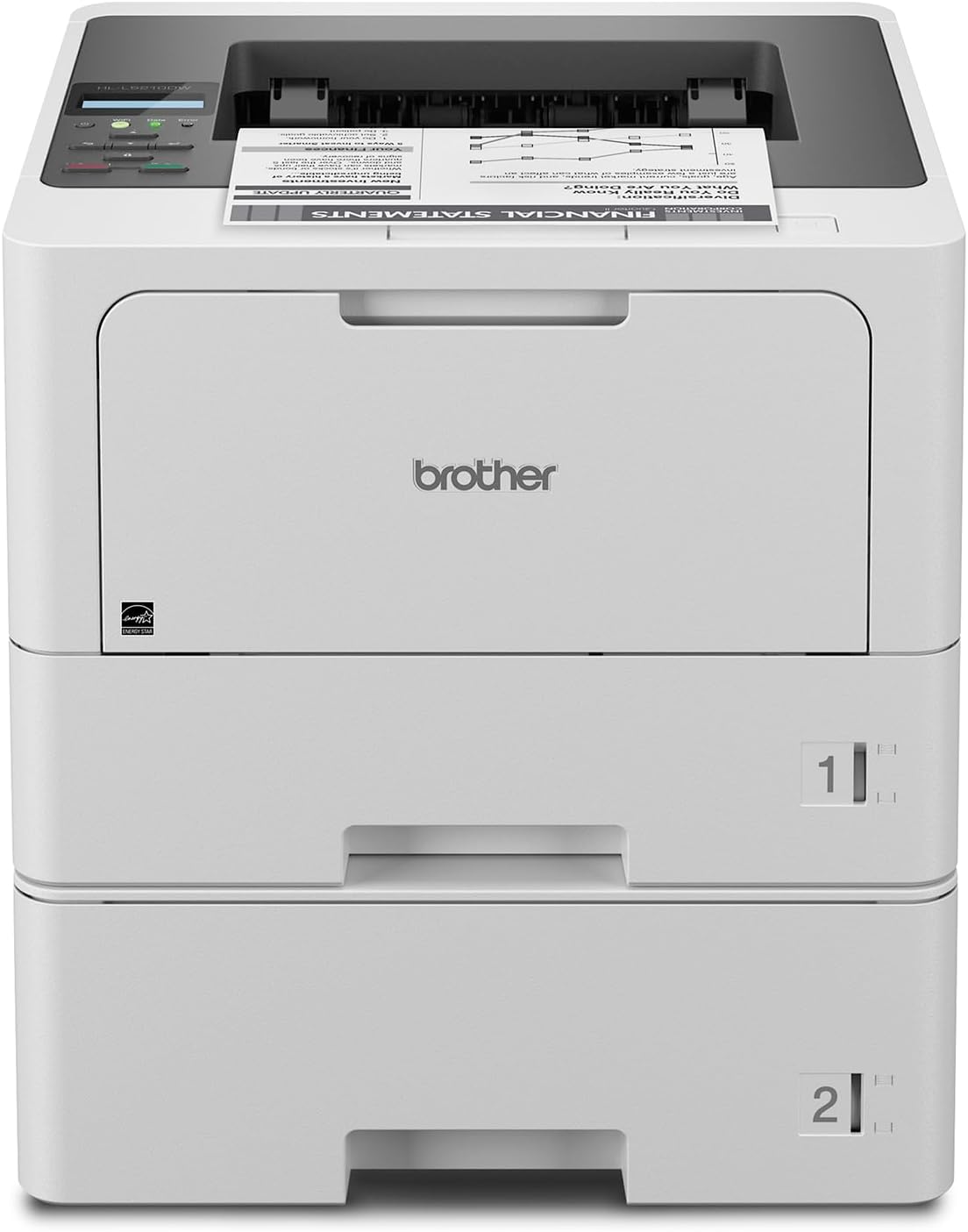
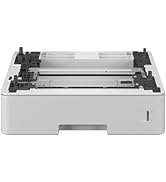
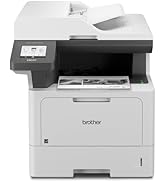
The Brother HL-L5210DWT is a high-speed monochrome laser printer designed for busy offices and small workgroups. It delivers professional-quality prints at up to 48 pages per minute, supports dual paper trays with a total capacity expandable to 1,390 sheets, and offers flexible connectivity options including dual-band wireless and Gigabit Ethernet. Advanced security features protect your network and documents, while eco-friendly modes reduce paper and energy consumption. Ideal for professionals seeking reliable, cost-efficient, and secure printing solutions.






| ASIN | B0CKWNT1CC |
| Additional Printer Functions | Print Only |
| B&W Pages per Minute | 48 ppm |
| Best Sellers Rank | #20,010 in Office Products ( See Top 100 in Office Products ) #33 in Laser Computer Printers |
| Brand | Brother |
| Built-In Media | TN920 Toner Cartridge, DR920 Drum Unit, AC Power Cord, Quick Setup Guide |
| Color | White |
| Color Depth | 1 bpp |
| Compatible Cartridge | TN920, TN920XL, TN920LX2PK, TN920XXL, TN920UXLL, DR920 |
| Compatible Devices | Laptops, PC, Smartphones, Tablets |
| Control Method | Remote |
| Controller Type | Android |
| Customer Reviews | 4.4 4.4 out of 5 stars (112) |
| Display Type | LCD |
| Dual-sided printing | Yes |
| Duplex | Automatic |
| Hardware Interface | Ethernet, USB 2.0 |
| Initial Page Print Time | 6.7 Seconds |
| Ink Color | Black |
| Item Dimensions D x W x H | 15.3"D x 14.7"W x 15.3"H |
| Item Type Name | Monochrome Laser Printer |
| Item Weight | 32.7 Pounds |
| Manufacturer | Brother |
| Maximum Copies Per Run | 2880 copies per hour |
| Maximum Copy Resolution Black and White | Up to 1200 x 1200 dpi |
| Maximum Copy Speed Black and White | 48 ppm |
| Maximum Media Size | 8.5 x 14 inch |
| Maximum Print Resolution Black and White | 1200 x 1200 Dots Per Inch |
| Maximum Sheet Capacity | 250 |
| Model Name | HLL5210DWT (Wireless + Multipurpose Tray) |
| Model Number | HLL5210DWT |
| Model Series | Monochrome Laser |
| Number of Ethernet Ports | 1 |
| Number of Trays | 3 |
| Other Special Features of the Product | Auto-Duplex, Energy Star, Epeat Qualified, Network-Ready |
| Output sheet capacity | 150 |
| Paper Size | Paper Tray: Letter, Legal, Executive, A4, A5, A6 Multipurpose Tray: 3.0" - 8.5" (W), 5.0" - 14" (L) Inches |
| Power Consumption | 680 Watts |
| Print media | Envelopes, Labels, Paper (plain) |
| Printer Connectivity Type | Ethernet, USB, Wi-Fi |
| Printer Output Type | Monochrome |
| Printer Type | Laser |
| Resolution | 1200 x 1200 |
| Series Number | 5200 |
| Specific Uses For Product | Business |
| Total USB 2.0 Ports | 1 |
| Total Usb Ports | 1 |
| UPC | 012502670681 |
| Warranty Description | 1-year limited warranty |
| Warranty Type | 1 Year Limited |
| Wattage | 434 watts |
T**T
Great Printer, But Instructions Could Be Clearer
Setup took about 50 minutes, mainly because I had to look up a YouTube video to figure out how to adjust the tray for legal-sized paper. There’s a green clip at the back of the tray (circled in the photo) — you just hold it and slide the back of the tray outward to fit larger paper. Connecting was straightforward: I searched for my network on the printer, entered the password, and the printer was automatically detected on both my phone and laptop. Printing worked right away. Most of my time was spent trying to make sense of the included instructions, which weren’t very helpful. In reality, the steps after unboxing are quite simple: 1. Pull out the toner (with the orange slip taped to it), remove the silica pack and orange plastic covering. 2. Reinsert the toner. 3. Plug in the printer. 4. Connect to your network. At that point, you should be able to find the printer on your home network from your computer or phone (after adding a new device) and start printing. So far, it seems like a great printer, but I’ve only done some initial tests. I’ll update this review after more use.
N**K
Great printer
Canon products are good but this printer is the best. This printer cuts my printing time down. Multi functional. It was worth the cost.
G**G
Amazing Printer! Worth the wait!
I had trouble getting this printer. Shipping said one date then it changed to a much longer period than expected, but overall not too bad. The printer was the faster, easiest set up that I’ve ever had with a printer. I have already printed a couple hundred pages with absolute easy. I would definitely recommend this printer to anyone in a small-side business. It was worth the wait!
C**A
Double tray laser printer
I love my printer. It was a bit confusing at first to set it up but once you figure it out. It’s a piece of cake.! It separates the legal papers to the letter. So you don’t have to go on any other sites to separate them
V**S
Horrible do not buy the DW model
This is the WORST printer ever do not but this! I actually ordered the DWT model but they sent me the DW I didn’t even notice until I started having major problems. The biggest issue is that you can’t reset the toner which means the printer will stop working because it thinks it’s out of ink but actually the toner is still 1/2 full. These toners are hundreds of dollars and the fact that I can’t use all of it, is unbelievable! I am returning this. I’ve used brother for over 10 years for my business and they should recall this model. It’s also doesn’t stay connected to WiFi beyond frustrating
J**S
Fast printing
I am a notary signing agent and Love this printer! Prints fast!
A**D
Nice duel drawer Lazer printer
I think this duel drawer printer will serve my needs as a Notary. It doesn't scan as I had thought it might, but I'm going to purchase a countertop scanner separately.
F**H
4 stars
I’ve had it for a few years now and it works just fine. I will say that very often I have to shift the paper in the tray because it will say paper empty when there’s actually paper in it. And I haven’t needed to replace the ink yet. I don’t print a lot. Just when needed. And it does a great job!
Trustpilot
5 days ago
1 month ago