We remain fully operational. Our teams are working around the clock to ensure your deliveries continue safely.

DOWNLOAD THE APP


Copyright © 2025 Desertcart Holdings Limited
DOWNLOAD THE APP
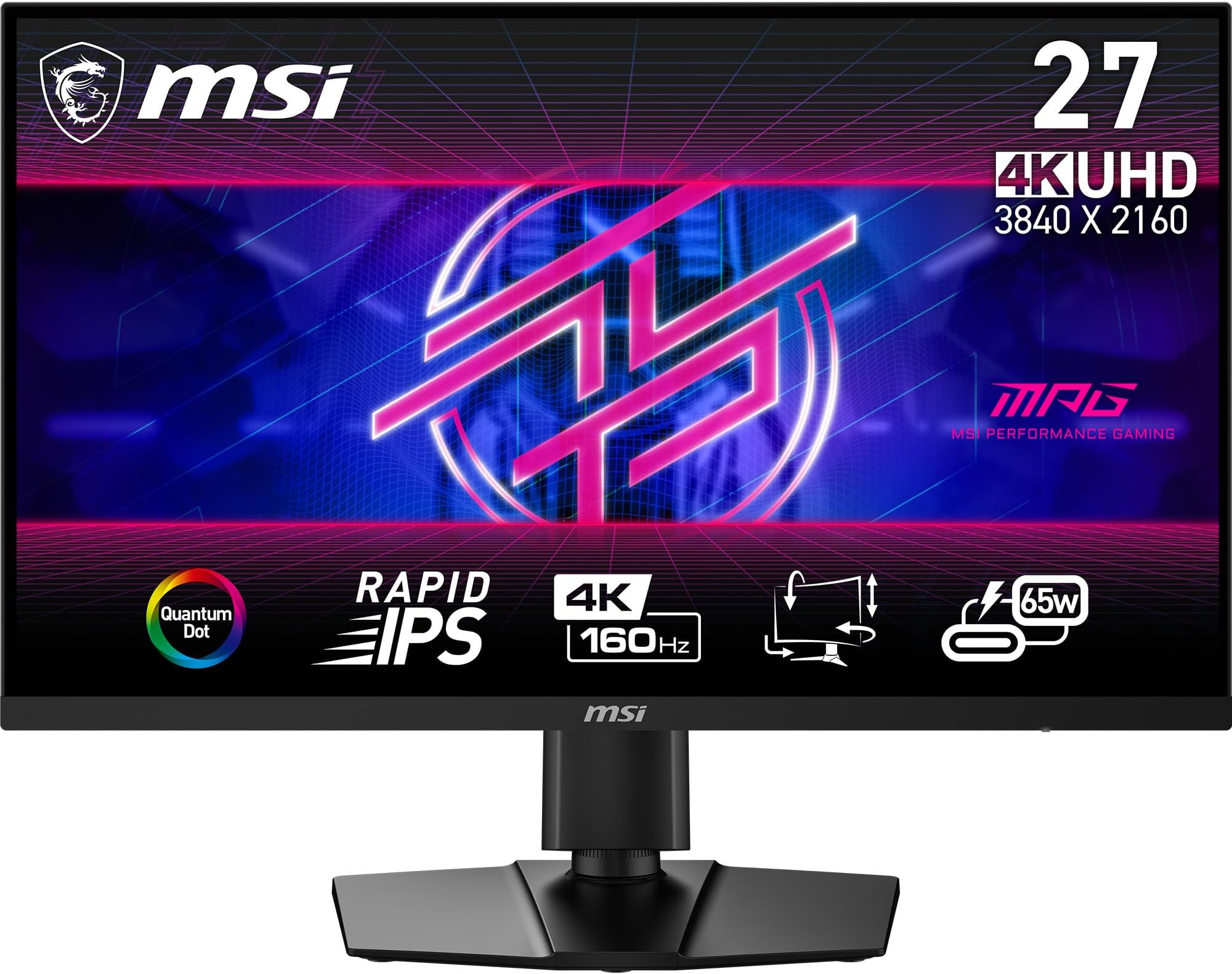


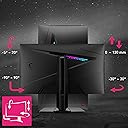

🔥 Elevate your game and grind with MSI’s 4K powerhouse!
The MSI MPG274URF QD is a 27-inch 4K UHD monitor featuring a blazing 160Hz refresh rate and 0.5ms response time, enhanced by Quantum Dot technology for vivid colors and HDR400 support. Designed for professionals and gamers alike, it offers adaptive-sync, ergonomic adjustments, and multi-device connectivity including KVM switch and USB-C charging, making it a versatile centerpiece for any high-performance setup.


| ASIN | B0CZWCD61X |
| Adaptive Sync | FreeSync |
| Additional Features | Eye Care |
| Aspect Ratio | 16:9 |
| Best Sellers Rank | #153,472 in Electronics ( See Top 100 in Electronics ) #3,147 in Computer Monitors |
| Brand | msi |
| Brightness | 400 nits |
| Color | Black |
| Compatible Devices | [Multiple] Laptops, Desktops, Gaming Consoles |
| Connectivity Technology | HDMI |
| Contrast Ratio | High-Value Contrast Ratio |
| Customer Reviews | 4.1 out of 5 stars 55 Reviews |
| Display Resolution Maximum | 3840 x 2160 |
| Display Technology | LCD |
| Display Type | UHD |
| Hardware Connectivity | DisplayPort, HDMI |
| Has Color Screen | Yes |
| Image Contrast Ratio | High-Value Contrast Ratio |
| Item Dimensions D x W x H | 8.97"D x 24.16"W x 16.01"H |
| Manufacturer | MSI |
| Model Name | MPG274URFQD |
| Model Number | MPG274URF QD |
| Mounting Type | Wall Mount |
| Native Resolution | 3840x2160 |
| Number of Component Outputs | 2 |
| Picture Quality Enhancement Technology | Quantum Dot Technology |
| Pixel Pitch | 0.16 |
| Refresh Rate | 160 Hz |
| Resolution | 4K UHD 2160p |
| Response Time | 0.5 Milliseconds |
| Screen Finish | Glossy |
| Screen Size | 27 Inches |
| Screen Surface Description | Glossy |
| Series Number | 270 |
| Shape | rectangular prism |
| Specific Uses For Product | Gaming |
| Total Number of HDMI Ports | 1 |
| UPC | 824142341629 |
| Viewing Angle | 178 Degrees |
| Warranty Description | 2 year manufacturer |
| Warranty Type | 2 Years Manufacturer Warranty |
M**R
Amazing monitor
It is a pleasure to see the image of this monitor. Coming from a 27-inch 1440p monitor, I can't go back. However, I use the latter as a second screen, and the difference is huge. The definition and colors are simply amazing. No ghosting, no dead pixels, no light bleeding, no burn-in fear. I finally have a monitor with everything I've ever wanted. I wanted a monitor like this when it was high end, but finally I can buy it when it is already part of budget monitors. I can't be more satisfied with the purchase.
C**L
High quality
a 4k monitor with 160hz, as well as good color quality. At this price point there is no other competition at the moment.
N**O
Gorgeous, Color-Accurate, Smooth... but the "160Hz" Claim Is Misleading
I really wanted to love this monitor without reservations - and in many ways, I do. The setup was painless, the build quality feels good, and the dual-device support is genuinely useful. Once it's powered on, the panel is a joy to look at: sharp, vibrant, and impressively accurate in DCI-P3/Display P3 mode. Motion is buttery smooth at 144Hz, and everyday use is fantastic. But here's the part that left me disappointed: despite being advertised as a 4K 160Hz display, this monitor simply cannot reach 160Hz under any real-world scenario. The ports it ships with - DisplayPort 1.4a, HDMI 2.1, and USB-C DP Alt - none of which can provide enough bandwidth to drive 4K at 160Hz. The panel itself may be capable of that refresh rate, but the actual inputs make it impossible to achieve. The best you can get is 4K/144Hz, which is stilll great, but not what's advertised. If you're happy with 4K/144Hz - and honestly, it looks fantastic - this is a wonderful monitor with excellent color performance and smooth motion. Just don't expect to ever see 160Hz, because it's not going to happen with the ports MSI chose to include.
D**N
I hate this monitor
I may just be an idiot so take my review as you will. I hate this monitor. In fact, this was my first delve into the 4k monitor space and I am pretty sure I'll never go 4k again because of this monitor. I bought this monitor in 2024, and I should have just returned it because the problems didn't just go away. If your game is dark, good luck seeing anything cause you won't. I constantly have to fiddle with settings just to be able to see things clearly when its a little dark, even when cranking up a games brightness. It flickers when it goes to sleep, and shows the "no connection" little thing in the middle of the screen sometimes it might even do this when the PC is even off! So I get to come back to that burned into the screen for the first few minutes. Oh it also takes like a solid 5 - 10 seconds just to wake up or turn on when the the pc starts, which confuses the hell out of my other monitor, and my tower. When it wakes up UI on apps is usually all levels of broken, and I have to resize windows or close and open apps again to fix it. Sometimes it just turns off my animated wallpapers and switches to a black background for some reason, who knows! Hey, maybe its my system, I am rocking a 30 series for whatever that's worth, but this thing sucks. 4k in general kinda just feels like it sucks, so I'll be staying away.
C**G
Great hybrid usage monitor (work/gaming)
I use this as my main monitor that switches between work and gaming. 4K resolution is important for work, and high refresh rate is important for gaming. KVM switch feature lets me switch between my gaming PC and work laptop seamlessly, and the USB-C DP port allows charging my laptop as well, reducing clutter on my desk. I was debating between this and a similar ASUS monitor with dual-mode, but while the picture quality areas are similar, the KVM and USB-C features won me over.
B**R
No QD-OLED No Problem
This is probably the best priced 4K gaming monitor at sub-$450. At 27” almost all monitor arms fit it, so don’t even need to use the stand. It’s also a 4K resolution 27” display which is harder to come buy since most are 4K 32”. Personally, I like the 27” size more since bigger isn’t always better. 32” strains my eyes for some reason. This model also has Tyoe-C with power delivery, so when I’m using my Mac for work, I can actually charge and display as a second monitor, or sometimes I just charge my phone too. Also since it’s a Quantum Dot display, it looks amazing in terms of color accuracy. It might not be the same as Quantum Dot OLED, but it’s honestly hard to tell unless you’re looking at really dark colors.
B**L
Perfect 4K 27" for work/gaming!
Upgraded from an office-focused 4k60hz to this for console use at my desk. After reducing the reds down by 2, this monitor has been perfect. I personally prefer the 4k resolution @ 27" for the higher pixel density. Having 65W USBC provides easy connection to my work laptop and gaming handheld. The interface is very easy to use, has multiple usbC points to share my wiressless mouse/keyboard. I wanted the top of the line 4k 27 IPS and I strongly believe this is it.
A**R
Great monitor lacking in basic user experience features
This is my first 4k monitor and I have to say it looks gorgeous even through it has an IPS panel. Since I use my monitor for work as well, I needed something that I could utilize without potential damage. While I enjoy the graphics, the issue I have with this monitor is the lack of instructions when trying to setup the KVM switch. Youtube/Google mention you need to utilize the MSI Productivity Intelligence application. Since this is a gaming monitor, you need to utilize MSI Gaming Intelligence in order to set this up. I would've liked to have a pamphlet with this information. An area where I feel like MSI cheaped out is not utilizing USB 3.0 as this should be the standard. You also don't receive a display port cable which is disappointing. While I believe $370 is a great price for this monitor, the ways MSI tries to reduce cost hurts the user experience. Despite these issues, I would still recommend it over the ASUS ROG Strix XG27UCS as it's better value price wise.
Trustpilot
1 month ago
4 days ago