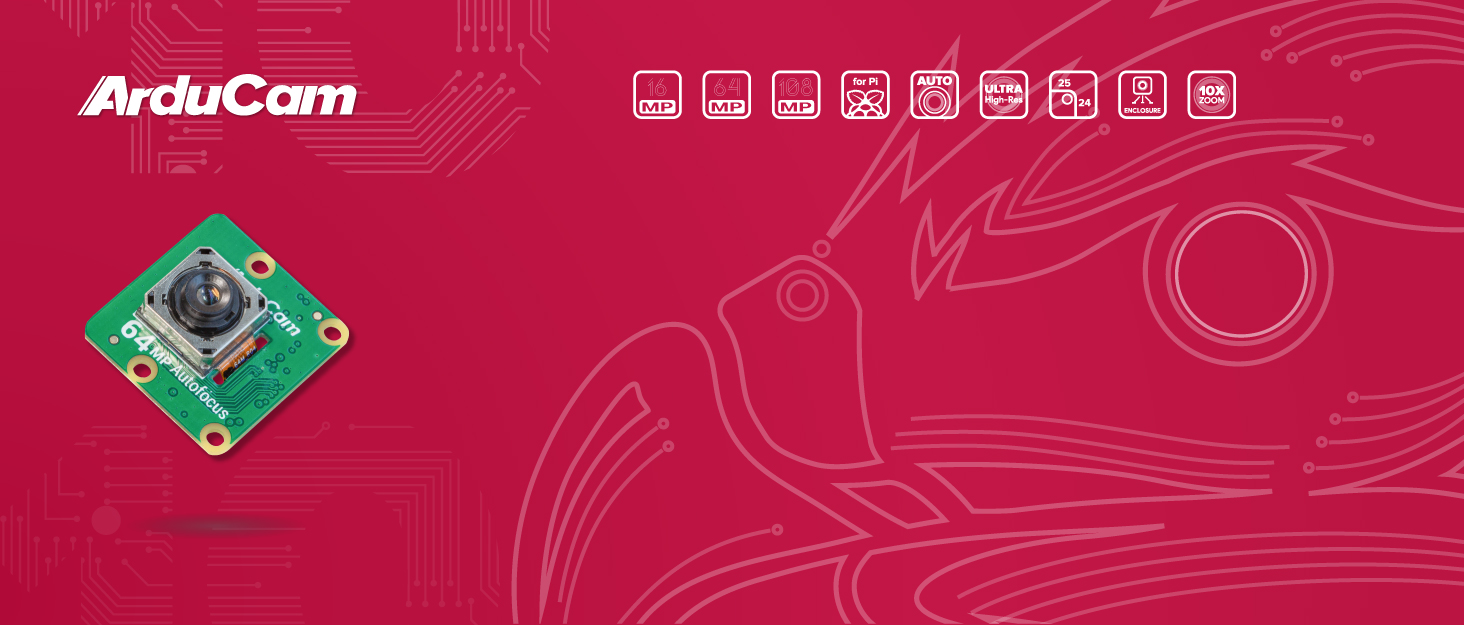
This is my second experience with Arducam's cameras. I previously aqcuired the HawkEye 64MP Camera during their crownfunding campaign, but at the time the camera came out, Rapsberry Pi was transitioning to using libcamera and Picamera2, so a combination of the constant updates and changes to the settings coupled with Arducam being a little behind in updating their drivers made it a bit of a headache to use. I was pleased to see that the process is now pretty straight forward and the custom libcamera-apps required to use this camera is right in line with RPi OS now, so the camera can function as a drop-in replacement in terms of code once you have this set up, which only takes a few minutes (same for the 64MP, FWIW). Very pleased with this! UPDATE - 12/1/25 - The current custom libcamera/rpicam dev and apps files needed to install the camera are current up to the latest Trixie if anyone is wondering. The process is pretty straightforward. You go to Arducam's website and find the page for your camera. Look for the 'wiki' link on the page. head down to the guide there and follow the steps to download and install the drivers, as well as to update config.txt with the overlay settings needed for your pi to see the camera. On reboot, the system should see it and you should be able to use the camera as usual, but be warned; unless you use (sudo) apt-mark hold on libcamera-dev and libcamera-app, when you update your system the drivers will be replaced with the ones from the repository and you will need to reinstall them to resume camera functionality. All that being said I'm extremely pleased with this camera. If you don't need the manual focus the official HQ offers, I would highly recommend this camera, which takes nice, clear photos and video. I'm intending to use mine with a customer Photogrammetry setup, which is very common as this camera is one of the popular choices for openscan (please forgive my literal inaugral test photogrammetry video of a sweet potato that look like it has a face on it)