Buy anything from 5,000+ international stores. One checkout price. No surprise fees. Join 2M+ shoppers on Desertcart.
Desertcart purchases this item on your behalf and handles shipping, customs, and support to KUWAIT.
🎨 Unleash Your Inner Artist with Every Cut!
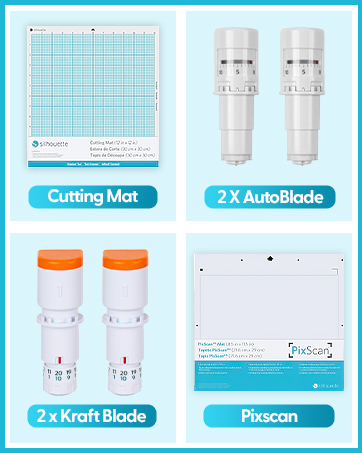
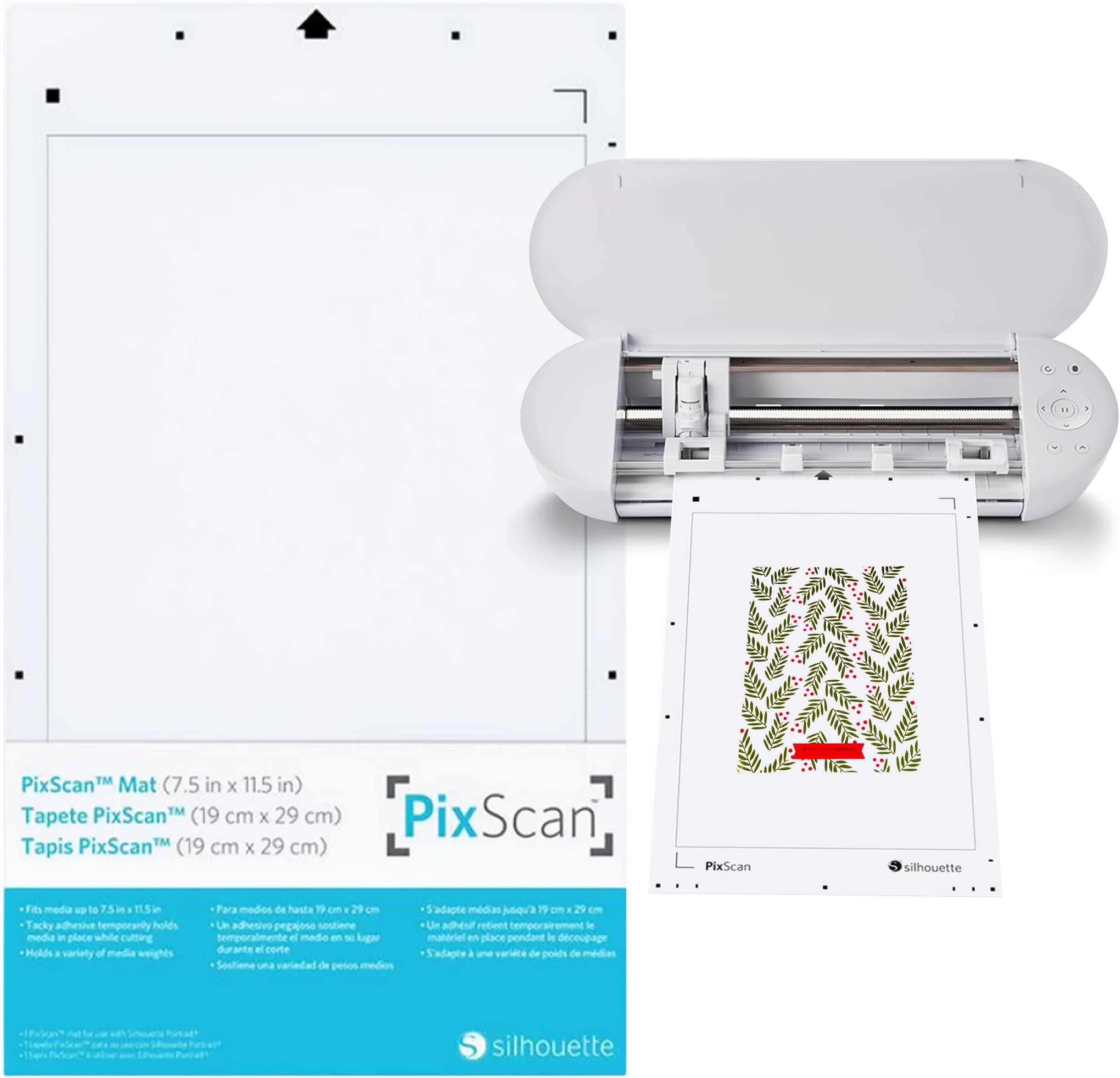
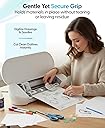
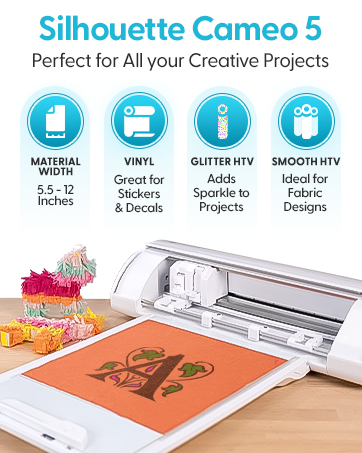
The Silhouette America PixScan Cutting Mat is a versatile crafting tool designed for artists and designers. With dimensions of 8 7/8" x 14 7/8" and a cutting area of 7 5/8" x 11 5/8", this lightweight mat allows you to digitize hand-drawn sketches, fabric patterns, and even stamp collections into precise cut files. Made from durable plastic, it features a reversible and flexible design, making it perfect for a variety of crafting projects.


| ASIN | B00CICZ5XU |
| Additional Features | Reversible |
| Best Sellers Rank | #148,058 in Arts, Crafts & Sewing ( See Top 100 in Arts, Crafts & Sewing ) #277 in Quilting Cutting Mats #577 in Transfer Paper |
| Brand | Silhouette America |
| Brand Name | Silhouette America |
| Color | White |
| Customer Reviews | 4.6 out of 5 stars 819 Reviews |
| Global Trade Identification Number | 00814792010259 |
| Included Components | mats |
| Item Dimensions L x W x Thickness | 12"L x 0.02"W x 16"Th |
| Item Weight | 22.68 g |
| Manufacturer | Silhouette America |
| Manufacturer Part Number | CUT-MAT-PIX8-3T |
| Material | Plastic |
| Material Type | Plastic |
| Model Number | CUT-MAT-PIX8-3T |
| Number of Items | 1 |
| Product Care Instructions | Hand Wash Only |
| Product Dimensions | 12"L x 0.02"W x 16"Th |
| Recommended Uses For Product | Craft, Design, Fabric Patterns, Hand Drawn Sketches, Lettering, Custom Cut Borders, Frames & Stamp Collection Scanning Recommended Uses For Product Craft, Design, Fabric Patterns, Hand Drawn Sketches, Lettering, Custom Cut Borders, Frames & Stamp Collection Scanning See more |
| Set Name | Portriat (7.5x11.5) |
| Shape | Rectangular |
| Size | 12"L x 0"W |
| UPC | 814792010259 |
| Unit Count | 1.0 Count |
| Warranty Type | Limited |
C**E
Great mat
Love this. Worked great for regular paper for infusable ink pens.
B**O
Read calibration instructions before starting
This is a handy mat for using up scraps and print and cut. It's finicky though so I don't use it much but if I have a failed print and cut on my regular mat I can use this one to cut them out. It's also easy for using up scraps of vinyl to avoid waste. The calibration fails a lot and requires a reset but the mat comes in handy enough to make it worthwhile.
R**N
As pictured
The product is what it's supposed to be, I just can't ever seem to make it work right with the program - which is very much a user error issue.
K**Y
but I could NOT be happier with this
I had my doubts after reading some of the other reveiws, but I could NOT be happier with this. I think the key is to take very well-lit pictures. While I haven't gotten mine to calibrate it hasn't made any difference at all. I still get cuts exactly where I want them, AND I've even managed to take the mat out, realize it didn't cut all the way through because one piece of cardstock scrap was thicker than the others, and run it back through with no double-cut lines! I am in love.
A**Z
Great Mat but leaves sticky residue first few projects
This mat is great for creating die cuts and saving scrap vinyl. After buying this i don't think I'll ever need to go back to a regular mat. That said there are a few things that I think take away from a five-star rating: The first one is the mobile app if I could rate the app it would be 0/5. It's absolute garbage (at least on an iPhone SE iOS 11), it doesn't have any helpful tutorials, you just kind of have to figure it out on your own. It doesn't even matter though because it doesn't tell you how to connect it to your studio to even send the data (and I looked EVERYWHERE). Tried using it on an iPad it just crashed every time I tried to take a photo. Anyways, don't bother with the app it's not worth it, just use your phone's camera, try to get it as straight on as possible and email it to yourself, it'll save you an afternoon's worth of frustration. Second complaint: The mat is VERY sticky the first few times you use it, and it leaves a sticky residue on the back of your projects. This has mostly gone away after 4-5 projects. Just keep that in mind when you're first using it.
A**S
PERFECT
Thick, sturdy and easy to use. Perfect for my sticker pages and other scan and cut images. Great price as well. Will buy again
B**E
No more buying dies for me!
This mat works so well that I can stop buying dies to cut around my stamps, and just use this mat with my Portrait instead. If you're using a camera phone to take your picture (rather than using a scanner), you might need to calibrate your phone. Evidently that is not necessary with iPhone 6 and 6Plus. There's a learning curve, especially if you want a small border around your image, but with practice and research, it works perfectly.
M**T
Works but not very accurate
Does not come with instructions so I had to research everything (calibration etc) myself. I purchased this mat hoping to extend my canvas, as printing registration marks really limits your work area. Unfortunately the pixscan is simply not as accurate as I'd hoped. It will be off by 2~3mm, especially towards the furthest end of the mat. This might've been because my mat arrived bent. I have since reverted back to printing my registration marks as it is still more accurate. It's definitely great for using up your scraps or importing 1~2 single large floating pieces, but not accurate enough for print-and-cut projects that have several objects lined up together within your paper, as one tiny offset means the entire page will be off and you will cut into other objects. It also lost its stickiness rather fast compared to the regular mats.
J**T
utilisation peu évidente
Le paramétrage du plateau est difficile et il faut beaucoup de patience et d'essais avant s'y arriver et qu'il reconnaisse mon smartphone. Par contre toujours pas réussi a l'utiliser avec le scanner.
L**S
Not as easy as it looks!
I haven’t been able to get this to work yet. I think it may depend on the camera that you have on your phone as some calibrate automatically and others you need to set. I’ve tried setting it but can’t get it to work.
H**S
Perfekt für die Resteverwertung von Folienschnipseln :)
Es hat mich schon lange genervt, dass man immer kleine Folienreste übrig hat, die man dann eigentlich nicht mehr zum Plotten verwenden kann, da man auf einer normalen Schneidematte nie den richtigen Punkt treffen würde. Mit der PixScan Matte von Silhouette ist dieses "Problem" nun Geschichte! SIE IST PERFEKT!! Man klebt einfach die Folienreste auf die Matte, macht ein Foto davon und lädt dieses Foto in die Silhouette-Software. Nun kann man bequem in der Software die Schneidedateien auf die Folienrest "ziehen" und es wird perfekt und sauber geschnitten. Ich bin echt begeistert!! Zur Info: Der Folienrest oben links auf meinem Bild (der mit den pinken Herzen) ist wirklich klein und nur 6x2,5cm groß. Und trotzdem wurde alles perfekt und sauber geschnitten. Ich kann die Matte nur weiterempfehlen! :)
F**A
pixsca
è un tappetino fantastico, ha un ottima aderenza ma cmq non strappa la carta..perfetto per ritagliare qualsiasi cosa vogliate, solo con una semplice foto da inviare poi alla cameo.
L**A
Super útil
Funciona muy bien y es muy útil como complemento a la máquina Silhouette Portrait.
Trustpilot
2 months ago
1 week ago