We remain fully operational. Our teams are working around the clock to ensure your deliveries continue safely.

DOWNLOAD THE APP


Copyright © 2025 Desertcart Holdings Limited
DOWNLOAD THE APP
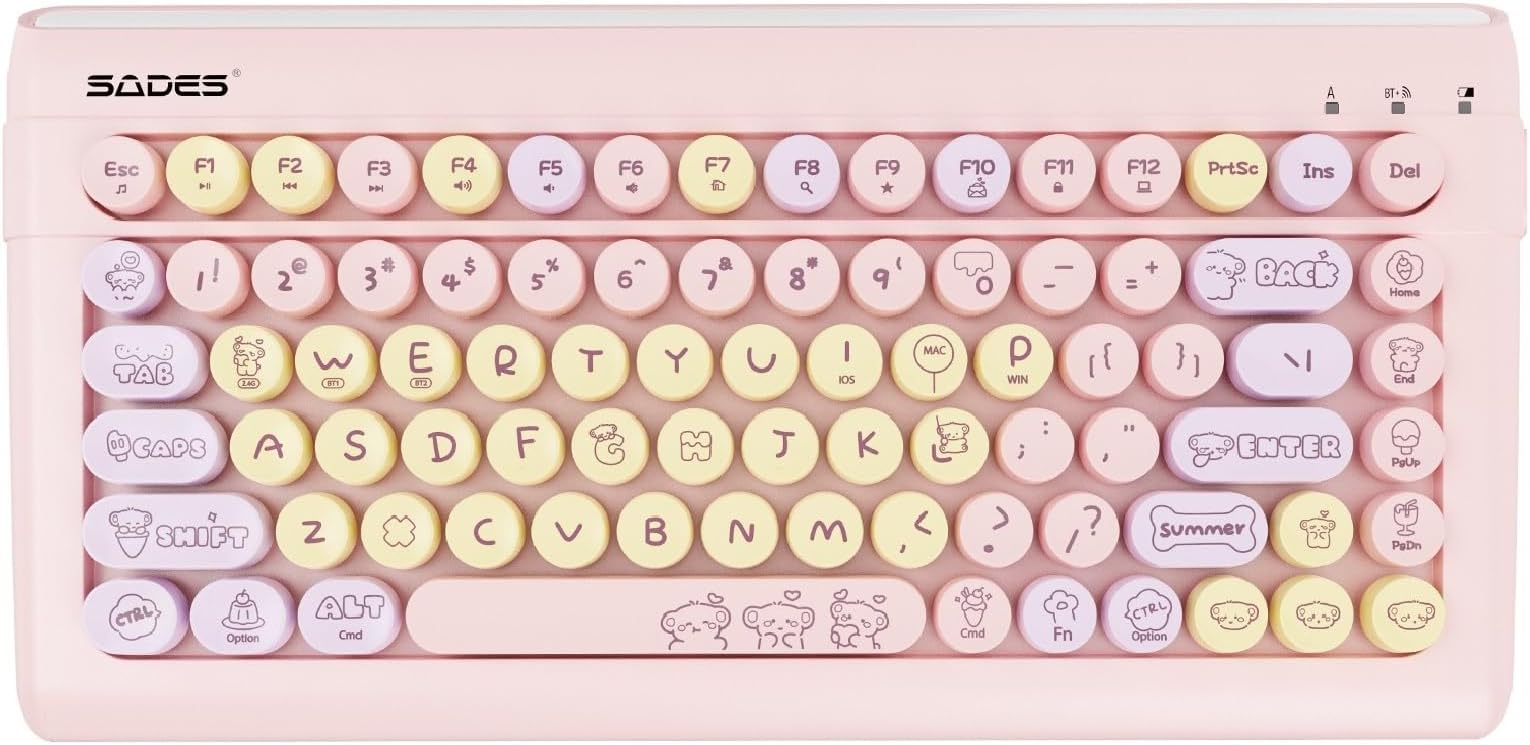
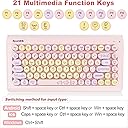
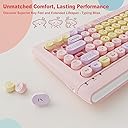


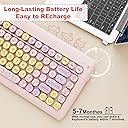
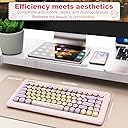
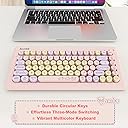
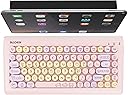
Wireless keyboard with 87 keys Review: It's what I needed; a bluetooth keyboard with big clickity-clackity removeable keys, bubblegum colors with cute graphics and compact build. This is my affordabLe starter foray into wireless mechanical keyboards. It was definitely a great price for the quality and features. It's comfortable to use and matches my primarily pastel kawaii tech. Pairing was quick and easy. Press and hold FN+W+E all at the same time to activate pairing mode. The connection indicator lights at the upper righthand corner of the keyboard will all turn blue and flash. Simply enable Bluetooth on whatever device you'd like her to pair with. The keyboard comes up as either BT 3.0 or BT 5.0. On my Samsung tablet, both names showed up. I clicked the 5.0 and the keyboard was ready to use immediately. It functions exactly as it needs to. I renamed it and now it has a special name on my tablet. Response time is to the click and for now I plan to use this adorable keyboard for light gaming and minor typing needs on my Samsung Tab S9 FE+. I tested out the keyboard playing Roblox. You'll need to sort of train or break in the keys, as in, they'll be a little slow to respond at first, particularly if you press too lightly. It came with batteries already included. You just need to unwrap one of the batteries that has plastic on it. The keyboard arrives already switched on, you just have to unwrap one of the batteries. It also comes with a 2.4g USB for non-bluetooth wireless connection with a PC. If your keyboard arrived missing any components (such as the battery compartment cover as mentioned in one of the reviews) you probably got a used one and the previous owner didn't send back the entire kit! Will update this review after using it for several days or weeks in a row. Review: Very cute keyboard, the aesthetic caught my eye. The biggest downfall after using for a few weeks, sometimes you have to click buttons twice because there is a lag with the connection. If not for that, 5 stars.


| ASIN | B0CRQZ7ZJK |
| Antenna Location | Everyday Use, Mobile Computing |
| Are Batteries Required | No |
| Best Sellers Rank | 333,213 in Computers & Accessories ( See Top 100 in Computers & Accessories ) 5,504 in Keyboards (Computers & Accessories) |
| Box Contents | 1 x 2.4Ghz USB Receiver, 1 x Pink Tablet Keyboard, 2 x AAA Batteries, User Manual |
| Brand Name | BAIHUAFRU |
| Colour | pink |
| Compatible Devices | Laptop |
| Customer Reviews | 4.2 4.2 out of 5 stars (58) |
| Hand Orientation | Ambidextrous |
| Item Weight | 0.8 Kilograms |
| Keyboard Backlighting Color Support | Single Color |
| Keyboard Description | Wireless |
| Keyboard Layout | QWERTY |
| Manufacturer | BAIHUAFRU |
| Network Connectivity Technology | Wireless |
| Number of Batteries | 2 AAA batteries required. |
| Number of Keys | 99 |
| Other Special Features of the Product | Ergonomic |
| Power Source | Battery Powered |
| Unit Count | 1.0 Count |
�**�
It's what I needed; a bluetooth keyboard with big clickity-clackity removeable keys, bubblegum colors with cute graphics and compact build. This is my affordabLe starter foray into wireless mechanical keyboards. It was definitely a great price for the quality and features. It's comfortable to use and matches my primarily pastel kawaii tech. Pairing was quick and easy. Press and hold FN+W+E all at the same time to activate pairing mode. The connection indicator lights at the upper righthand corner of the keyboard will all turn blue and flash. Simply enable Bluetooth on whatever device you'd like her to pair with. The keyboard comes up as either BT 3.0 or BT 5.0. On my Samsung tablet, both names showed up. I clicked the 5.0 and the keyboard was ready to use immediately. It functions exactly as it needs to. I renamed it and now it has a special name on my tablet. Response time is to the click and for now I plan to use this adorable keyboard for light gaming and minor typing needs on my Samsung Tab S9 FE+. I tested out the keyboard playing Roblox. You'll need to sort of train or break in the keys, as in, they'll be a little slow to respond at first, particularly if you press too lightly. It came with batteries already included. You just need to unwrap one of the batteries that has plastic on it. The keyboard arrives already switched on, you just have to unwrap one of the batteries. It also comes with a 2.4g USB for non-bluetooth wireless connection with a PC. If your keyboard arrived missing any components (such as the battery compartment cover as mentioned in one of the reviews) you probably got a used one and the previous owner didn't send back the entire kit! Will update this review after using it for several days or weeks in a row.
S**N
Very cute keyboard, the aesthetic caught my eye. The biggest downfall after using for a few weeks, sometimes you have to click buttons twice because there is a lag with the connection. If not for that, 5 stars.
P**Y
Keyboard is used for my daughter's computer and has found it to be kid friendly but also really cute. Overall we have had no issues with the keyboard and really impressed with the product.
M**J
This is a good Keyboard but to quiet for me , I like the keyboards that go "clickety clack" and are loud with the keyboard on the side. The colors are great, still bedating if i will keep thew keyboard or return it. Overall its a good keyboard
M**E
Connected seamlessly to my Windows 11 laptop, my iPhone 11 & iPad Air 2. The keys really give you a nostalgic feeling, like you’re typing on an old typewriter. Its bright color makes it easy to find, & easy to differentiate between your average Bluetooth keyboard and “yours.” It was a little complicated to connect, due to there being symbols rather than words, but once I figured it out, it was smooth sailing.
Trustpilot
1 week ago
3 days ago