We remain fully operational. Our teams are working around the clock to ensure your deliveries continue safely.

DOWNLOAD THE APP


Copyright © 2025 Desertcart Holdings Limited
DOWNLOAD THE APP
Buy anything from 5,000+ international stores. One checkout price. No surprise fees. Join 2M+ shoppers on Desertcart.
Desertcart purchases this item on your behalf and handles shipping, customs, and support to KUWAIT.
🚀 Elevate your workflow with power, precision, and style — don’t get left behind!
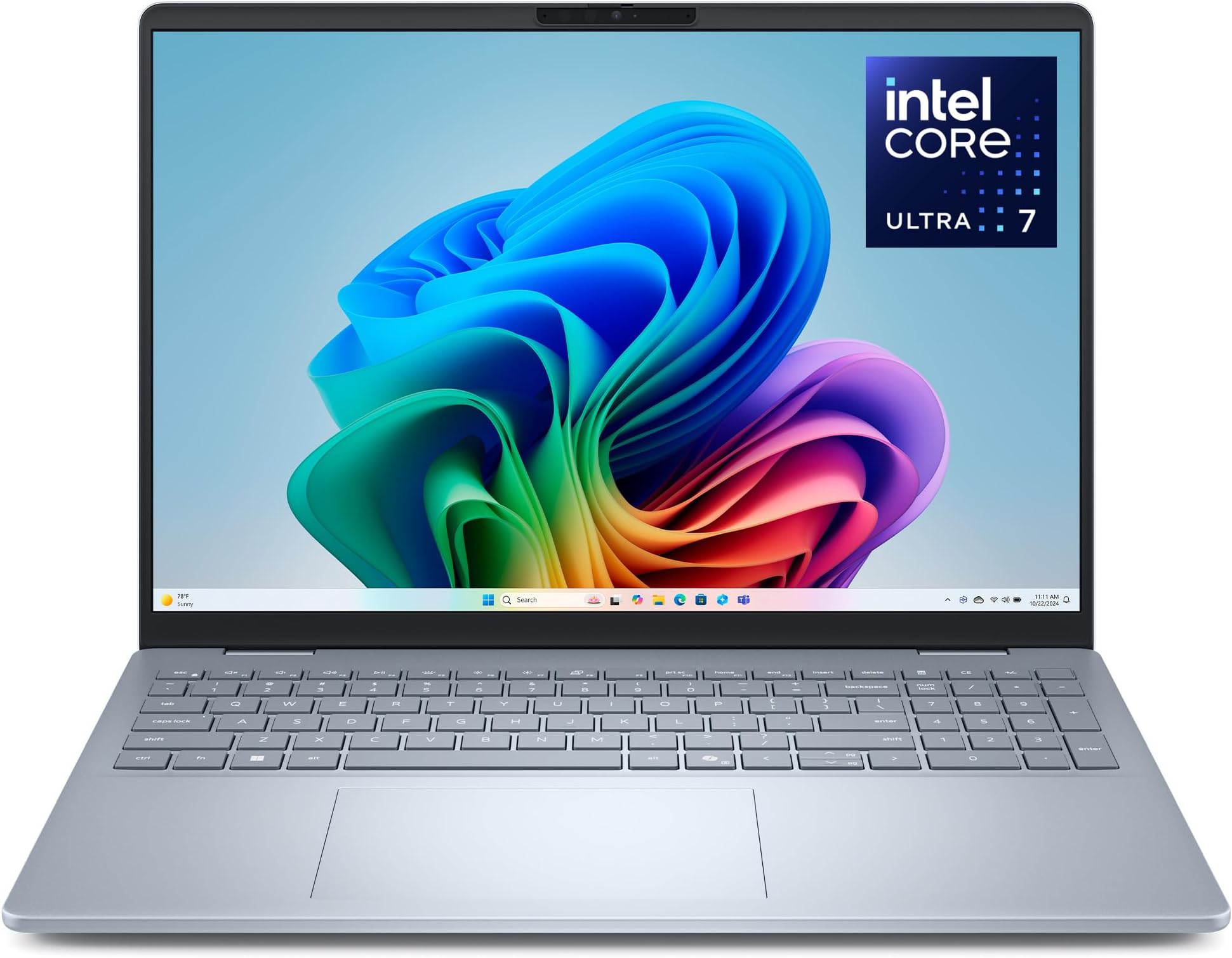
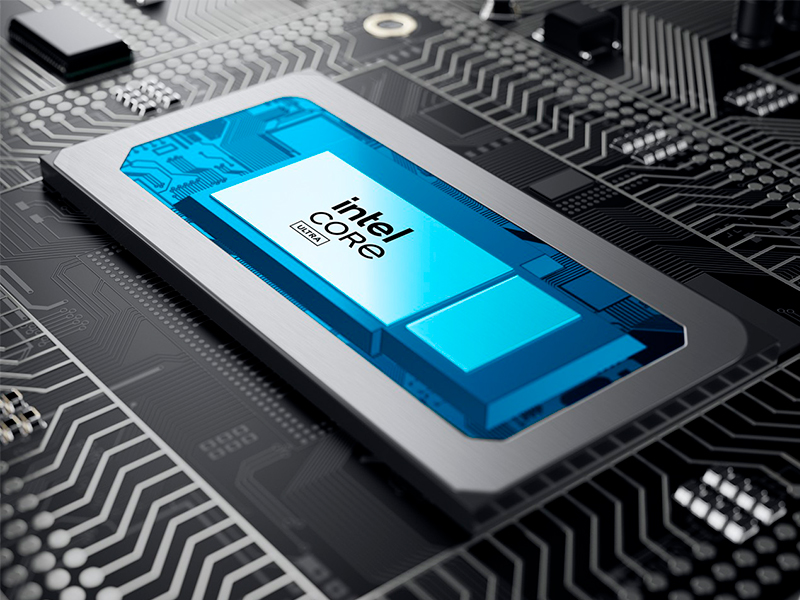
The Dell 16 Plus DB16250 is a cutting-edge 16-inch laptop featuring a sharp 2.5K 16:10 display, powered by the latest Intel Core Ultra 7 256V processor with integrated AI acceleration. Equipped with 16GB LPDDR5X RAM and a spacious 1TB SSD, it delivers premium speed and storage. Designed for professionals, it offers a backlit keyboard with Copilot key, FHD+ webcam with Windows Hello, Dolby Atmos audio, and robust build quality tested to military standards. Perfect for creators and managers seeking a sleek, powerful, and reliable machine with next-gen AI capabilities and all-day performance.


| ASIN | B0F2JQQV62 |
| Audio Output Type | Headphones, Speakers |
| Battery Cell Type | Other Than Listed |
| Best Sellers Rank | #1,209 in Computers & Accessories ( See Top 100 in Computers & Accessories ) #109 in Traditional Laptop Computers |
| Biometric Security Feature | No Fingerprint Reader |
| Bluetooth Version | 5.4 |
| Bluetooth support? | Yes |
| Brand | Dell |
| Built-In Media | 65W Type-C Adapter, Dell 16 Plus DB16250 Laptop, Documentation, Power Cord |
| CPU Model | Intel Core Ultra 7 |
| CPU Model Generation | 13th Gen |
| CPU Model Number | 256V |
| CPU Model Speed Maximum | 4.8 GHz |
| Cache Memory Installed Size | 12 |
| Camera Description | Front |
| Color | Ice Blue |
| Compatible Devices | External Display, Mouse, Keyboard, Storage Device, Printer |
| Connectivity Technology | Bluetooth, Wi-Fi |
| Customer Reviews | 4.3 out of 5 stars 54 Reviews |
| Display Resolution Maximum | 2560x1600 Pixels |
| Display Technology | LED |
| Display Type | LED |
| Form Factor | Clamshell |
| Graphics Coprocessor | Intel Arc Graphics |
| Graphics Description | Intel Arc Graphics |
| Graphics Ram Type | Shared |
| Hard Disk Description | SSD |
| Hard Disk Interface | Solid State |
| Hard Disk Size | 1 TB |
| Hard-Drive Size | 1 TB |
| Hardware Interface | Bluetooth, HDMI, Thunderbolt 4, USB 3.2 Gen 1, USB 3.2 Gen 2 |
| Human-Interface Input | Touch Pad |
| Item Dimensions L x W x Thickness | 9.87"L x 14.05"W x 0.67"Th |
| Item Weight | 4.12 Pounds |
| Keyboard Description | Full-size, Numeric Keypad, Backlit |
| Keyboard Layout | QWERTY |
| Lithium-Battery Energy Content | 64 Watt Hours |
| Manufacturer | Dell |
| Memory Clock Speed | 8533 MHz |
| Memory Speed | 8533 MHz |
| Model Name | Dell DB16250 Laptop |
| Model Number | LDB16250-7562BLU-PUS |
| Model Year | 2025 |
| Native Resolution | 2560 x 1600 pixels |
| Number Of Cells | 4 |
| Number of Ports | 4 |
| Operating System | Windows 11 Home |
| Optical Storage Device | No Optical Drive |
| Other Special Features of the Product | Anti Glare Coating, Backlit Keyboard, HD Audio, Numeric Keypad |
| Processor Brand | Intel |
| Processor Count | 8 |
| Processor Series | Intel Core Ultra 7 |
| Processor Speed | 2.2 GHz |
| RAM Memory Installed | 16 GB |
| RAM Memory Technology | LPDDR5X |
| RAM Type | DDR5 RAM |
| Ram Memory Maximum Size | 16 GB |
| Refresh Rate | 120 Hz |
| Resolution | 2560x1600 |
| Screen Finish | Matte |
| Screen Size | 16 Inches |
| Speaker Description | Waves MaxxAudio Output + Dolby Atmos Cores and Stereo Speakers |
| Specific Uses For Product | Business, Entertainment, Student |
| Total Number of HDMI Ports | 1 |
| Total Thunderbolt Ports | 1 |
| Total Usb Ports | 3 |
| Touch Screen Type | No Touchscreen |
| UPC | 884116429562 |
| Unit Count | 1.0 Count |
| Video Output | USB Type-C |
| Video Processor | Intel |
| Voltage | 240 Volts (AC) |
| Warranty Description | 1 Year Basic Onsite Service after remote diagnosis with Hardware-Only Support, 6 Months Dell Migrate |
| Warranty Type | 1 Year Basic Onsite Service after remote diagnosis with Hardware-Only Support + 6 Months Dell Migrate |
| Webcam Capability | Yes |
| Wi-Fi Generation | Wi-Fi 7 |
| Wireless Compability | 802.11.be, Bluetooth |
| Wireless Technology | Bluetooth, Wi-Fi |
F**0
Budget laptop with surprising amount of premium features
This is a semi-budget laptop with quite a few premium features. I bought it Feb 2026 for $718 making it even more of a value then the current price which I see is over $900. I've been using it for a week so I don't know how it will hold up over time but so far I'm very impressed. PROS - PROCESSOR: The Intel Core Ultra 7 256V seems really fast and responsive. - NPU: It has an integrated NPU (Neural Processing Unit) rated around 47 TOPS to accelerate AI tasks. This seems great for this price-range laptop. I didn't even expect it to come with any NPU at all. - DISPLAY: 2.5K resolution looks really nice and seems to be 100% sRGB which shows the full color gamut. It's also anti-glare which is really nice given how many amazing OLED and glossy laptops have unfortunate amounts of glare. - GRAPHICS: Intel Arc Graphics which are better for gaming & content creation than Intel Integrated Graphics - STORAGE: 1 TB storage is pretty good in this price range. - SPEAKERS: Waves MaxxAudio Output + Dolby Atmos Cores and Stereo Speakers. The sound seems fantastic for a laptop but I was coming from an Acer Aspire which had pretty awful audio. - LID OPENING: Can open and close the lid with one hand CONS - PORTS: Only 1 USB-A port. I really hate this. 2 USB-A ports seem to be the standard lately. I'm going to need to start carrying around a USB hub just because of this. - KEYBOARD PLACEMENT: The keyboard is paused back further than I'm used to. I think it's because this model prioritizes a bigger trackpad over keyboard ergonomics. That's great if you use a trackpad a lot but I always use a mouse with a laptop so I rarely touch the trackpad. Hopefully I'll get used to the new placement.
L**M
Good value good purchase.
Arrived as advertised, and on time. I love the lighted keyboard, the blue tooth mouse ability I bought a Blue tooth mouse) , a battery that lasts for 8 or more hours before needing a charge. It's fast, the move of data from my windows 10 computer was kind of difficult, but I found what I needed on the Dell website. I'm always amazed when products arrive with little or no documentation but trying to get used to that. Overall great purchase/experience.
5**6
Close but not exactly what I wanted
Purchased to work with HP USB-C Dock G5. Laptop has USB-C 3.2 with Alternate Display Have two monitors, speakers and ethernet connected to dock. Startup was a little bumpy because WiFi would not work. Saw WiFi networks but didn't accept passwords. Tried three different networks, even set up one just for install. Using docking station with hardwired internet allowed setup to continue. After windows startup and updates WiFi worked. Both monitors, speakers and hard wired internet connection were good. Two monitors plus laptop display work well, I will be using two monitors with laptop closed. Good speed, videos play smooth, no issues with performance. Haven't done anything to push PC yet. One problem is computer wake from USB function. I can't use the docking station power button to turn on the PC. Have to open lid, press laptop power button then close lid. Changed were I will keep laptop. While the USB-C connection is capable of wake from USB, the BIOS is not. Maybe some day a BIOS update will fix this. Odd to not include a feature that has been around a long time. Small issue to a laptop that meets all my other needs.
A**R
They sent an upgraded product
I ordered one product but they sent a slight upgrade. No notice given but I checked my order and this is one notch up. Good quality, fast, very nice screen display and sound.
V**H
Functionality
I paid a lot of money for the laptop, but it was not functional. I had to pay a lot more money to get to even be able to connect to the internet. This was very disappointing. It is also frustrating knowing that I spent so much money to basically get a "dud"
R**G
Improved performance
Much improved performance over my old laptop. Setup was fairly easy though I hatted narrator. The screen size is excellent and it appears to be durable.
S**T
Worth the money
Product is as advertised.
S**E
This is a great laptop!
I am very pleased with my new laptop from Dell!
Trustpilot
1 month ago
4 days ago