
DOWNLOAD THE APP


Customer Services
Copyright © 2025 Desertcart Holdings Limited
DOWNLOAD THE APP
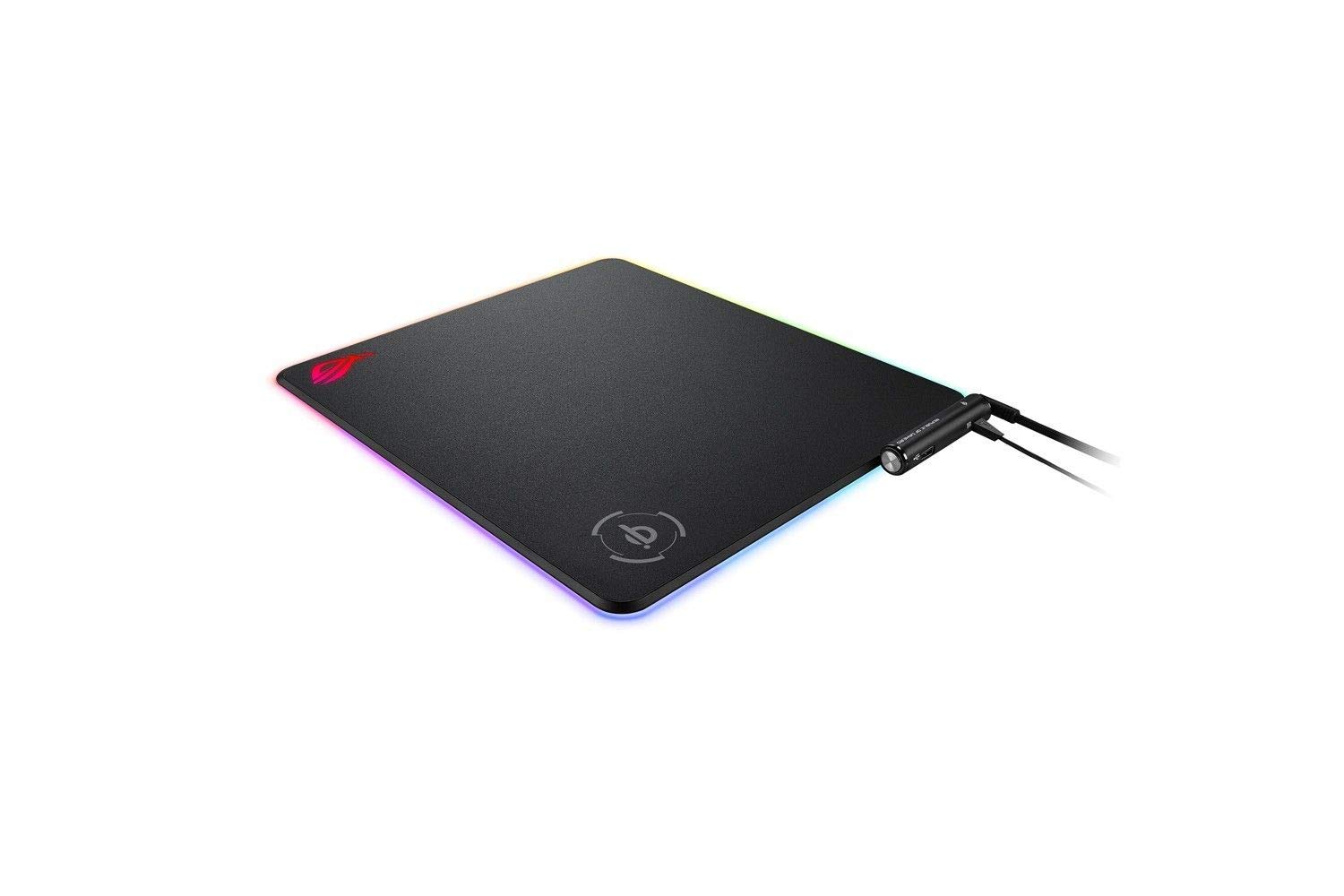
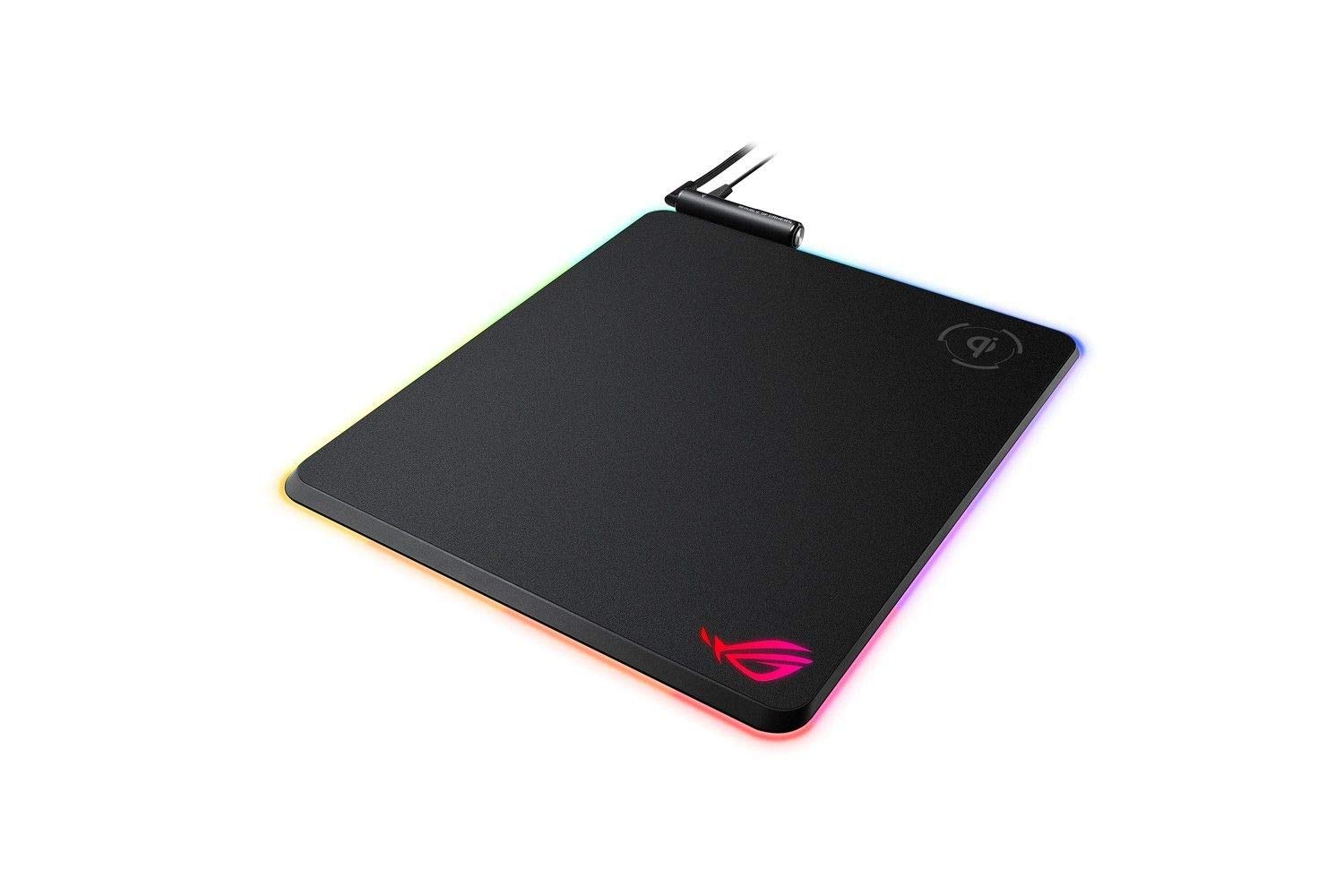
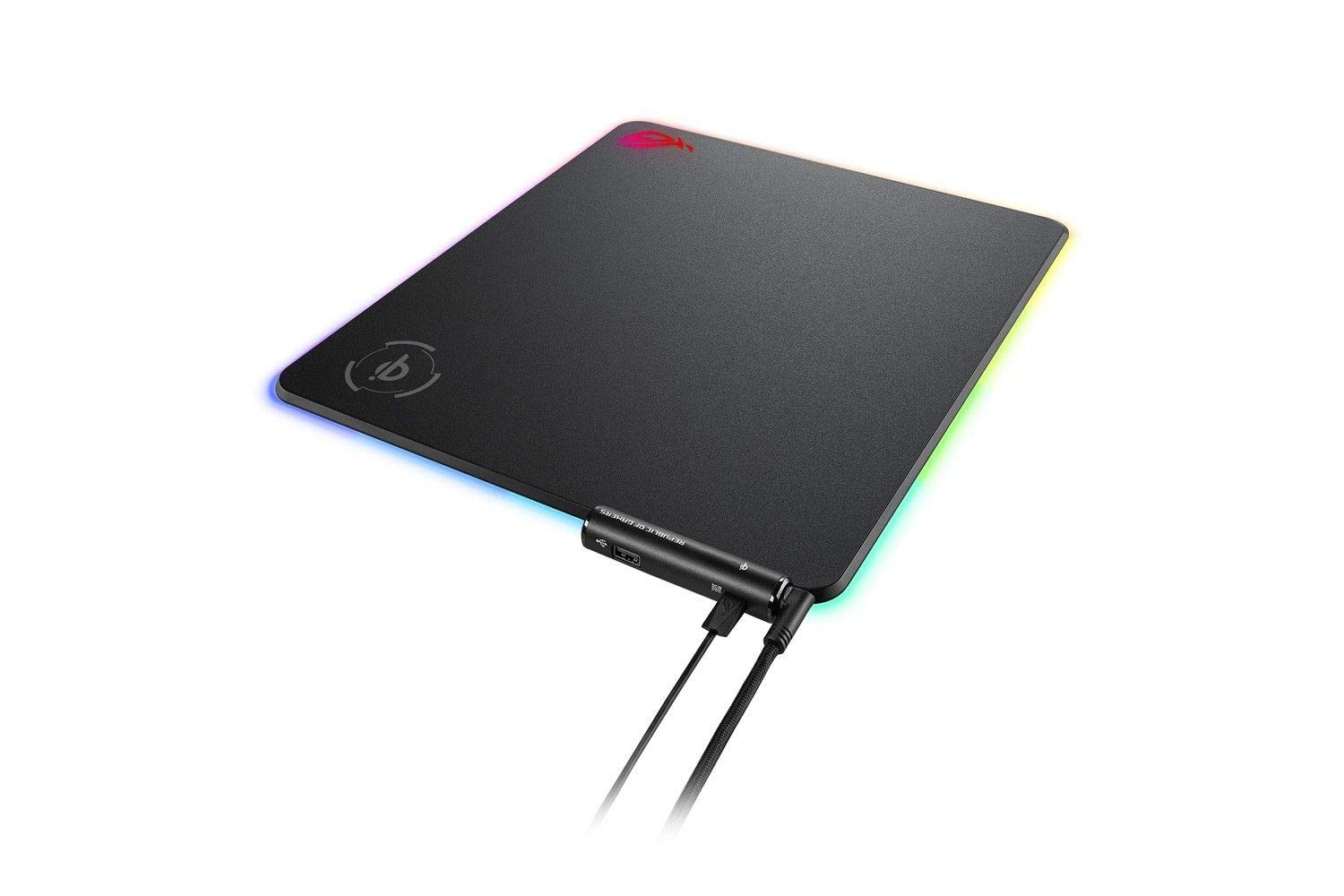
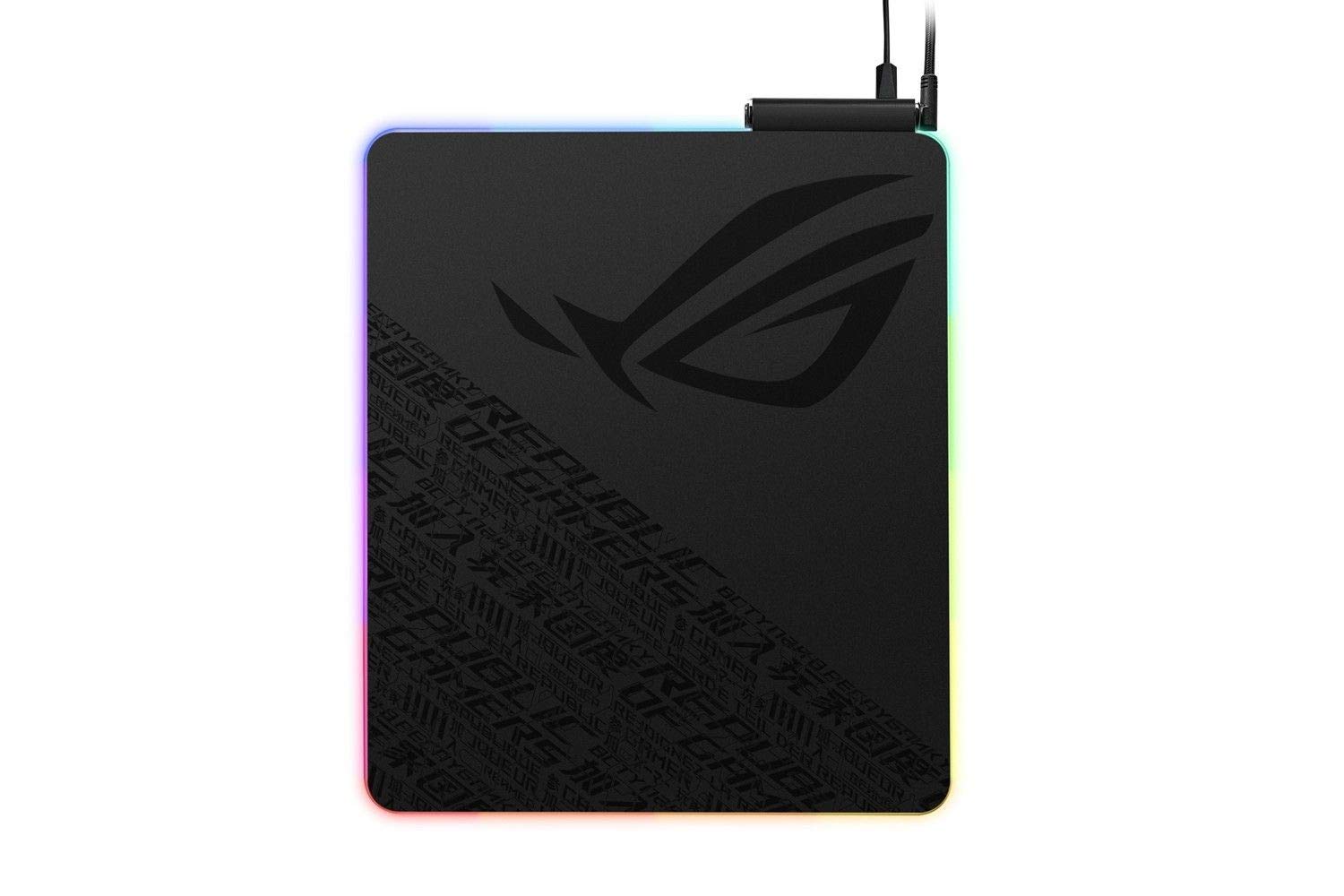
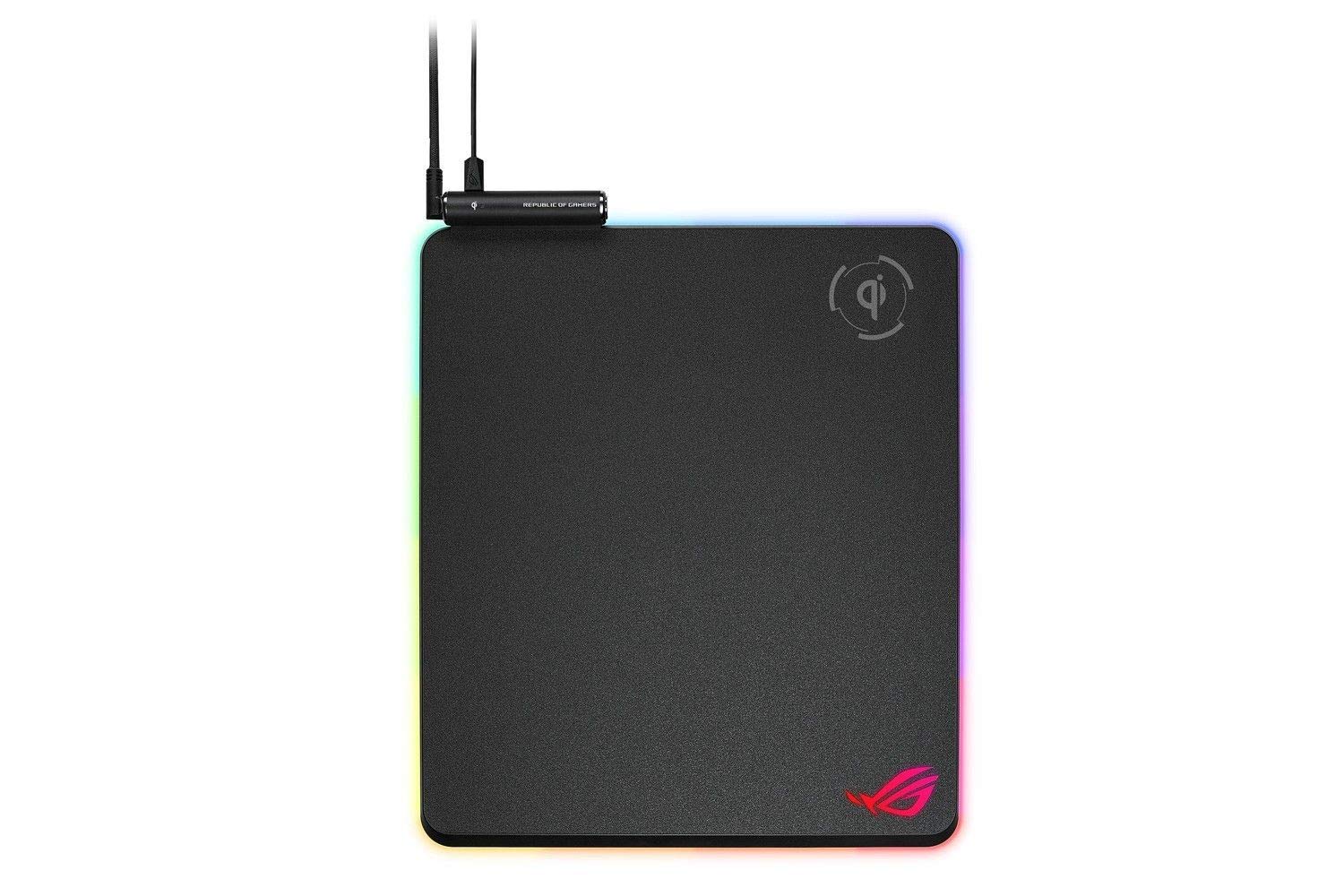
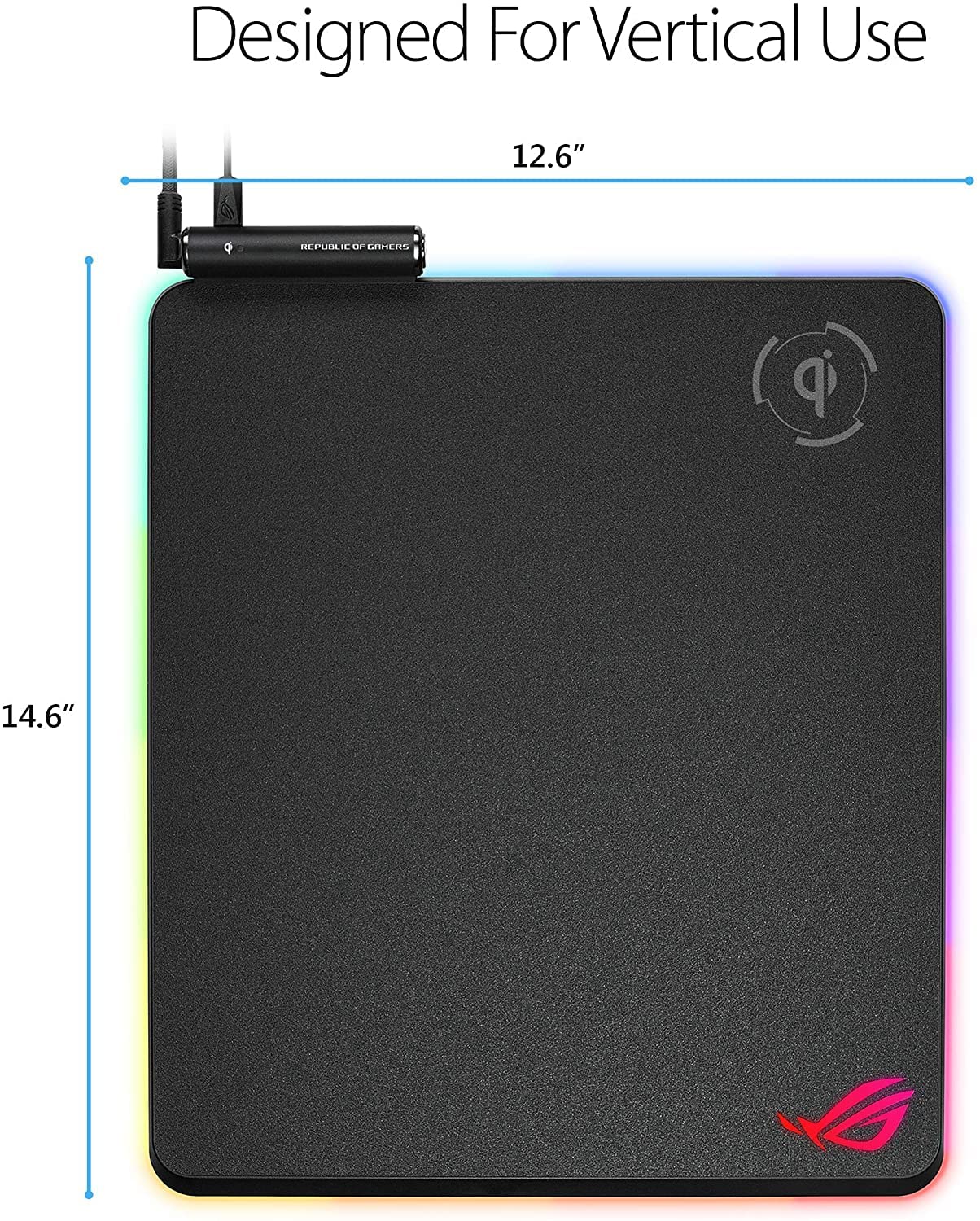
⚡ Light up your game and power up wirelessly — the ultimate RGB mousepad experience!
The ASUS ROG Balteus Qi is a premium gaming mousepad featuring a hard, smooth surface for precise mouse tracking, integrated Qi wireless charging compatible with most gaming mice, and 15 customizable RGB lighting zones that sync seamlessly with the AURA ecosystem. It includes onboard memory to retain lighting settings, a dedicated control button, and a stable rubber base to prevent slipping, making it an essential accessory for gamers invested in the ROG ecosystem.


| ASIN | B07MQ9LS8Q |
| Best Sellers Rank | 88,116 in Computers & Accessories ( See Top 100 in Computers & Accessories ) 2,017 in Mouse Pads |
| Guaranteed software updates until | unknown |
| Item model number | 90MP0120-B0UA00 |
| Manufacturer | Asus |
| Product Dimensions | 0.79 x 32 x 37 cm; 1 g |
D**N
If you are already invested in the ROG ecosystem, this mousepad is an ideal accessory
In my assessment, the ASUS ROG Balteus Qi stands out as a superior wireless charging mousepad due to its outstanding design and impressive array of features that can enhance one's gaming experience. One noteworthy aspect of this mousepad is its surface, which facilitates smooth mouse gliding. The RGB effects are also a spectacular feature that adds to its appeal. I experienced exceptional wireless charging performance with this mousepad, regardless of the type of gaming mouse used. Overall, our experience with the ROG Balteus Qi was highly satisfying, and I strongly recommend it. If you are already invested in the ROG ecosystem, this mousepad is an ideal accessory to complement your system. It's a convenient way to enhance your gaming experience while simultaneously charging your mouse and other devices.
M**K
Excellent mouse tracking; Qi Wireless charging; Vibrant RGB colours
Now that I've finished decorating the whole office with RGB strips, the PC with RGB fans and the ceiling with RGB lamps - I suddenly realised that I don't have an RGB mouse pad. After doing some research, I stumbled upon this beauty: Asus ROG Balteus QI Pad. · If you love lighting effects, you might be happy to hear that the ASUS ROG Balteus Qi mouse pad has 15 customisable RGB lighting zones on it, although you really have to use the Armoury II to maximize this feature of the mouse pad. · It also supports «AURA Sync» which means that the mouse pad can synchronize its lighting effects with other AURA-compatible peripherals such as keyboards, mice, headsets etc. · The mouse pad has onboard memory, which means that - it keeps the lighting settings you make even if you disconnect it from your PC. · On the top corner of the pad - there is control box. It has a button for lighting adjustments and an indicator that flashes when you place a device for charging, confirming that you have placed it correctly. It also houses an USB 2.0 pass-through to easily connect other devices such as a mouse and there is a Micro-USB port for Qi charging to work. · The mouse pad feels durable and well built. The hard surface is very comfortable under my hand and wrist. · The rubber base keeps the ROG Balteus in place at all times. No slippery dancing on the table. · The wireless Qi charging plate inside the mouse pad works well, and its available surface is quite large. The wider mousing area makes a lot of sense for gamers, at least in theory, due to the freedom to move from side-to-side. For general use, however, it causes a bit of an issue in that to keep a keyboard centered below the monitor in an ergonomic typing position. · If you're a hard-core gamer using a tenkeyless keyboard (keyboard without a tenkey/number pad) like the ROG Strix Scope, this will be less of an issue. 👉 I have been using it for 2 months now – and no problems so far. ✔ Pros: + Customisable RGB Lighting + compatible with AURA Sync + Comfortable hard surface; excellent mouse tracking + Qi wireless charging plate + Dedicated physical button for adjusting the light effects ✖ Cons: - The USB cable that is used for the Qi charging plate is not braided and is also shorter than the USB splitter cable (3.28ft /90cm vs. 6.56ft /180cm) Definitely recommended! ↘ ↘ ↘ I rely on reviews when I make purchases, so I put a lot of time into reviewing everything I buy on Amazon. Please, show your appreciation by clicking the "Helpful" below when it asks if the review is really helpful! Thank you for your time and Have a Wonderful day!
N**M
Looks nice but constant errors
When I first got this I thought "wow, this looks really nice" after a while the novelty of that wore off My mouse glides across it making for very smooth gameplay and the rgb element fits well with the rest of my rog setup but the wireless charging is constantly stopping and giving me error messages for which the only fix is to unplug it and plug it back in, I may as well have just bought a cheap hard mat
B**N
Great mouse mat, but be aware of one bit!
Fantastic, well built mouse mat. Oversized, comfortable, really good! Only thing that caught us out, and I'm not sure if I just missed this in the description (haven't checked) - the Qi charger needs to be given a separate power supply! Not one in the box, so we had to wait a bit to start using that. Not the end of the world, but if you're picking this up, grab yourself a USB mains charger. But be careful not to use something like Anker IQ charging as it seems the IQ style ones cut out and don't supply a consistent service to the Qi pad when in use. We ended up using a HTC phone charger, happy enough with that!
B**E
Hight end product
Quality is here, Asus made à beautyfull mouse pad. IQ charge is lors formation m'y galaxy fold, but excellent for my Apple products
J**H
Just amazing straight from the box
So I got my hands on this today and it has not disappointed! Even though the size is noted I hadn't quite realised just how big this would be, I have no concerns about charging my phone and using this pad at the same time. For the size of it I wasn't expecting this to be as light as this is, which is great as I have a glass desk. The rubber underside stops it from skidding around and does exactly what it should The RGB lighting is stunning and that's before I've even had a played around with the customisation. I would recommend this product for someone who wants an RGB pad and could uterlise the QI charging
T**T
Very Poor
Very poor. Qi does not work reliably and wires everywhere. Returned.
S**G
Excellent mousemat
This is my first time buying this RGB mousemat, out of my expectation, very useful and comfortable, I love it! ROG is always good.
C**H
This mouse pad is thee absolute best I've used. The QI charges my phone when I'm actively gaming with ease, I use my phone charger to power the QI, hasn't skipped a beat. The pad material is perfect, had to slow my mouse settings down a bit as I used a felt pad prior. Overall I highly recommend!
B**6
Podkładka ładnie wygląda. W połączeniu z Logitech G502 Hero i G502 Lightspeed nie sprawdza się. Obie myszki maja bardzo dobre ślizgacze i na twardej powierzchni Balteus jest jak na szkle. Już kiedyś kupiłem twardą podkładkę od Razera i było podobnie, nie wiem co ja sobie myślałem kupując ROG Balteus QI Pad? Musiałem mocno redukować prędkość DPI a i tak nie jest dobrze. Do podstawowego działania z PC jeszcze jest ok ale do gier strategicznych? gdzie jest wymagane szybkość i precyzja ... nie polecam. Nie wiem jakiej trzeba używać myszki żeby było dobrze .. zapewne Asus`a. Co do ładowania QI? czy nikt nie zauważył że taka prędkość ładowania była z podkładki Samsung 5 lat temu! (mam Asus Zenfone 10 i trzeba 8-10h do pełnego naładowania) Absolutnie nie rozumiem zachwytów nad ta podkładką. Ja żałuję wydanych pieniędzy i jeszcze mam podrażniona skórę na krawędzi dłoni która opieram na podkładce dla hamowania myszki aby ruch był precyzyjny i trafiał kursorem w wybrany punkt. A, bym zapomniał ... nie ładuje G502 Lightspeed a wydaje mi się ze powinna, ale to może nie wina Asus`a a myszki Logitech`a który ma własna podkładkę POWERPLAY
C**E
Muy buena alfombrilla de ASUS ROG, muy buena calidad de los materiales y muy cómoda. La carga inalámbrica funciona de maravilla y va muy bien para cargar el teléfono, auriculares, mouse... El USB que incluye es muy práctico. El único "fallo" que le veo es que necesites un cable extra micro USB para alimentar la carga inalámbrica en vez de ir solo con el cable que alimenta el RGB. Pero por todo lo demás una alfombrilla perfecta y estéticamente muy bonita.
A**M
هذا الماوس باد جميل جدا وفخم بزيادة هههه السطح املس جدا تحتاج وقت لاتعود عليه الشاحن جيد خاصة للاكهزة الصغيرة مثل الساعات في نسخة ارخص بدون شاحن وايرليس
S**B
J'ai acheter ce tapis de souris asus car il comportait la charge sans fil QI pour charger ma souris. Cela fonctionne très bien même si la prise en main au début était un peu compliquée. Les effets d'éclairages sont éblouissant et la matière bien qu'elle soit dure, octroie une très bonne glisse à la souris. Seul petit bémol c'est la nécessité de 2 USB + 1 adapteur secteur/micro USB pour la charge QI non fourni. Bilan: Extrêmement satisfait!
Trustpilot
1 week ago
5 days ago