Some deliveries may take a little longer than usual due to regional shipping conditions.

DOWNLOAD THE APP


Customer Services
Copyright © 2025 Desertcart Holdings Limited
DOWNLOAD THE APP
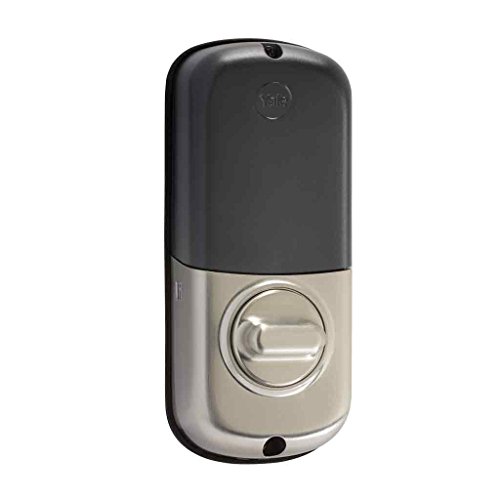
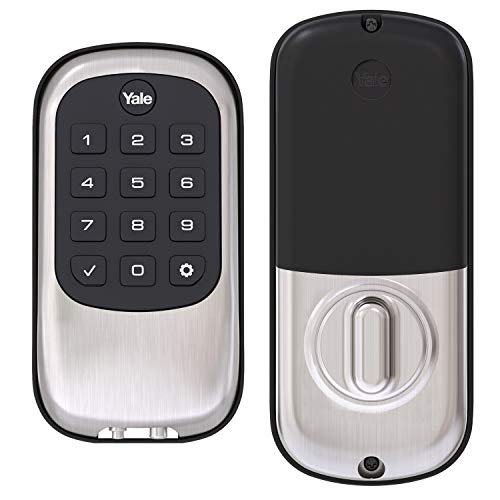
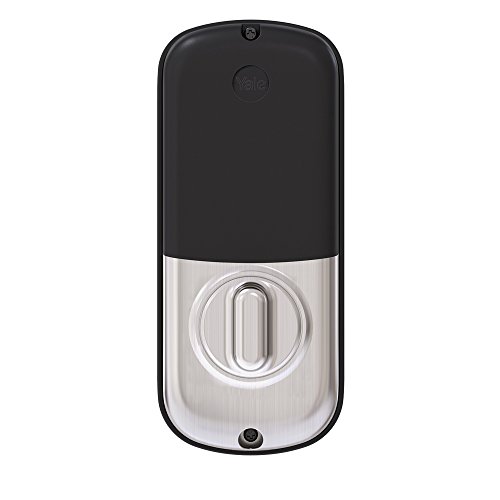
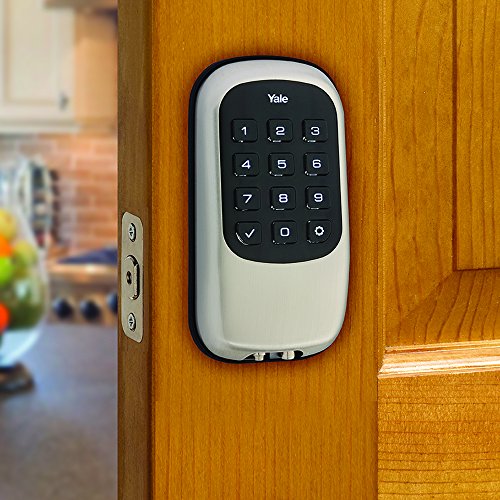
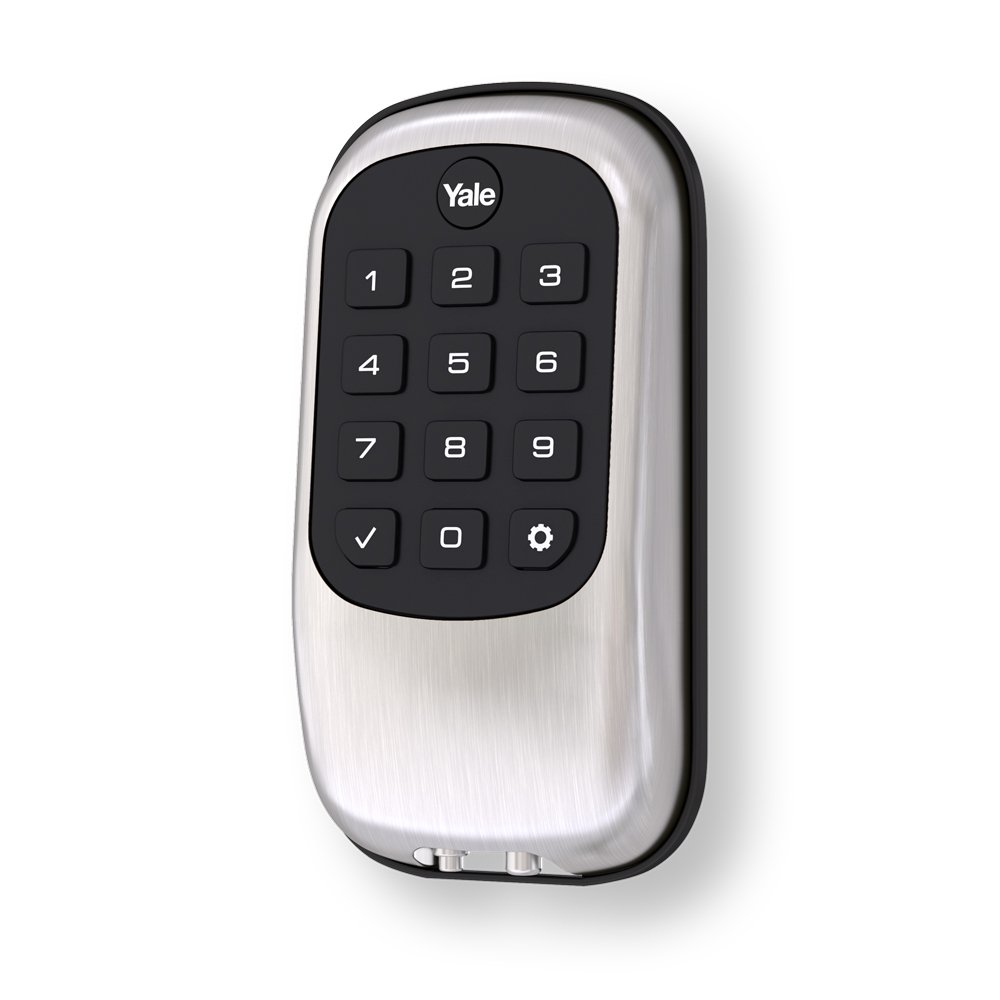
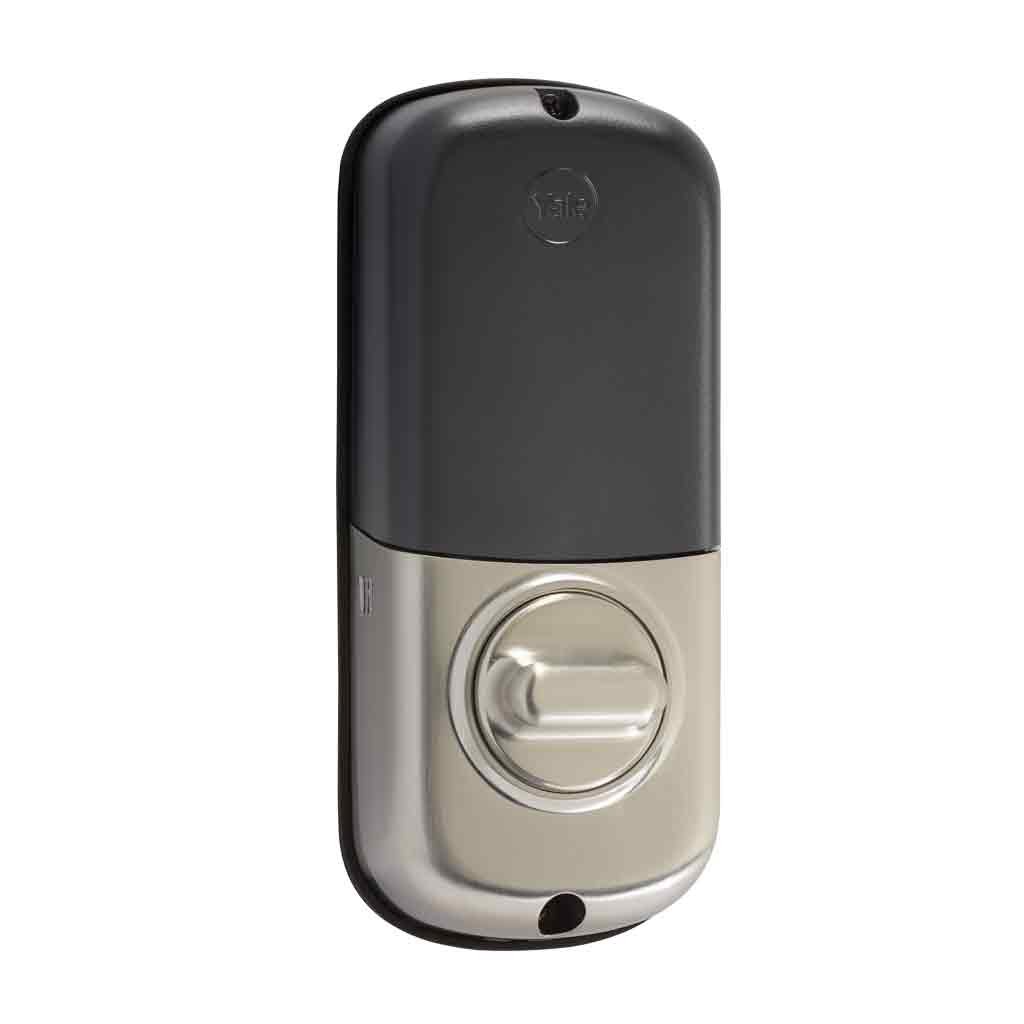
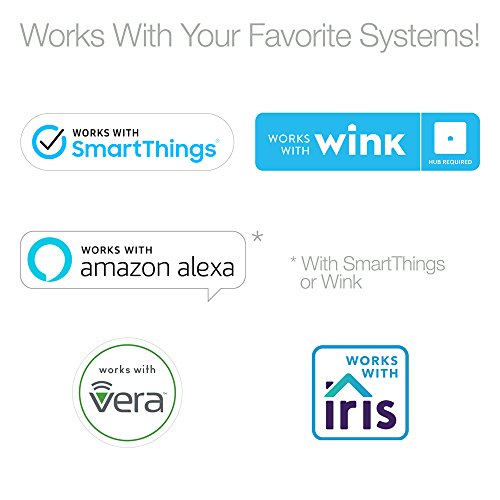
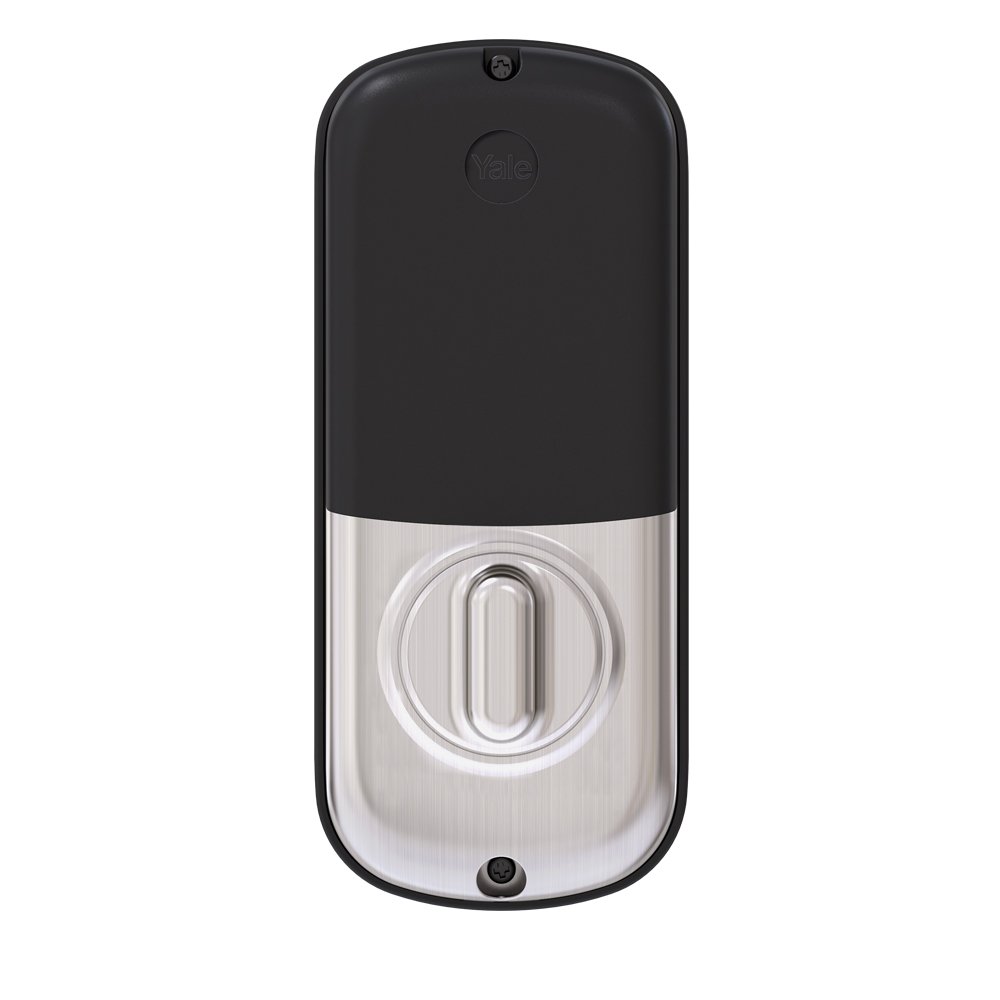
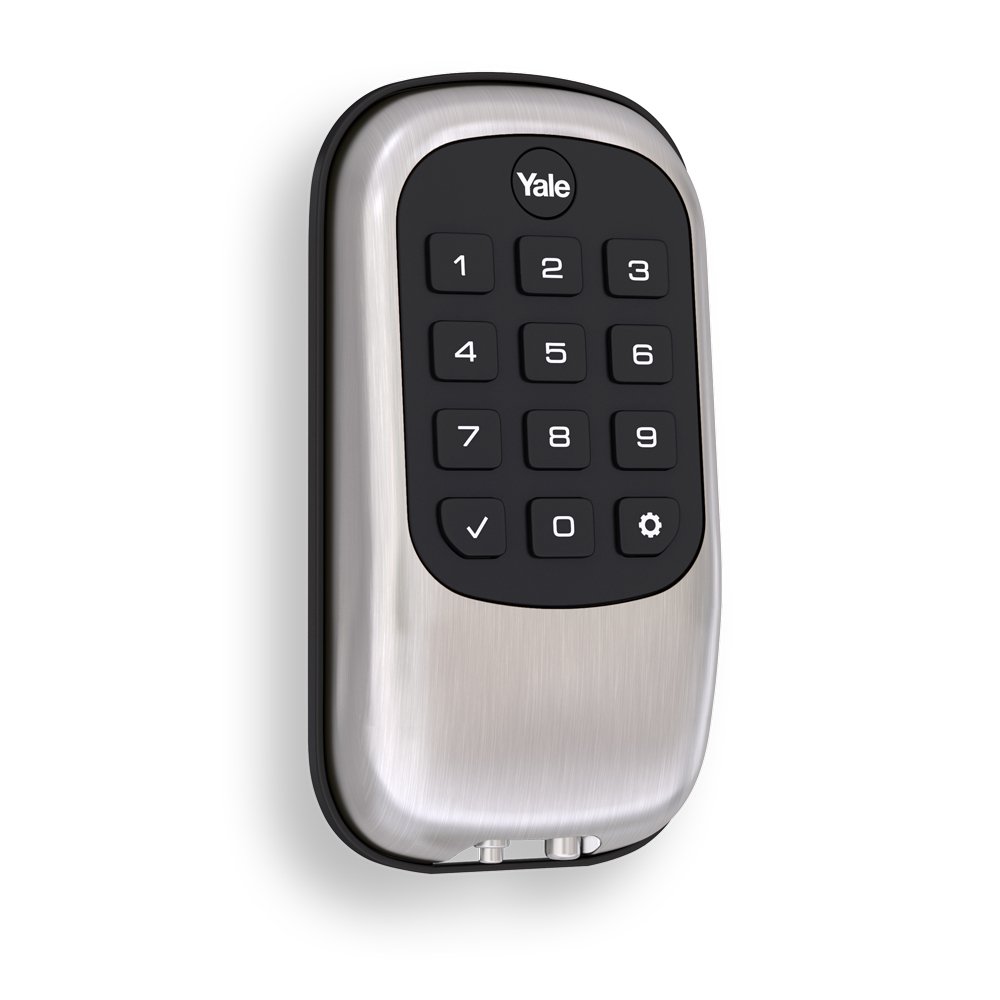
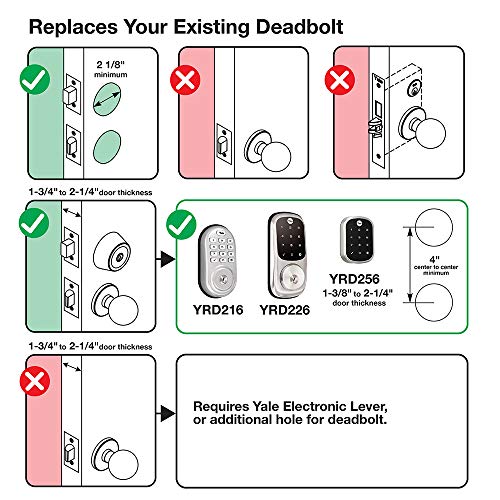


🔐 Upgrade to keyless confidence—because your door deserves smarter security.
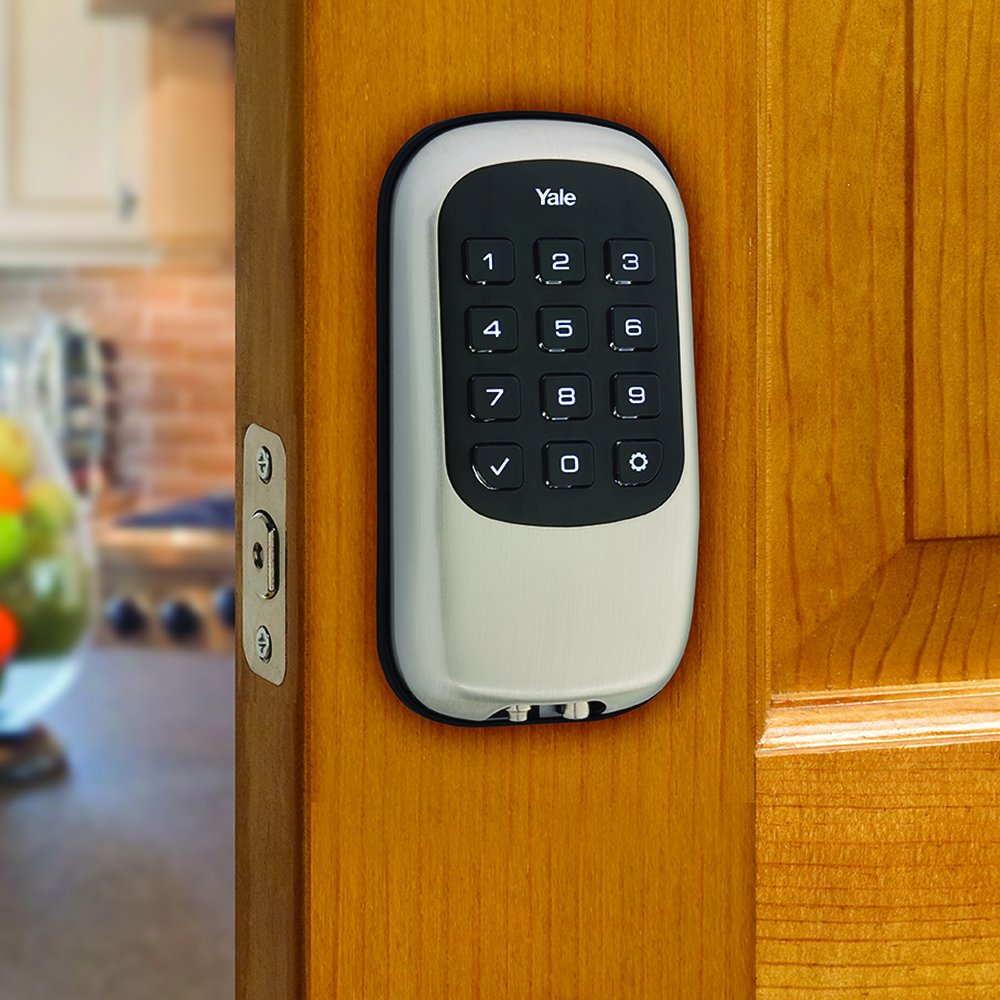
The Yale B1L Lock Keypad Deadbolt in Satin Nickel offers a robust, key-free security solution featuring a backlit tactile keypad, support for up to 25 unique access codes, and a 9V battery backup to prevent lockouts. Designed for easy DIY installation on standard doors, it integrates seamlessly with Z-Wave smart home systems and is backed by Yale’s lifetime warranty on finish and mechanics.


| ASIN | B00PM6V1XW |
| Batteries | 4 AA batteries required. (included) |
| Batteries Included? | Yes |
| Batteries Required? | Yes |
| Battery Cell Type | Alkaline |
| Best Sellers Rank | #830,568 in Tools & Home Improvement ( See Top 100 in Tools & Home Improvement ) #2,305 in Deadbolts |
| Brand | Yale |
| Color | Satin Nickel |
| Connectivity Protocol | Z-Wave |
| Control Method | Voice |
| Controller Type | Honeywell Tuxedo Touch, Honeywell Z-Bridge, Vera |
| Customer Reviews | 4.2 4.2 out of 5 stars (554) |
| Date First Available | November 14, 2014 |
| Finish | Satin Nickel |
| Finish Type | Satin Nickel |
| Global Trade Identification Number | 00081023843843 |
| Included Components | Yale B1L Lock with Z-Wave, Deadbolt Strike and Mounting Hardware, 4 AA Batteries, Installation Manual and Door Template |
| Is Discontinued By Manufacturer | No |
| Item Package Quantity | 1 |
| Item Weight | 3.5 pounds |
| Item dimensions L x W x H | 5.5 x 5.5 x 9.13 inches |
| Item model number | YRD110-ZW-619 |
| Lock Type | Keypad |
| Manufacturer | Yale Security Inc. |
| Material | Metal |
| Model Name | Yale B1L Lock Keypad Deadbolt with Z-Wave in Satin Nickel (YRD110) |
| Number of Pieces | 1 |
| Part Number | YRD110ZW619 |
| Product Dimensions | 5.5 x 5.5 x 9.13 inches |
| Recommended Uses For Product | Security |
| Shape | Rectangular |
| Special Feature | Z-Wave Certification #ZC08-14050001 |
| Special Features | Z-Wave Certification #ZC08-14050001 |
| Style | Z-Wave |
| UPC | 081023843843 |
| Warranty Description | Lifetime limited warranty on Finish and Mechanical. One year on Electronics |
J**Z
Not the newest models, but for me Buttons are the Best!
We've installed several of the Yale Real Living Z-Wave locks, all connected to SmartThings hubs in three different houses. I originally chose these because I like the no-key approach, no concern about bumping or other attempts to defeat the lock cylinder. Your access "backup" is the ability to wake up a drained-battery lock using a standard 9V battery. I've posted a very similar review on the order page for the Touchscreen locks, but with only four stars for the reasons explained below. At this point, I have experience with three sub-generations of these products, and the Push-Button versions on this order page are my favorite even though they are a little behind the most up-to-date features. Anyway, these "B1L" or "YRD110" series have real push-buttons instead of a touchscreen. Thankfully these are still available and have all of the important functionality of the newer ones. They do lack voice-guided menus, but not a big problem: I keep a short-hand instruction summary in my phone notes app in case I ever need to re-program the lock. More robotic-style tones vs. the lovely chimes of the newer models, but again perfectly functional. So why are these my preferred style? From a daily-use point of view, the push-button interface is faster and pleasantly tactile, so you hardly need to look at the unit; your fingers will fly over the buttons naturally and there is no extra "activation" gesture required to wake up the lock. If you are holding bags of groceries, you can do it fast without really looking, lightly touching the key-caps to feel the pattern. The buttons do light up, are weather-sealed and are constructed to resist wear as the numbers are displayed behind a clear key-cap. The next-generation Touchscreen versions e.g. "YRD240" Z-Wave and "YRD446" Z-Wave+Bluetooth, as well various other options, are available on the Touchscreen order page - and I have a similar review there also. Those have a more trendy capacitive touch-panel, voice-guided menu programming, and nicer-sounding tones. An interchangeable wireless module (supplied with the wireless versions) plugs in to the battery compartment; you could convert the lock to Zigbee, Bluetooth or Z-Wave+Bluetooth or (possibly) some future upgrade, by swapping modules. Note that the "NR" or No-Radio version can be purchased cheaper if you have no Smart-Home hub today, and then you can buy a wireless radio module later. I believe these newer units also have improved Z-Wave range, though I've had no issue with the range of the older B1L. The touchscreen works well, but I find it's a little slower and less-convenient than the push-button interface. First, you need to "wake-up" the lock by (briefly) holding the front or back of your fingers against the panel, at which point it chimes and lights up. Next enter the code, but here you will typically need to look at the panel so as to land your fingertips on the displayed numerals, ending with the star key to complete the sequence. Not bad, but really a little bit of a nuisance compared to the push-button method described above. There is also the Bluetooth touchscreen option, available with or without Z-Wave. The Bluetooth feature seems cool at first, but I would say it's probably unnecessary if you have a Z-Wave Smart-Home network. Associated with the Bluetooth operation is the ability to gesture with your phone instead of typing in the code sequence, though you still need to tap the lower-left corner of the panel to actually open the lock. This admittedly solves some of the look-and-type issues mentioned above, but you have to get your phone out which is otherwise unnecessary with these locks. There is a phone app that lets you give out temporary key-codes to visitors etc., but you can do similar things remotely with amy pf the Z-Wave locks, or set up temporary or one-time codes at the lock itself with any of the models, even the "NR" versions. I would say that the Bluetooth features are good if you don't yet have a hub, but may not get much use if you do, unless the phone-twist unlocking really appeals to you. I won't go into a review of the installation, other than warning potential buyers that, as with any of these motorized locks, you need to have a door with a smoothly-operating deadbolt before you change over to a motorized lock. The bolt is slightly tapered to help alignment, but the motor is not strong enough to overcome doors that have to be pushed, pulled or jiggled to free up the deadbolt. Bottom line for me is that I wish Yale (Assa Abloy is the parent company) would continue to bring the newer features like voice-menus and improved radio modules to the Push-Button line. Maybe their marketers have decided the buttons are yesterday's news, but I'd say they just work better. This point is the main reason for me to award five stars to the Push-Button units but only four to the Touchscreen models, despite the other upgrades. Otherwise I'm very happy to have any of these locks and stop messing with keys.
W**S
Yale Electronic Deadbolt
I am writing this to say that this is a terrific product. After getting the hang of installing the first one, it was very easy. The programming is simple if you follow the instructions. Most important to set up Master Code first. Also most important that deadbolt is retracted before installing batteries. I selected the push button version over the touch screen, because I was worried that touch screen might show impressions on screen of pushes for the code. The push buttons are easy to use and the option to have any button re-lock the door with one push is fabulous. I also liked the feature of having a 9V battery "jump" this deadbolt in the event of a battery failure. There is a light indicator showing low battery power, so this shouldn't be an issue, but one of mine is in direct Arizona sun at sunset, and didn't know if this would impact batteries at all. Also, the deadbolt latch on the inside of the door is very nice and easy to operate. The overall appearance of the lock is very substantial and nice looking on the door. I installed 4 and have 2 more coming to make my entire house key less. The deadbolt operation is smooth and the audible sounds can be turned off if you like. Can hold more than 100 codes. So far, this purchase was well worth the money. I thank another review for pointing out the value of the push buttons over the touch screen. Hope this helps others considering this type of lock.
M**.
Ring Alarm integration!
Install was pretty quick and easy, though I had a little trouble lining up the screws at first and the initial setup of the master code was a little quirky, but I was able to figure it out. I bought this hoping it might integrate with Ring Alarm using its Z-Wave connection and was pleasantly surprised that it does, to an extent. Pairing was almost instant; within the Ring app you add a new device under the Alarm's Sensors menu by choosing to add a device manually, then it syncs right up. The lock appears under a Locks section of your devices listing, and you can check the lock's status and remotely lock and unlock from there. It will also keep a history whenever the lock is toggled, whether it be via app, code, or turned by hand, however it only records the actual user who performed the action of they did so via the app. The only other thing you can't do via the app is create additional codes or toggle other settings like auto lock or sounds, you'll have to do that at the lock itself, but that takes literally a few seconds so no big deal. But honestly I was only looking for remote locking and unlocking, so those extras would've just been icing. Although Ring has said they will certify smart locks in the future with deeper integration with their alarm system, this lock will serve as a nice bridge until that happens, and maybe we'll get lucky and they'll officially support this one and add those features in the future. Overall I'm happy with the integration, and the convenience of going keyless. Update: Ring has implemented all of my wish list features with app updates since I originally wrote this, now works even better and I'm happier.
S**A
Excelente Chapa electrónica. Funciona perfecto con smartthings de Samsung. Fácil de instalar y muy segura ideal para puerta exterior
R**N
Lock installs easily and perfectly (assuming you have a house within the last 20 years. I had to use a hole saw and drill out my 35 year old door to spec). Product feels quite solid (far stronger than I was expecting). I have seen commercial reviews describing it's physical protection as middle of the road - but my door jamb would break LONG before this would. This is the Z-Wave version - but I would have been happy with it even without Z-Wave. It's just a seamless addition to the home. With bank cards in the phone, passive entry into the car and keypad at the door I have truly enjoyed a feeling of not being tethered to all my accessories that I didn't expect. As this IS the Z-Wave version I have connected it to my SmartThings Hub. By default it will NOT provide you with user control and other fancy features out of the box, it will provide basic lock, unlock and tamper information. With a quick tour of the forums, you can find a device handler better suited for the Yale lock and you can get additional features making this quite the awesome addition. (Including such things as running automated processes based on which user unlocks the door) The response time to the home automation hub is almost immediate when the door is unlocked/locked from the inside or outside of the door. This has been entertaining when my 2 year old has gotten excited about locking/unlocking the door. :) If I had to come up with something I didn't like about it, it would be the amount of space taken up on the inside of the door. This would less intrusive if the battery cover wasn't flat black (instead of being made of the same material as the lock). If tiny dainty dead bolts on the inside of your doors is a problem, that would be the ONLY thing I can think of that people wouldn't appreciate. To be fair MOST electronic locks take up a lions share of space on the inside of the door anyways. I can't say how good the batteries will be - but they have done between 500-1000 unlock/lock cycles (thanks to the kids) and the battery still reads 100%. I am using name brand Alkaline batteries and am curious to see how winter affects battery life (even though the batteries are on the warm side of the door).
M**E
This is my second Yale lock. Z-wave (not Plus). Batteries last more than a year (canadian winters...) Never had a problem, except for the latch. Both are integrated on my automation system, without a flaw. Yale support is inexistant (sorry guys). Had a problem with the latch and I had to write them for about 6 months to obtain a replacement part. The second one was a refurbished with "Large cosmetic imperfection(s)" ! But the price was excellent (60% rebate) and with Prime, not a real problem. I'm still trying to find the imperfections... Like new and works A++ If you have the money, purchase a Z-wave Plus unit (more expensive) instead. But those units are nice for the price, and fully functional. Worth the purchase.
B**6
Un súper producto a un súper precio. Fácil de usar y se conecta con smartthings. Muy recomendable
M**E
Great lock for the price. Was pretty easy to install and setup. I like that it has physical buttons on the keypad. Paired up quickly with my smartthings hub. My other lock struggled to latch fully into the deadbolt but this lock has a tapered deadbolt and goes in very smoothly. It comes with a nice rubber gasket on the inside and the outside to make a nice seal around the door. Very happy with this purchase.
Trustpilot
1 month ago
3 weeks ago